This installation doc will help you start a OpenMetadata standalone instance on your local machine.If you’d rather see the steps in a guided tutorial, we’ve got you covered! Otherwise, feel free to read the
content below 👇
Docker is an open-source platform for developing, shipping, and running applications. It enables you to separate your applications from your infrastructure, so you can deliver software quickly using OS-level virtualization. It helps
deliver software in packages called Containers.To check the version of Docker you have, use the following command.
docker --version
If you need to install Docker, please visit Get Docker.
You must allocate at least 6 GiB of memory and 4 vCPUs to Docker in order to run OpenMetadata. To change the memory allocation for Docker, please visit Preferences -> Resources -> Advanced in your Docker Desktop.
The Docker compose package enables you to define and run multi-container Docker applications. The compose command
integrates compose functions into the Docker platform, making them available from the Docker command-line interface (
CLI). The Python packages you will install in the procedure below use compose to deploy OpenMetadata.
MacOS X: Docker on MacOS X ships with compose already available in the Docker CLI.
Linux: To install compose on Linux systems, please visit the Docker CLI command documentation and follow the
instructions.
To verify that the docker compose command is installed and accessible on your system, run the following command.
docker compose version
Upon running this command you should see output similar to the following.
This command installs Compose V2 for the active user under $HOME directory. To install Docker Compose for all users
on your system, replace ~/.docker/cli-plugins with /usr/local/lib/docker/cli-plugins.
Run the below command to deploy the OpenMetadataFor OpenMetadata with MySQL Database -
docker compose -f docker-compose.yml up --detach
For OpenMetadata with PostgreSQL Database -
docker compose -f docker-compose-postgres.yml up --detach
These commands will pull the docker images of Openmetadata for MySQL / PostgreSQL, OpenMetadata-Server, OpenMetadata-Ingestion and Elasticsearch.Upon running this command you should see output similar to the following.
+] Running 7/8
 ⠿ Network metadata_app_net                        Created                                                                                               0.2s
 ⠿ Volume "metadata_ingestion-volume-dag-airflow"  Created                                                                                               0.0s
 ⠿ Volume "metadata_ingestion-volume-dags"         Created                                                                                               0.0s
 ⠿ Volume "metadata_ingestion-volume-tmp"          Created                                                                                               0.0s
 ⠿ Container openmetadata_elasticsearch            Started                                                                                               5.9s
 ⠿ Container openmetadata_mysql                    Started                                                                                              38.3s
 ⠿ Container openmetadata_server                   Started                                                                                             124.8s
 ⠿ Container openmetadata_ingestion                Started                                                                                               0.3s
You can validate that all containers are up by running with command docker ps.
❯ docker psCONTAINER ID IMAGE COMMAND CREATED STATUS PORTS NAMES470cc8149826 openmetadata/server:2.0.5 "./openmetadata-star…" 45 seconds ago Up 43 seconds 3306/tcp, 9200/tcp, 9300/tcp, 0.0.0.0:8585-8586->8585-8586/tcp openmetadata_server63578aacbff5 openmetadata/ingestion:2.0.5 "./ingestion_depende…" 45 seconds ago Up 43 seconds 0.0.0.0:8080->8080/tcp openmetadata_ingestion9f5ee8334f4b docker.elastic.co/elasticsearch/elasticsearch:9.3.0 "/tini -- /usr/local…" 45 seconds ago Up 44 seconds 0.0.0.0:9200->9200/tcp, 0.0.0.0:9300->9300/tcp openmetadata_elasticsearch08947ab3424b openmetadata/db:2.0.5 "/entrypoint.sh mysq…" 45 seconds ago Up 44 seconds (healthy) 3306/tcp, 33060-33061/tcp openmetadata_mysql
In a few seconds, you should be able to access the OpenMetadata UI at http://localhost:8585.
By default, we ship Docker Compose with host and docker named volume mapping for MySQL, PostgreSQL, ElasticSearch and Ingestion Services with quickstart docker compose services. This will be available under docker-volume directory on host machine in the same path as docker compose files.
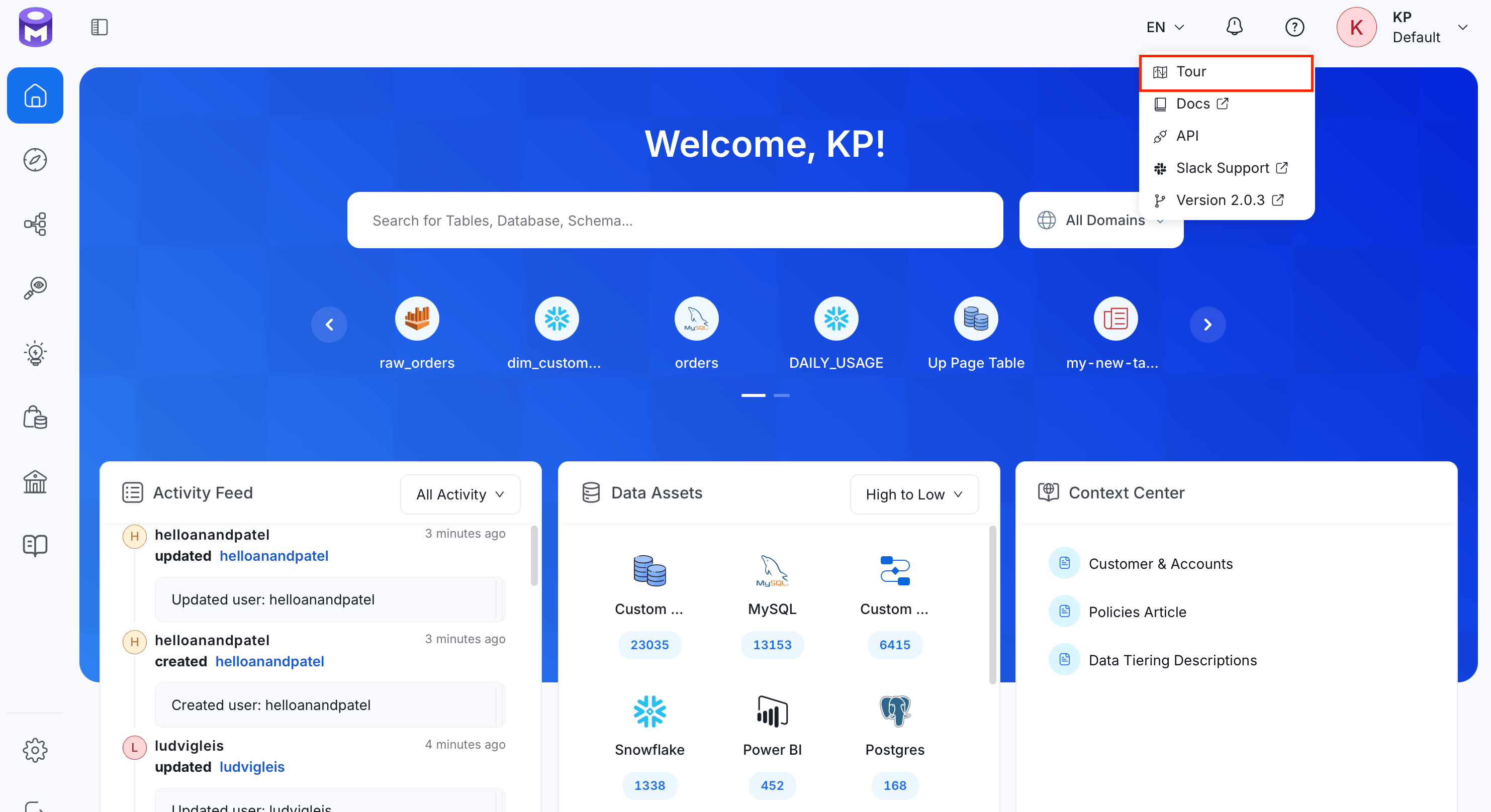
OpenMetadata provides a default admin account to login.Access OpenMetadata at http://localhost:8585. Use the following credentials to log in to OpenMetadata.
Username: admin@open-metadata.org
Password: admin
Once you log in, you can goto Settings -> Users to add another user and make them admin as well.
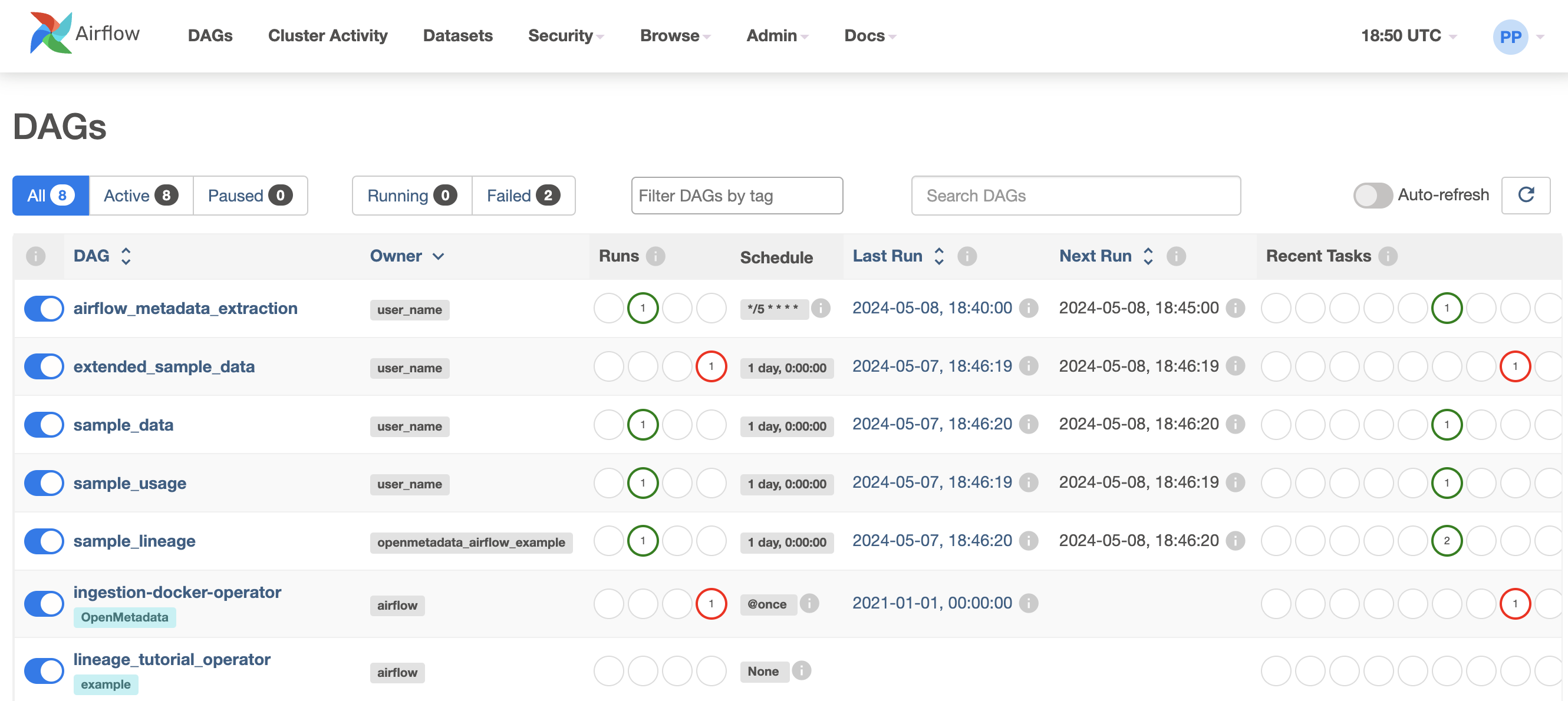
OpenMetadata ships with an Airflow container to run the ingestion workflows that have been deployed
via the UI.In the Airflow, you will also see some sample DAGs that will ingest sample data and serve as an example.Access Airflow at http://localhost:8080. Use the following credentials to log in to Airflow.
From the same directory mentioned in step 1, use the following commands to start and stop the Docker Compose services.To stop the services
docker compose stop
To start the services
docker compose start
Start and stop are used to completely halt or restart the running services. When services are stopped, their containers are shut down but remain available for restarting without rebuilding.
Importantly, any data stored in Docker volumes remains unaffected during this process. The volumes stay intact and accessible, preserving your application’s state and making it easy to restart the services without losing data. This makes it a reliable option for temporary shutdowns while maintaining continuity.
To stop the Docker Compose services, run the following command from the same directory mentioned in step 1.Stop the services
docker compose down
If you want to clean up the associated named volumes as well, use the following command
docker compose down --volumes
Named volumes are used to persist data created by containers, ensuring that the data remains even after the containers are stopped or removed. These volumes are managed by Docker and stored independently from the containers.
Using the --volumes flag with the docker compose down command will delete these volumes, permanently removing all stored data.
If you are getting an error such as "compose" is not a docker command, you might need to revisit the
installation steps above to make sure that Docker Compose is properly added to your system.
The docker command executed was `/usr/local/bin/docker compose --file /var/folders/bl/rm5dhdf127ngm4rr40hvhbq40000gn/T/docker-compose.yml --project-name openmetadata up --detach`.It returned with code 1The content of stdout can be found above the stacktrace (it wasn't captured).The content of stderr is 'Network openmetadata_app_net CreatingNetwork openmetadata_app_net Errorfailed to create network openmetadata_app_net: Error response from daemon: Pool overlaps with other one on this address space
A common solution is to run docker network prune:
WARNING! This will remove all custom networks not used by at least one container.
So be careful if you want to keep up some (unused) networks from your laptop.
You can connect Docker containers to communicate with Host Operating System Services. Navigate to the official docker documentation which will help achieve the same.