> ## Documentation Index
> Fetch the complete documentation index at: https://docs.open-metadata.org/llms.txt
> Use this file to discover all available pages before exploring further.
# Source
# Source
The **Source** is the connector to external systems and outputs a record for downstream to process and push to OpenMetadata.
## Source API
```python theme={null}
class Source(IterStep, ABC):
"""
Abstract source implementation. The workflow will run
its next_record and pass them to the next step.
"""
metadata: OpenMetadata
connection_obj: Any
service_connection: Any
# From the parent - Adding here just to showcase
@abstractmethod
def _iter(self) -> Iterable[Either]:
"""Main entrypoint to run through the Iterator"""
@abstractmethod
def prepare(self):
pass
@abstractmethod
def test_connection(self) -> None:
pass
```
**prepare** will be called through Python's init method. This will be a place where you could make connections to external sources or initiate the client library.
**\_iter** is where the client can connect to an external resource and emit the data downstream.
**test\_connection** is used (by OpenMetadata supported connectors ONLY) to validate permissions and connectivity before moving forward with the ingestion.
## Example
A simple example of this implementation can be found in our demo Custom Connector [here](https://github.com/open-metadata/openmetadata-demo/blob/main/custom-connector/connector/my_csv_connector.py)
## For Consumers of Openmetadata-ingestion to define custom connectors in their own package with same namespace
As a consumer of Openmetadata-ingestion package, You can to add your custom connectors within the same namespace but in a different package repository.
**Here is the situation**
```
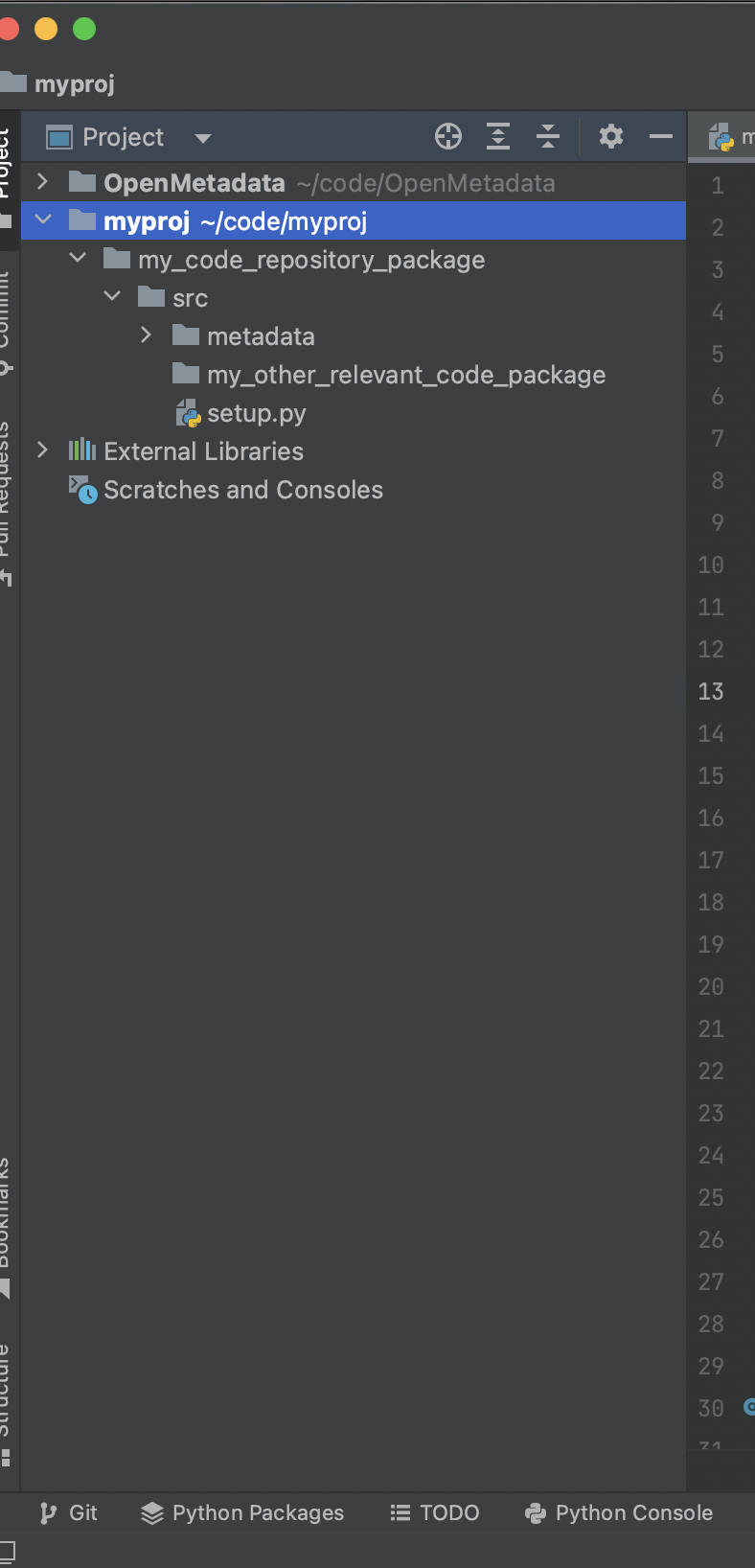
├─my_code_repository_package
├── src
├── my_other_relevant_code_package
├── metadata
│ └── ingestion
│ └── source
│ └── database
│ └── my_awesome_connector.py
└── setup.py
├── openmetadata_ingestion
├── src
├── metadata
│ └── ingestion
│ └── source
│ └── database
│ └── existingSource1
| └── existingSource2
| └── ....
└── setup.py
```
If you want my\_awesome\_connector.py to build as a source and run as a part of workflows defined in openmetadata\_ingestion below are the steps.
**First add your coustom project in PyCharm.**
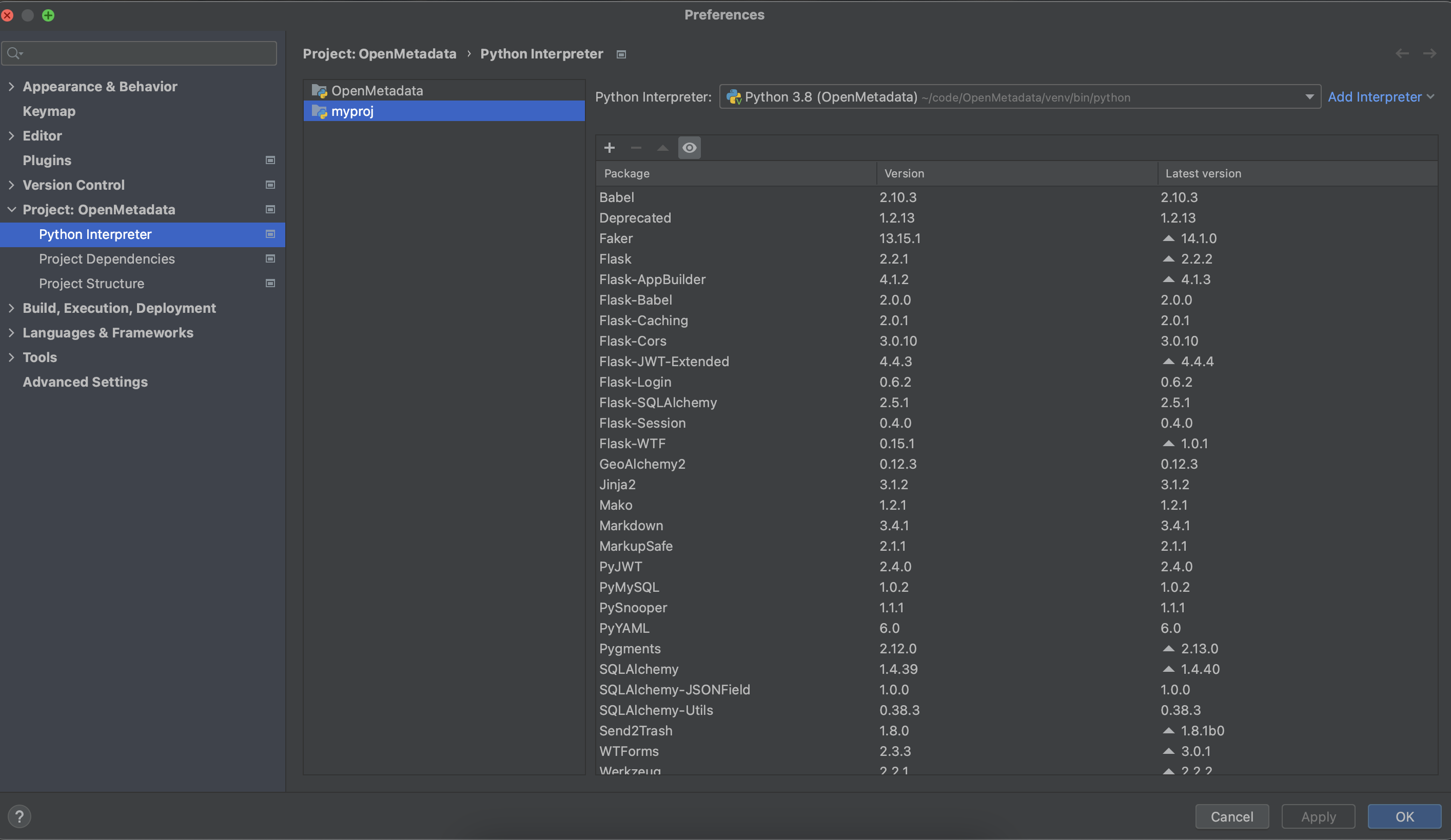
 **Now Go to IDE and Project Settings in PyCharm, inside that go to project section, and select python interpreter, Select virtual environment created for the project as python interpreter**
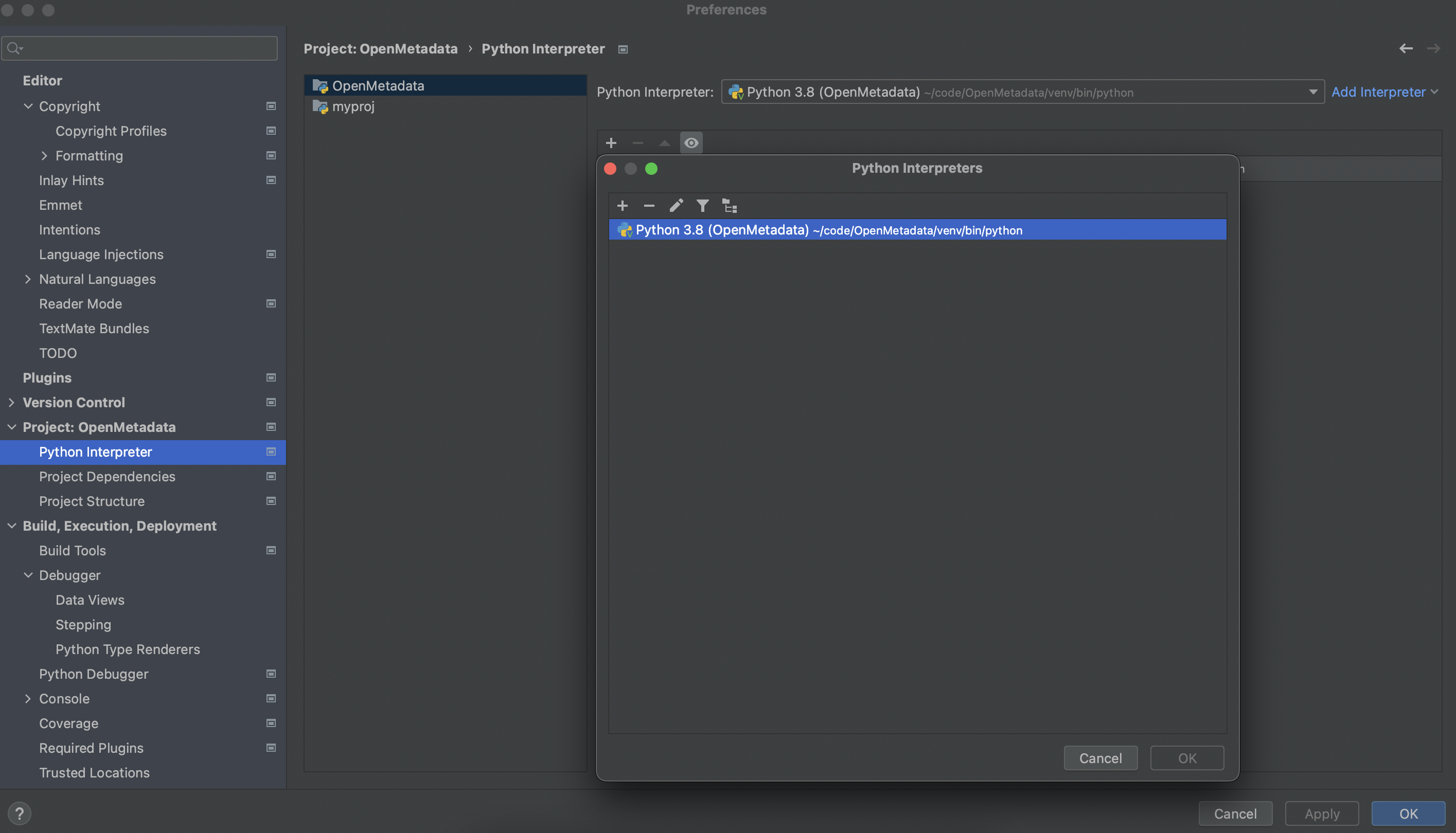 **Now apply and okay that interpreter**