> ## Documentation Index
> Fetch the complete documentation index at: https://docs.open-metadata.org/llms.txt
> Use this file to discover all available pages before exploring further.
# How to Contribute Code | Open Source Contribution Guide
> Understand contribution guidelines for participating in the platform's development and submitting changes.
# How to Contribute
Welcome to [OpenMetadata](https://open-metadata.org/). Our goal is to build an Open standard for Metadata. We genuinely believe this mission can only be achieved through building a great community.
We ❤️ all contributions, big and small!
## GitHub issues
Look for issues under [GitHub/issues tab](https://github.com/open-metadata/OpenMetadata/issues). If you have a feature request or found a bug please file an issue. This will help us track and will help the community overall as well.
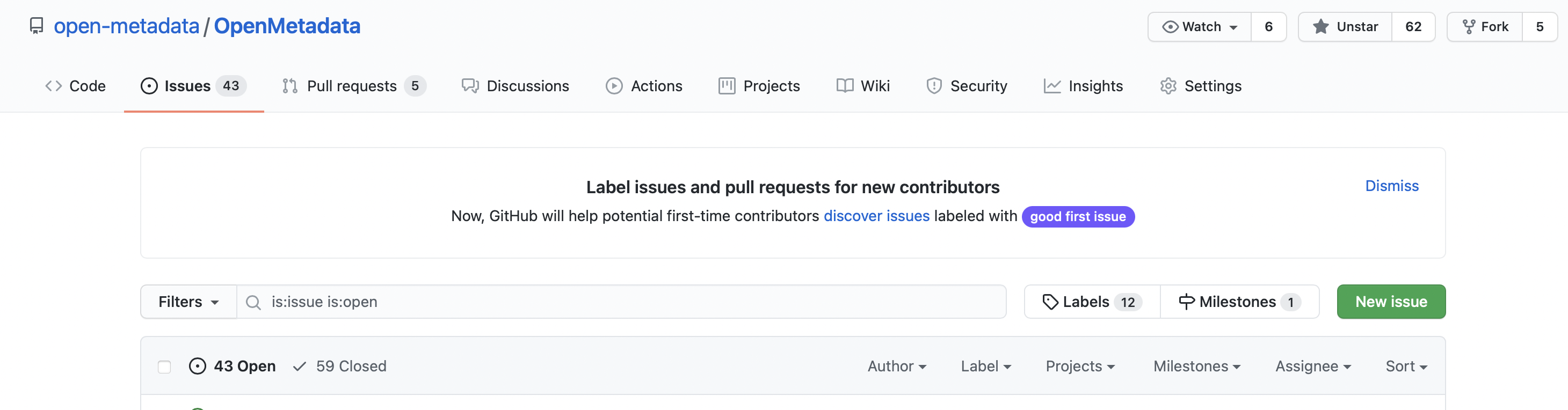 ## Fork GitHub project
OpenMetadata GitHub repository can be accessed here [https://github.com/open-metadata/OpenMetadata](https://github.com/open-metadata/OpenMetadata).
## Fork GitHub project
OpenMetadata GitHub repository can be accessed here [https://github.com/open-metadata/OpenMetadata](https://github.com/open-metadata/OpenMetadata).
 Create a local clone of your fork
```shell theme={null}
git clone https://github.com//OpenMetadata.git
```
Set a new remote repository that points to the OpenMetadata repository to pull changes from the open-source OpenMetadata codebase into your clone
```shell theme={null}
cd OpenMetadata/
git remote add upstream https://github.com/open-metadata/OpenMetadata.git
git remote -v
```
## Create a branch in your fork
```shell theme={null}
git checkout -b ISSUE-200
```
Make changes. Follow the [Build the code & run tests](/v1.12.x/developers/contribute/build-code-and-run-tests) on how to set up IntelliJ, Maven.
## Push your changes to GitHub
```shell theme={null}
git add .
git commit -m "ISSUE-200: Meaningful commit message"
git push origin HEAD:refs/heads/issue-200
```
## Open a PR
1. Go to [https://github.com/open-metadata/OpenMetadata/pulls](https://github.com/open-metadata/OpenMetadata/pulls)
2. It should show an option to open a pull request.
Create a local clone of your fork
```shell theme={null}
git clone https://github.com//OpenMetadata.git
```
Set a new remote repository that points to the OpenMetadata repository to pull changes from the open-source OpenMetadata codebase into your clone
```shell theme={null}
cd OpenMetadata/
git remote add upstream https://github.com/open-metadata/OpenMetadata.git
git remote -v
```
## Create a branch in your fork
```shell theme={null}
git checkout -b ISSUE-200
```
Make changes. Follow the [Build the code & run tests](/v1.12.x/developers/contribute/build-code-and-run-tests) on how to set up IntelliJ, Maven.
## Push your changes to GitHub
```shell theme={null}
git add .
git commit -m "ISSUE-200: Meaningful commit message"
git push origin HEAD:refs/heads/issue-200
```
## Open a PR
1. Go to [https://github.com/open-metadata/OpenMetadata/pulls](https://github.com/open-metadata/OpenMetadata/pulls)
2. It should show an option to open a pull request.
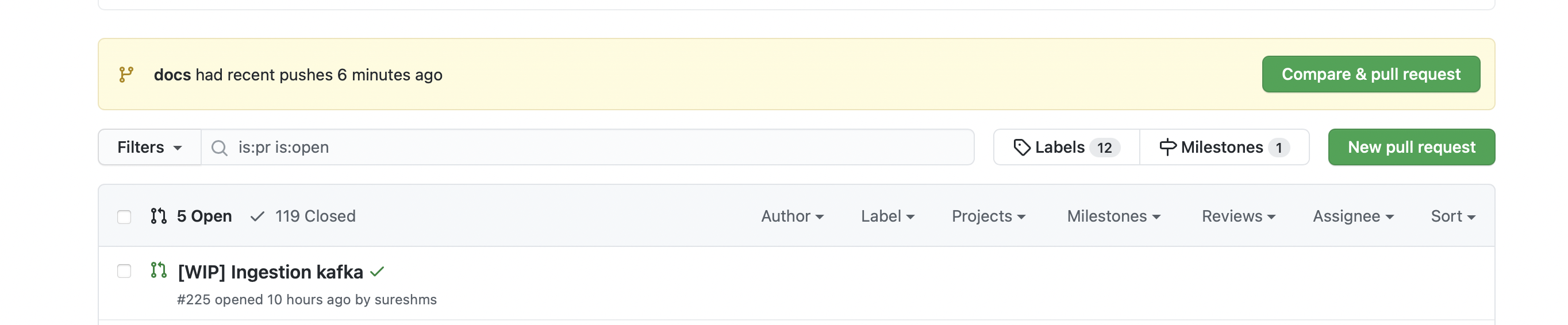 3. If not, click on "New Pull request"
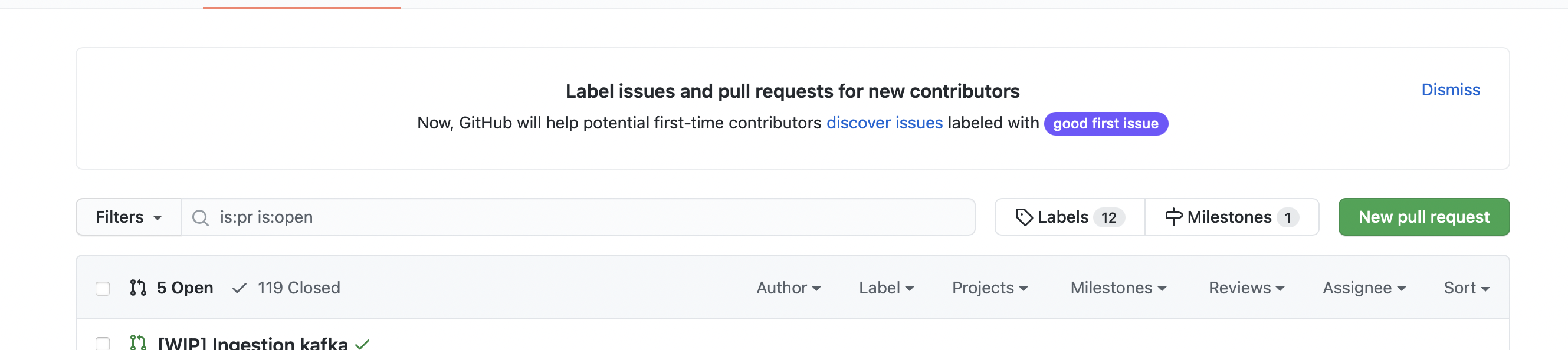 4. Select your fork repository and branch
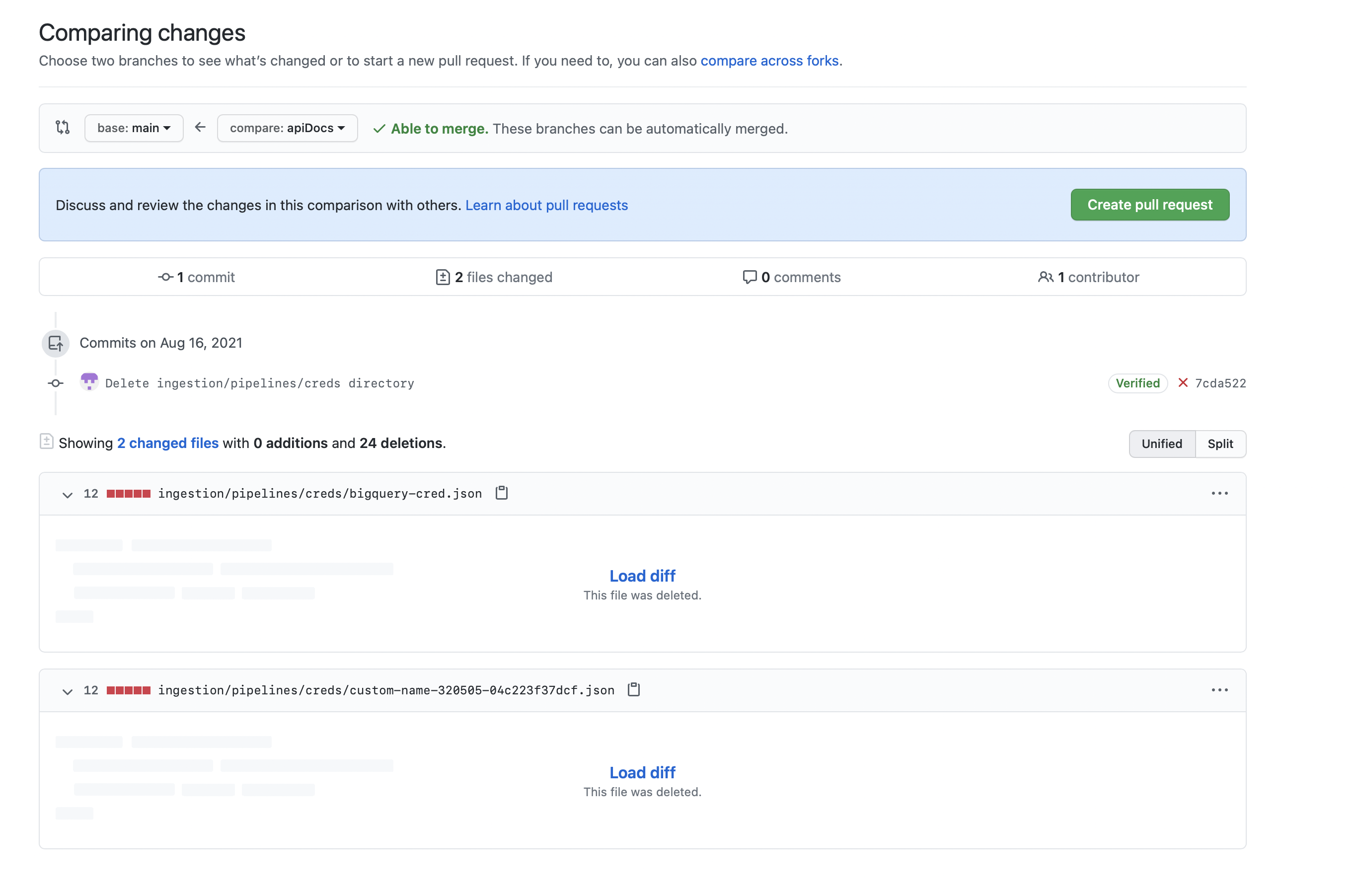 5. Click "Create pull request"
## We are here to help
Please reach out to us anytime you need any help. [Slack](https://slack.open-metadata.org/) would be the fastest way to get a response.
5. Click "Create pull request"
## We are here to help
Please reach out to us anytime you need any help. [Slack](https://slack.open-metadata.org/) would be the fastest way to get a response.