> ## Documentation Index
> Fetch the complete documentation index at: https://docs.open-metadata.org/llms.txt
> Use this file to discover all available pages before exploring further.

# How to Change the Login Page & Nav Bar Logo and Favicon

# How to Change the Login Page & Nav Bar Logo and Favicon

OpenMetadata allows you to customize the logo and favicons. In this guide we will see how to add custom logo and favicon.

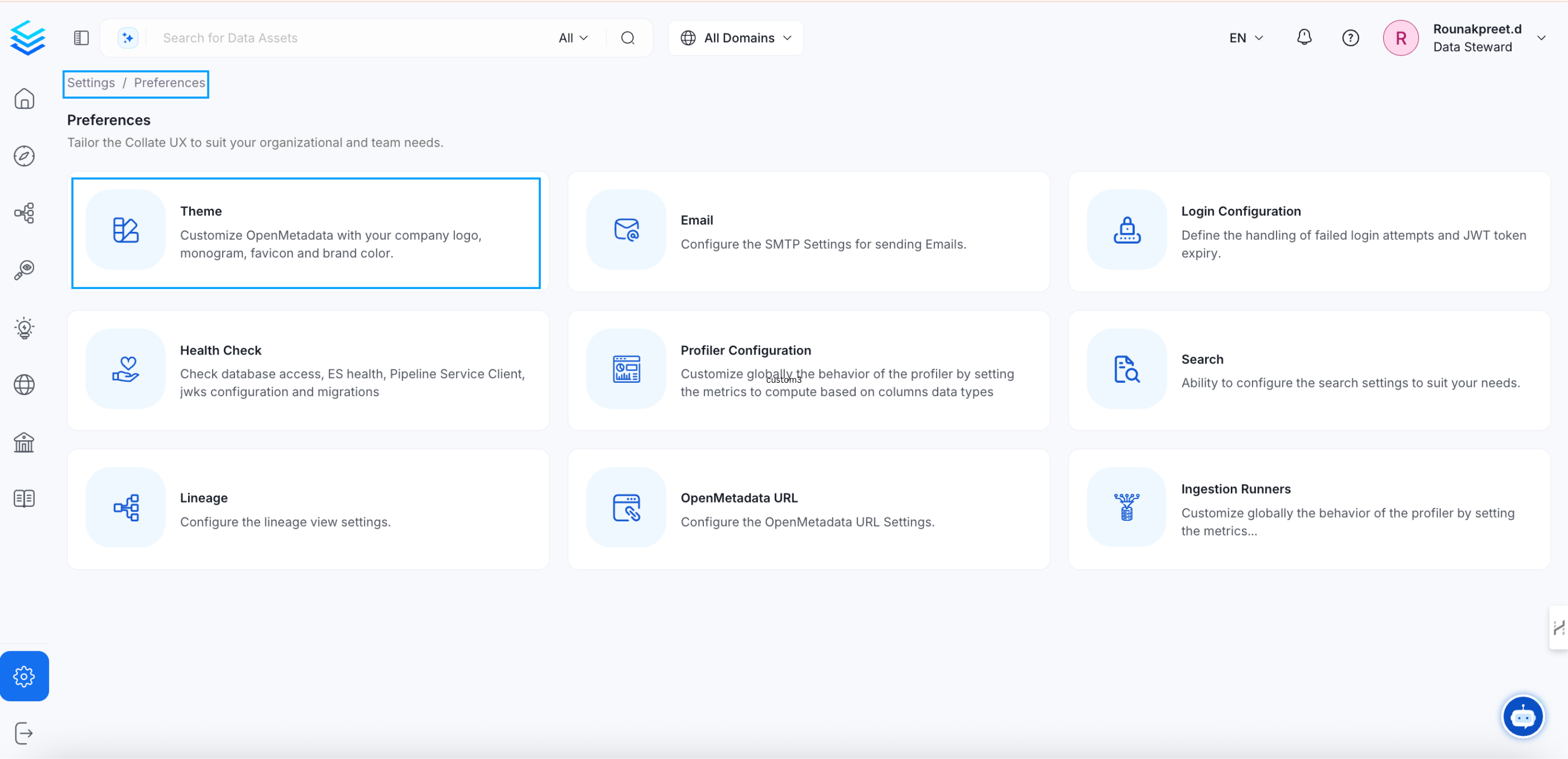
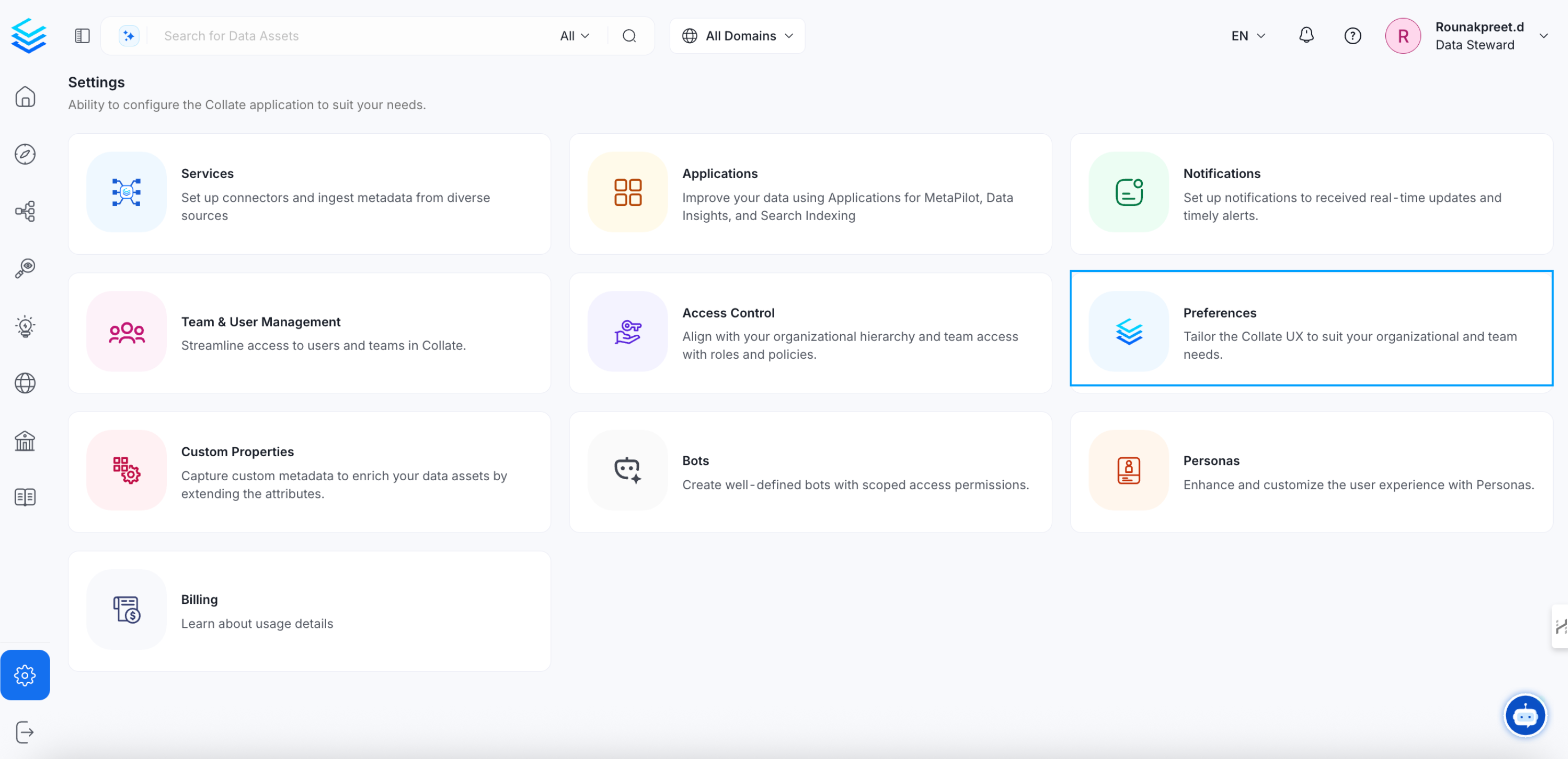
1. Navigate to **Setting >> Preferences >> Themes**

page and page and then you will get option to enter `Custom Logo` url.
<img src="https://mintcdn.com/openmetadata/usv6AmywY-JYXAIG/public/images/how-to-guides/custom-logo/logo.png?fit=max&auto=format&n=usv6AmywY-JYXAIG&q=85&s=ca00838306aff4571c9c1f19a8cb936c" alt="Custom Logo" width="2943" height="1424" data-path="public/images/how-to-guides/custom-logo/logo.png" />

<img src="https://mintcdn.com/openmetadata/usv6AmywY-JYXAIG/public/images/how-to-guides/custom-logo/logo0.1.png?fit=max&auto=format&n=usv6AmywY-JYXAIG&q=85&s=a90f0bf8d34835e709b9497698ff4c47" alt="Custom Logo Setting" width="2943" height="1424" data-path="public/images/how-to-guides/custom-logo/logo0.1.png" />

2. Enter the values in the edit form and **Save** the changes.

For logos, ensure the following sizing requirements:

* **Monogram/Favicon**: Use a 1:1 aspect ratio.
* **Logo**: Use a 16:9 aspect ratio.
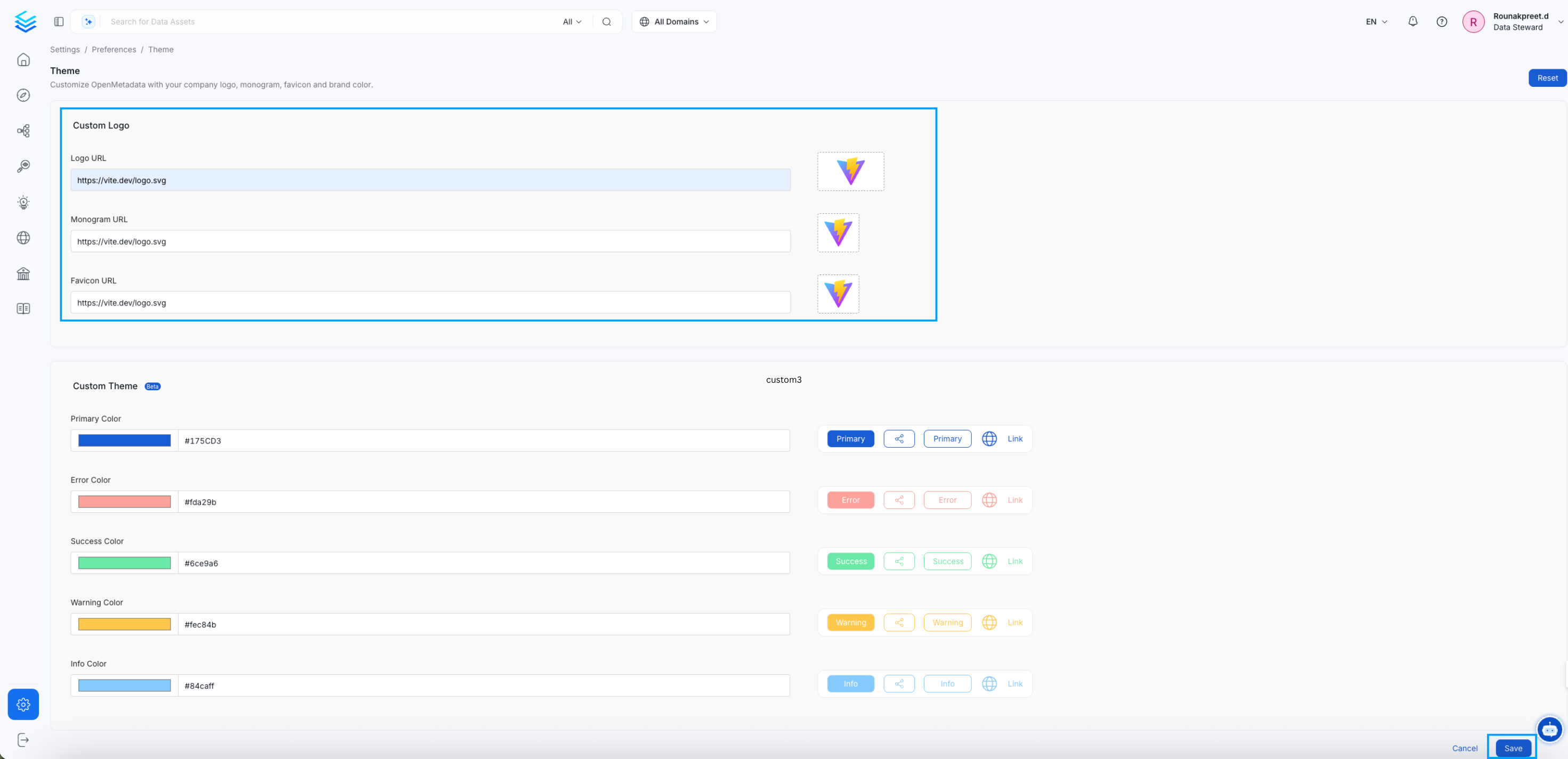
<img src="https://mintcdn.com/openmetadata/usv6AmywY-JYXAIG/public/images/how-to-guides/custom-logo/custom-logo-form.png?fit=max&auto=format&n=usv6AmywY-JYXAIG&q=85&s=298e11d2b90f7d38b009fcfaae534d07" alt="custom-logo-form" width="2943" height="1424" data-path="public/images/how-to-guides/custom-logo/custom-logo-form.png" />

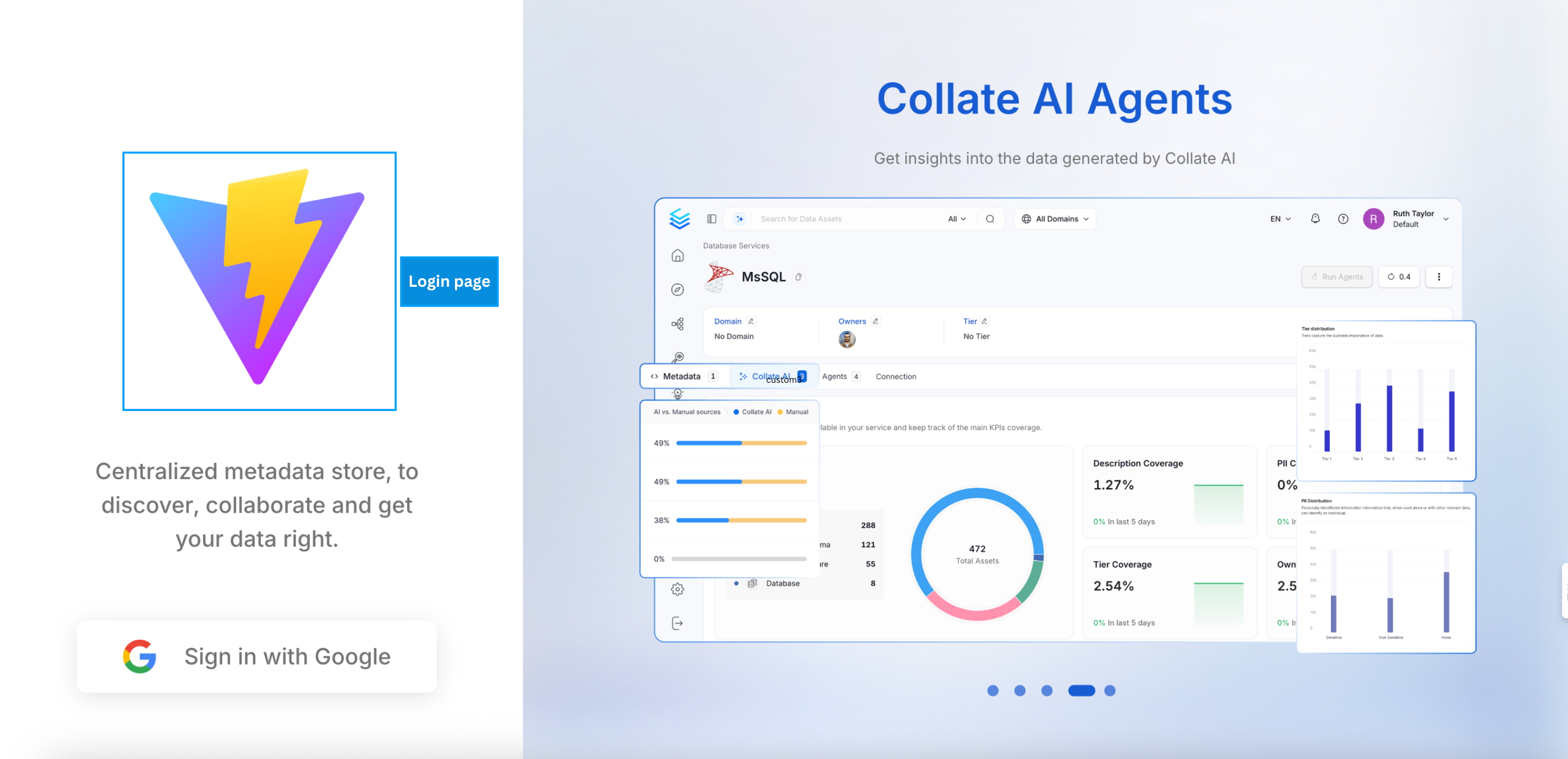
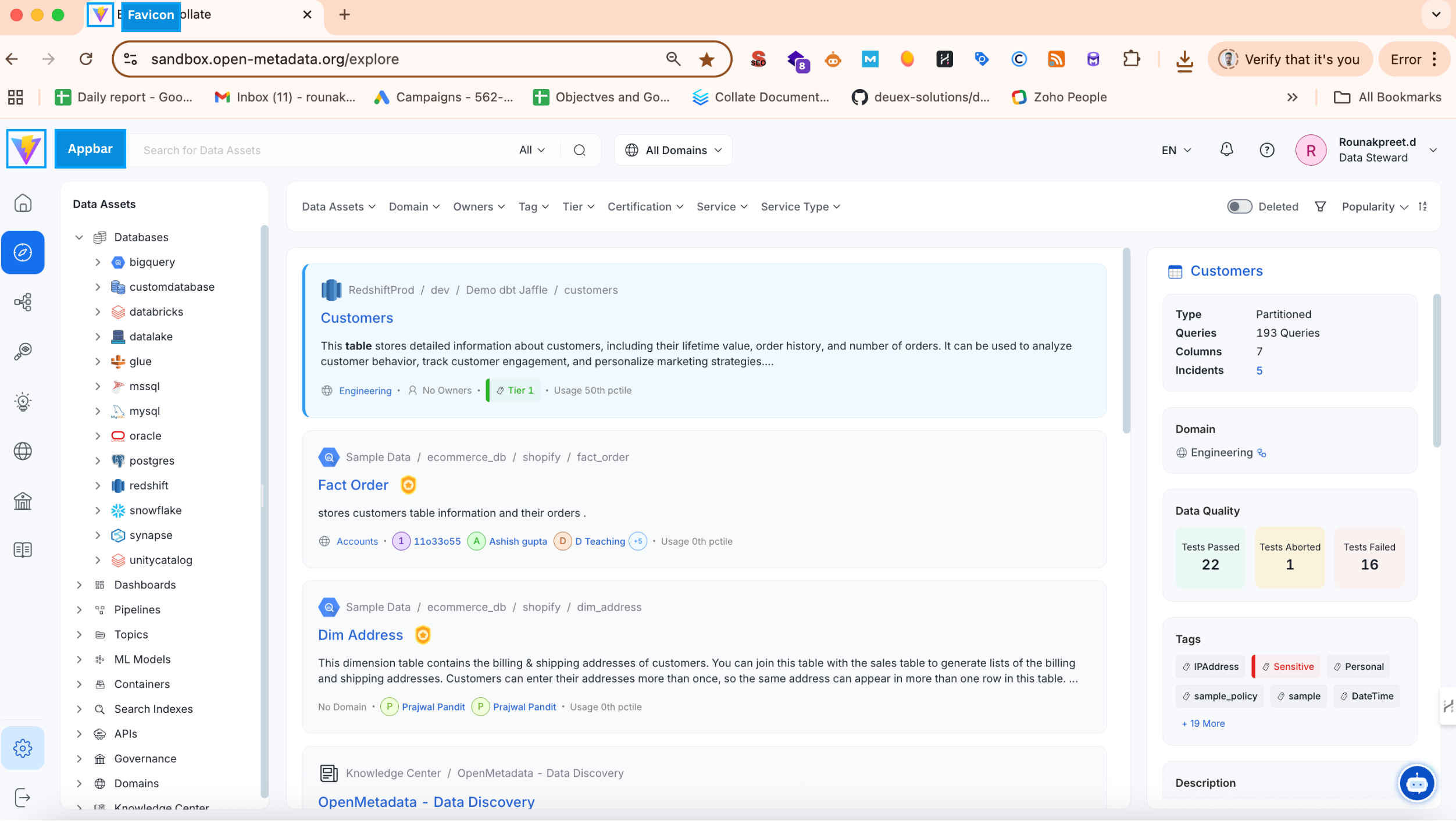
3. After saving the changes, refresh the page to view the updated logos and favicon.
<img src="https://mintcdn.com/openmetadata/usv6AmywY-JYXAIG/public/images/how-to-guides/custom-logo/custom-logo-application.png?fit=max&auto=format&n=usv6AmywY-JYXAIG&q=85&s=6af04a5c4bd7a9488fc009e91d578fba" alt="custom-logo-application" width="2504" height="1412" data-path="public/images/how-to-guides/custom-logo/custom-logo-application.png" />

<img src="https://mintcdn.com/openmetadata/usv6AmywY-JYXAIG/public/images/how-to-guides/custom-logo/custom-logo-login-page.png?fit=max&auto=format&n=usv6AmywY-JYXAIG&q=85&s=3582c86a9cc038dbd125d47e14cc24b3" alt="custom-logo-login-page" width="2943" height="1424" data-path="public/images/how-to-guides/custom-logo/custom-logo-login-page.png" />