> ## Documentation Index
> Fetch the complete documentation index at: https://docs.open-metadata.org/llms.txt
> Use this file to discover all available pages before exploring further.
# Understanding Activity Feeds | Official Documentation
> Monitor all activity feeds to stay informed about changes in ownership, usage, classification, or quality events.
# Understanding Activity Feeds
The **Activity Feeds** in OpenMetadata displays all the activities around the data you own and the data you follow. Activity Feeds are great conversation starters to collaborate with your team. Click on the OpenMetadata icon to access the landing page with the activity feeds.
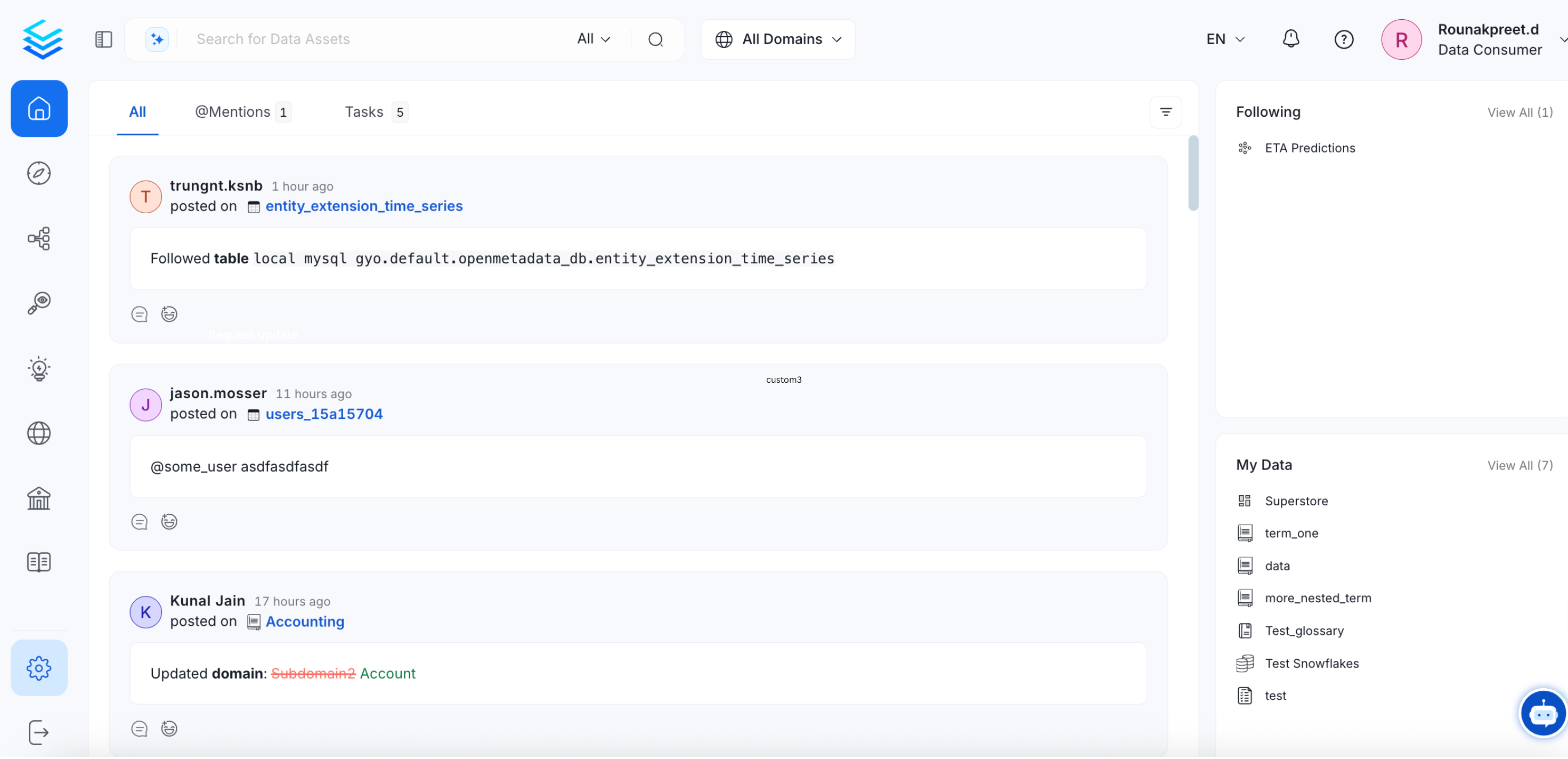 The **Activity Feeds Widget** displays:
* **All:** All the activities related to the data assets that you own, follow, or where you are mentioned
* **@Mentions:** Feeds where you are mentioned
* **Tasks:** Tasks created by you, or assigned to you are displayed. Only the Open tasks are displayed here.
Users can Reply to discuss further as well as Edit, Delete, or share Reactions with the team by using emojis.
The **Activity Feeds Widget** displays:
* **All:** All the activities related to the data assets that you own, follow, or where you are mentioned
* **@Mentions:** Feeds where you are mentioned
* **Tasks:** Tasks created by you, or assigned to you are displayed. Only the Open tasks are displayed here.
Users can Reply to discuss further as well as Edit, Delete, or share Reactions with the team by using emojis.
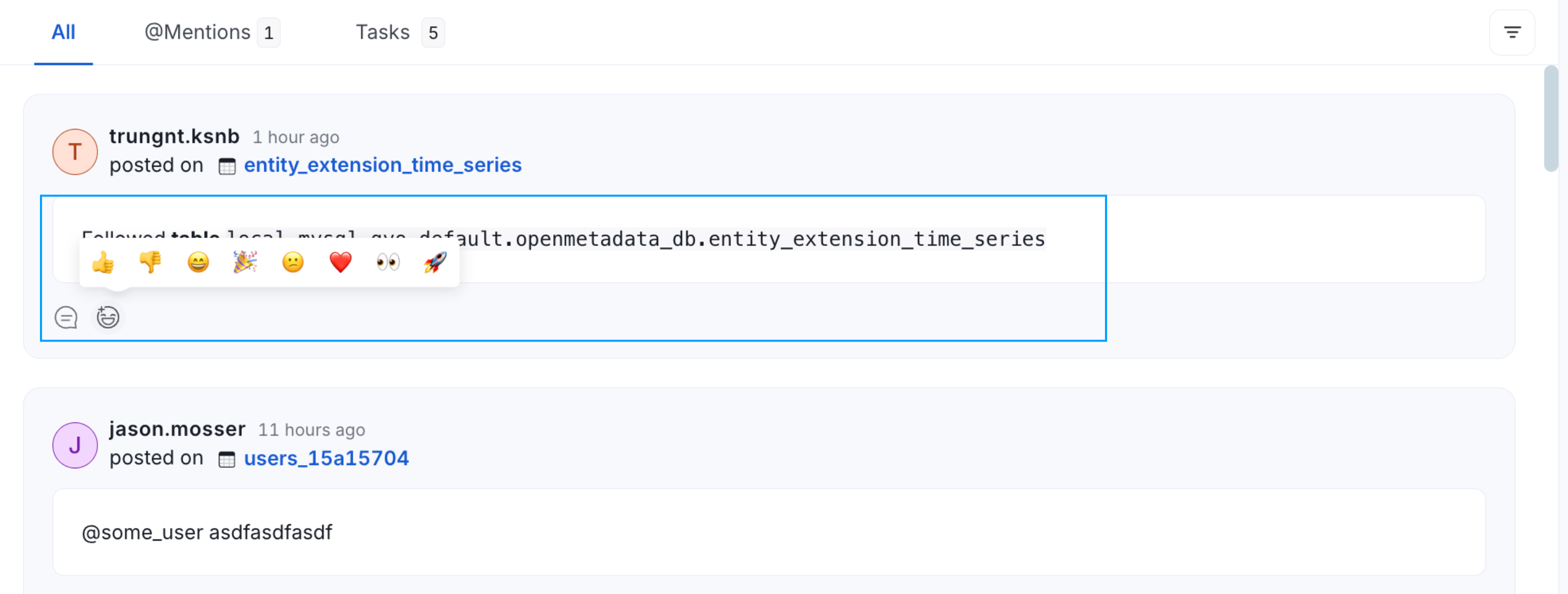 Collaborate around data assets right within OpenMetadata.