> ## Documentation Index
> Fetch the complete documentation index at: https://docs.open-metadata.org/llms.txt
> Use this file to discover all available pages before exploring further.
# How to Follow a Data Asset | Official Documentation
> Follow data assets to stay informed about updates, ownership changes, and activity within your areas of interest.
# How to Follow a Data Asset
Users can get timely information about all the **activities**, **announcements**, and **feeds** related to a data asset by following those assets. The owners of the data assets will receive all the updates by default. The follow option can be used for the assets that you do not own.
To follow a data asset,
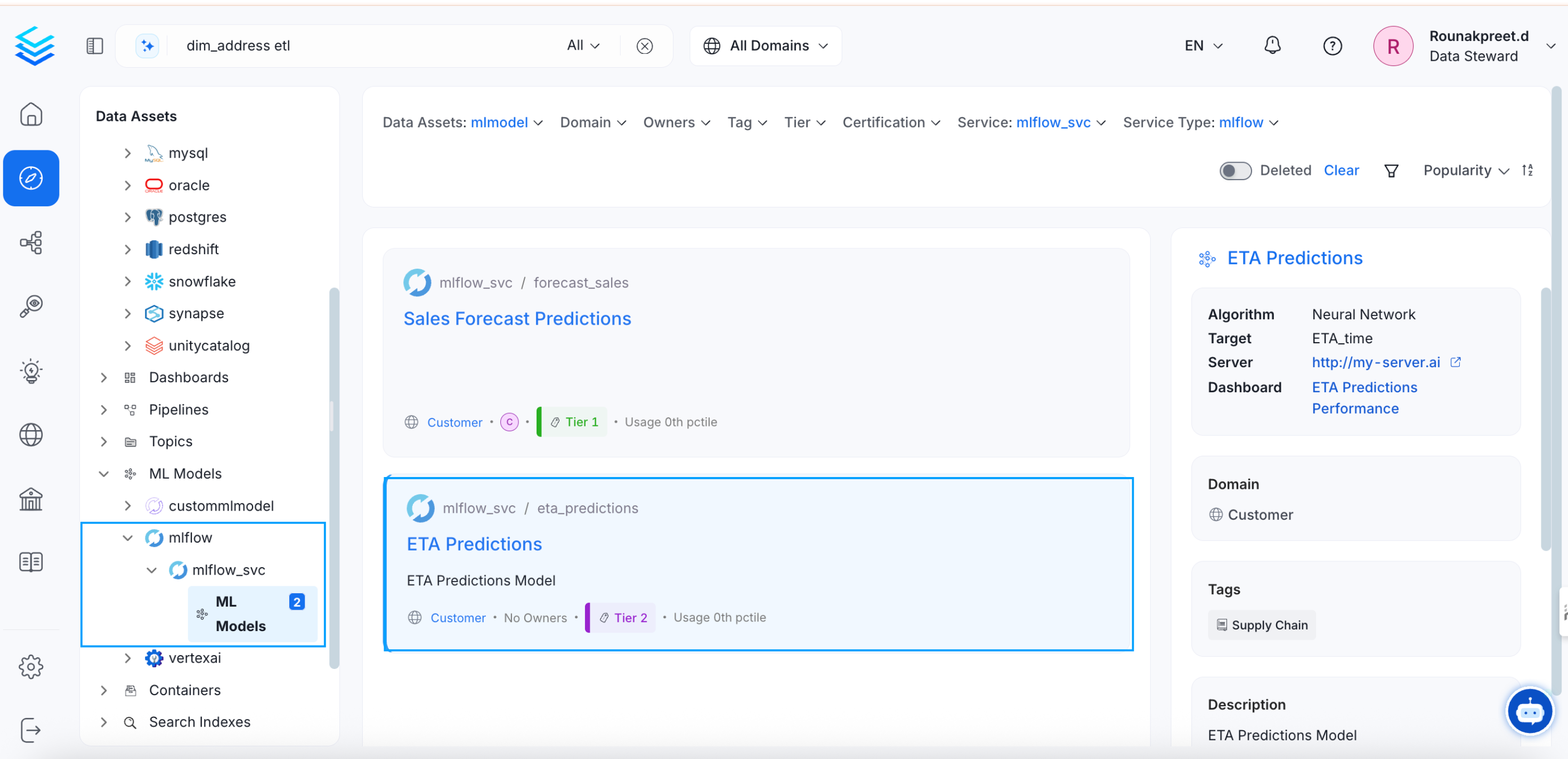
* Navigate to the **Explore** page.
* Select the relevant type of data asset (Tables, Topics, Dashboards, Pipelines, ML Models, and Containers).
* Select a data asset.
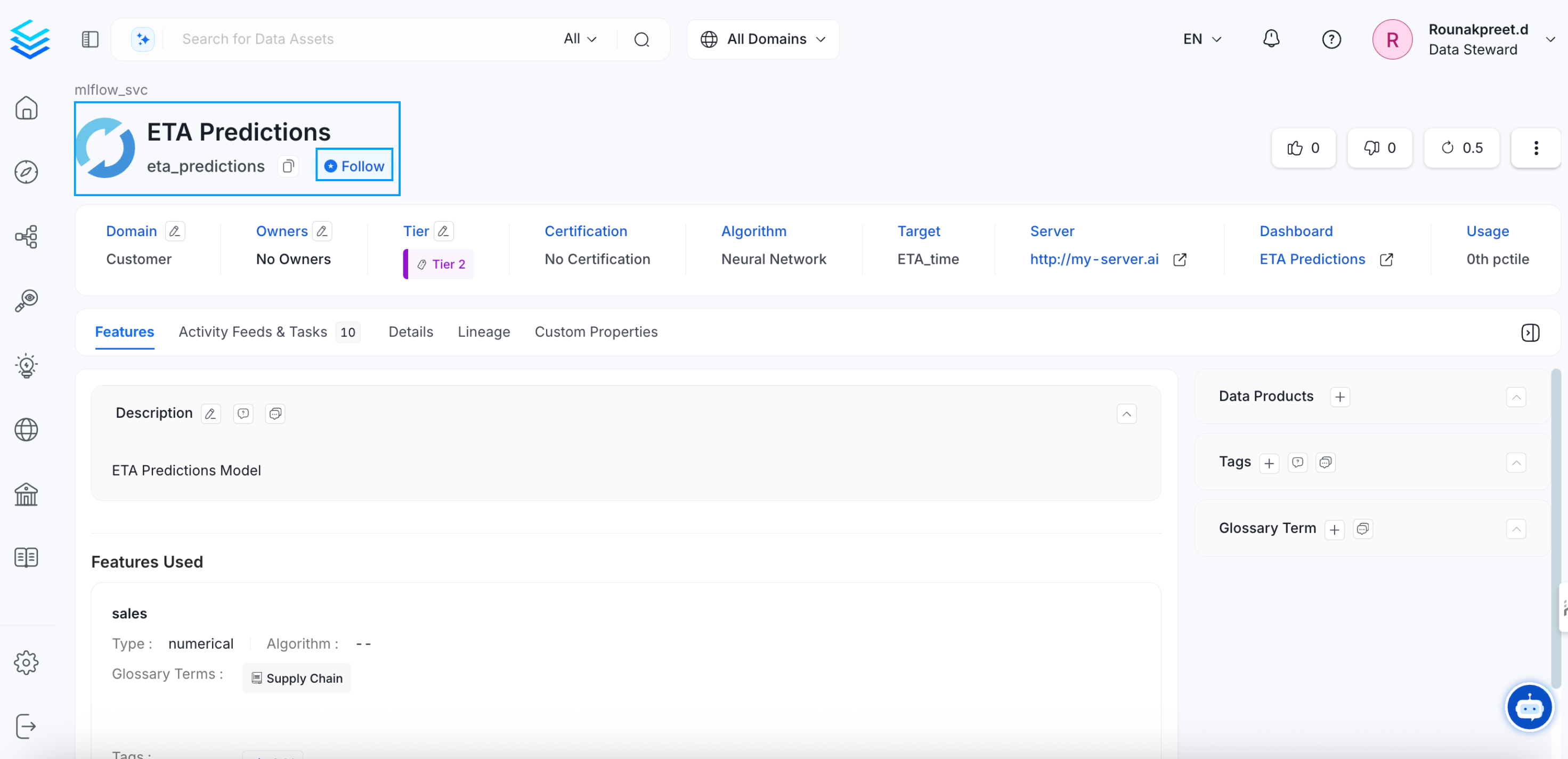
* Click the **Follow** button to start following it.
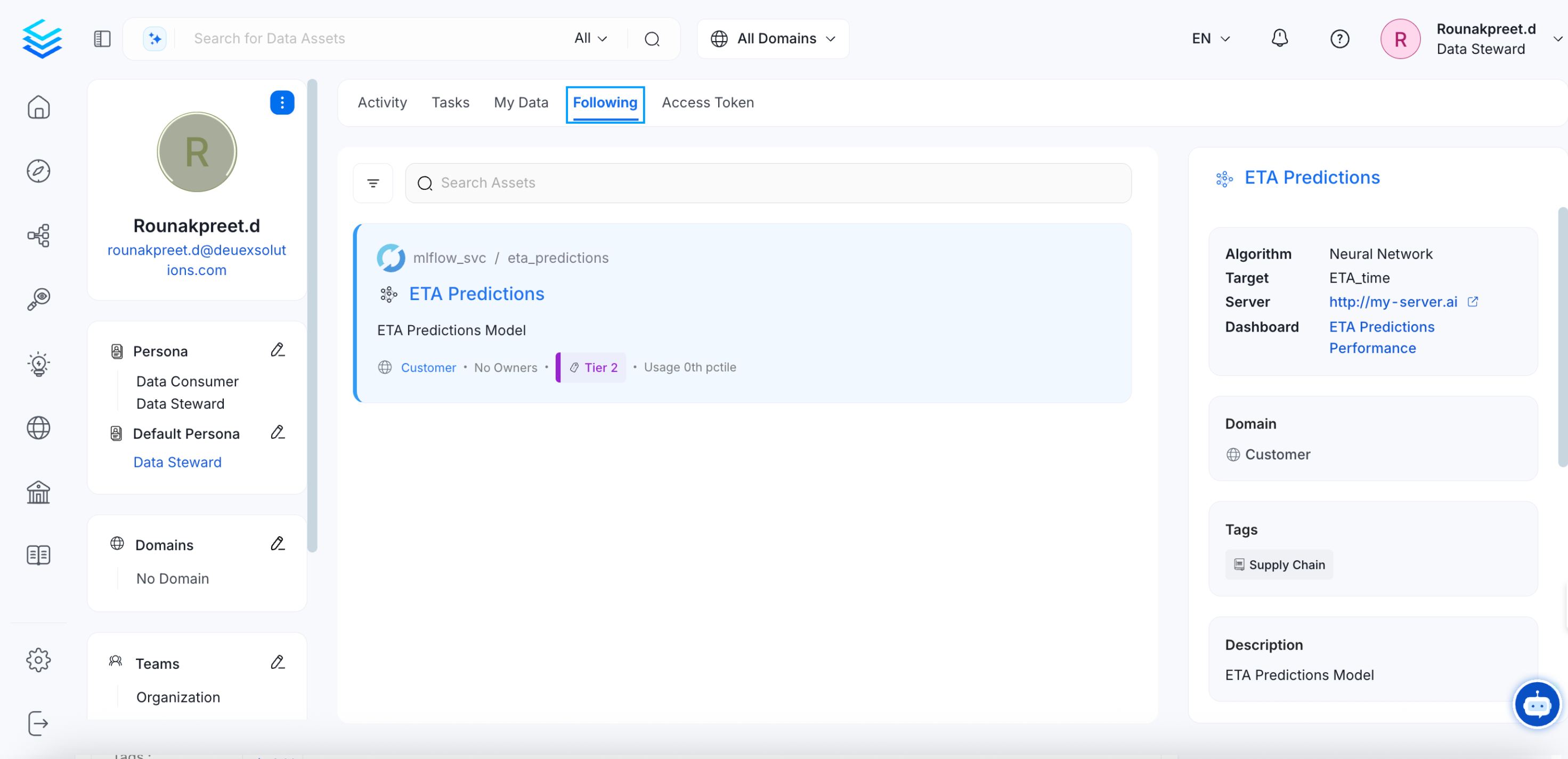
The data assets you are following will be displayed in the **Following** section in **My Data** page.
Clicking on **View All** to check all the data assets you are following will redirect to the **Profile Page > Following Tab**.
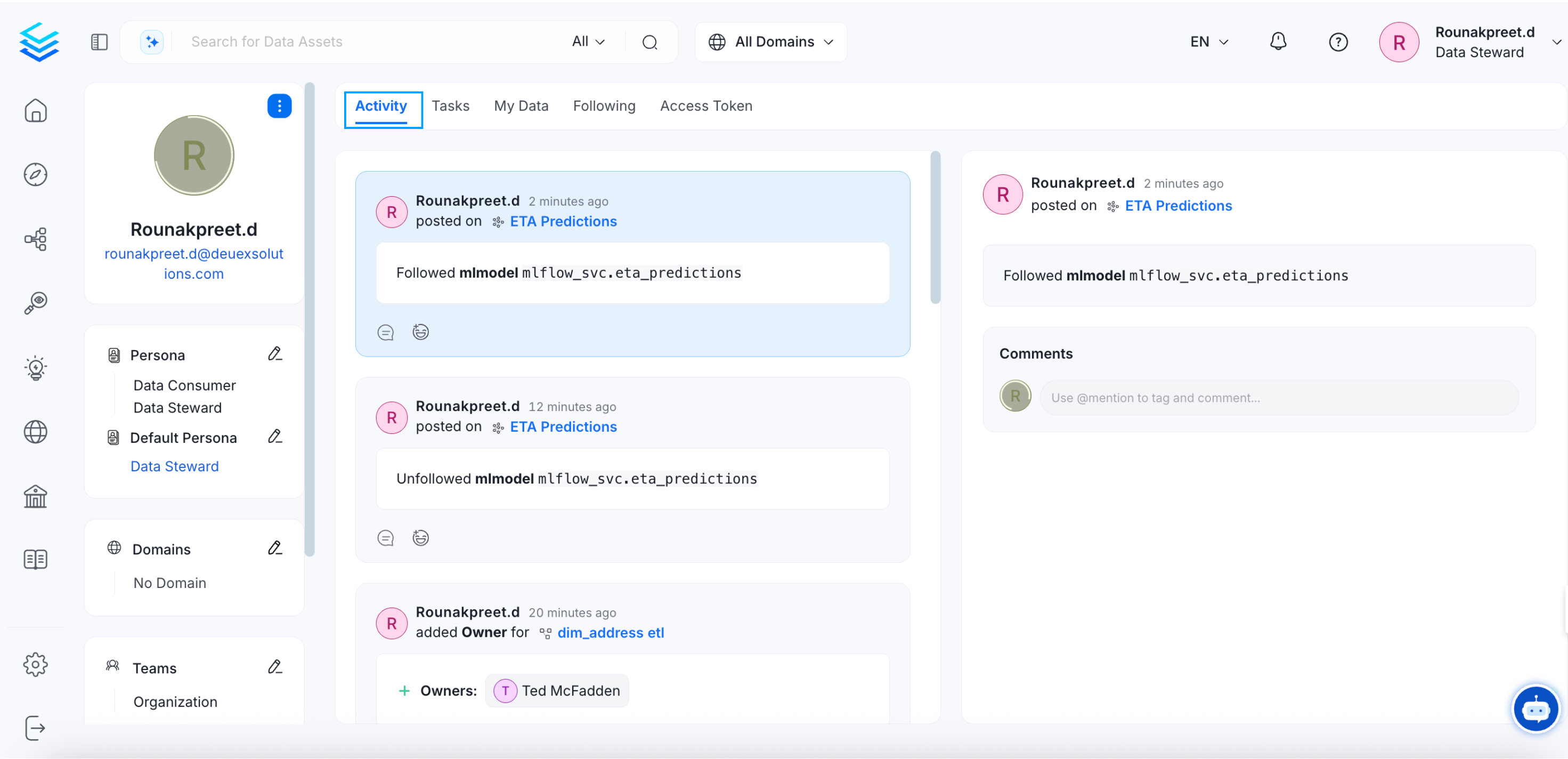
The Activity Feeds tab displays all the activities related to the data assets that you own, follow, or where you are mentioned.
Add tags to data assets and learn about auto-PII classification.
 * Click the **Follow** button to start following it.
 The data assets you are following will be displayed in the **Following** section in **My Data** page.
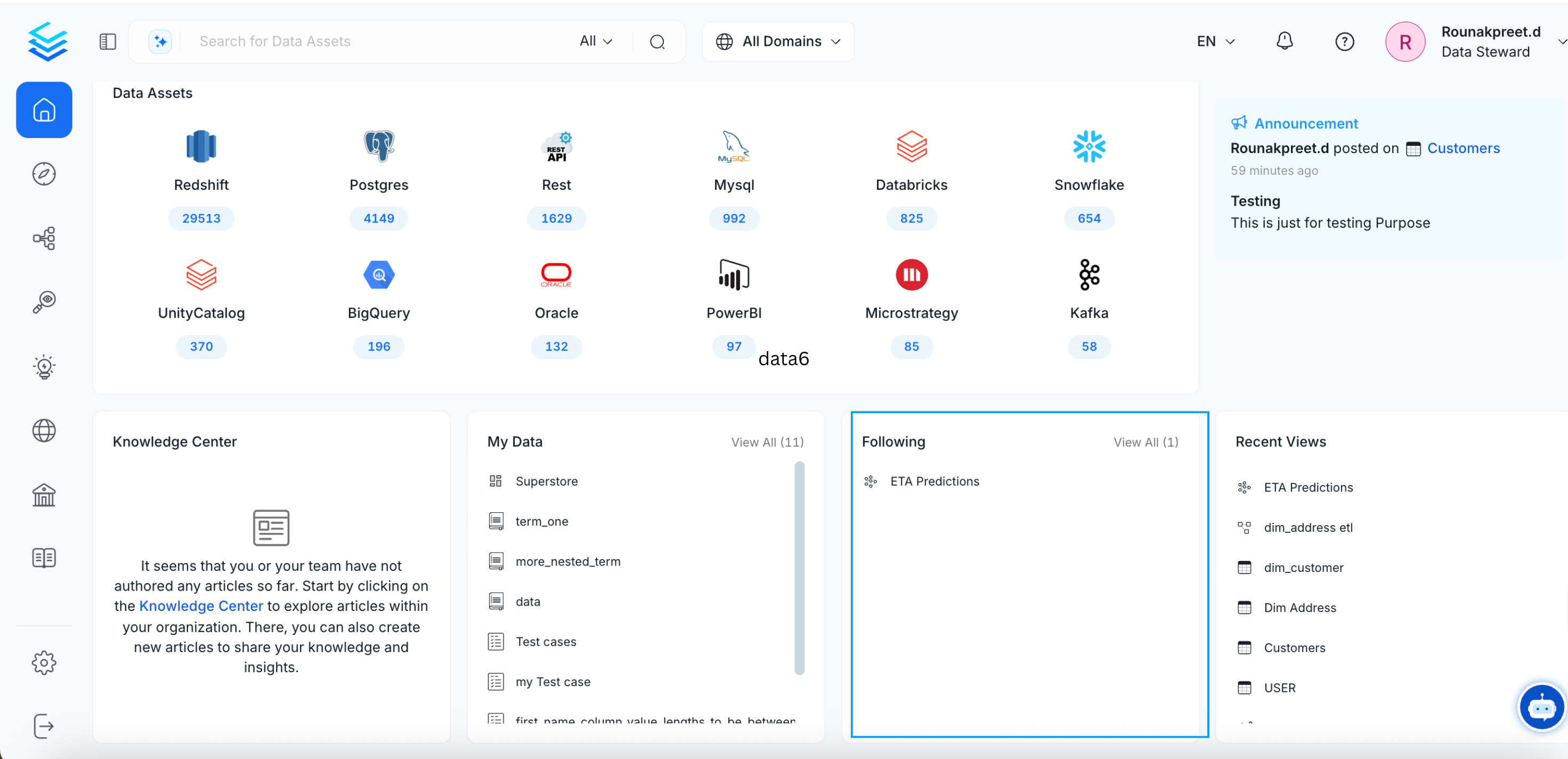 Clicking on **View All** to check all the data assets you are following will redirect to the **Profile Page > Following Tab**.
 The Activity Feeds tab displays all the activities related to the data assets that you own, follow, or where you are mentioned.