> ## Documentation Index
> Fetch the complete documentation index at: https://docs.open-metadata.org/llms.txt
> Use this file to discover all available pages before exploring further.
# Export Lineage
# Export Lineage
You can export the lineage information for a data asset as a CSV, PNG, or PDF file, which makes it easier to do advanced analysis on the lineage information or share a visual snapshot.
**To export the lineage:**
1. Navigate to the **Explore** page and select a data asset.
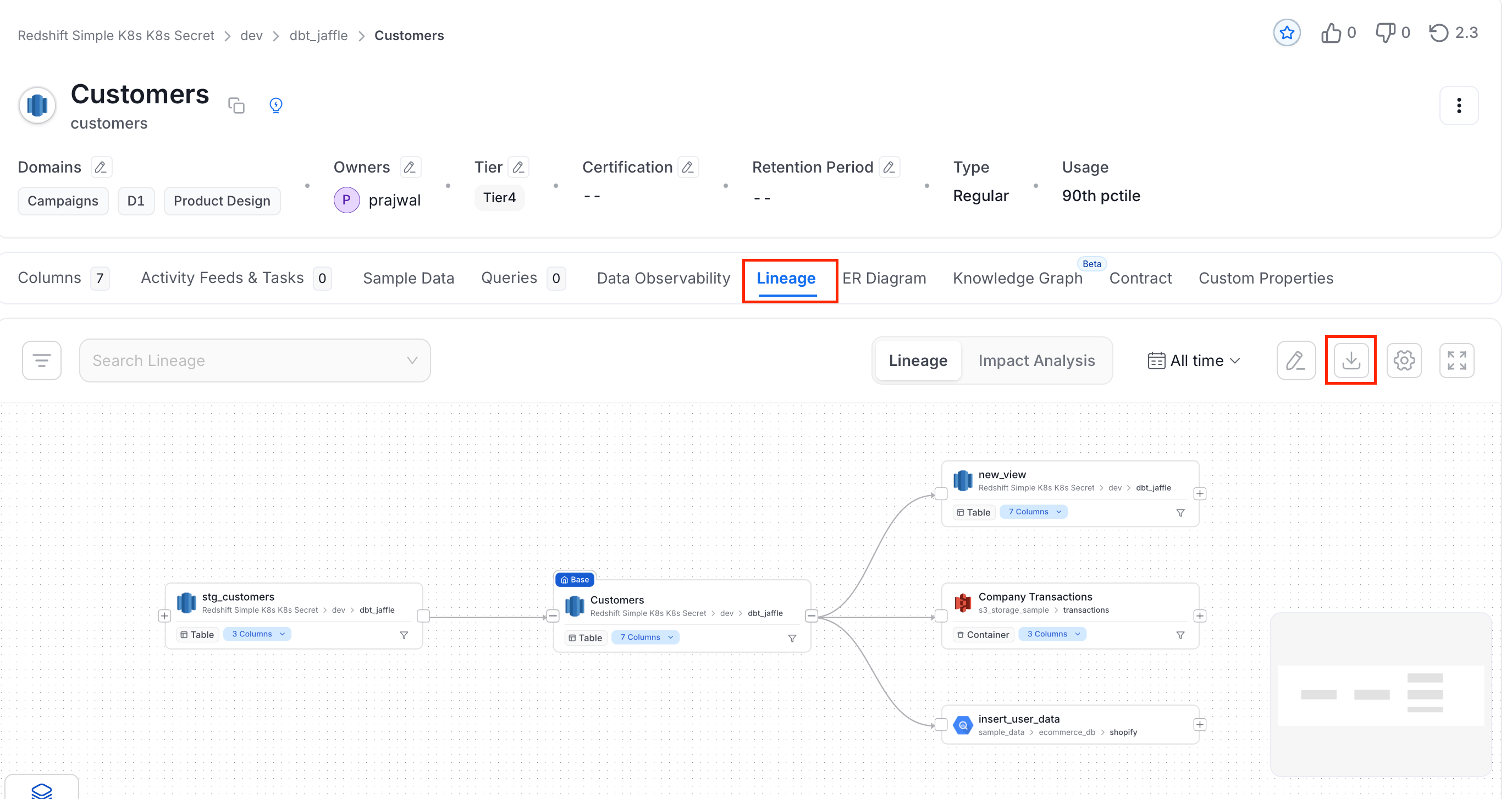
2. Click the **Lineage** tab.
3. Click the **Export** icon, and do the following:
 * Select an **Export Type** from *CSV*, *PNG*, or *PDF*.
**Note**: **PNG** and **PDF** export are currently in **Beta**.
* Edit the **File Name**.
* Select an **Export Type** from *CSV*, *PNG*, or *PDF*.
**Note**: **PNG** and **PDF** export are currently in **Beta**.
* Edit the **File Name**.
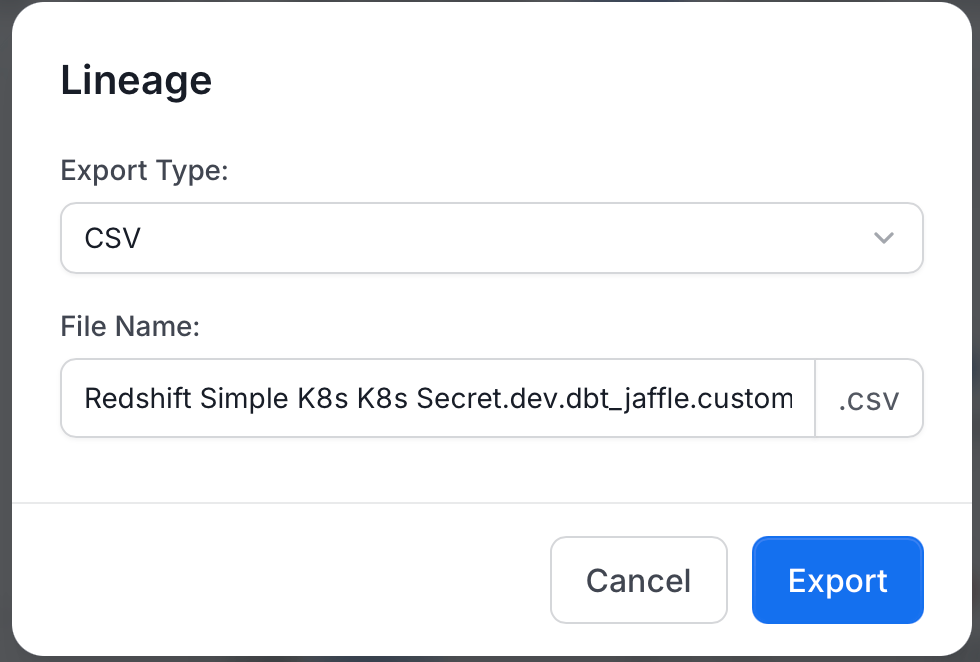 4. Click **Export**.