
Troubleshooting
Workflow Deployment Error
If there were any errors during the workflow deployment process, the Ingestion Pipeline Entity will still be created, but no workflow will be present in the Ingestion container.- You can then Edit the Ingestion Pipeline and Deploy it again.
- From the Connection tab, you can also Edit the Service if needed.
Connector Debug Troubleshooting
This section provides instructions to help resolve common issues encountered during connector setup and metadata ingestion in OpenMetadata. Below are some of the most frequently observed troubleshooting scenarios.How to Enable Debug Logging for Any Ingestion
To enable debug logging for any ingestion workflow in OpenMetadata:- Navigate to Services Go to Settings > Services > Service Type (e.g., Database) in the OpenMetadata UI.
- Select a Service Choose the specific service for which you want to enable debug logging.
- Access Ingestion Tab Go to the Ingestion tab and click the three-dot menu on the right-hand side of the ingestion type, and select Edit.
- Enable Debug Logging In the configuration dialog, enable the Debug Log option and click Next.
- Schedule and Submit Configure the schedule if needed and click Submit to apply the changes.
Permission Issues
If you encounter permission-related errors during connector setup or metadata ingestion, ensure that all the prerequisites and access configurations specified for each connector are properly implemented. Refer to the connector-specific documentation to verify the required permissions.Unity Catalog connection details
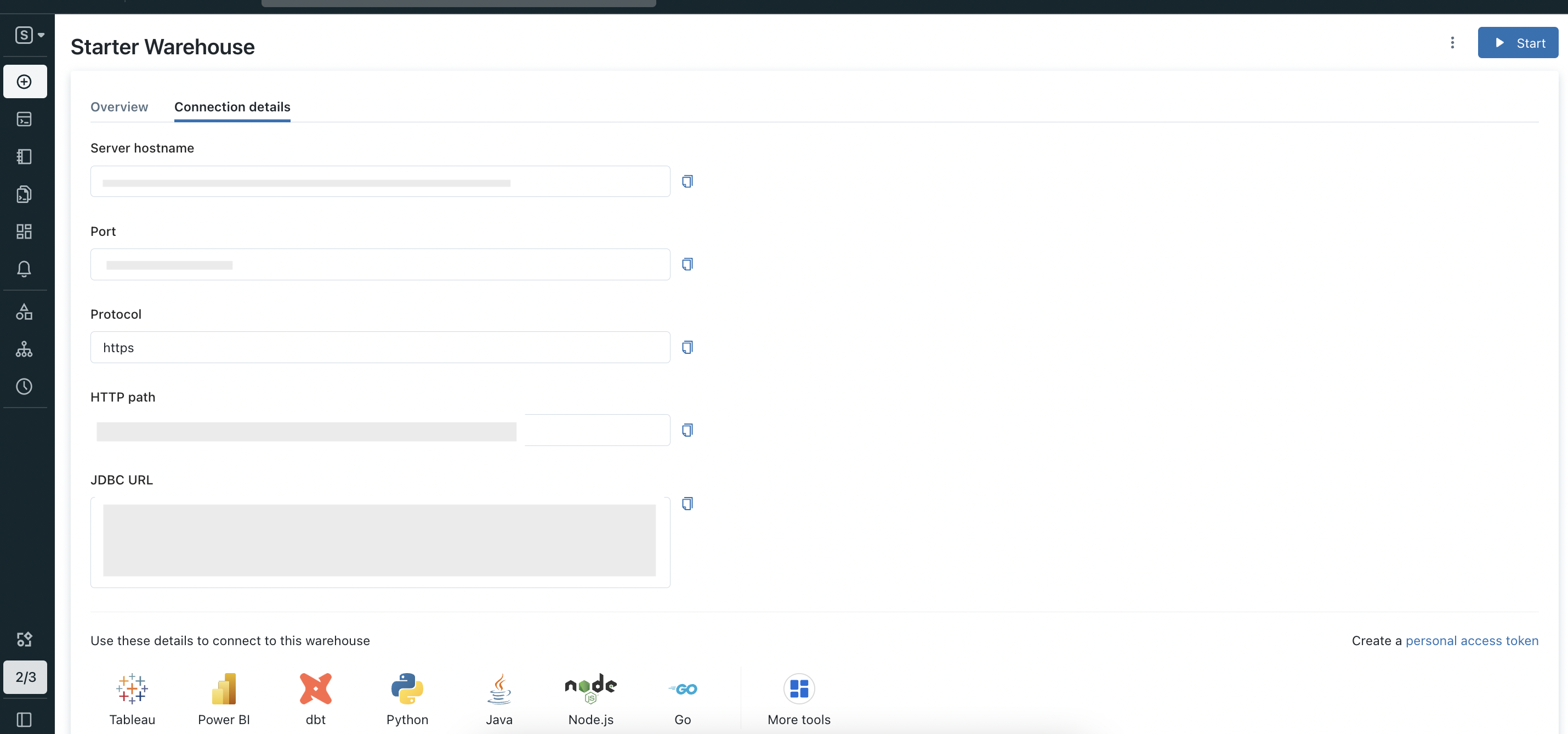
hostPort, token and http_path.
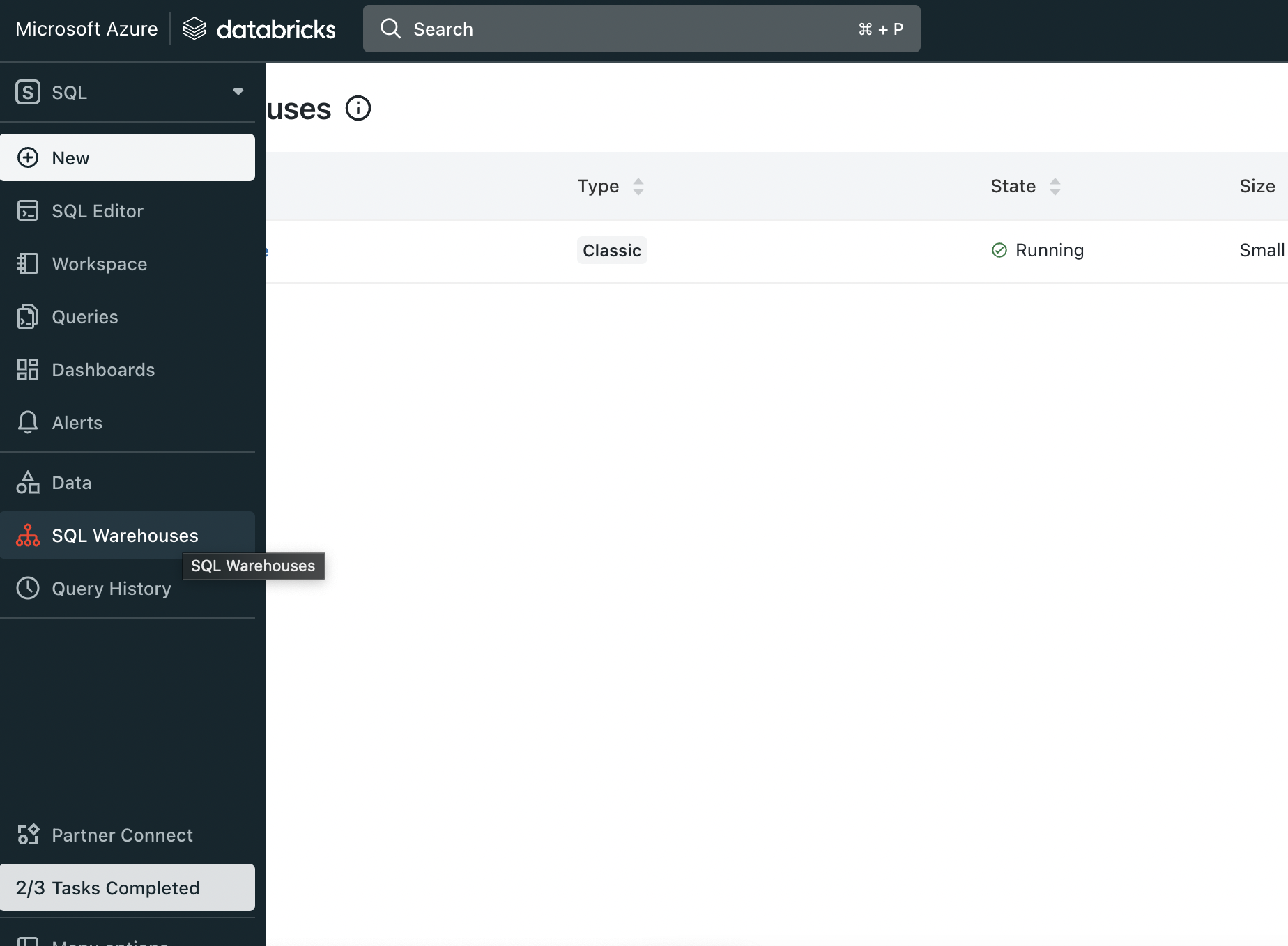
First login to Azure Databricks and from side bar select SQL Warehouse (In SQL section)
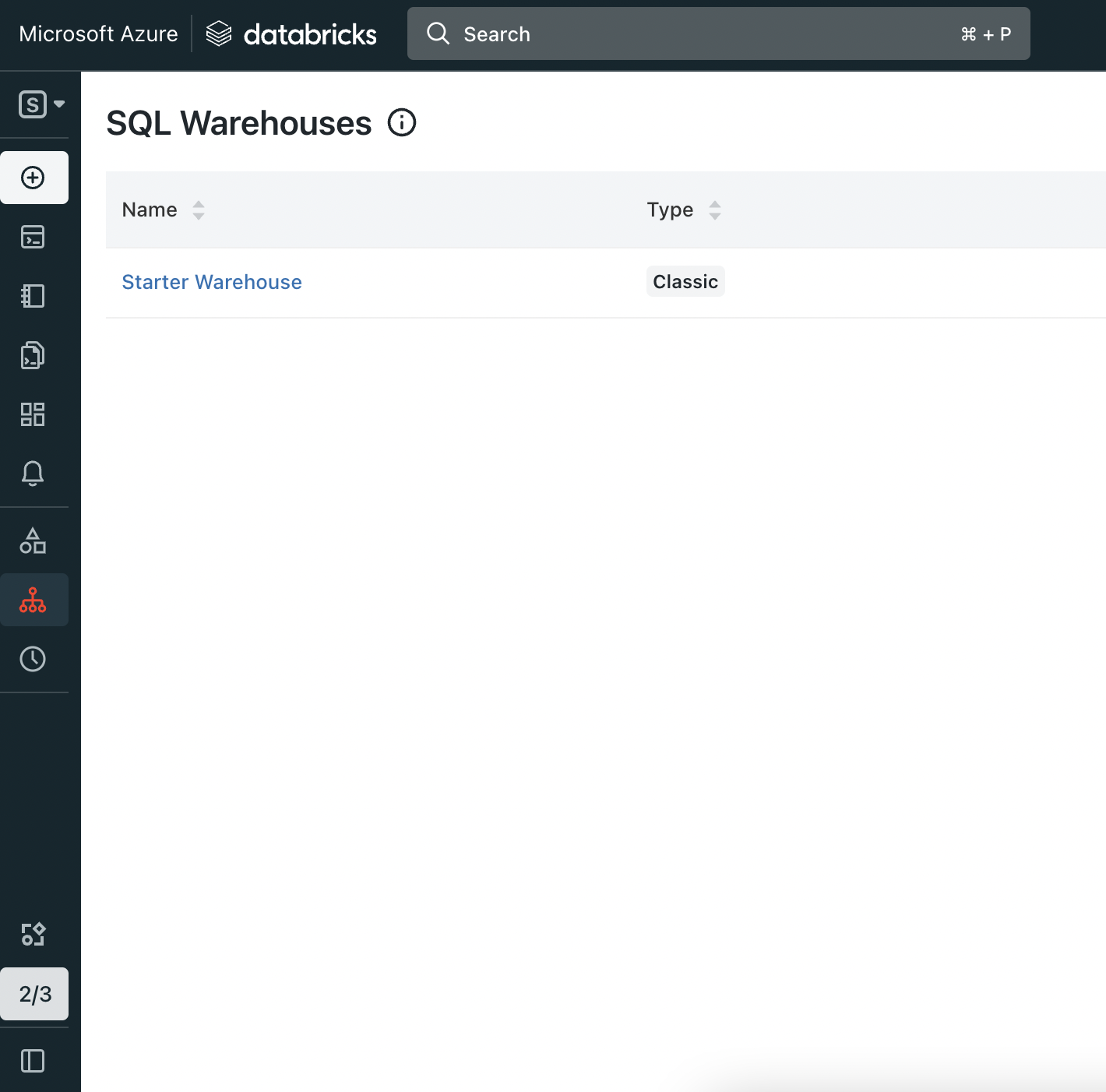
hostPort, HTTP path is your http_path.
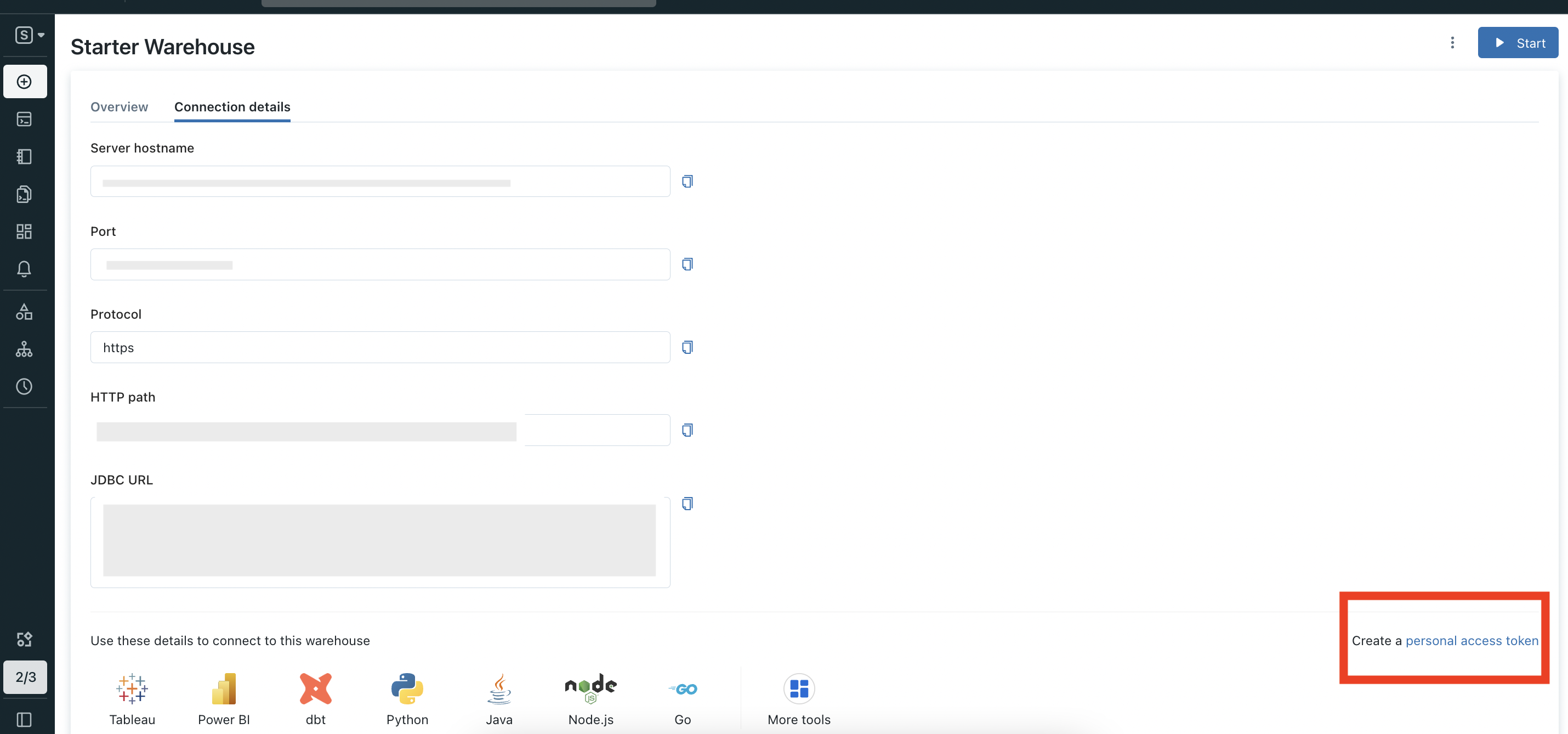
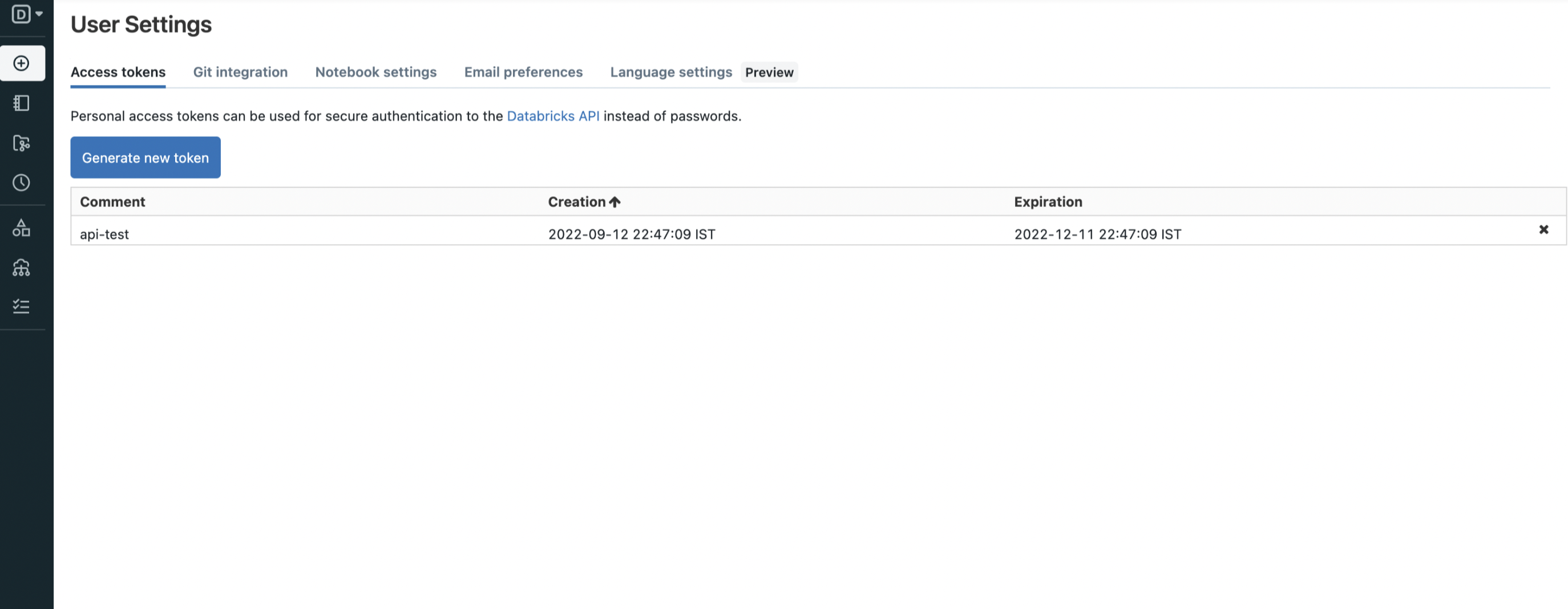
token.
Missing Tables or Lineage in Databricks (Unity Catalog) Ingestion
Symptoms
- Some schemas or tables that match the configured filter are not visible after ingestion.
- Lineage is missing or incomplete for expected tables.
- Schemas are visible, but no tables appear under them.
Common Causes
- The Personal Access Token (PAT) used by the Metadata Agent lacks required Unity Catalog permissions.
- The user can list catalogs or schemas but does not have SELECT access on tables.
- Required access to
system.query.historyis missing, preventing lineage generation.
What to Check
- Ensure the PAT user has:
- Permission to use the target catalog.
- Permission to use the target schemas.
- SELECT permission on all tables that should be ingested.
- Access to the
system.queryschema andsystem.query.historyfor lineage.
- Confirm that metadata ingestion has completed successfully after permission changes.
- Remember that lineage is generated only between ingested entities; if a table is not ingested, its lineage connections will not appear.