
SDK & API
OpenMetadata API
To access OpenMetadata APIs, one needs a token to authenticate and authorize API calls. Access the OpenAPI (Swagger) documentation at OpenMetadata API.Client SDKs

Python SDK
A high-level, type-safe Python API that smoothly integrates with the OpenMetadata backend.

Java SDK
Integrate OpenMetadata into your Java environment to provision and manage resources.

Golang SDK
A robust, type-safe Go API that smoothly integrates with the OpenMetadata backend.
How to get the JWT Token
Bot Token
Note: The Bots tile under Settings is only visible to users with Admin privileges. If you don’t see it, ask your organization’s OpenMetadata Admin to generate a bot token for you or grant you Admin access.
-
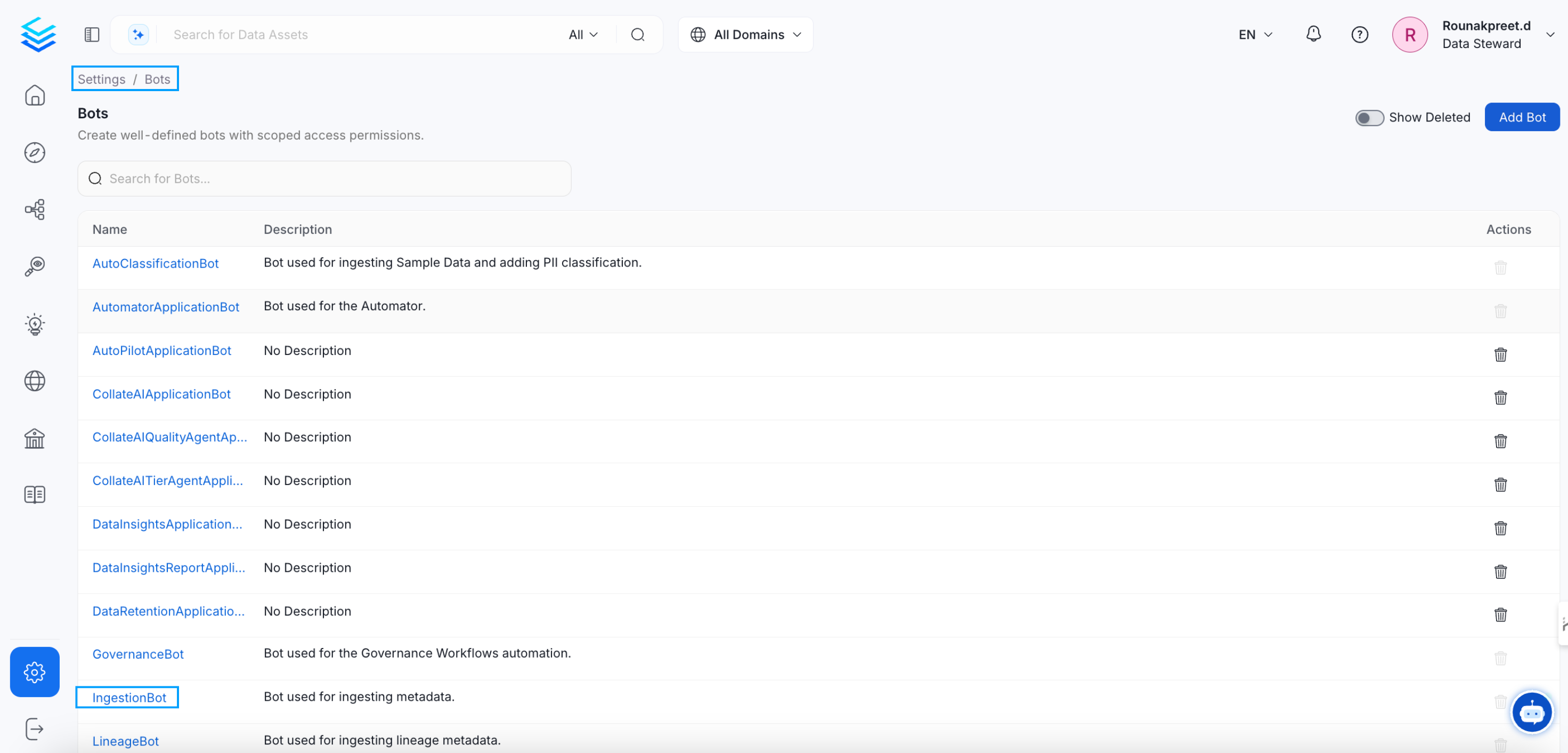
Go to the settings page from the navbar and then scroll down to the Integrations Section. Click on the Bots and you will see the list of bots, then click on the ingestion-bot.
-
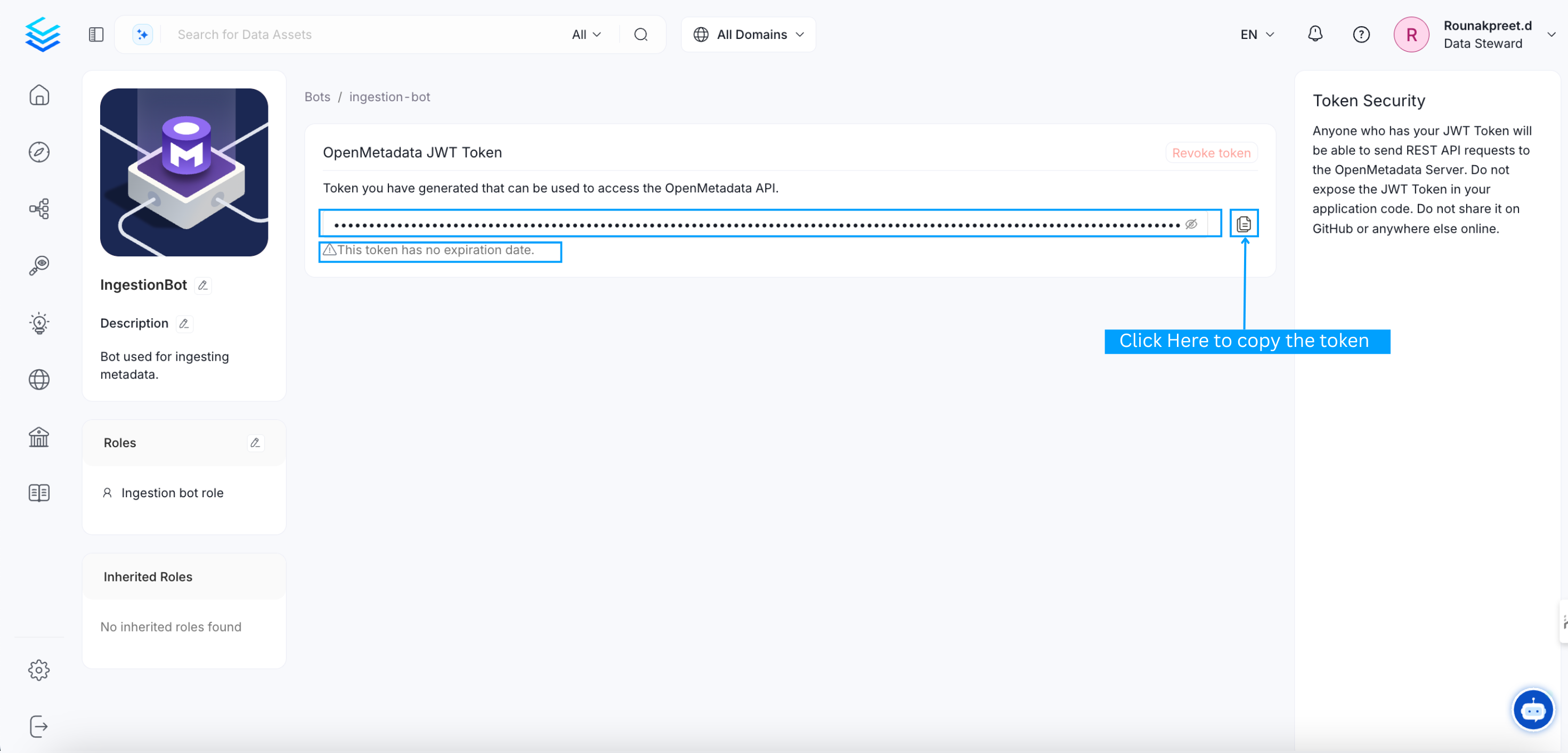
You will be redirected to the ingestion-bot details page. there you will get the JWT token, click on the copy button and copy the JWT token.
- Optionally, You can create your own bot for specific use case.
User Token
- From 1.3.0 release onwards, we support User’s personal access token
-
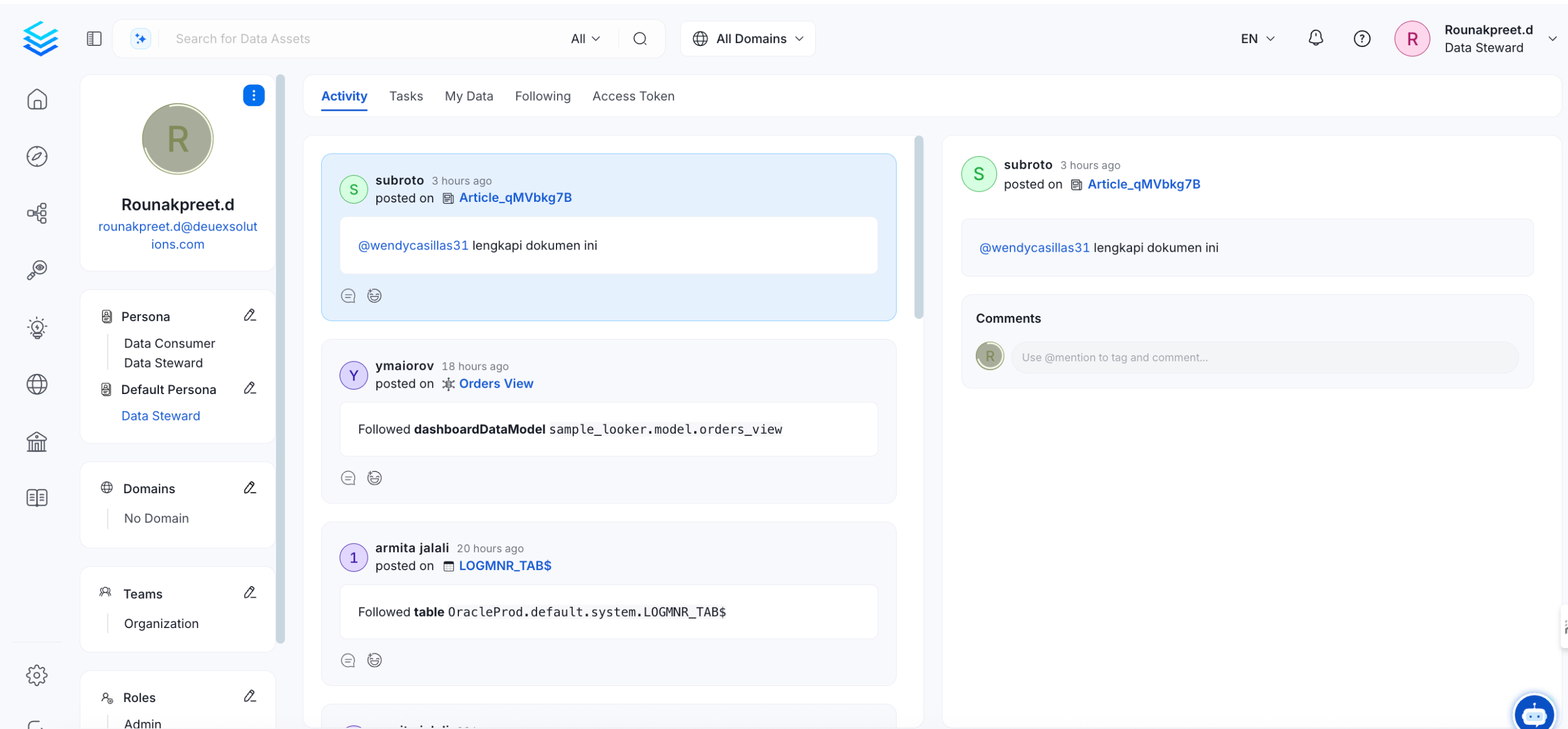
Go to logged in user profile by clicking on User’s profile image on top right corner.
-
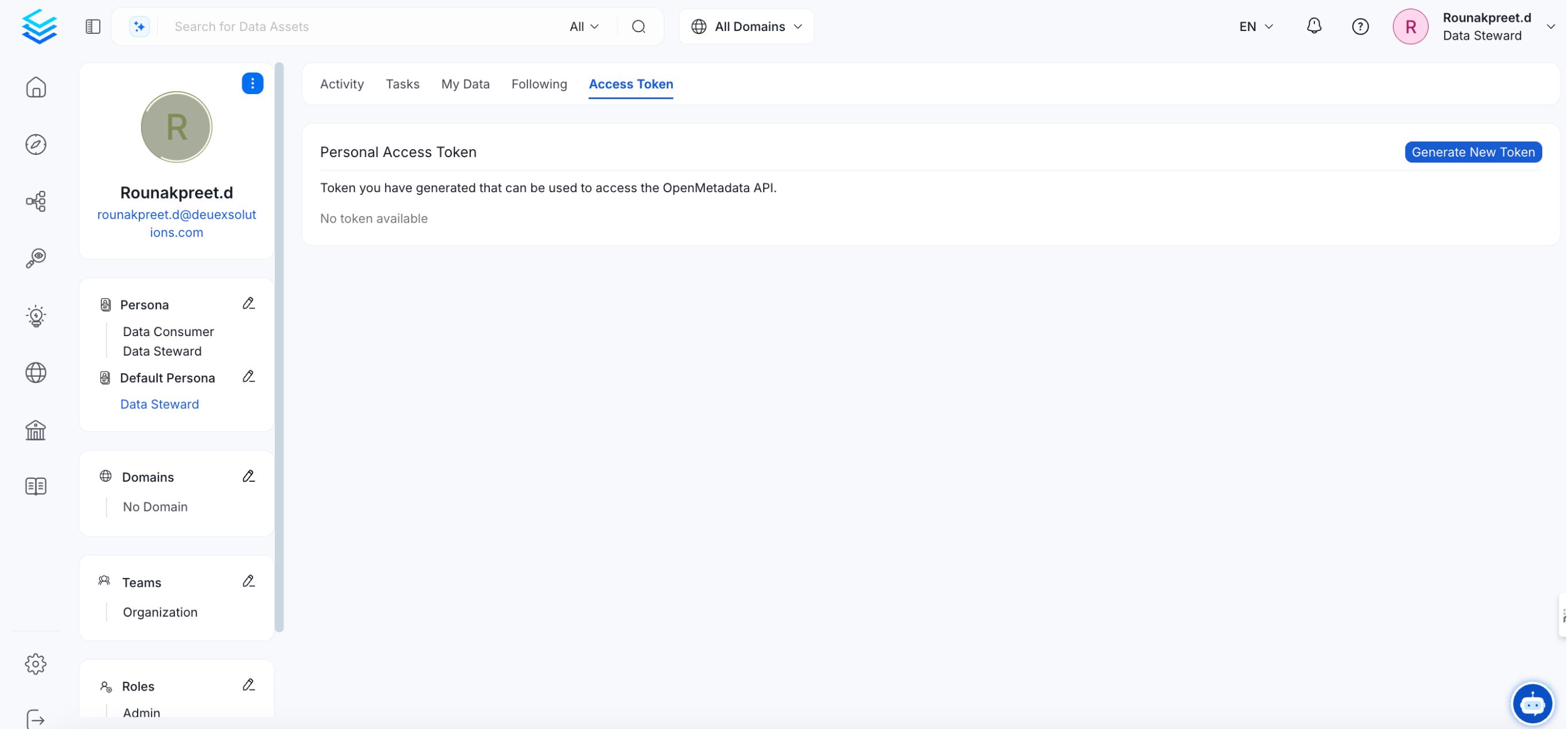
Click on Access Token tab, Generate a New token.
- Alright, now you have the JWT token to use it with the SDKs below.