System & Governance Notifications
Stay informed about metadata changes, governance events, and collaboration activities across your data catalog.

Name the Alert and Add Context
Provide a unique, descriptive Name for your alert. You can also add an optional Description to provide further context and clarity regarding the alert's intent.
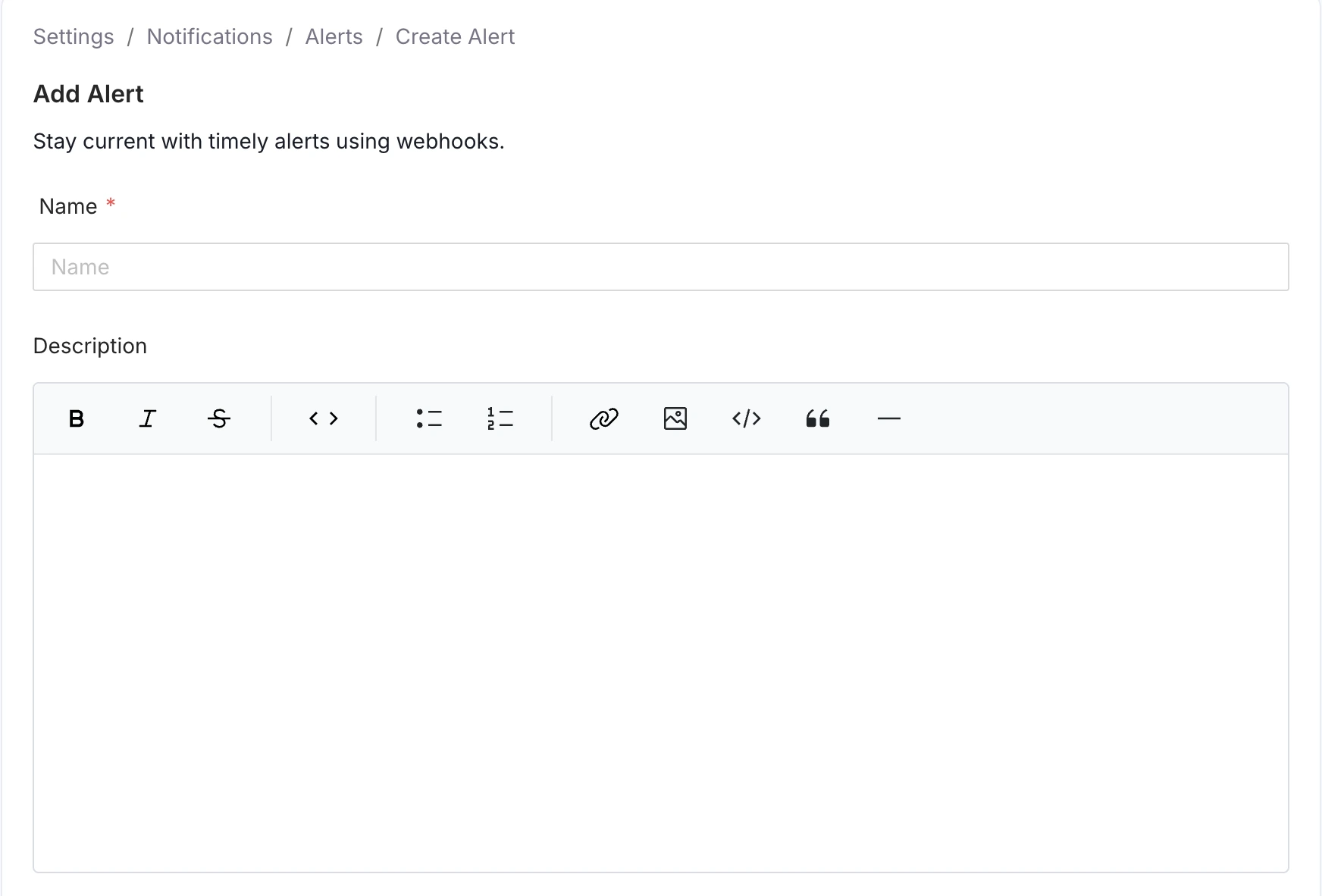
Define the Alert Name and Optional Description
Select the Metadata Entity to Monitor
Choose the specific entity type whose changes you want to track. These sources include data assets (like Table or Pipeline) as well as governance and platform entities (like Glossary, Tag, User, or Announcement). Any relevant change to the selected entity will generate an event for this notification.
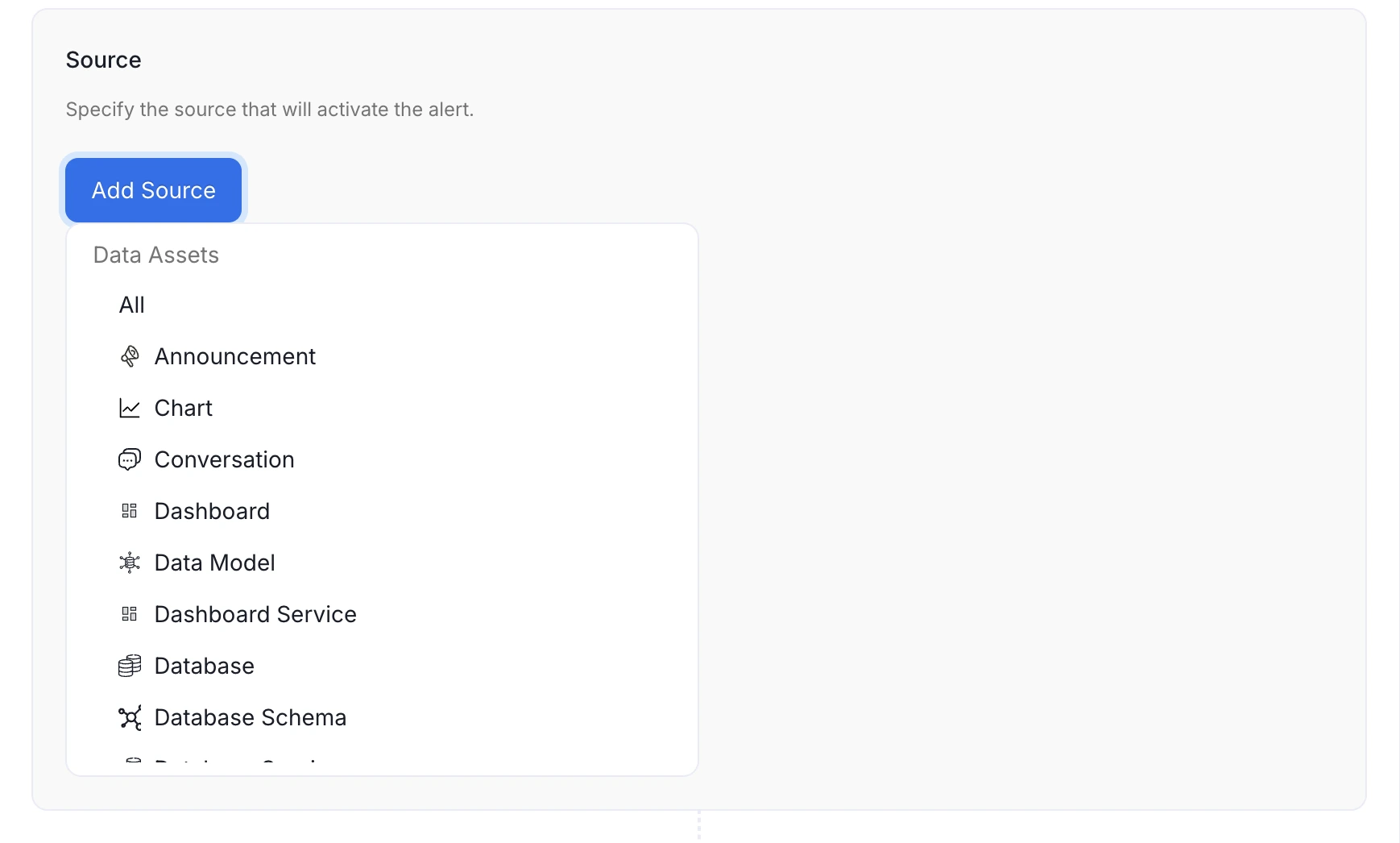
Select the Source Resource
Configure Filters (Optional)
If you do not set any filter, the alert will apply to all events over the selected source entity type.
Filters allow refining the scope of the alert to focus only on relevant changes. The available filter criteria depend on the source entity selected. Events can be narrowed down basing on a variety of criteria, including:
- Owner: Filter events based on the designated owner of the asset.
- Entity FQN: Filter by the Fully Qualified Name of the entity.
- Event Type: Filter by the specific action that occurred (e.g., Created, Updated, Deleted).
- Updater Name: Filter based on the user or service that executed the change.
- Domain: Filter events based on the Data Domain the entity belongs to.
- Filter By Updater Is Bot: Filter to include or exclude changes made by automated ingestion or system processes.
Use the Include toggle to define the logic for the filter condition:
- Include (Toggle ON): If the event meets the filter condition, the alert is sent.
- Exclude (Toggle OFF): If the event meets the filter condition, the alert is silenced (not sent).
You can add multiple filters to a single alert subscription.
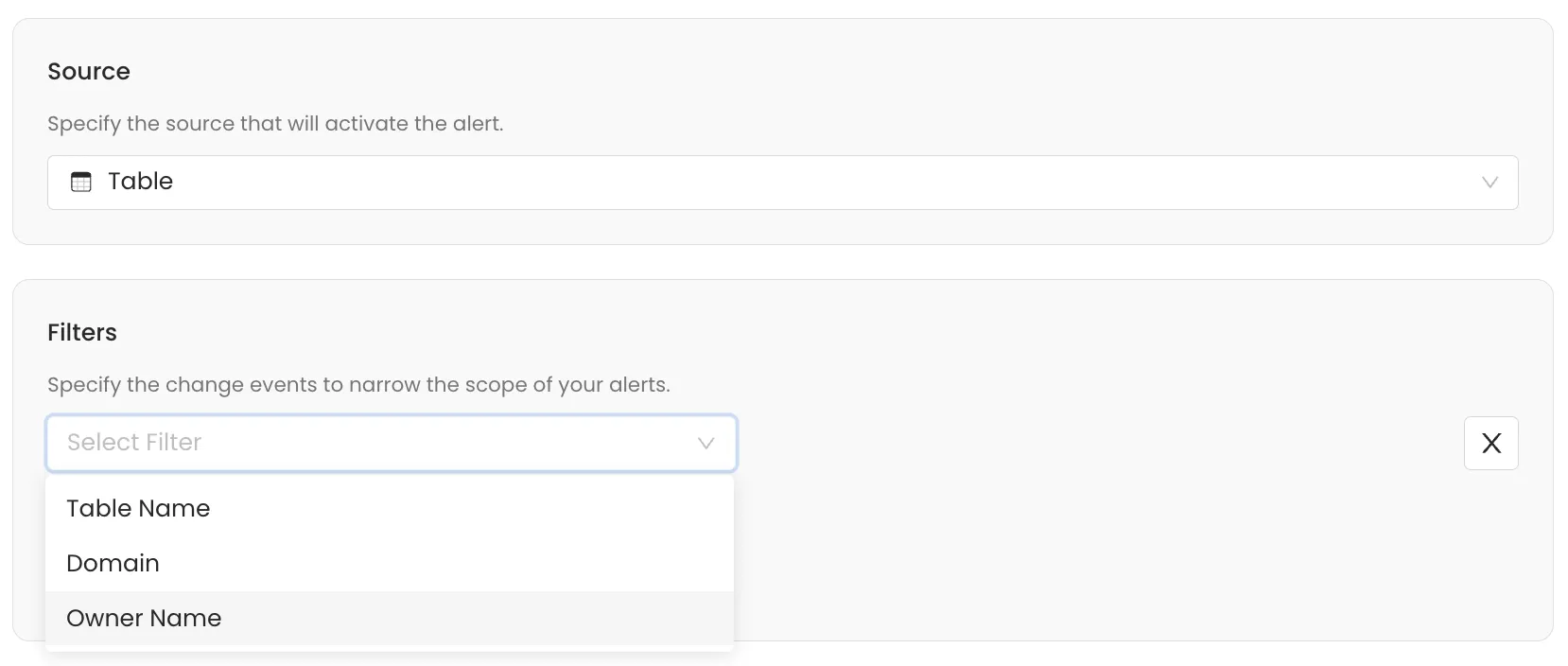
Define Filters
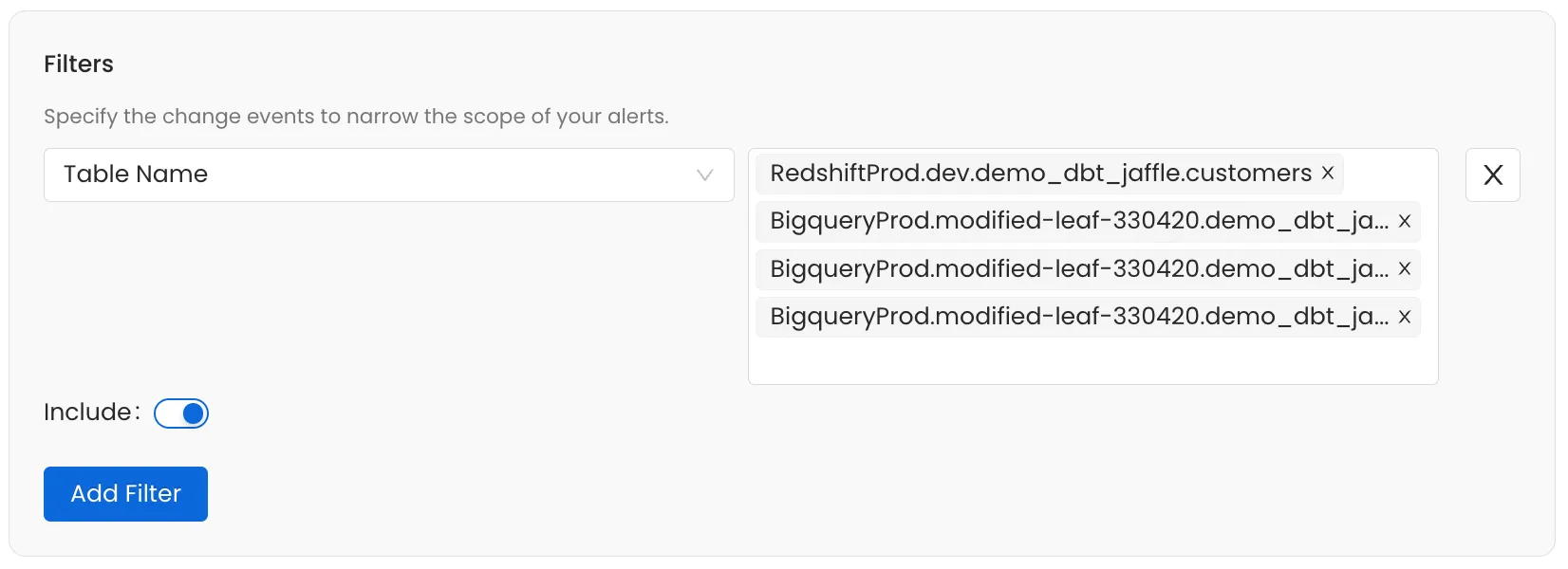
Define Filters
Select Destinations
Choose where to send your alerts. OpenMetadata supports both internal and external channels.
Internal Destinations:
- Admins - Notify all platform administrators
- Followers - Notify users following the asset
- Owners - Alert the asset owners
- Teams or Specific Users - Target specific teams or individuals
External Destinations:
- Chat: Slack, MS Teams, Google Chat
- Automation: Generic Webhooks
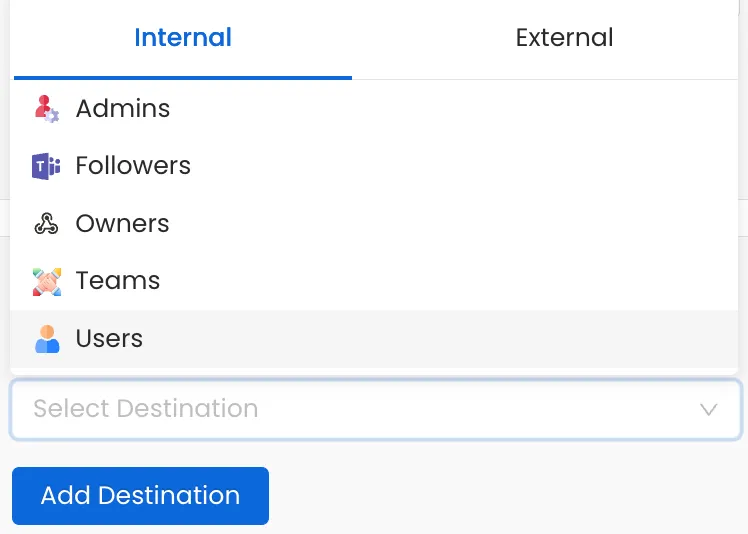
Internal Destinations
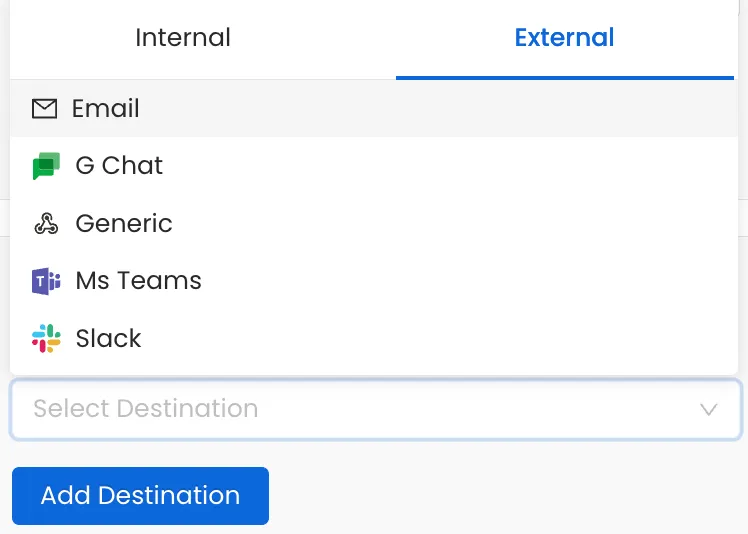
External Destinations