Documentation Index
Fetch the complete documentation index at: https://docs.open-metadata.org/llms.txt
Use this file to discover all available pages before exploring further.
Adding Auto Classification Agent through the UI
Follow these steps to configure Auto Classification Agent via the OpenMetadata UI:1. Navigate to the Database Service
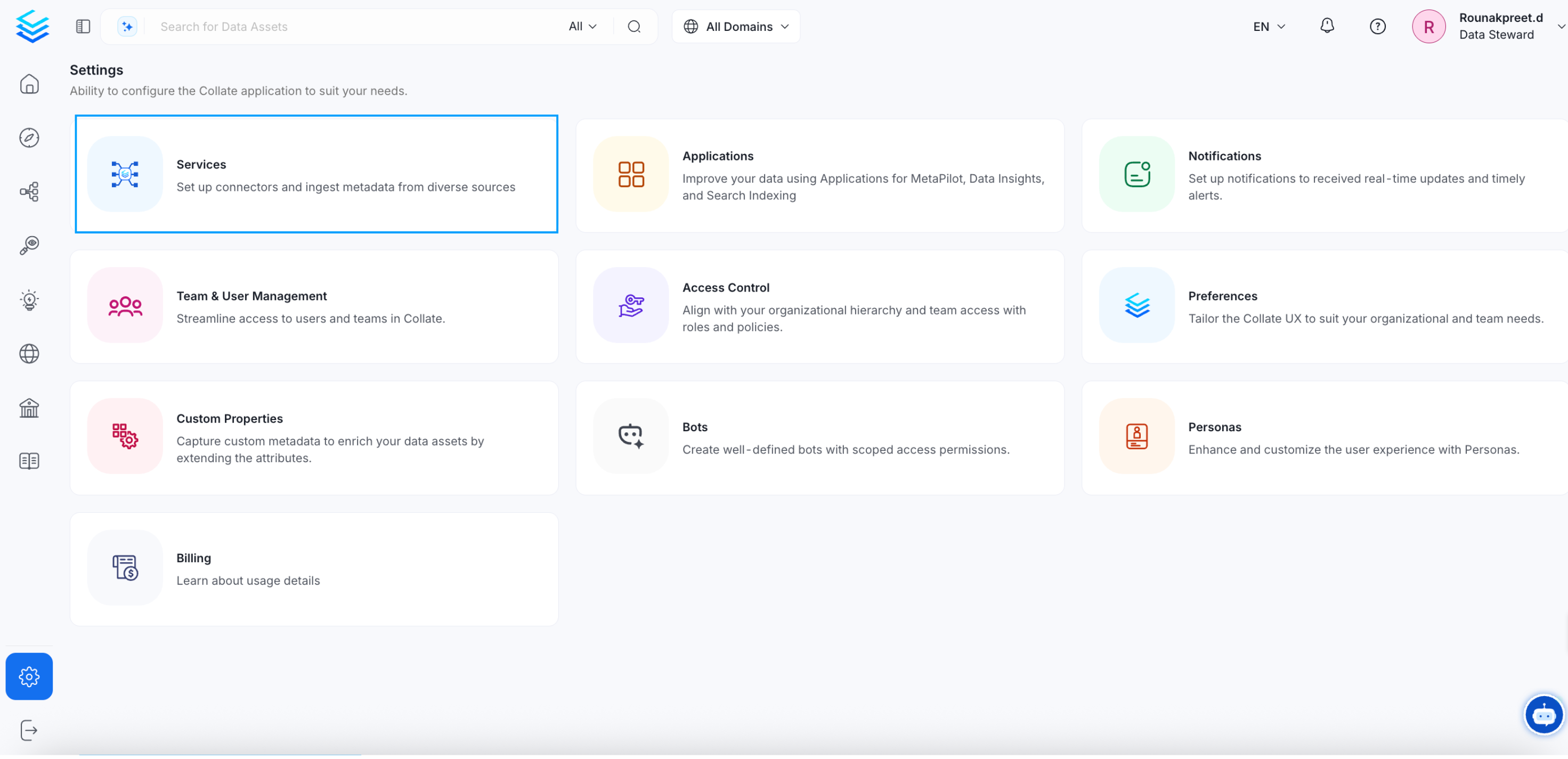
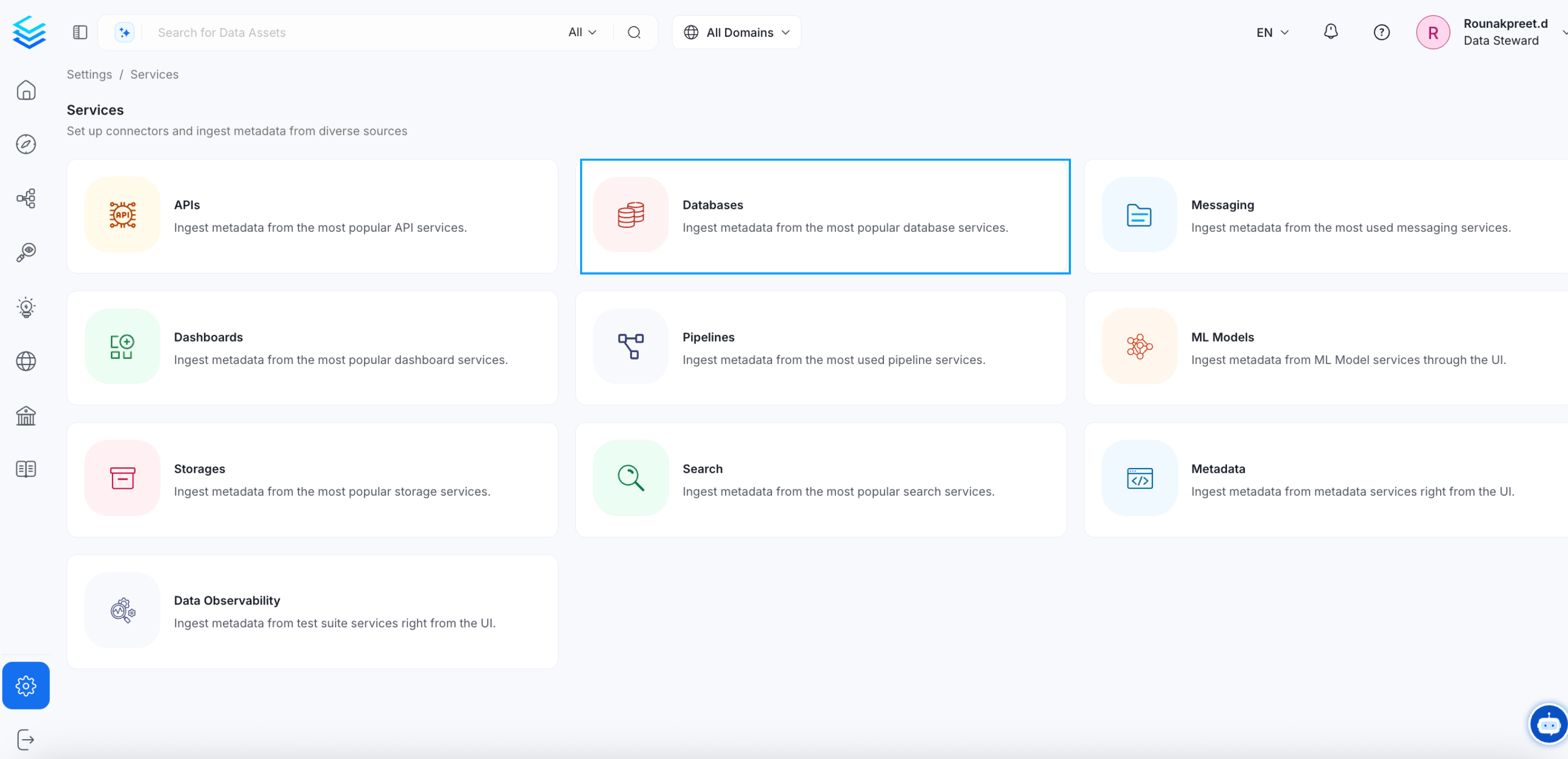
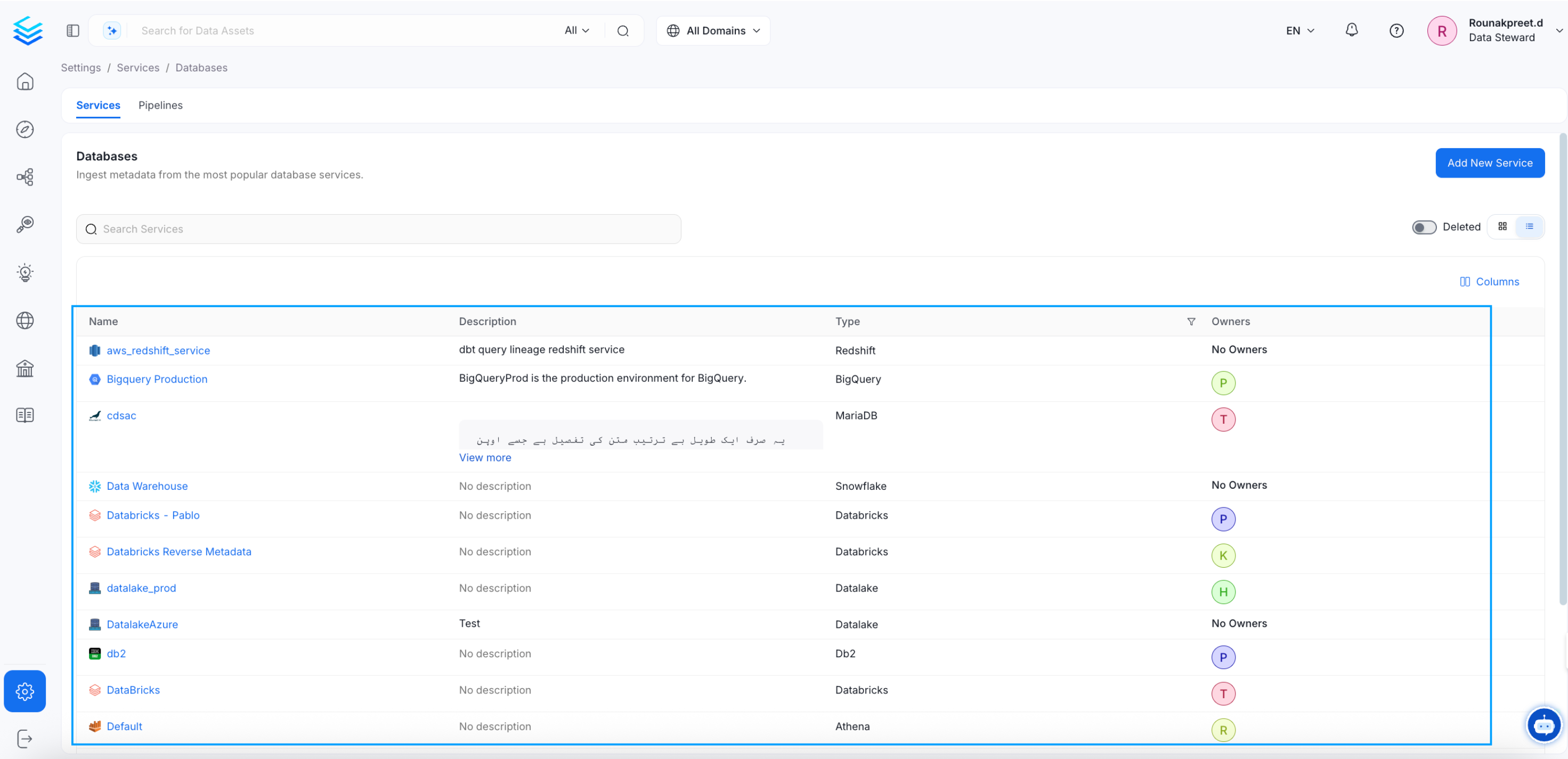
- Go to Settings > Services > Databases in the OpenMetadata UI.
- Select the database for which you want to configure Auto Classification Agent.
2. Access the Agents Tab
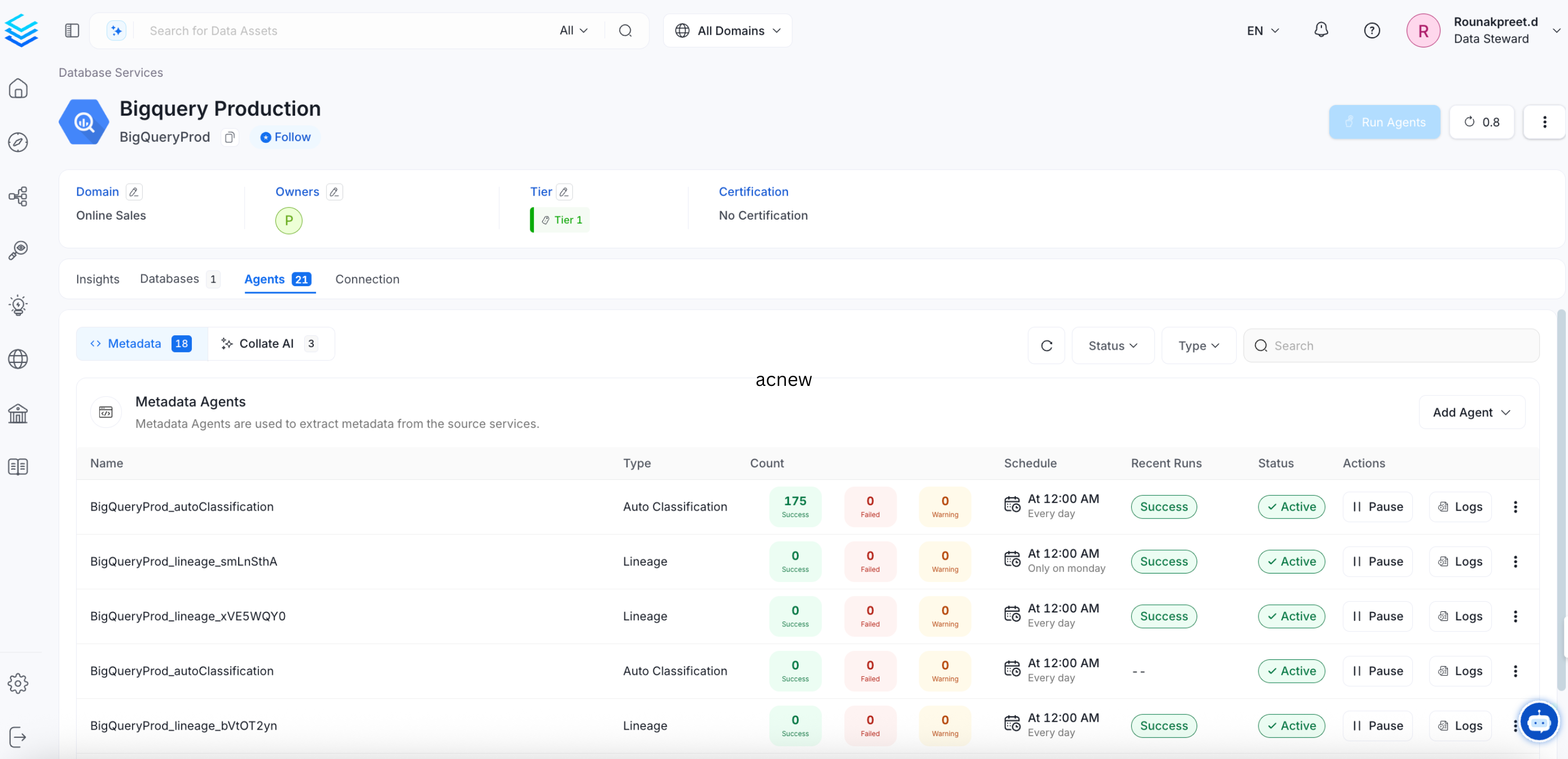
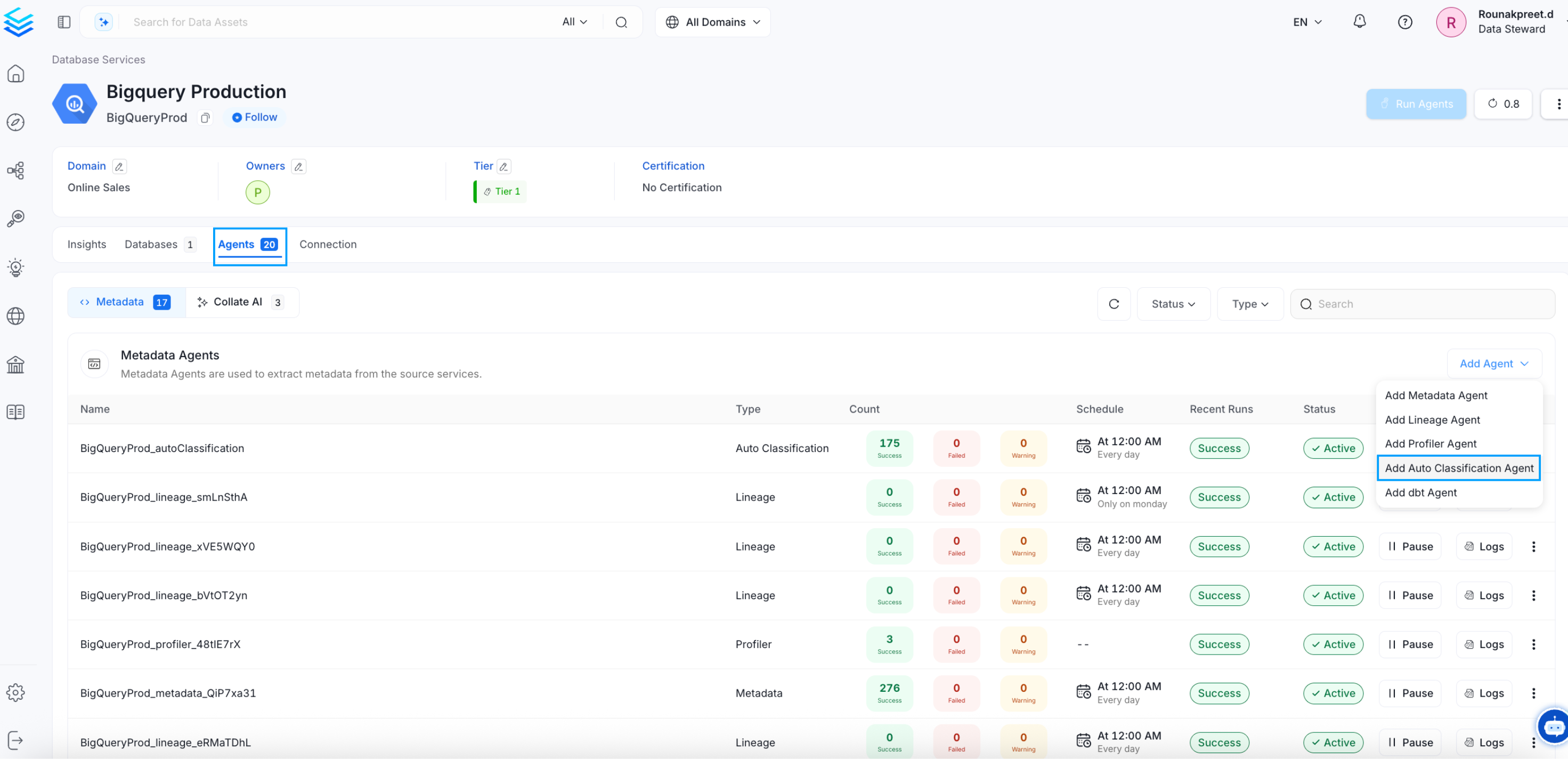
- In the selected database, navigate to the Agents tab.
- Click on the option to Add Auto Classification Agent, as shown in the example image.
3. Configure Auto Classification Details
- Fill in the details for your Auto Classification Agent workflow.
- Each field’s purpose is explained directly in the UI, allowing you to customize the configuration based on your requirements.
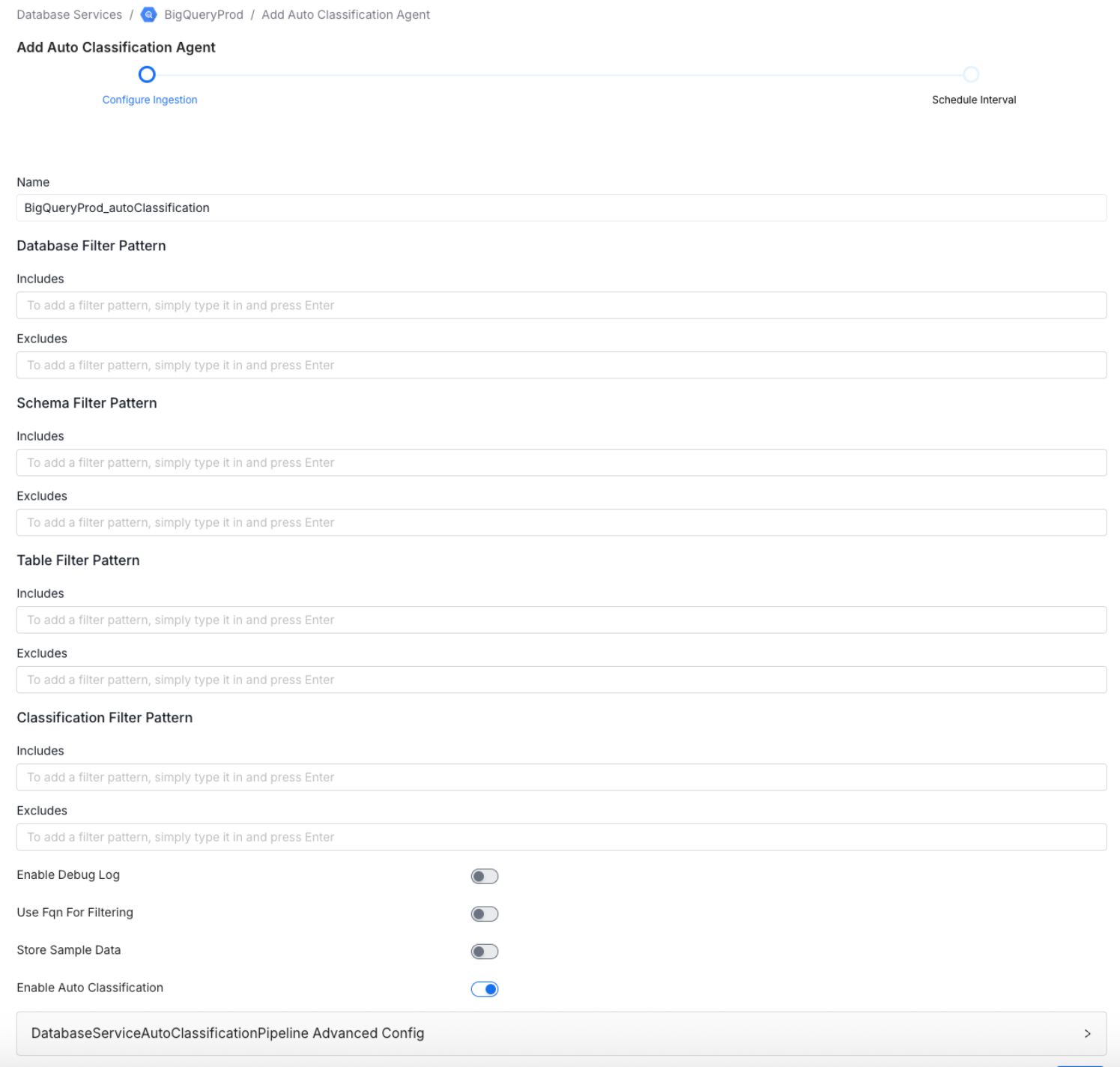
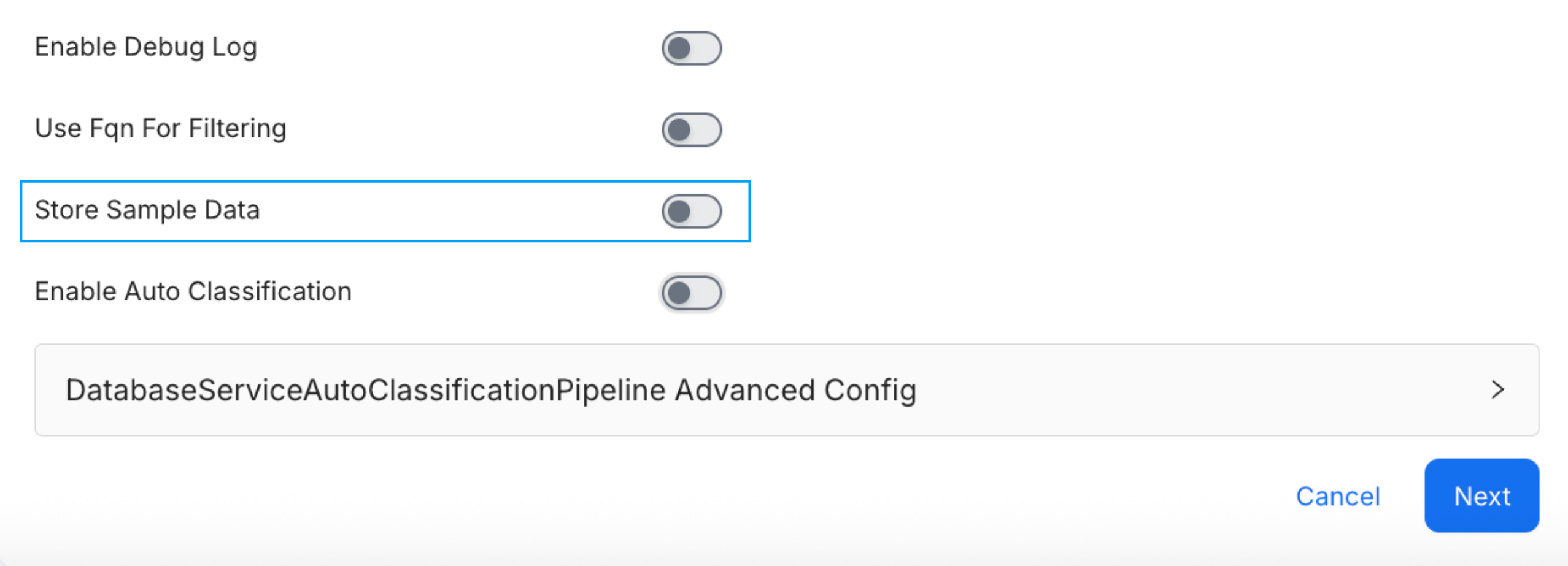
- By default, the store sample data option is enabled. If you prefer not to ingest sample data during a scheduled run, please ensure that this option is disabled in the Agent configuration.
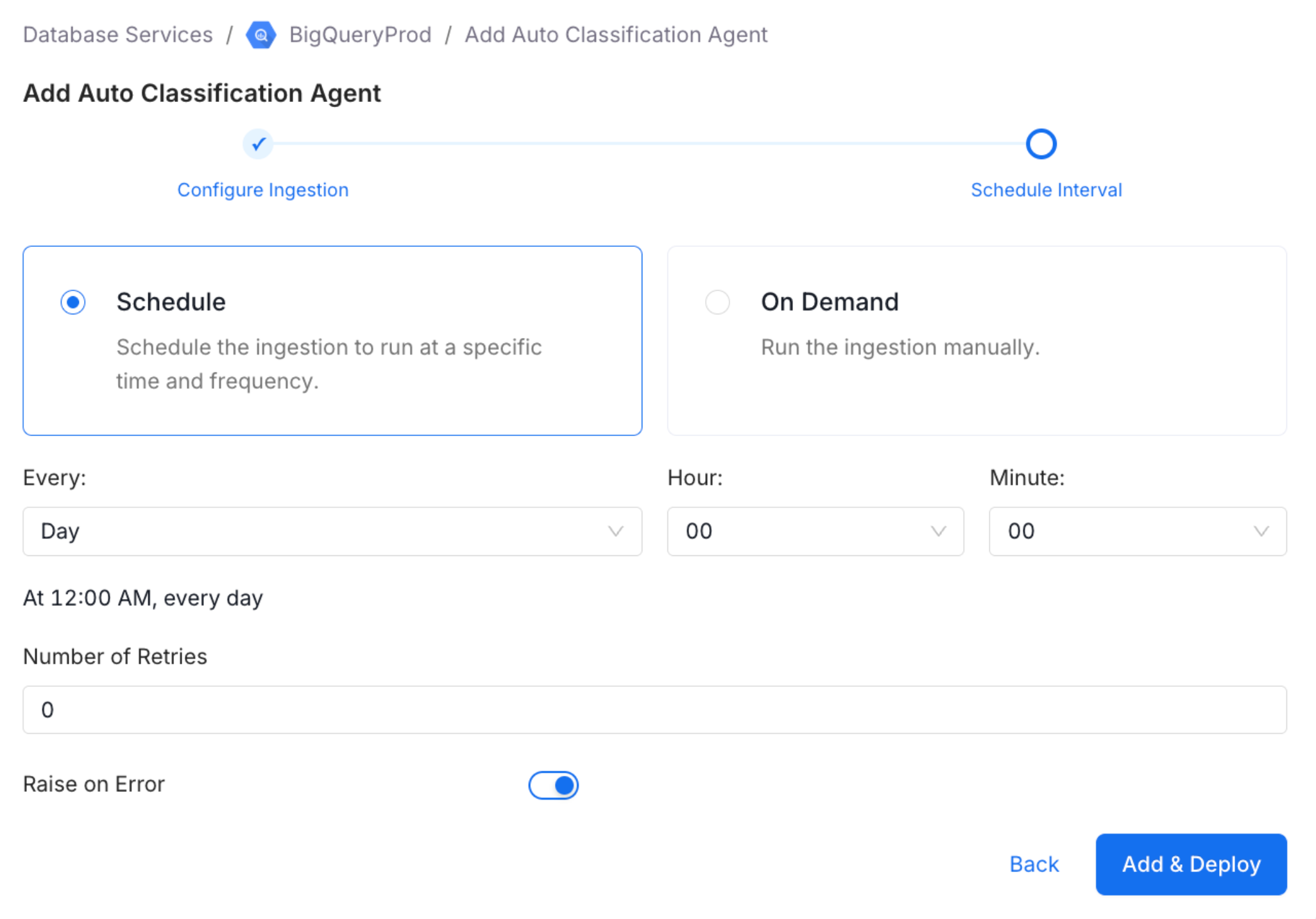
4. Set the Schedule
- Specify the time interval at which the Auto Classification Agent should run.
5. Add the Agent Workflow
- Once all details are configured, click Add Auto Classification Agent to save and activate the workflow.