
How to Change the Team Type
Refer to the Team Structure in OpenMetadata to get a clear understanding of the various Team Types. Let’s say you have a teamDigital_Marketing of the type Department and you want to change it to the type Division. You can easily change that through the UI.
1. Navigate to Settings >> Team & User Management >> Teams. Click on the Digital_Marketing team name to view the details.
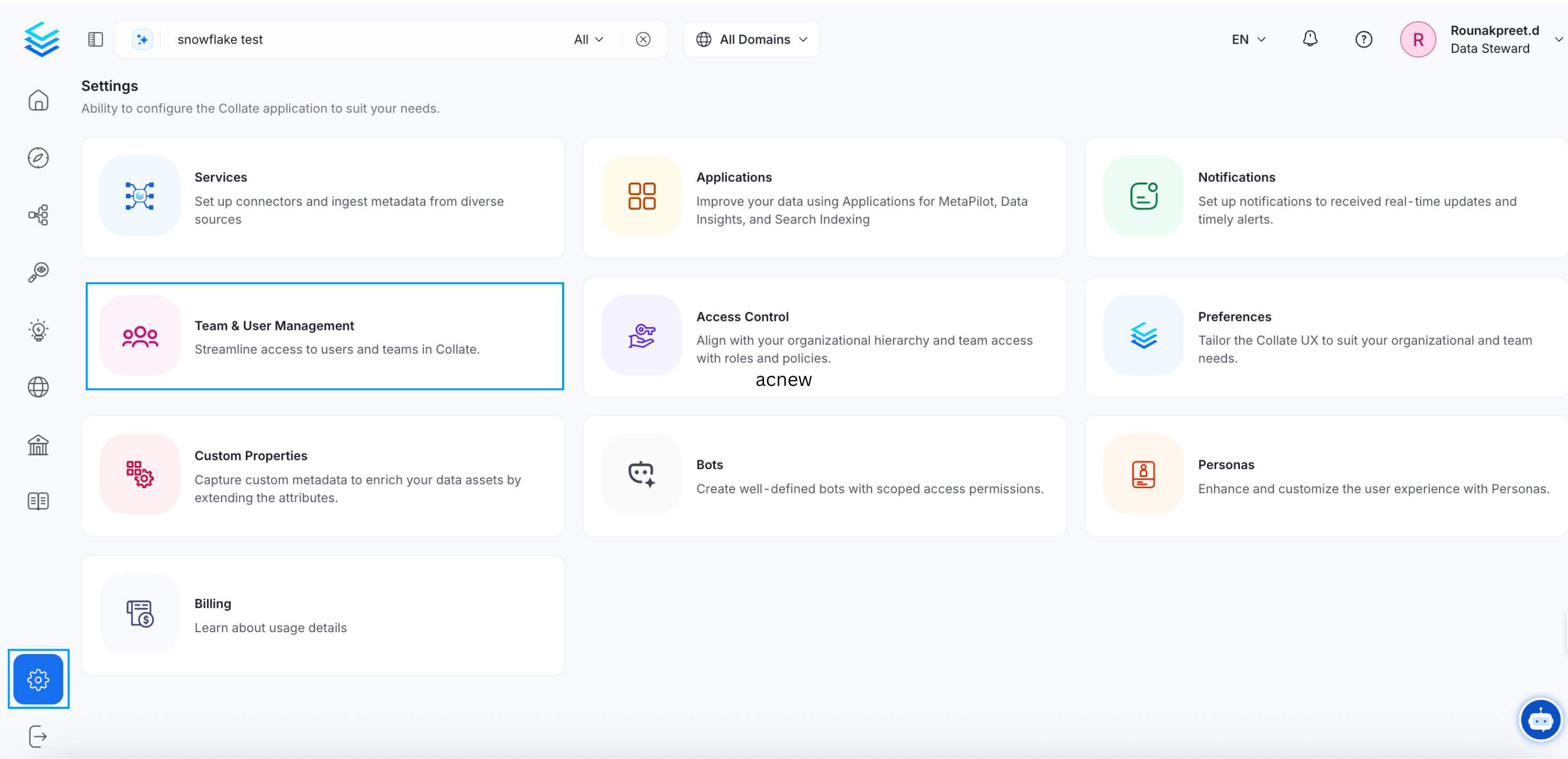
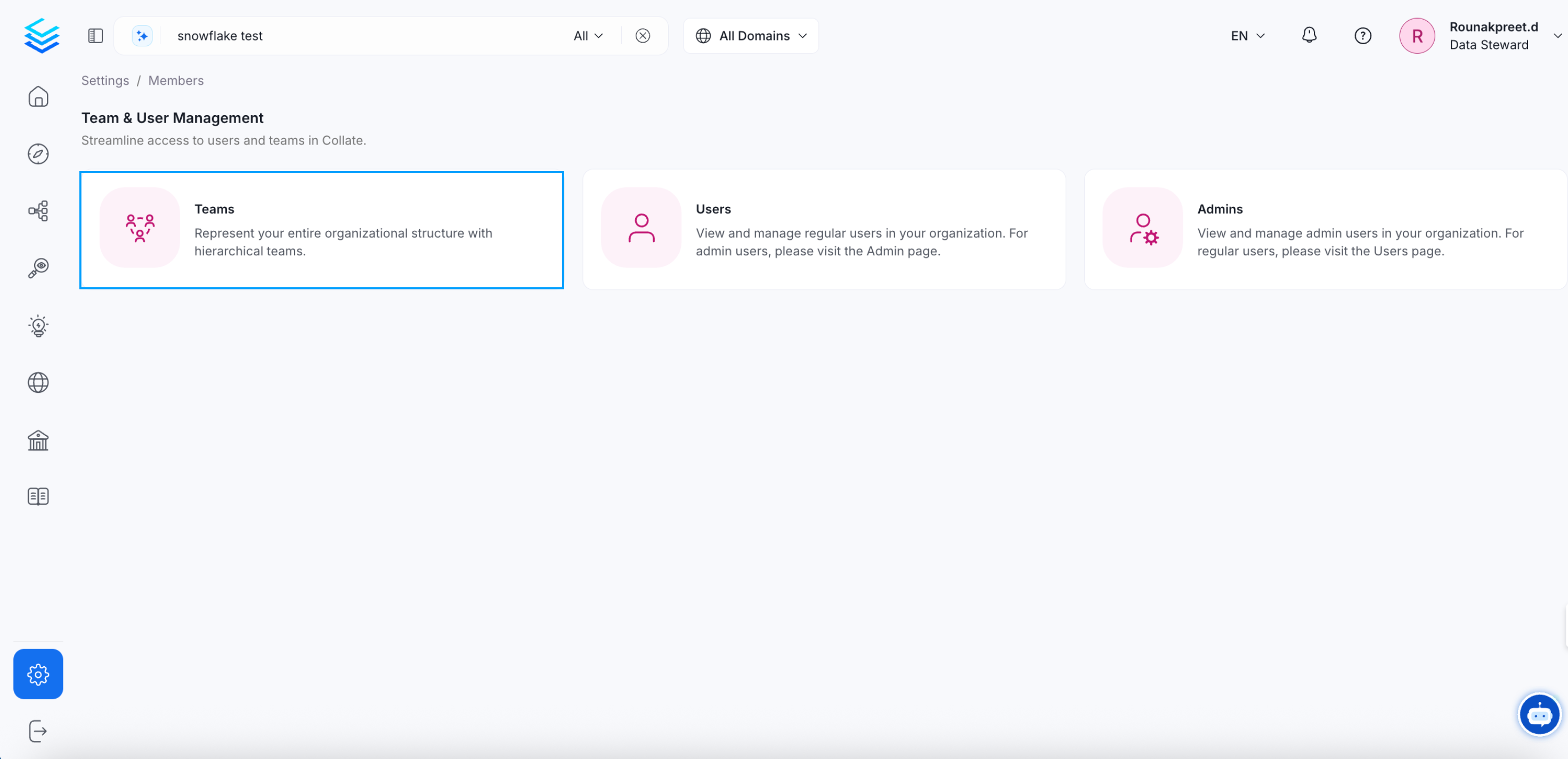
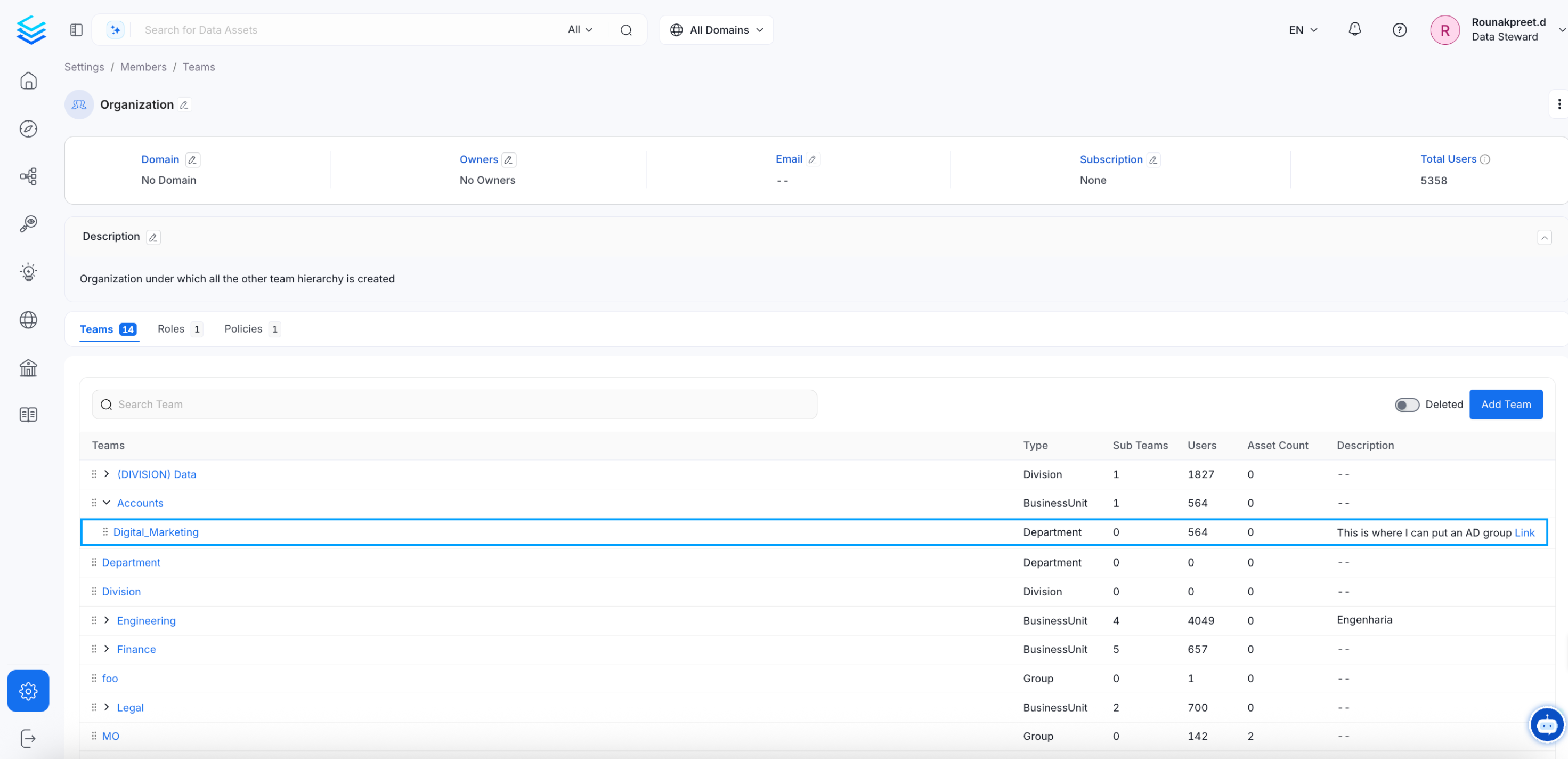
Digital_Marketing team details page, you will see the Type - Department with an edit icon.
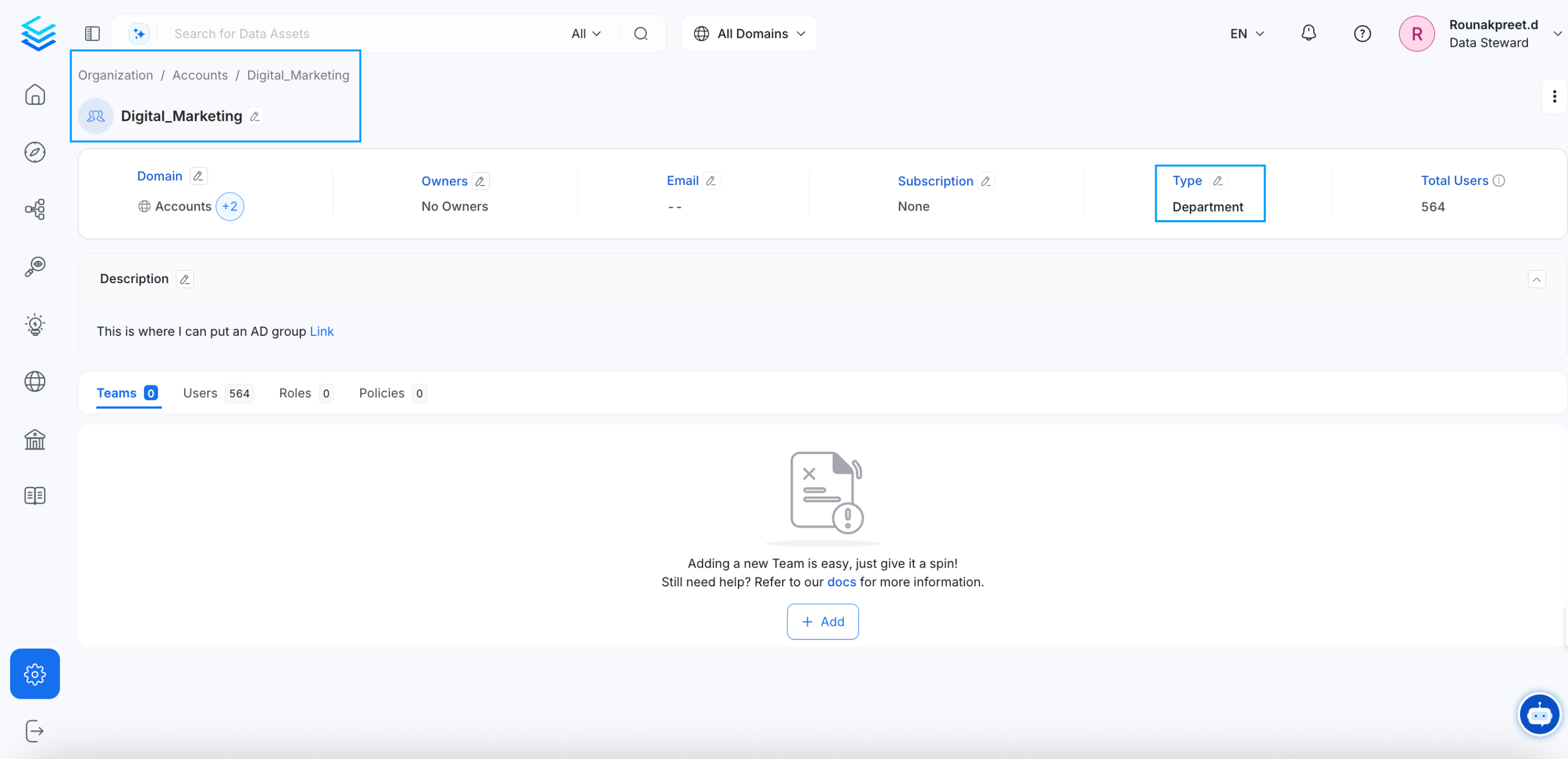
Division.Click on ✅ to save it.
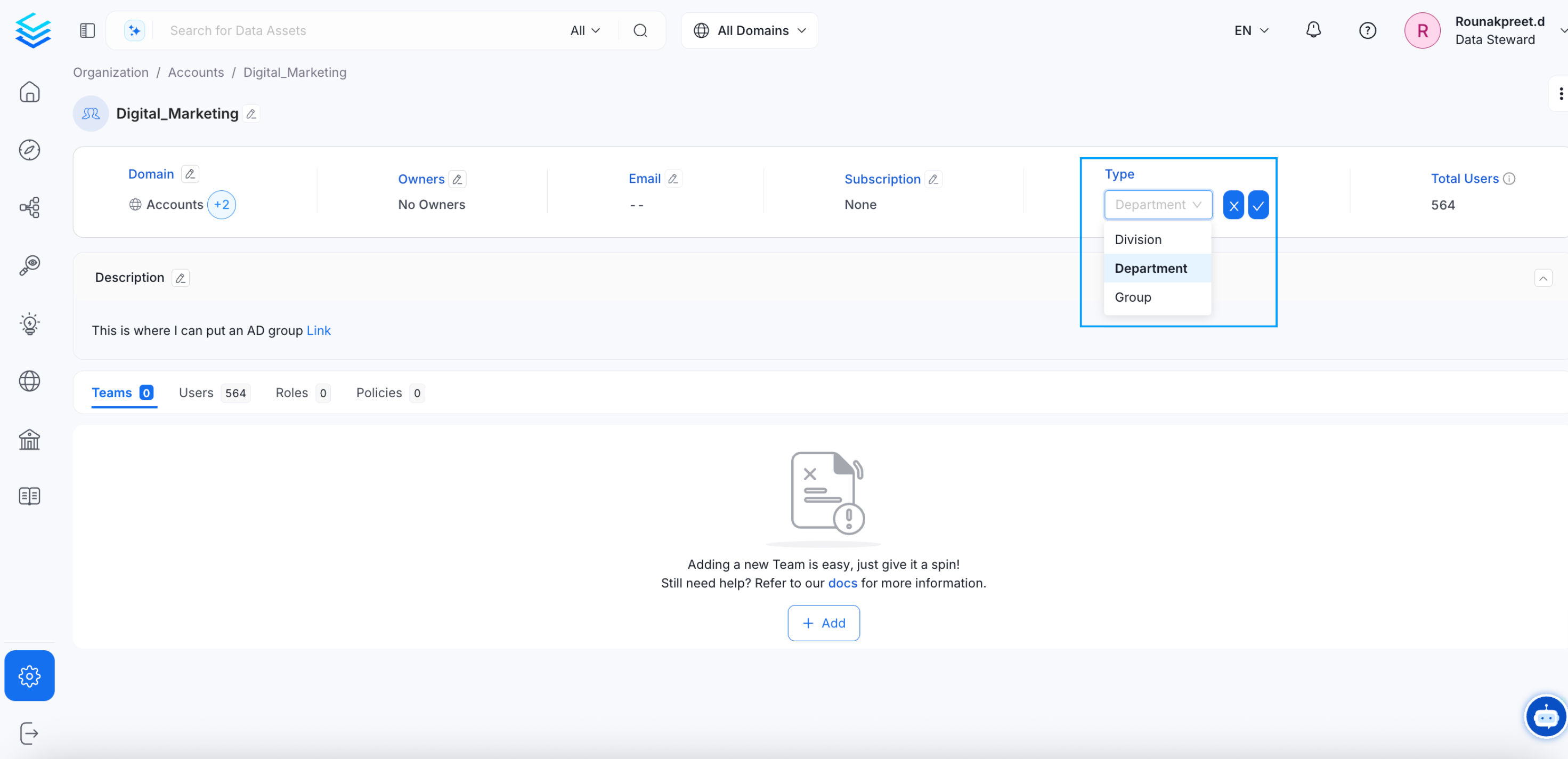
Digital_Marketing team type from Department to Division.