How to Visualize Test Results
From the Quality Page
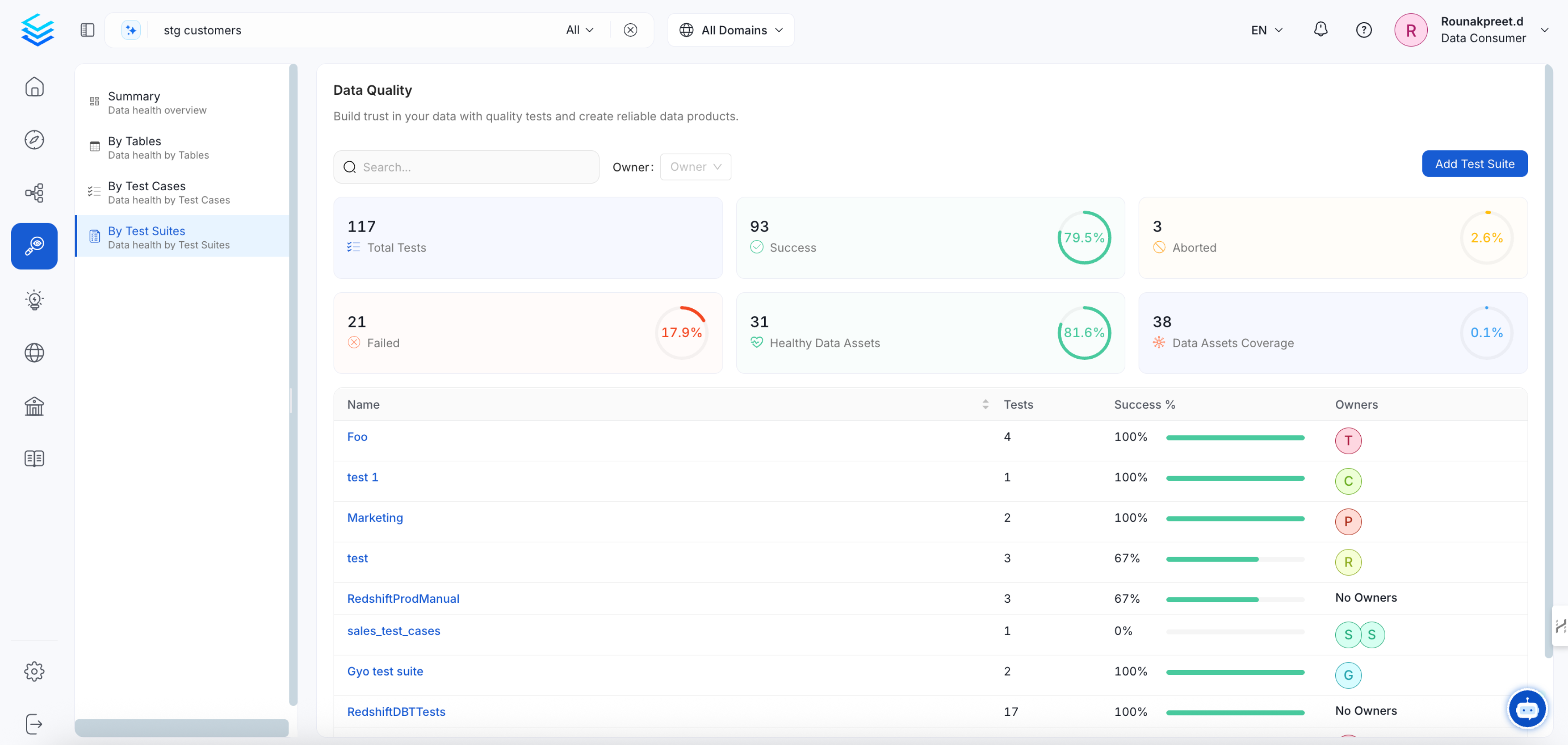
From the home page click on theQuality menu item on the vertical navigation. This will bring you to the quality page where you’ll be able to see your test cases either by:
- entity
- test suite
- test cases
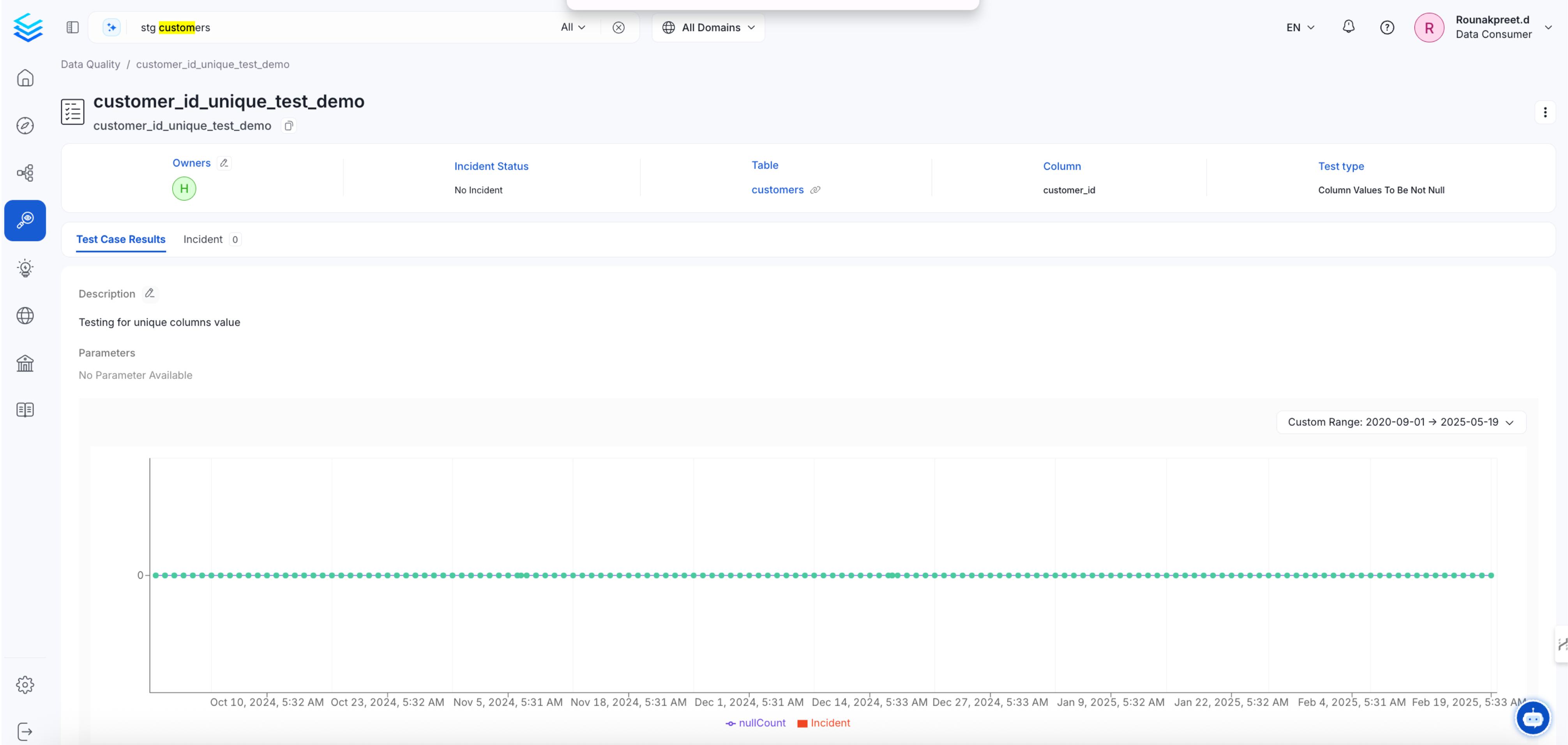
By Test Suites tab. This will bring you to the Test Suite page where you can select a specific Test Suite.
From a Table Entity
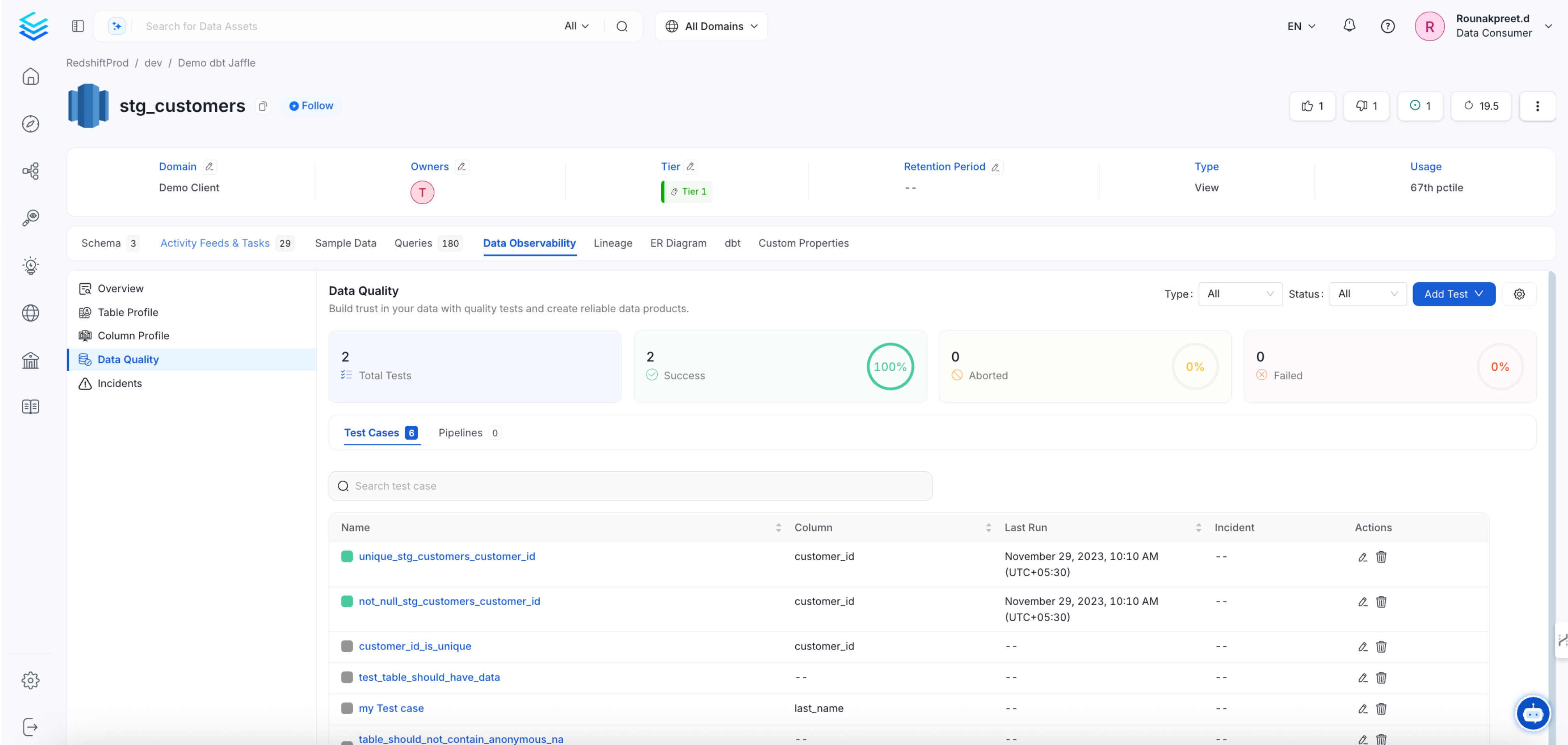
Navigate to your table and click on theprofiler & Data Quality tab. From there you’ll be able to see test results at the table or column level.
Table Level Test Results
In the top panel, click on the white backgroundData Quality button. This will bring you to a summary of all your quality tests at the table level