
Requirements
Connecting to Redpanda does not require any previous configuration. The ingestion of the Kafka topics’ schema is done separately by configuring the Schema Registry URL. However, only the Bootstrap Servers information is mandatory.Metadata Ingestion
Connection Details
Connection Details
- Bootstrap Servers: List of brokers as comma separated values of broker
hostorhost:port. Example:host1:9092,host2:9092 - Schema Registry URL: URL of the Schema Registry used to ingest the schemas of the topics.
- SASL Username: SASL username for use with the PLAIN and SASL-SCRAM mechanisms.
- SASL Password: SASL password for use with the PLAIN and SASL-SCRAM mechanisms.
- SASL Mechanism: SASL mechanism to use for authentication.
- Basic Auth User Info: Schema Registry Client HTTP credentials in the form of
username:password. By default, user info is extracted from the URL if present. - Consumer Config: The accepted additional values for the consumer configuration can be found in the following link.
- Schema Registry Config: The accepted additional values for the Schema Registry configuration can be found in the following link.
- Redpanda Admin API URL (Optional): URL of the Redpanda Admin API, typically running on port
9644. When configured, OpenMetadata will extract data transform metadata to create topic-to-topic lineage. Example:http://localhost:9644
Test the Connection
Once the credentials have been added, click on Test Connection and Save the changes.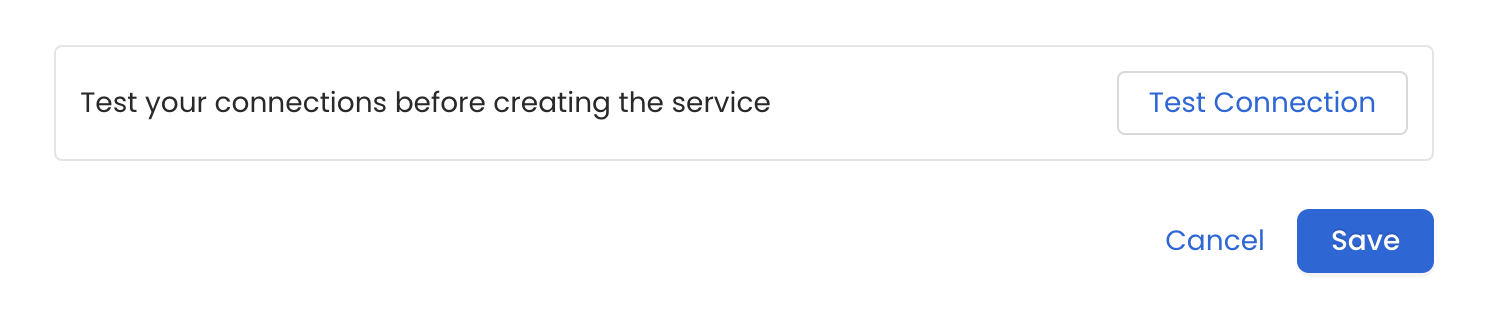
Configure Metadata Ingestion
In this step we will configure the metadata ingestion pipeline,
Please follow the instructions below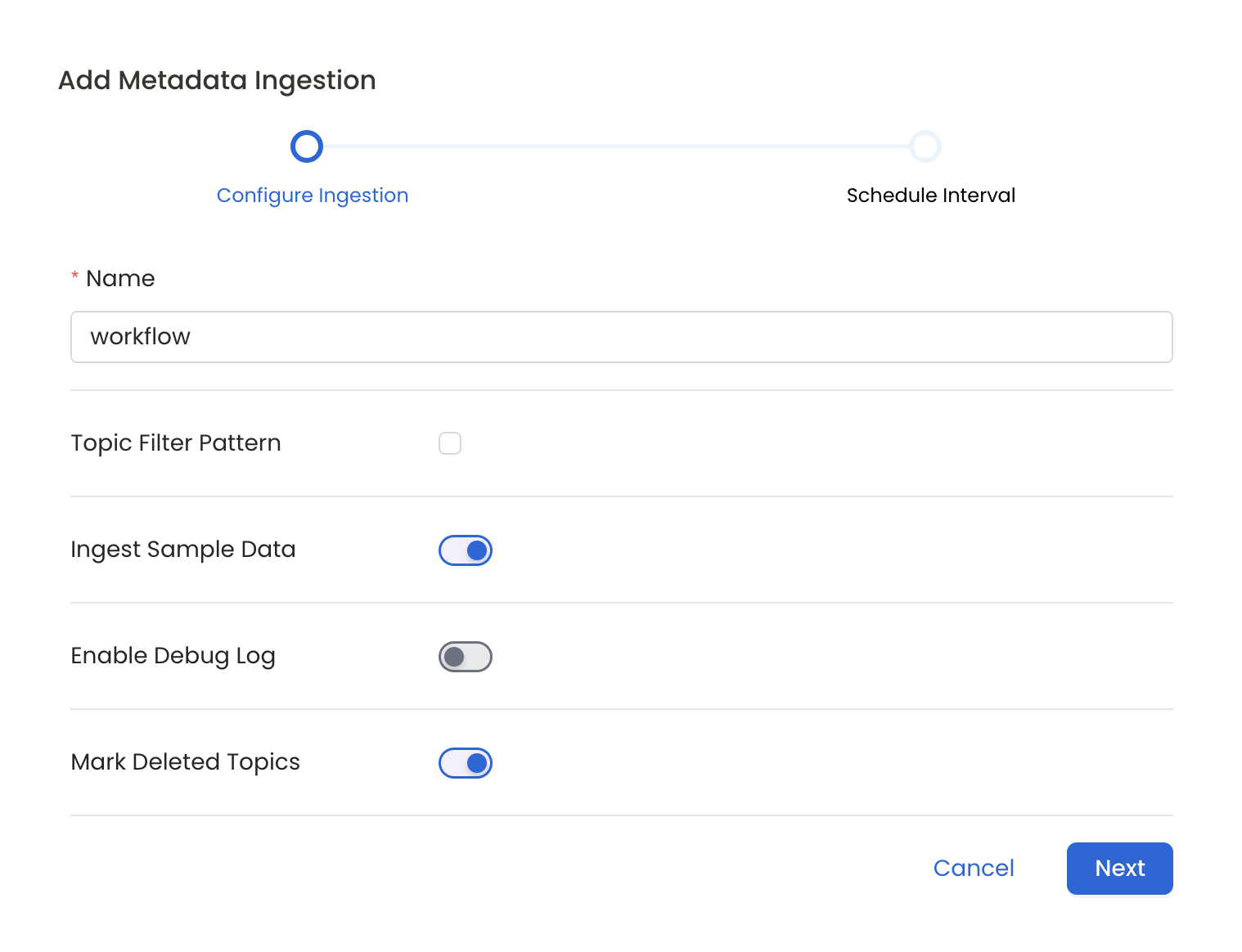
Metadata Ingestion Options
- Name: This field refers to the name of ingestion pipeline, you can customize the name or use the generated name.
- Topic Filter Pattern (Optional): Use it to control whether to include topics as part of metadata ingestion.
- Include: Explicitly include topics by adding a list of comma-separated regular expressions to the ‘Include’ field. OpenMetadata will include all topics with names matching one or more of the supplied regular expressions. All other topics will be excluded.
- Exclude: Explicitly exclude topics by adding a list of comma-separated regular expressions to the ‘Exclude’ field. OpenMetadata will exclude all topics with names matching one or more of the supplied regular expressions. All other topics will be included.
- Ingest Sample Data (toggle): Set the ‘Ingest Sample Data’ toggle to ingest sample data from the topics.
- Enable Debug Log (toggle): Set the ‘Enable Debug Log’ toggle to set the default log level to debug.
- Mark Deleted Topics (toggle): Set the ‘Mark Deleted Topics’ toggle to flag topics as soft-deleted if they are not present anymore in the source system.
- Extract Consumer Groups (toggle): Set the ‘Extract Consumer Groups’ toggle to extract active consumer group metadata for each topic, including group state, members, and partition assignments.
Schedule the Ingestion and Deploy
Scheduling can be set up at an hourly, daily, weekly, or manual cadence. The
timezone is in UTC. Select a Start Date to schedule for ingestion. It is
optional to add an End Date.Review your configuration settings. If they match what you intended,
click Deploy to create the service and schedule metadata ingestion.If something doesn’t look right, click the Back button to return to the
appropriate step and change the settings as needed.After configuring the workflow, you can click on Deploy to create the
pipeline.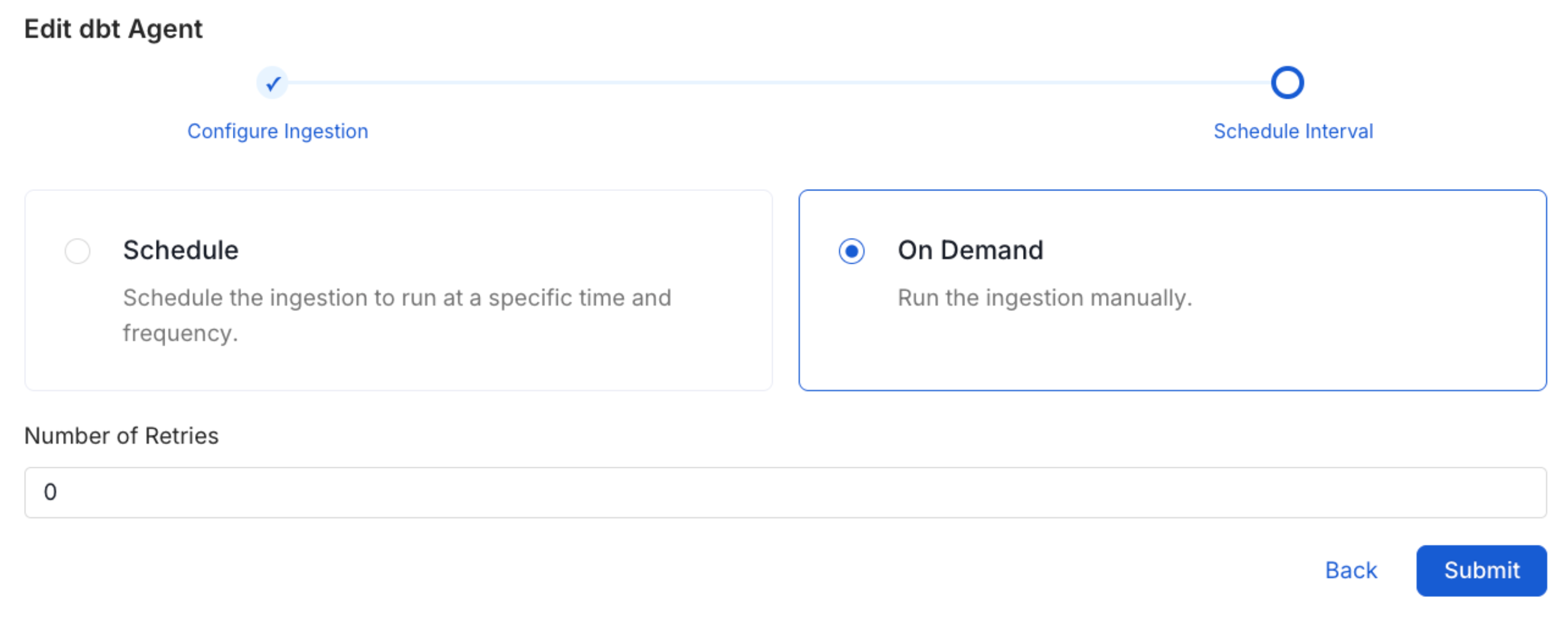
Securing Redpanda Connection with SSL
To establish secure connections between OpenMetadata and Redpanda, navigate to theAdvanced Config section. Here, you can provide the CA certificate used for SSL validation by specifying the caCertificate. Alternatively, if both client and server require mutual authentication, you’ll need to use all three parameters: ssl key, ssl cert, and caCertificate. In this case, ssl_cert is used for the client’s SSL certificate, ssl_key for the private key associated with the SSL certificate, and caCertificate for the CA certificate to validate the server’s certificate.
You can configure SSL separately for the Consumer Config (broker connection) and the Schema Registry connection.
Consumer Groups
Redpanda and Kafka connectors support extracting consumer group metadata for topics. When enabled, each topic will display the active consumer groups consuming from it, including:- Group ID and current state (Stable, Empty, PreparingRebalance, etc.)
- Member details (client IDs, hosts, assigned partitions)
- Partition assignment strategy
Data Transform Lineage
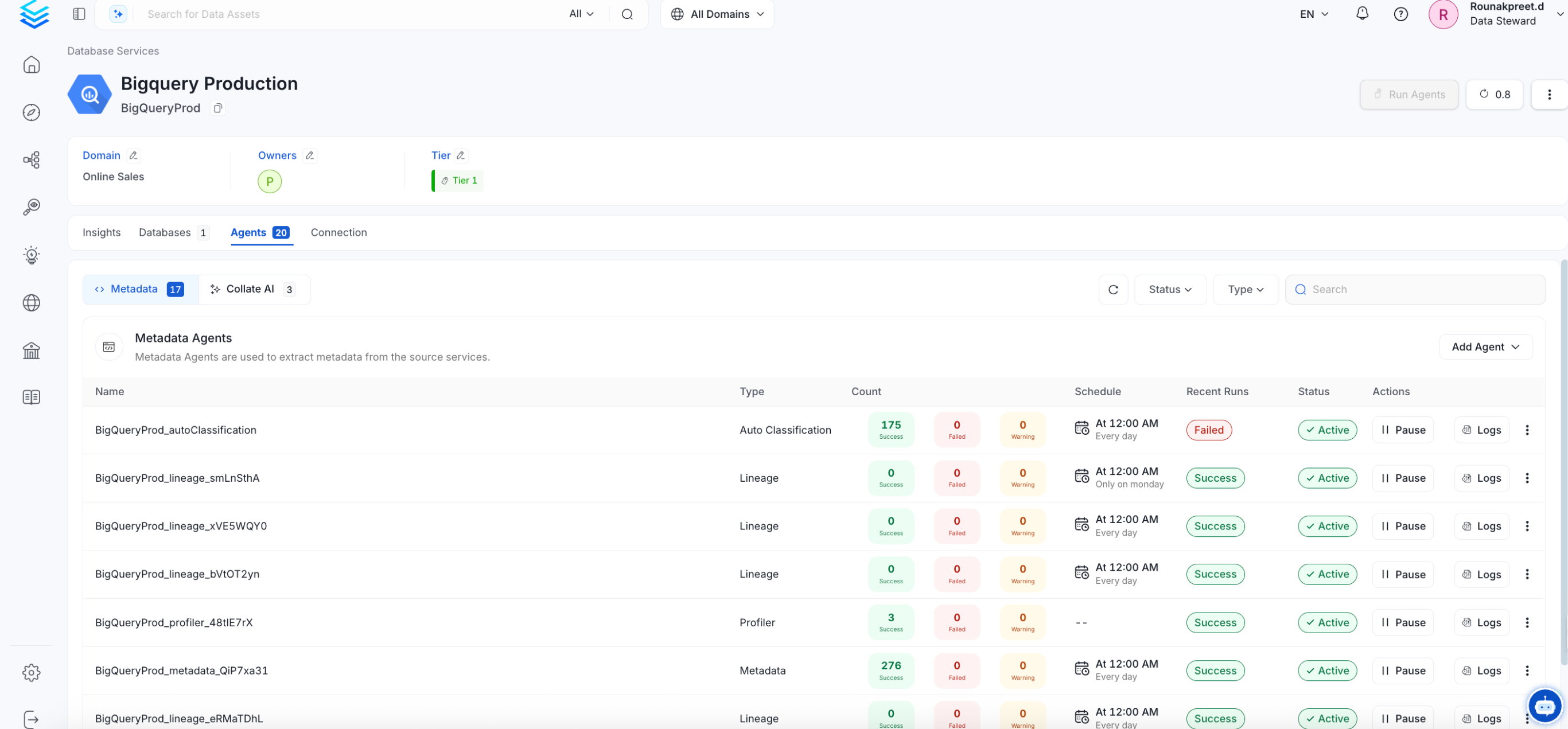
Redpanda supports native WebAssembly data transforms that process data between topics. When you configure the Redpanda Admin API URL, OpenMetadata automatically extracts transform metadata and creates topic-to-topic lineage showing how data flows through your transforms.Kafka Connect Lineage
Redpanda is wire-compatible with Apache Kafka, so the existing Kafka Connect pipeline connector works with Redpanda out of the box. If you have Kafka Connect sink connectors running against Redpanda (e.g., JDBC Sink, BigQuery Sink, S3 Sink), you can set up a Kafka Connect pipeline in OpenMetadata to automatically extract topic-to-table lineage. To configure this:- Set up a Redpanda messaging service in OpenMetadata (this connector)
- Set up a Kafka Connect pipeline service, pointing to your Kafka Connect REST API
- The pipeline connector will automatically detect sink connectors and create lineage from Redpanda topics to destination tables