Locate the Assets’ section for the release you want to upgrade to.
Download the release binaries. The release binaries will be in a compressed tar file named using the following
convention, openmetadata-x.y.z.tar.gz Where x, y, z are the major, minor, and patch release numbers, respectively.
OpenMetadata ships with a few control scripts. One is openmetadata.sh. This script enables you to start, stop, and
perform other deployment operations on the OpenMetadata server.Most OpenMetadata releases will require you to migrate your data to updated schemas.Before you migrate your data to the new release you are upgrading to, stop the OpenMetadata server from the
directory of your current installation by running the following command:
Step 5: Migrate the database schemas and ElasticSearch indexes
The bootstrap/openmetadata-ops.sh script enables you to perform a number of operations on the OpenMetadata database (in
MySQL) and index (in Elasticsearch).
Once you’ve dropped and recreated your data in the new version, restart the OpenMetadata server using the new release
binaries. You may restart the server by running the following command.
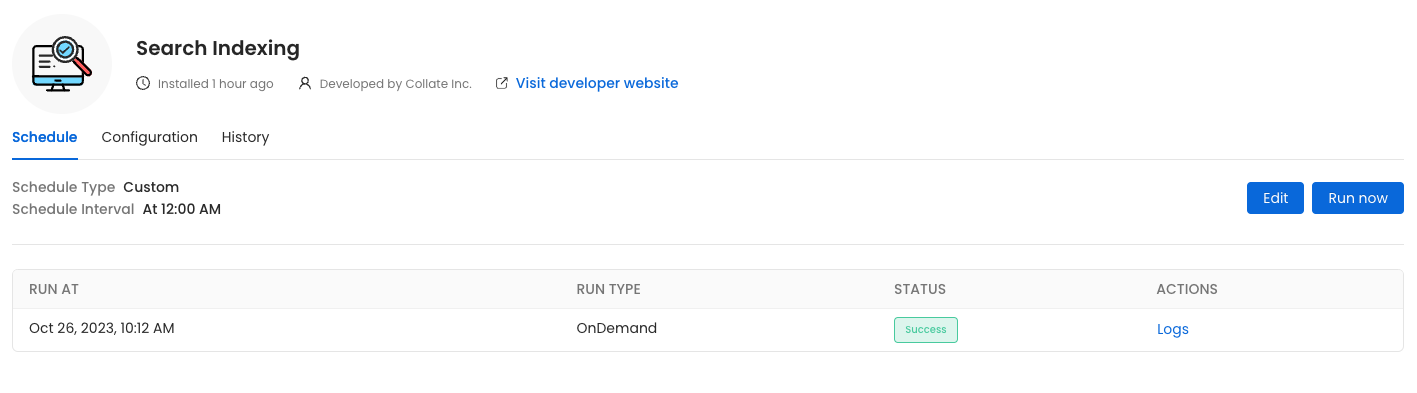
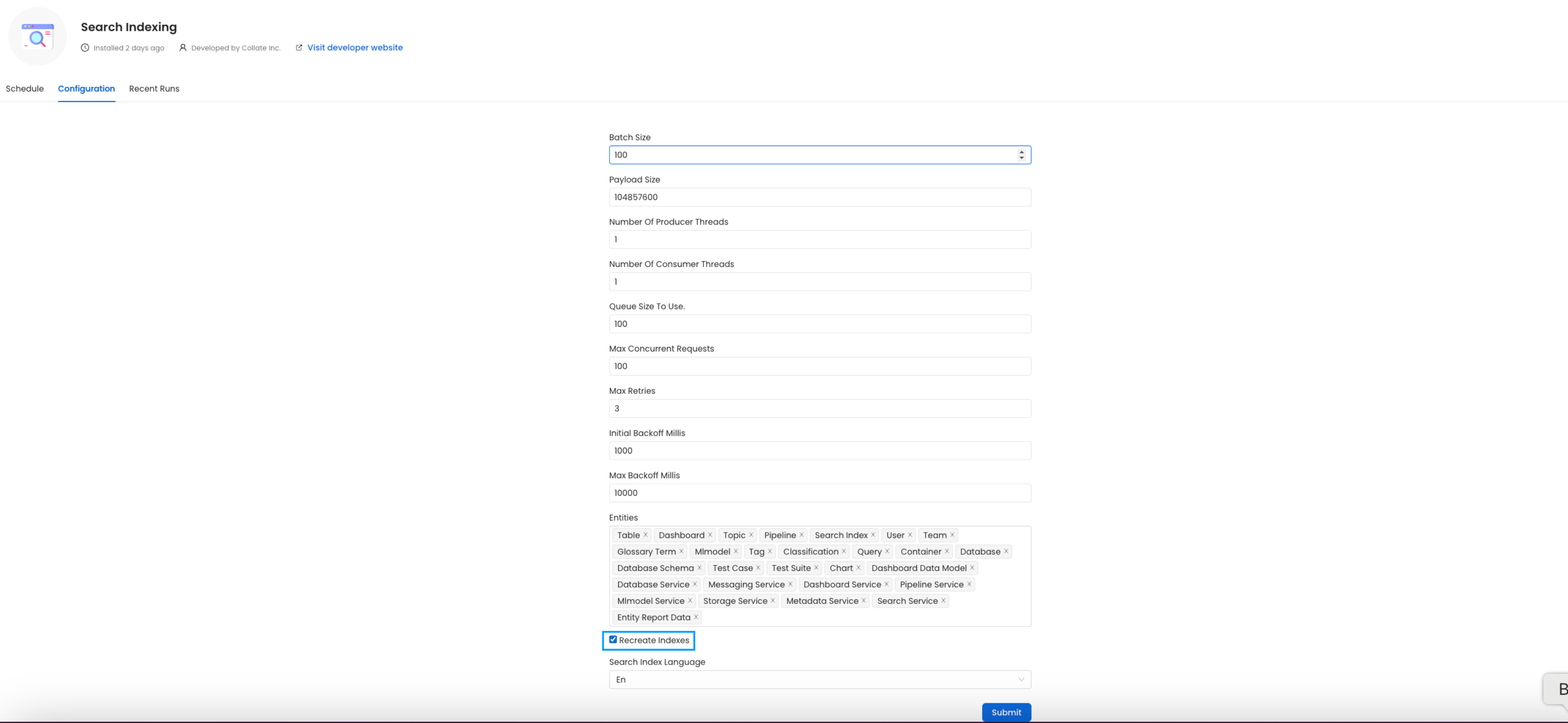
Go to Settings -> Applications -> Search IndexingBefore initiating the process by clicking Run Now, ensure that the Recreate Indexes option is enabled to allow rebuilding the indexes as needed.In the configuration section, you can select the entities you want to reindex.Since this is required after the upgrade, we want to reindex All the entities.
(Optional) Update your OpenMetadata Ingestion Client
If you are running the ingestion workflows externally or using a custom Airflow installation, you need to make sure that the Python Client you use is aligned
with the OpenMetadata server version.For example, if you are upgrading the server to the version x.y.z, you will need to update your client with
Replace <job_name> with the actual name of the job.
Upon running this command you should see output similar to the following.
kubectl create job --from=cronjob/cron-reindex cron-reindex-onejob.batch/cron-reindex-one created
Check the Job Status
Verify the status of the created job with:
kubectl get jobs
Upon running this command you should see output similar to the following.
kubectl get jobsNAME STATUS COMPLETIONS DURATION AGEcron-reindex-one Complete 1/1 20s 109s
view logs
To view the logs use the below command.
kubectl logs job/<job_name>
Replace <job_name> with the actual job name.
The plugin parameter is a list of the sources that we want to ingest. An example would look like this openmetadata-ingestion[mysql,snowflake,s3]==1.2.0.
You will find specific instructions for each connector in the Connectors section.Moreover, if working with your own Airflow deployment - not the openmetadata-ingestion image - you will need to upgrade
as well the openmetadata-managed-apis version:
The openmetadata-ops script is designed to manage and migrate databases and search indexes, reindex existing data into Elastic Search or OpenSearch, and redeploy service pipelines.
Migrates secrets from the database to the configured Secrets Manager. Note that this command does not support migrating between external Secrets Managers.
changelog
Prints the change log of database migration.
check-connection
Checks if a connection can be successfully obtained for the target database.
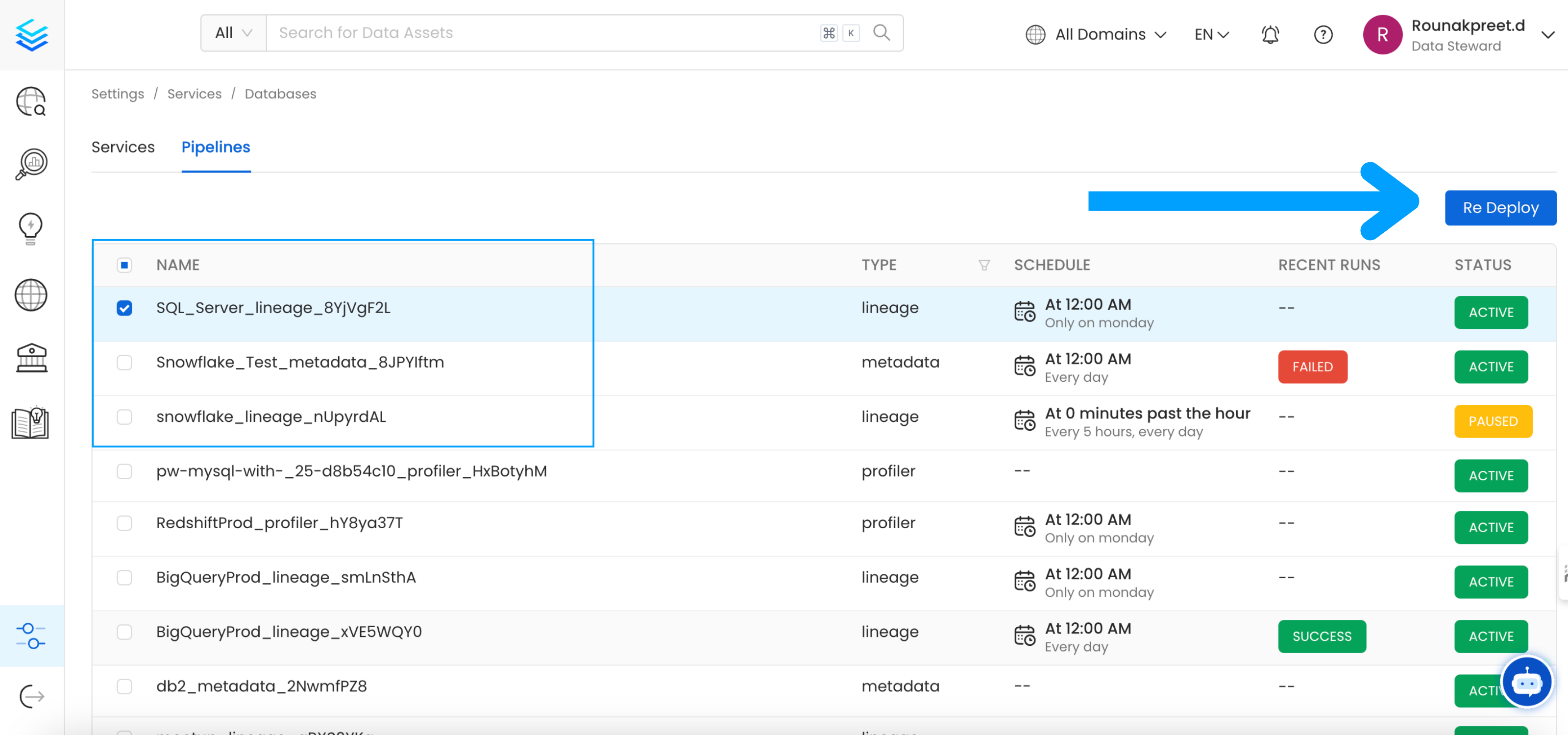
deploy-pipelines
Deploys all the service pipelines.
drop-create
Deletes any tables in the configured database and creates new tables based on the current version of OpenMetadata. This command also re-creates the search indexes.
info
Shows the list of migrations applied and the pending migrations waiting to be applied on the target database.
migrate
Migrates the OpenMetadata database schema and search index mappings.
migrate-secrets
Migrates secrets from the database to the configured Secrets Manager. Note that this command does not support migrating between external Secrets Managers.
reindex
Reindexes data into the search engine from the command line.
repair
Repairs the DATABASE_CHANGE_LOG table, which is used to track all the migrations on the target database. This involves removing entries for the failed migrations and updating the checksum of migrations already applied on the target database.
validate
Checks if all the migrations have been applied on the target database.