
Configure Data Retention
The Data Retention application removes operational records after their configured retention periods. In OpenMetadata 2.1, it also cleans up short-lived Automation Workflow records. Test Connection, Query Runner, and Reverse Ingestion runs create these records. Data Retention is installed by default and runs weekly on Sundays at midnight.Configure Automation Workflow Retention
You need administrator access to configure and run the Data Retention application.-
Click the Profile icon and navigate to Settings > Applications > Data Retention.
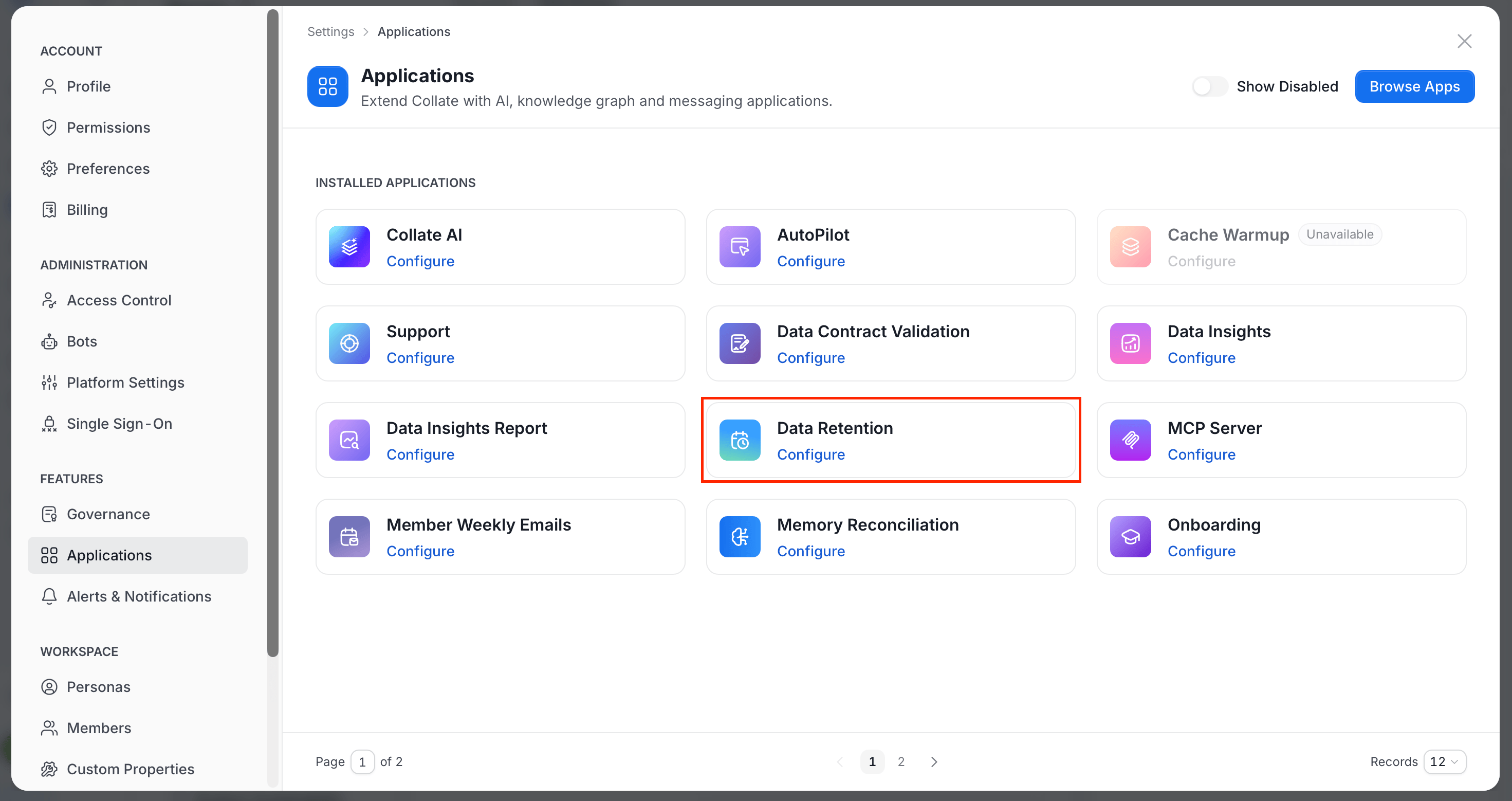
-
Click Configuration.
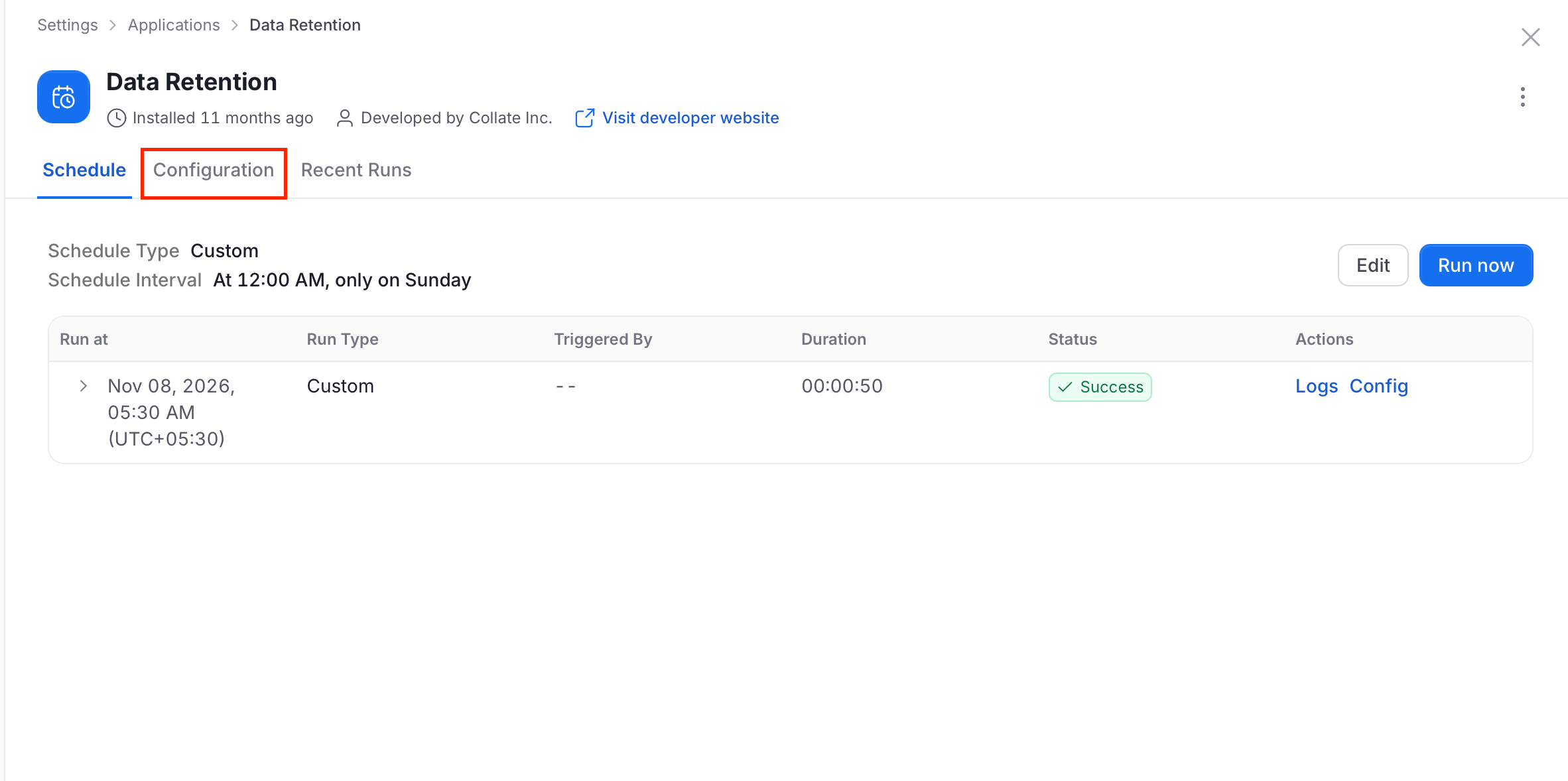
- Scroll to Automation Workflow Retention Period (days).
-
Set the retention period:
- Enter a positive integer to delete Automation Workflow records older than that many days.
- Enter
0to retain Automation Workflow records indefinitely.
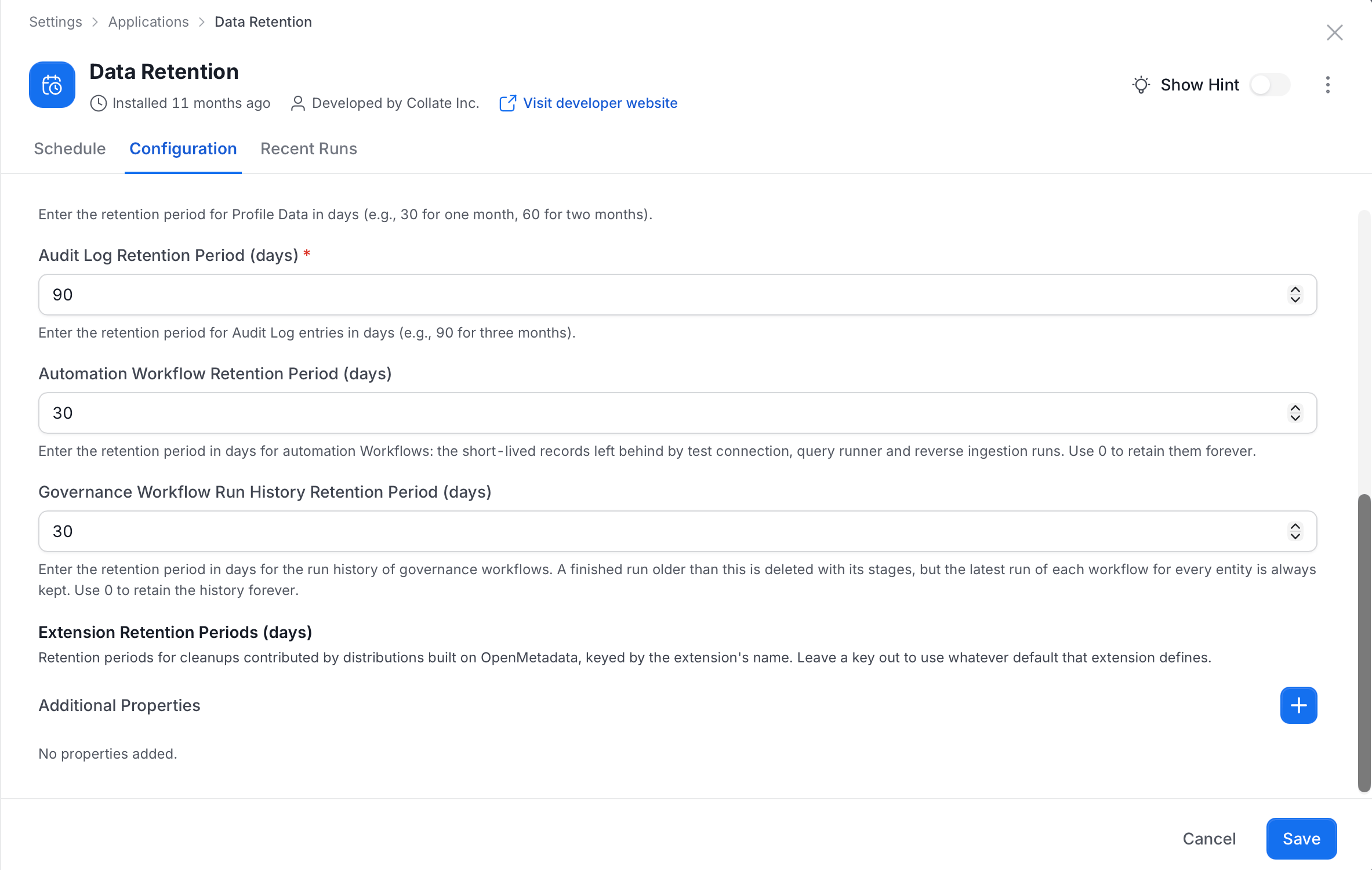
- Save the configuration.
- Return to the Data Retention application details.
- Optional: To apply the policy without waiting for the next scheduled run, select Run Now.
30 days. Cleanup uses each Workflow record’s last-updated time, so a record that has remained in Pending or Running beyond the retention period is also eligible for deletion.
Removing these records does not delete the service that a workflow used. OpenMetadata also cleans up the Workflow’s related ownership records and stored connection secrets.
One application run deletes at most 100,000 Automation Workflow records. Run the application again when an older installation has a larger backlog.
Governance Workflow Run History Retention
Governance workflows record every run and its stages. The Data Retention application deletes old runs based on a retention period that you set.- Open the Configuration tab of the Data Retention application. For the steps, see steps 1 and 2 of Configure Automation Workflow Retention.
-
Scroll to Governance Workflow Run History Retention Period (days) and set the retention period:
- Enter a positive integer to delete finished governance workflow runs older than that many days. The default is
30. - Enter
0to retain the run history forever.
- Enter a positive integer to delete finished governance workflow runs older than that many days. The default is
- Click Save.
- The run has ended, with any status other than Running.
- The run started before the retention cutoff. OpenMetadata keeps every run inside the retention period.
- A newer run of the same workflow exists for the same entity. Each entity keeps its latest run of each workflow, however old it is. Runs that have no entity are grouped per workflow, so the newest of those is kept too.