
Data Quality Tab
The Profiler & Data Quality tab is displayed only for Tables. It has three sub-tabs for Table Profile, Column Profile, and Data Quality. Data quality tests can be run on the sample data. We can add tests at the table and column level. The Data Quality tab displays the total number of tests that were run, and also the number of tests that were successful, aborted, or failed. The list of test cases displays the details of the table or column on which the test was run. From OpenMetadata 2.0.6, the run that executed an aborted test case also records it as an execution failure. A run whose tests couldn’t execute no longer ends as successful, and its success percentage counts each aborted test as a failure.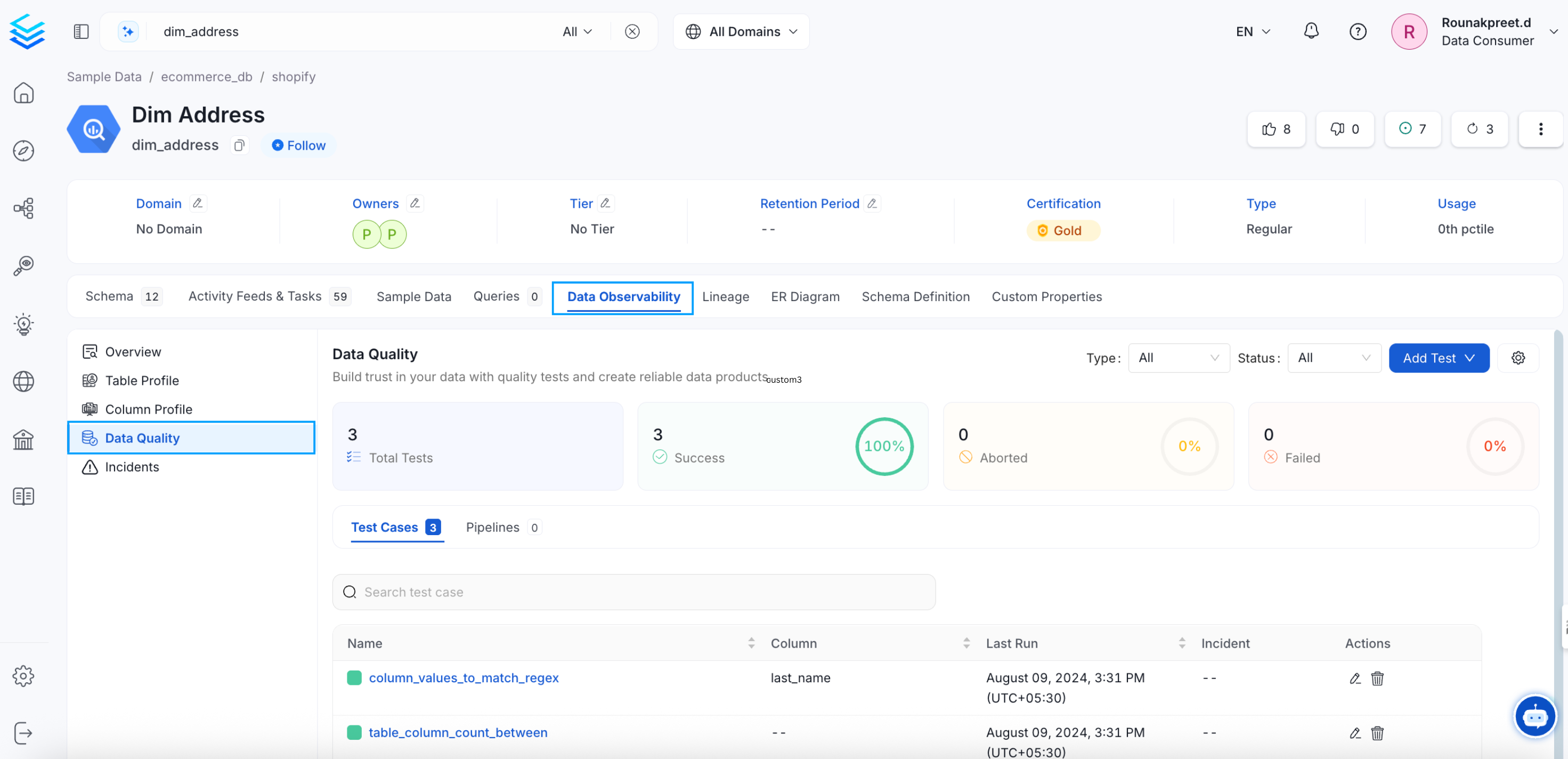
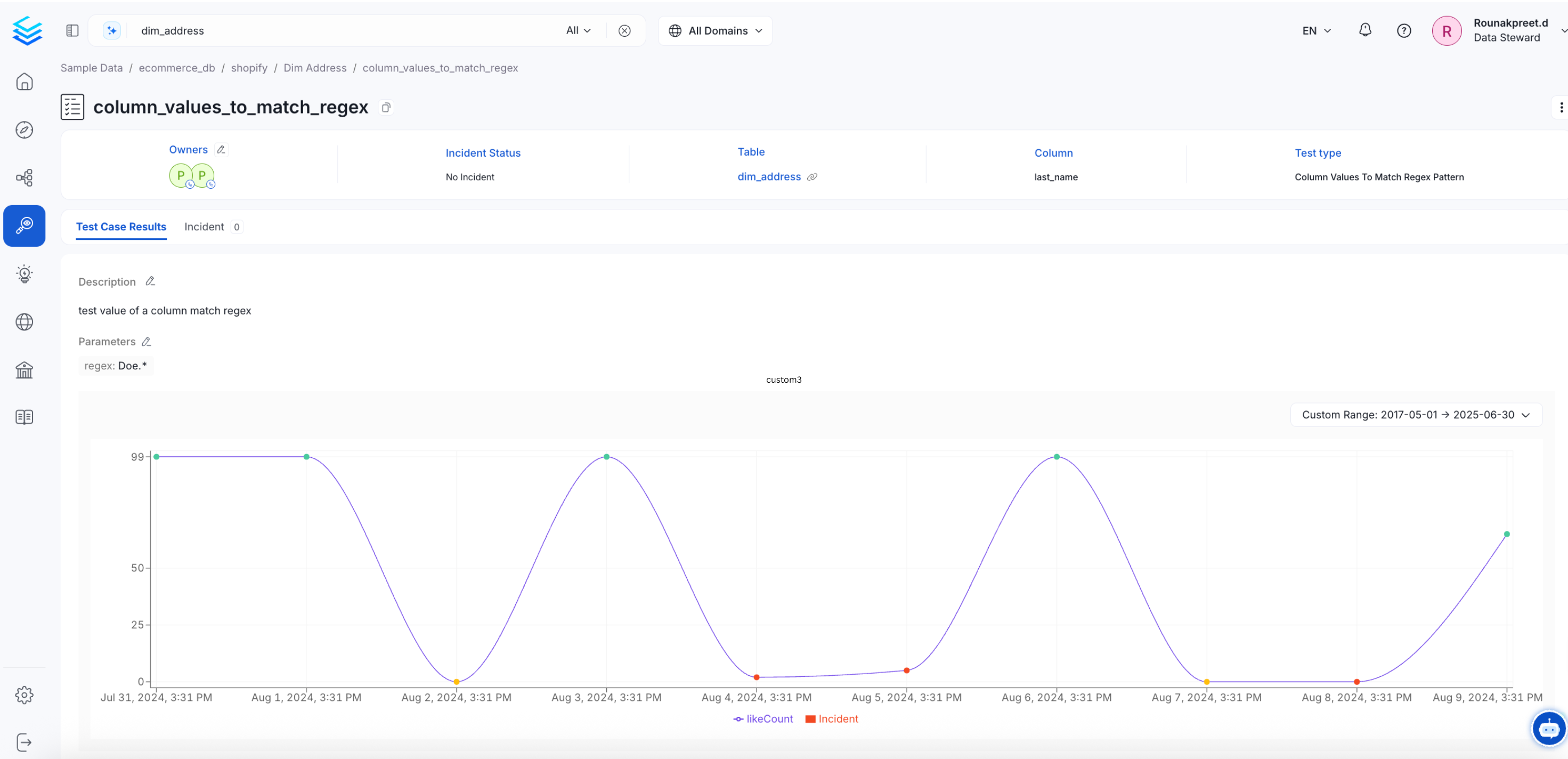
How to Write and Deploy No-Code Test Cases from the UI
Verify your data quality with table and column level tests.