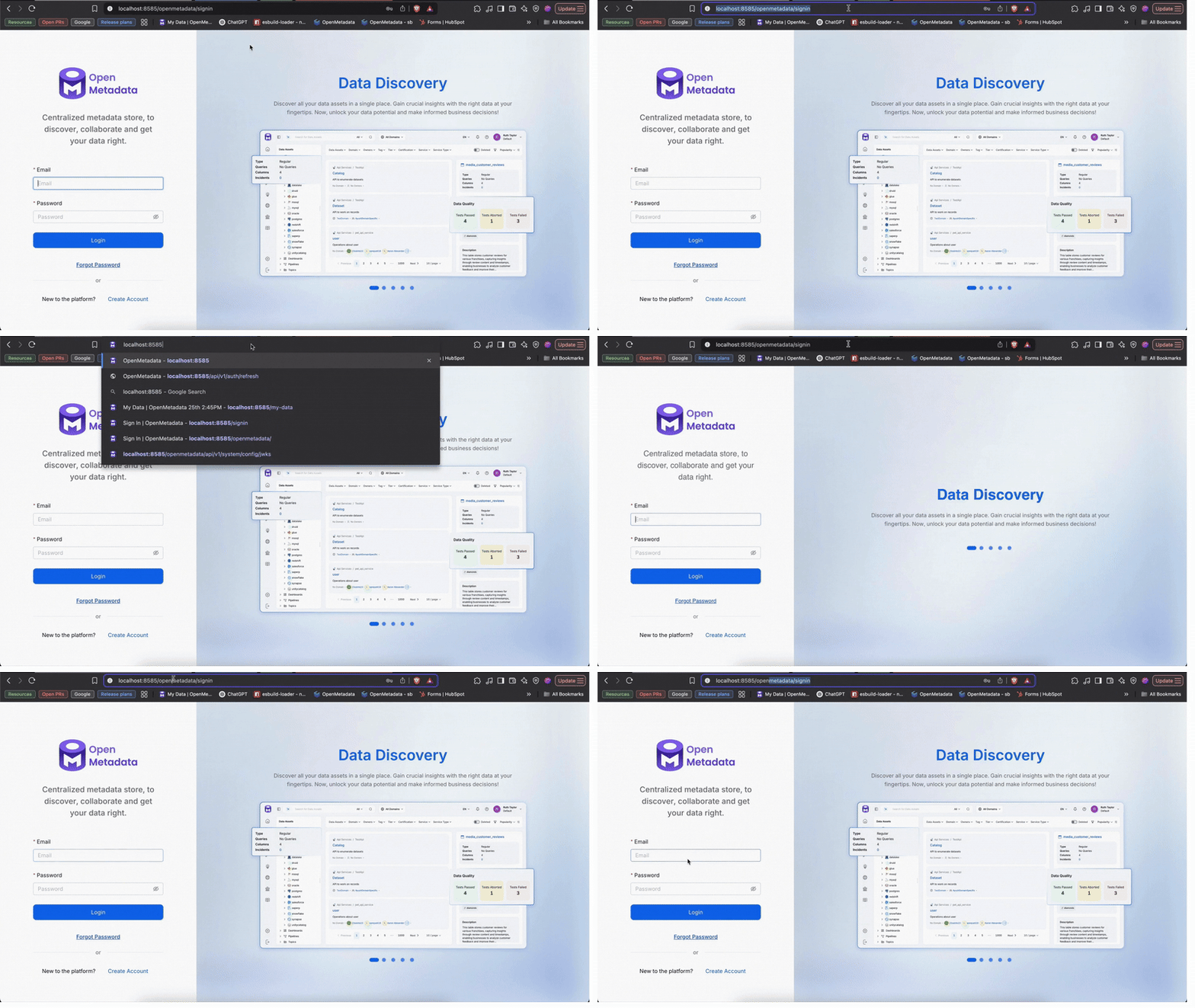
To configure OpenMetadata to operate under a subpath (for example /openmetadata), useful when deploying behind a reverse proxy or load balancer, you need to adjust specific settings in the openmetadata.yaml configuration file.
BASE_PATH must not have a trailing slash, but basePath in openmetadata.yaml needs one. OpenMetadata builds static asset URLs by appending directly to basePath with no separator, so if it’s missing the trailing slash, requests resolve to /openmetadataassets/... instead of /openmetadata/assets/... and every static asset 404s.
Define the basePath parameter to configure the application’s root context, and ensure that the publicKeyUrl is updated accordingly to reflect the new base path.This sets the root context for the application. Note the trailing slash on basePath:
basePath: ${BASE_PATH:-/openmetadata}/
This configuration sets the base path to /openmetadata by default. You can override it by setting the BASE_PATH environment variable: set BASE_PATH itself without a trailing slash (e.g., BASE_PATH=/openmetadata), since the / above is appended for you.
Reverse Proxy Configuration: Ensure that your reverse proxy (e.g., NGINX, Apache) is configured to forward requests to the OpenMetadata application with the correct subpath.
Environment Variables: You can override the default base path by setting the BASE_PATH environment variable in your deployment environment. Ensure that related parameters such as basePath, applicationContextPath, rootPath, and publicKeyUrl are updated to reflect this change.
Static Assets: Verify that static assets are accessible under the new subpath to prevent broken links or missing resources.