
Data Observability Alerts
Monitor the health of your data systems by setting up alerts for pipeline failures, data quality issues, and schema changes.Open the Alerts Page
Navigate to the lateral menu Observability > Alerts.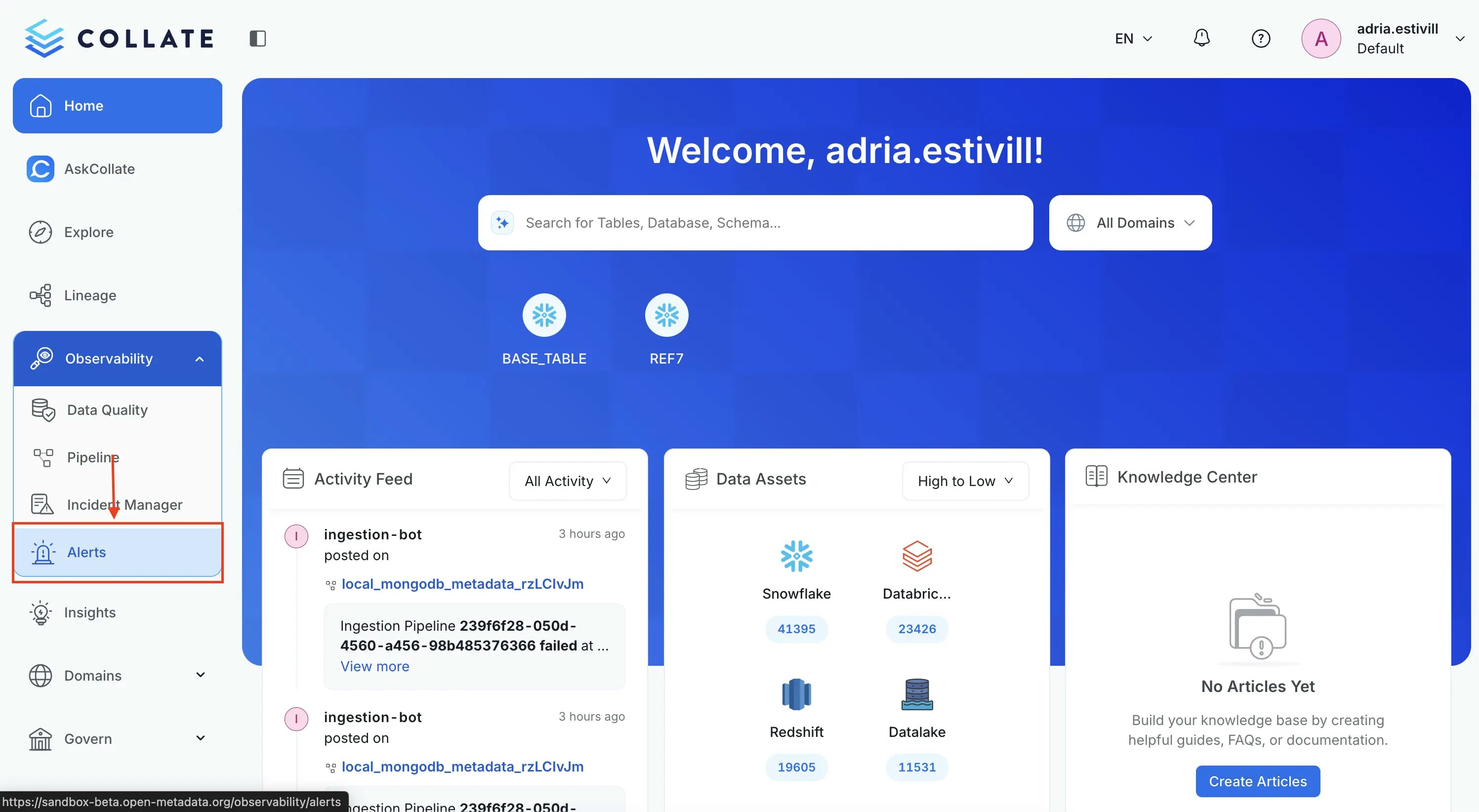
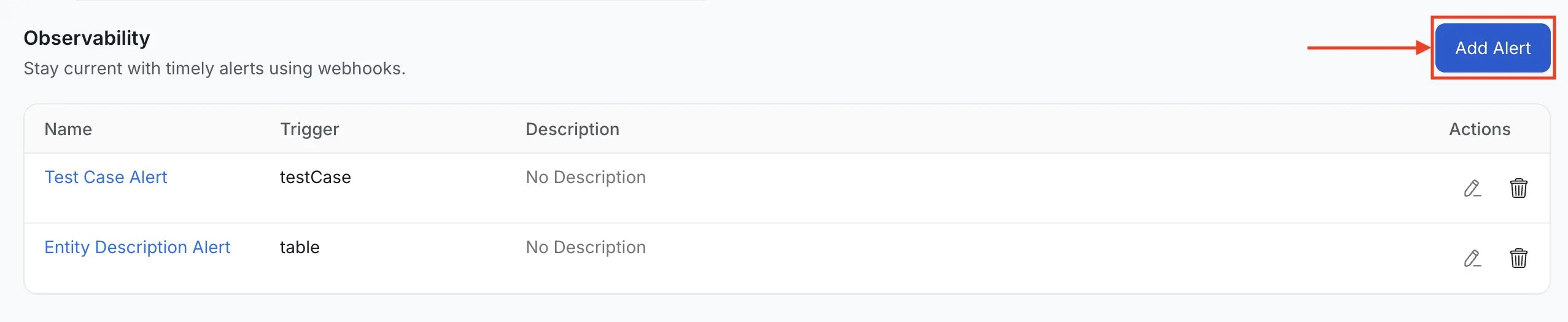
Name the Alert and Add Context
Provide a unique, descriptive Name for your alert. You can also add an optional Description to provide further context and clarity regarding the alert’s intent.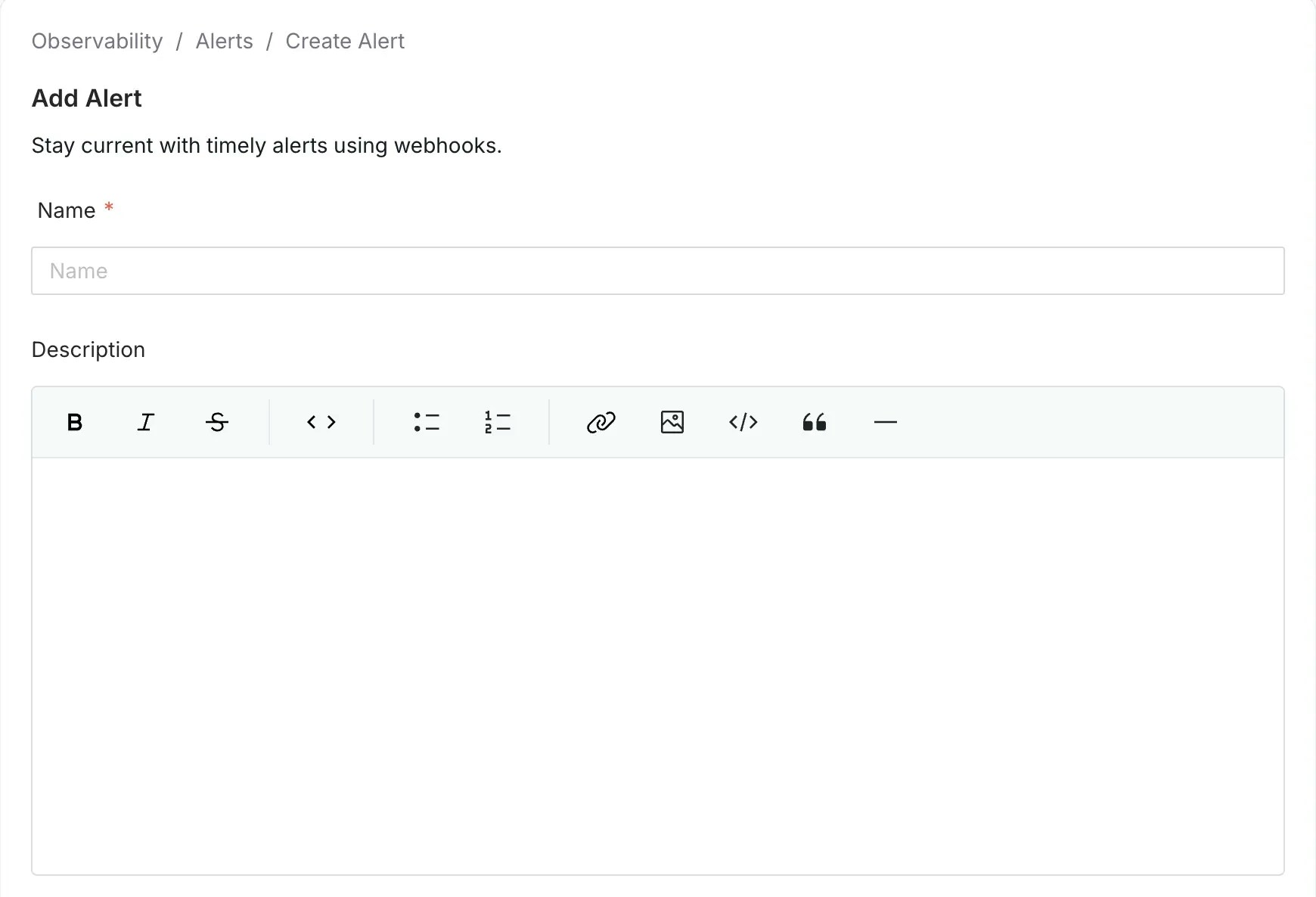
Select Sources
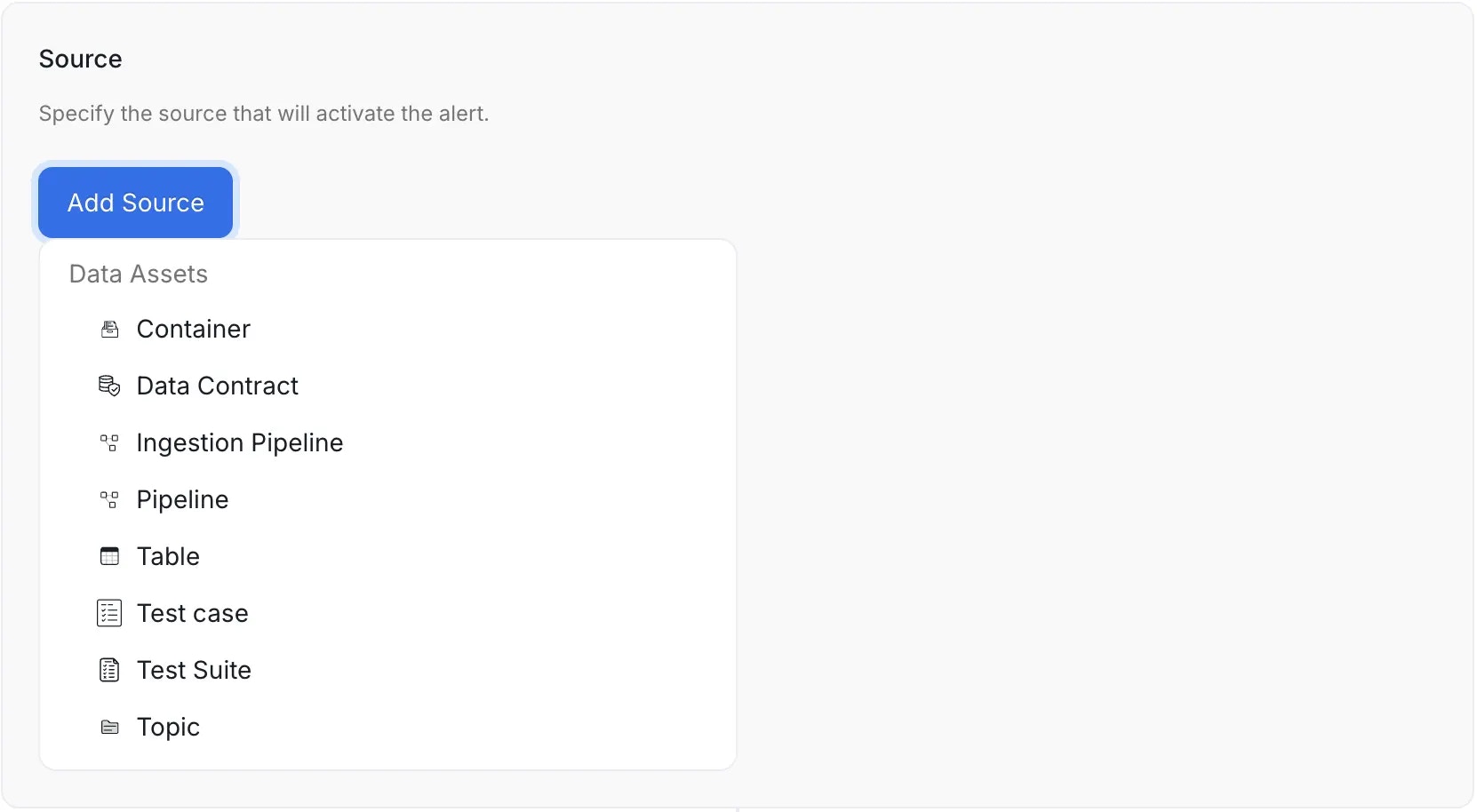
Choose one or more operational entities to monitor:- Container - Monitors schema changes for the container asset
- Data Contract - Triggers an alert when a data contract status changes
- Ingestion Pipeline - Monitors status changes to your OpenMetadata ingestion pipelines
- Pipeline - Monitors updates to pipeline assets that you have ingested
- Table - Monitors schema changes and table metrics changes
- Test Case - Triggers an alert for the specific test case selected
- Test Suite - Triggers an alert once for each completed run of the test suite, based on the summary of its test case results. This is a great way to group alerts and reduce notification fatigue
- Topic - Monitors schema changes for the topic asset
Configure Filters (Optional)
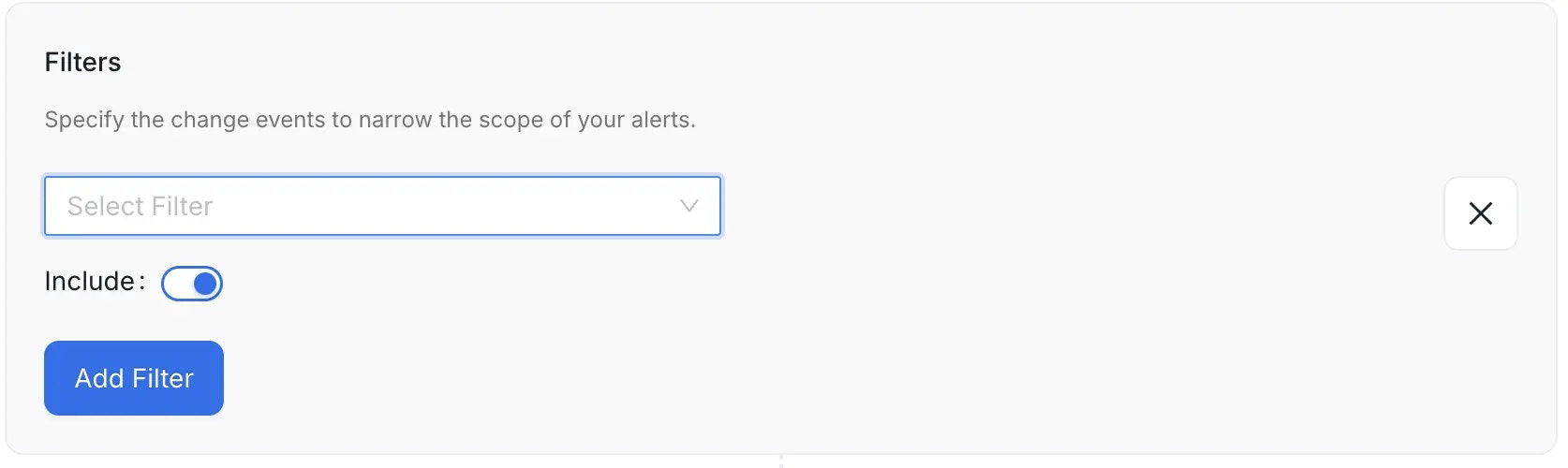
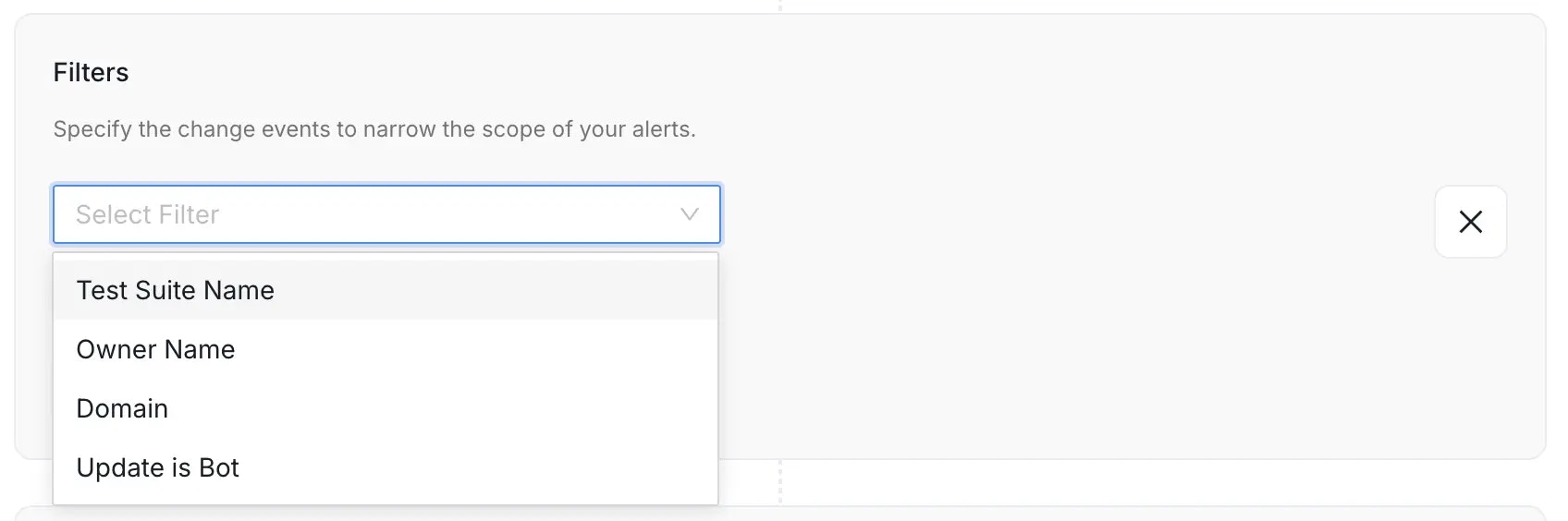
Filters allow you to refine the scope of the alert to focus only on relevant changes, significantly improving the signal-to-noise ratio. With several sources, the list offers only the filters that every chosen source supports. You can narrow down events based on a variety of criteria, including:- Entity Specific Name: Filter by the defined specific name of the entity.
- Owner Name: Filter events based on the designated owner of the asset.
- Domain: Filter events based on the Data Domain the entity belongs to.
- Filter By Updater Is Bot: Filter to include or exclude changes made by automated ingestion or system processes.
- Include (Toggle ON): If the event meets the filter condition, the alert is sent.
- Exclude (Toggle OFF): If the event meets the filter condition, the alert is silenced (not sent).
If you do not set any filter, the alert will apply to all relevant events over the selected source entity type, which may lead to excessive notifications.
Test Case and Data Contract Scope
In OpenMetadata 2.0.3 and later, the test-case table filter matches the parent table’s exact fully qualified name (FQN), including for column-level tests. For example, a filter forservice.database.schema.orders includes tests on orders.id. It does not match orders_archive.
The data-contract entity filter matches the FQN of the asset covered by the contract. These scoping rules also apply to comments on test cases and contracts. An unrelated event or an event whose target cannot be resolved does not match an inclusion filter.
These are alert filters. They do not change the query parameters of the test-case or data-contract list APIs.
Select Trigger Conditions (Optional)
Define the specific conditions that will trigger the alert:- Schema Changes - Alert on added, deleted, or updated columns
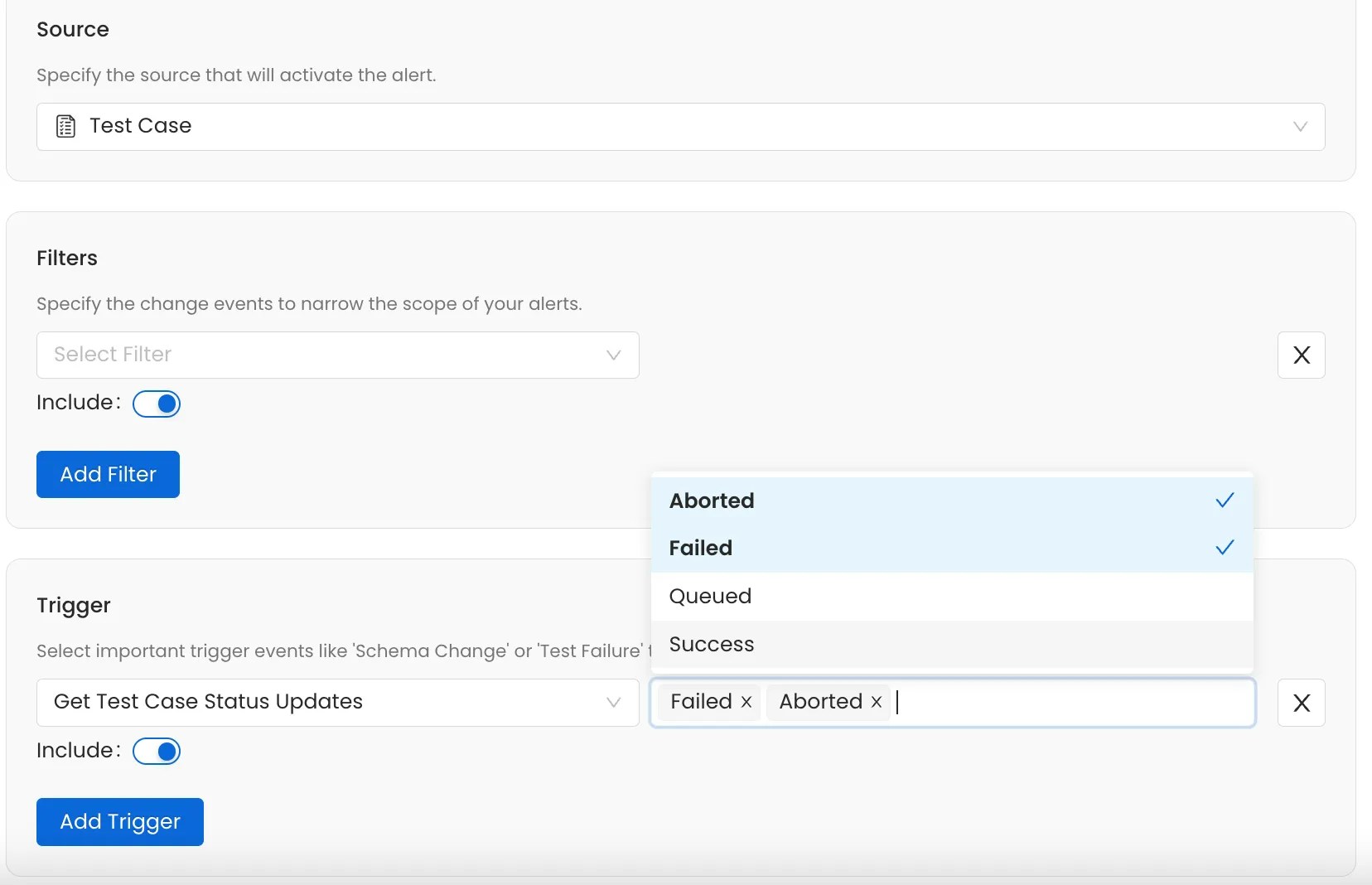
- Test Case Status - Trigger when a test result has a status you select:
Success,Failed,Aborted, orQueued. The alert fires on every matching result, not only when the status changes - Pipeline Status - Alert when pipeline execution has a status you select:
Successful,Failed,Pending, orSkipped - Ingestion Pipeline Status - Alert when an OpenMetadata ingestion run enters a selected state, including
failedorpartialSuccess - Metric Updates - Notify when table metrics are updated
Native Pipeline Alert Boundaries
Native pipeline alerts react to status events reported to OpenMetadata. They do not evaluate whether an expected event is missing or whether a run took longer than a threshold.
For an external check, query
GET /api/v1/services/ingestionPipelines/{fqn}/pipelineStatus. Use startTs and endTs to select a time window. The response includes pipelineState, startDate, and endDate for each run. A monitoring script can compare these values with the expected schedule or duration threshold before sending a notification.
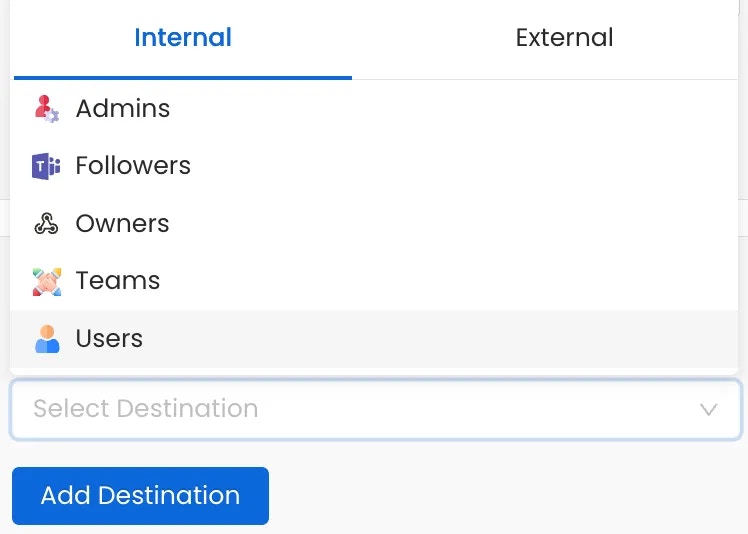
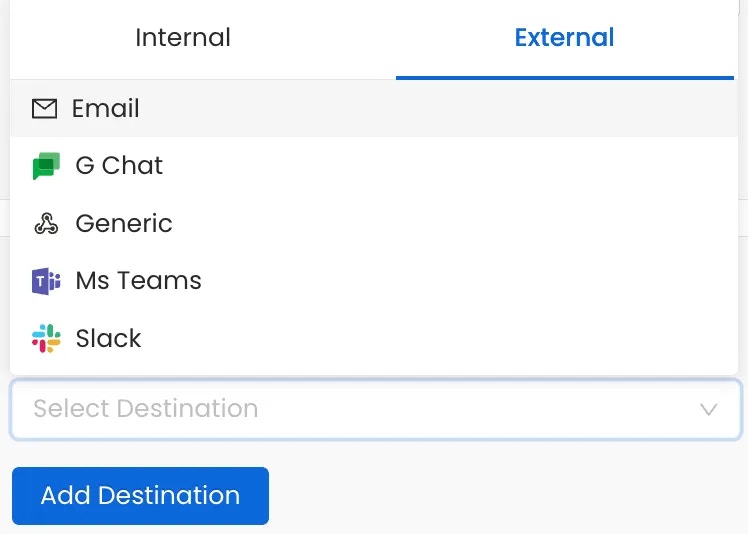
Choose where to send your alerts. OpenMetadata supports both internal and external channels.
Internal Destinations:
- Admins - Notify all platform administrators
- Followers - Notify users following the asset
- Owners - Alert the asset owners
- Teams or Specific Users - Target specific teams or individuals
- Chat: Slack, MS Teams, Google Chat
- Automation: Generic Webhooks
Related Reference
These pages cover alert behavior, webhook delivery, and the API.- Alert Behavior Reference: every source, trigger, and filter, and exactly when each alert fires.
- Notify Downstream: notify the owners of downstream assets through lineage.
- Webhook Payloads and Delivery: payloads, authentication, failures, and duplicates.
- Alerts API: create and manage alerts with the REST API and Python SDK.