
Setting Up a Database Service for Metadata Extraction
You can quickly set up a database service for metadata extraction in OpenMetadata SaaS. Below is an example of how to configure a connection using theSnowflake Connector:
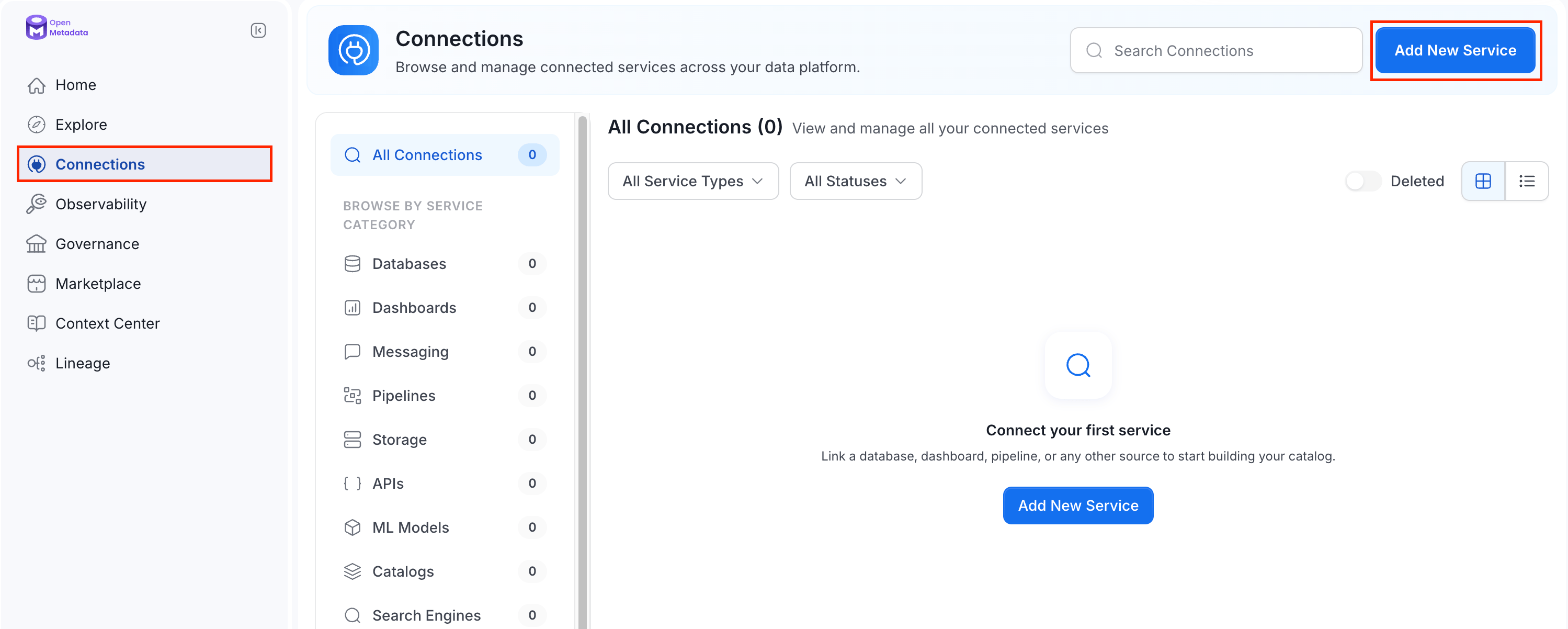
-
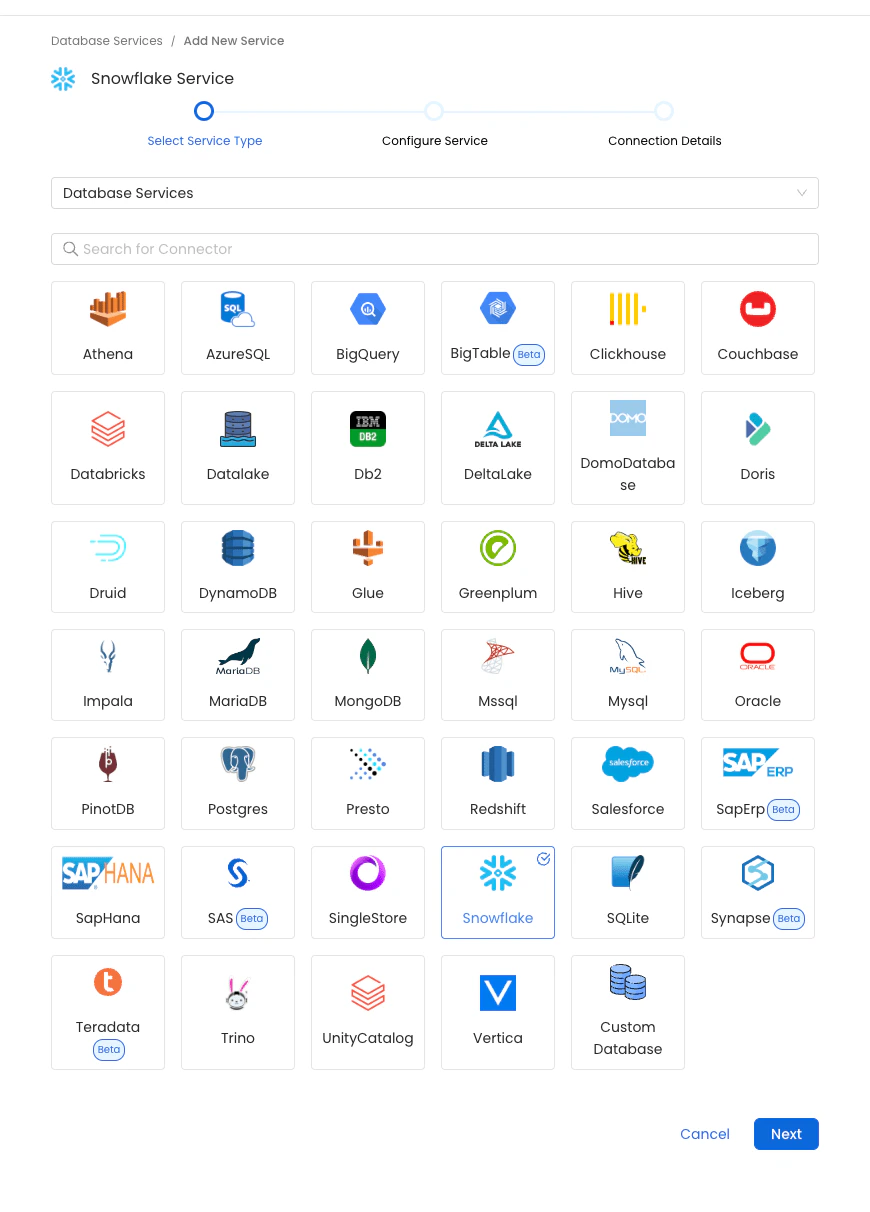
Select Database Type
- Choose the database type for your service. In this example, select
Snowflake. - Enter the required details, such as the Name and Description, to identify the database.
- Choose the database type for your service. In this example, select
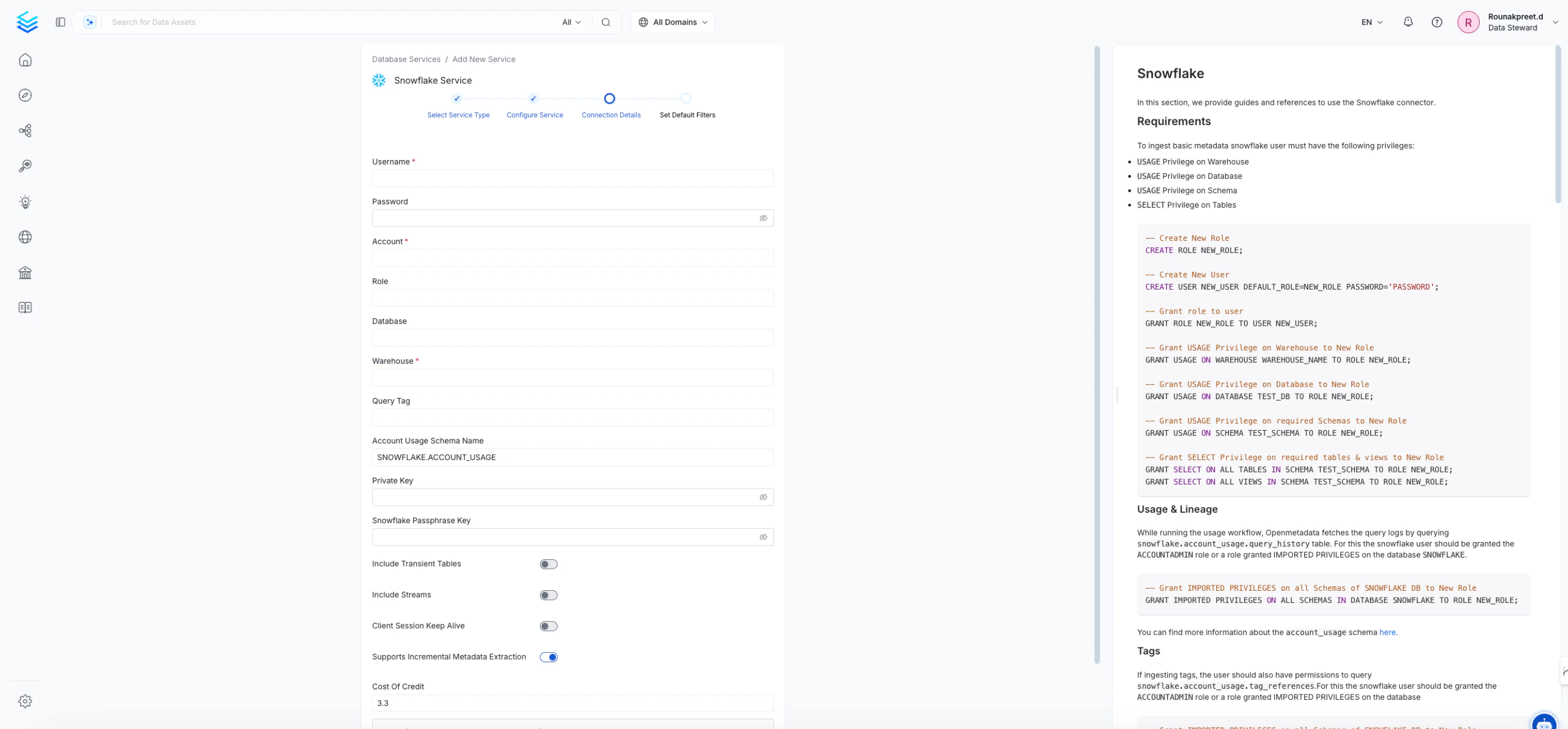
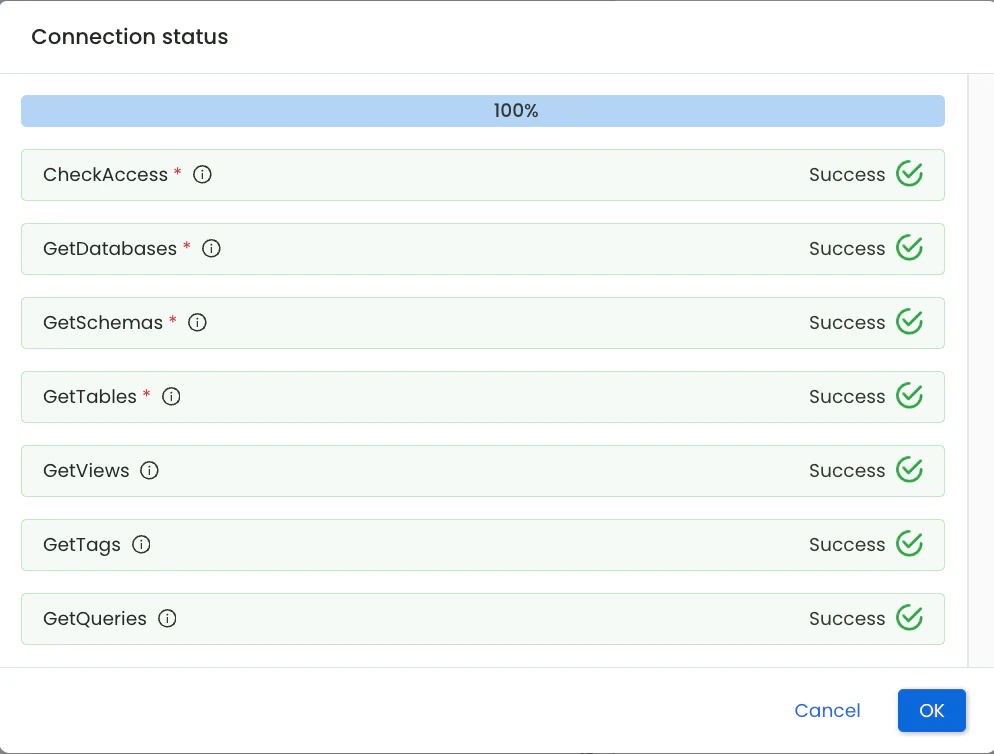
- Provide the necessary connection parameters, such as hostname, port, credentials, etc.
- The side panel offers guidance with available documentation, and you can also refer to the specific
SnowflakeConnector documentationfor more information.
Default Database Filter Pattern
- Includes / Excludes:
To add a filter pattern, simply type it in and pressEnter.
Default Schema Filter Pattern
- Includes / Excludes:
To add a filter pattern, simply type it in and pressEnter.
Default Table Filter Pattern
- Includes / Excludes:
To add a filter pattern, simply type it in and pressEnter.