
How to Add Glossary Terms
-
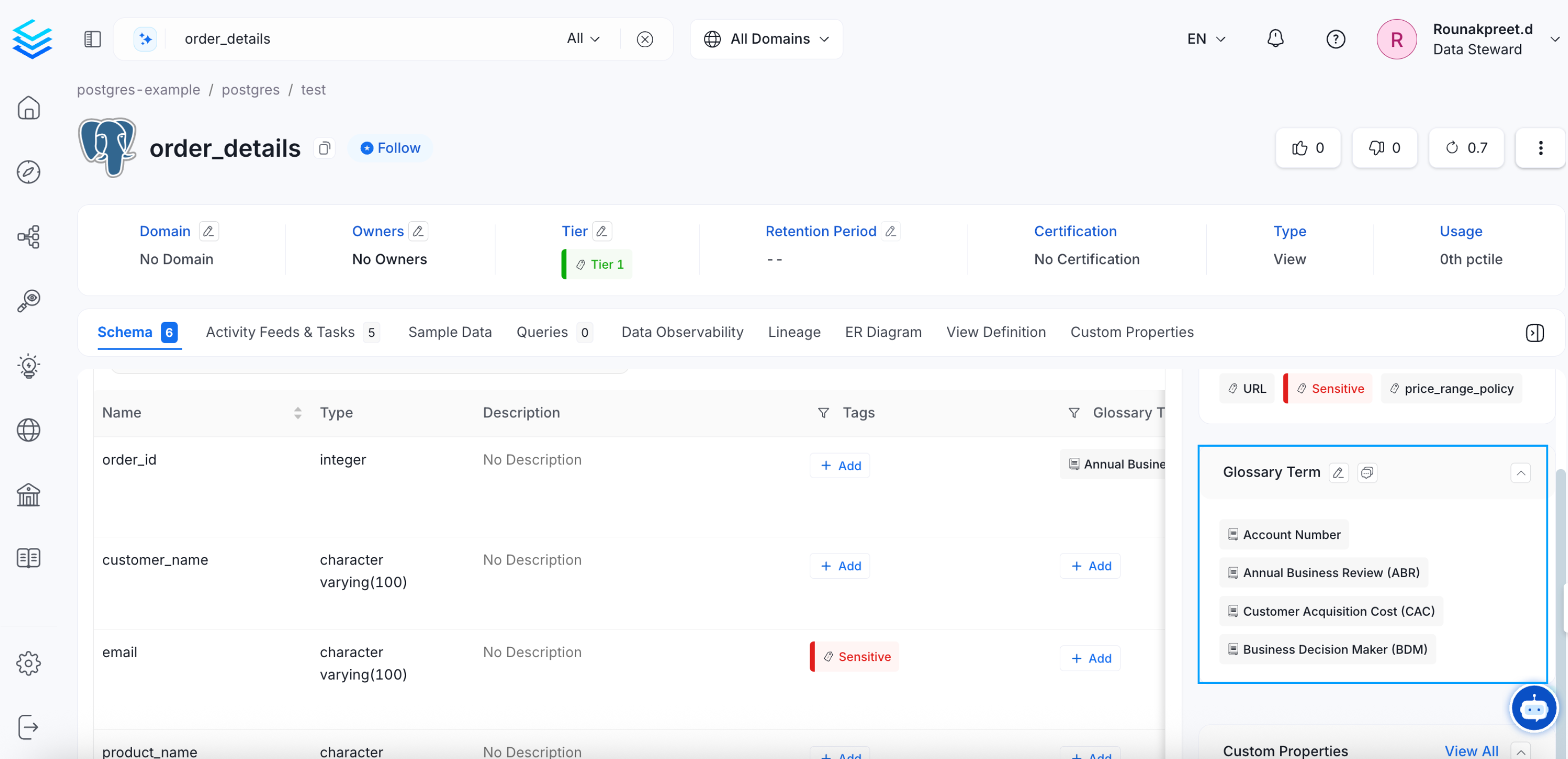
From the Explore page, select a data asset and click the edit icon or + Add for Glossary Terms. The glossary term picker opens.
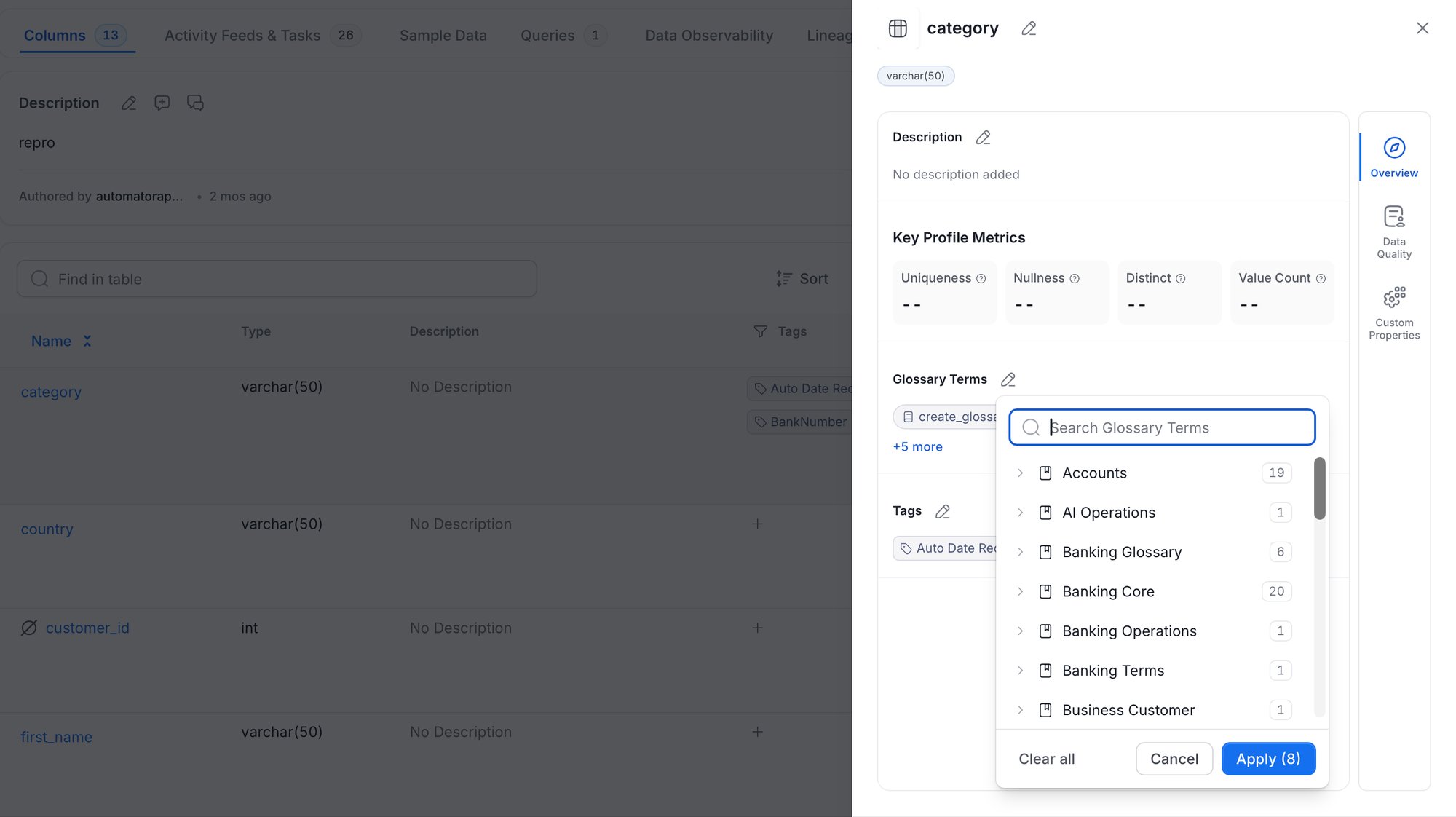
- Select the terms you want to apply. For more information, see The Glossary Term Picker.
- Click Apply.
The Glossary Term Picker
OpenMetadata uses one glossary term picker wherever you choose glossary terms, for example when you add terms to an asset or to a column, add related terms to a term, or move a term under another parent. It shows your glossaries and their terms as a tree.- Browse: Click a glossary or a term to expand it. OpenMetadata loads one level at a time. A glossary with no terms shows No Terms added.
- Show more: A level loads up to 100 items. If a level has more, the last row shows Show N more, where N is the number of items the next click loads. The row also shows how many items remain. Click it to load the next items.
- Search: Type in the Search Glossary Terms box to find terms. The results appear under their glossaries.
- Select: A glossary is a container, so it has no checkbox. Select a term to apply that term alone. Its child terms aren’t selected with it.
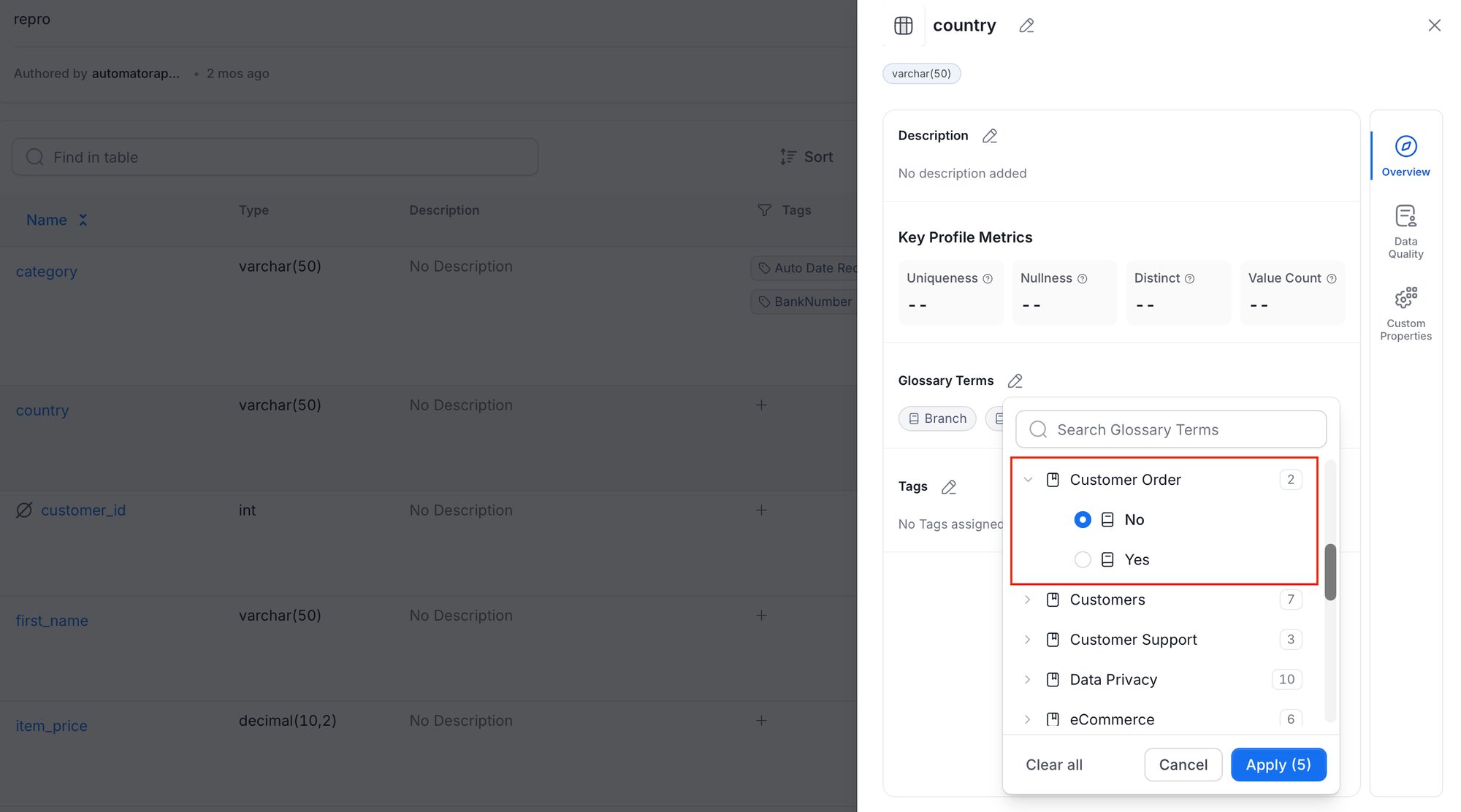
- Mutually exclusive terms: When a glossary or a term is mutually exclusive, its child terms show radio buttons instead of checkboxes, so you can select only one of them. The same applies when only one term can be selected, for example when you choose a new parent for a term.
- Apply: When you add terms to an asset, your selections wait until you click Apply. The button shows how many terms you selected. Use Clear all to clear the selection, or Cancel to close the picker without changes.
Glossary Terms and Tags
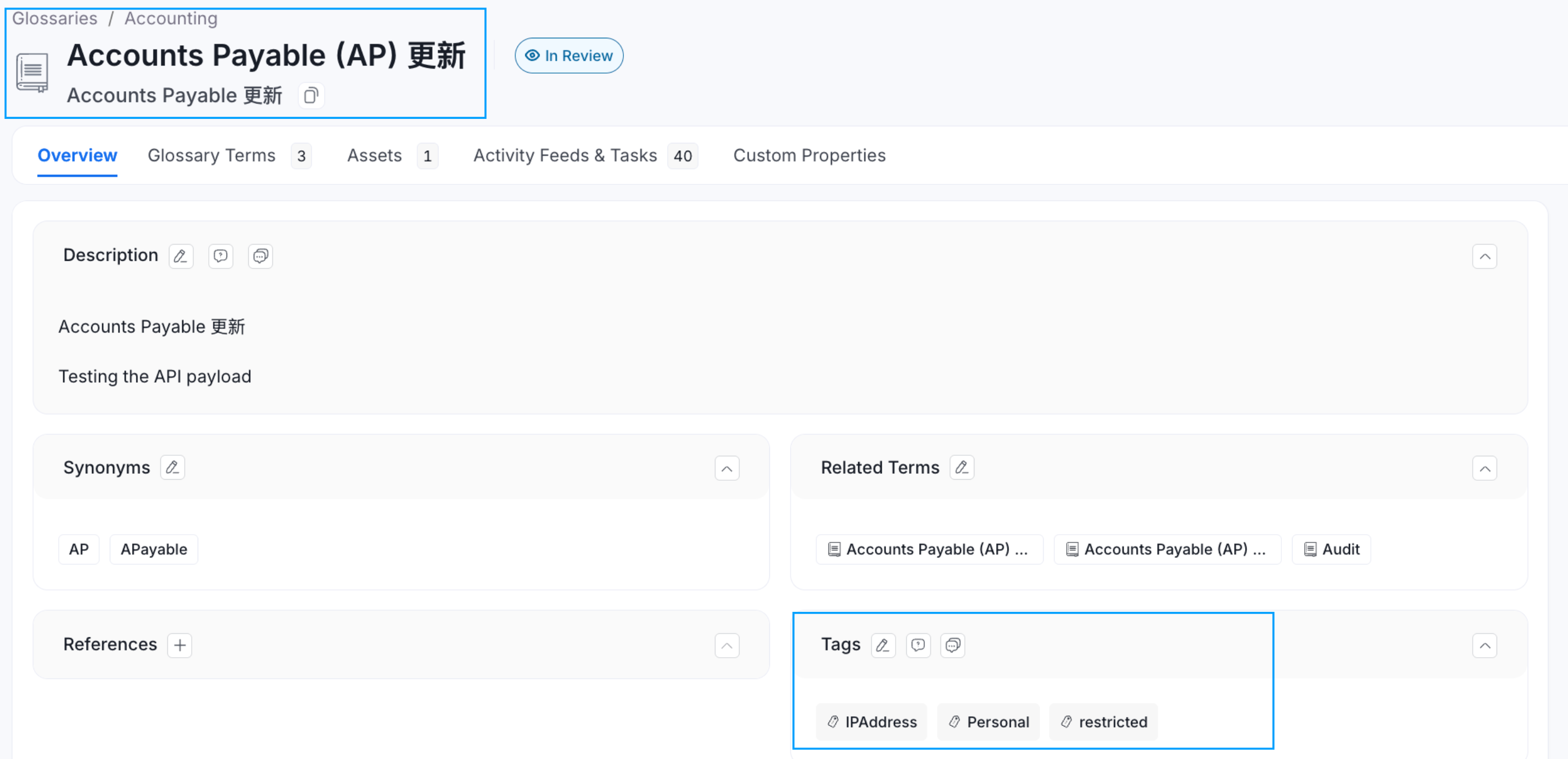
If Tags are associated with a Glossary Term, then applying that glossary term to a data asset, will also automatically apply the associated tags to that data asset. For example, the glossary term ‘Account’ has a PII.Sensitive tag associated with it. When you add a glossary term to a data asset, the associated tags also get added.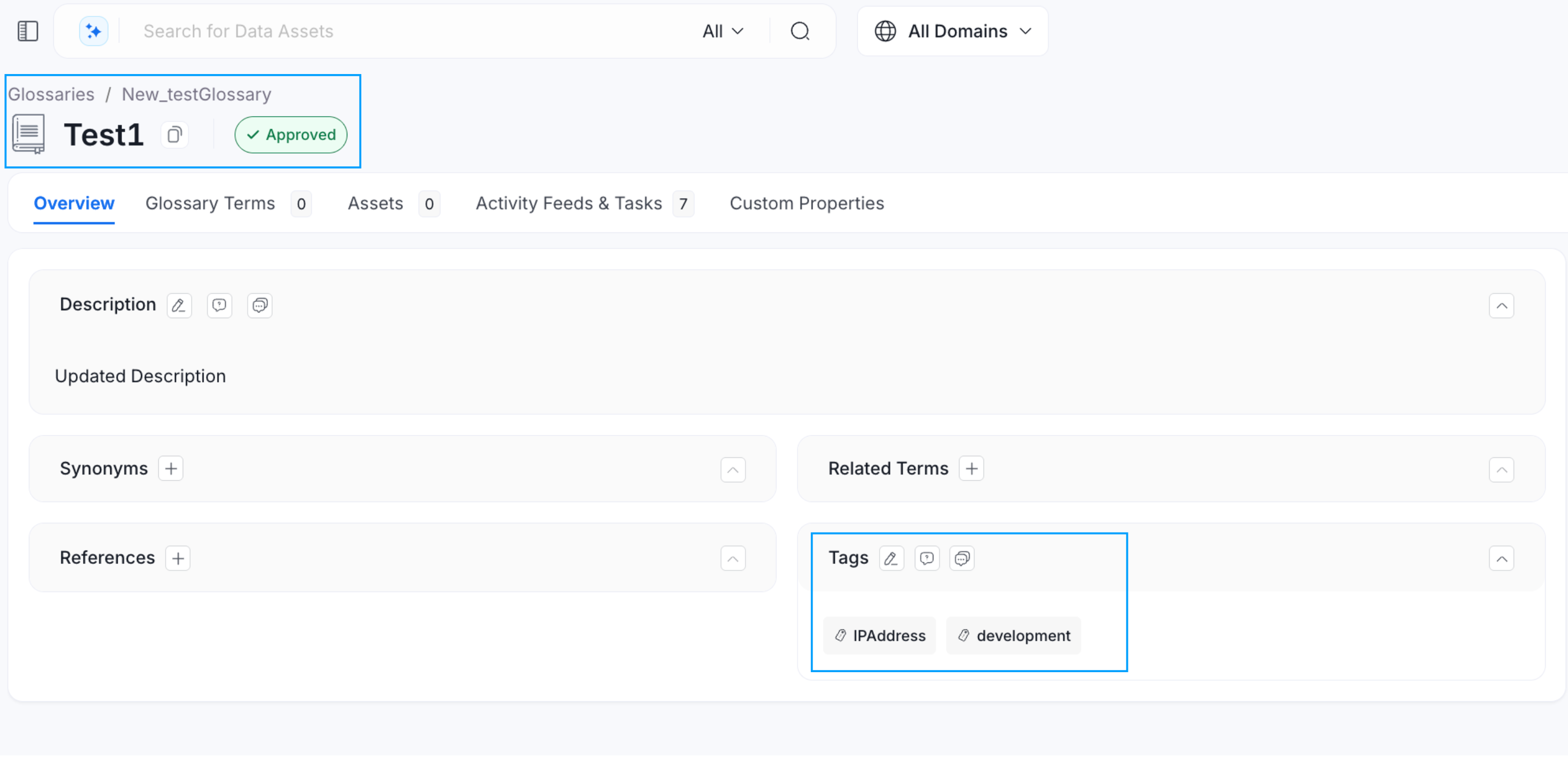
How to Create a Custom Property for a Data Asset
Learn how to create custom attributes for data assets