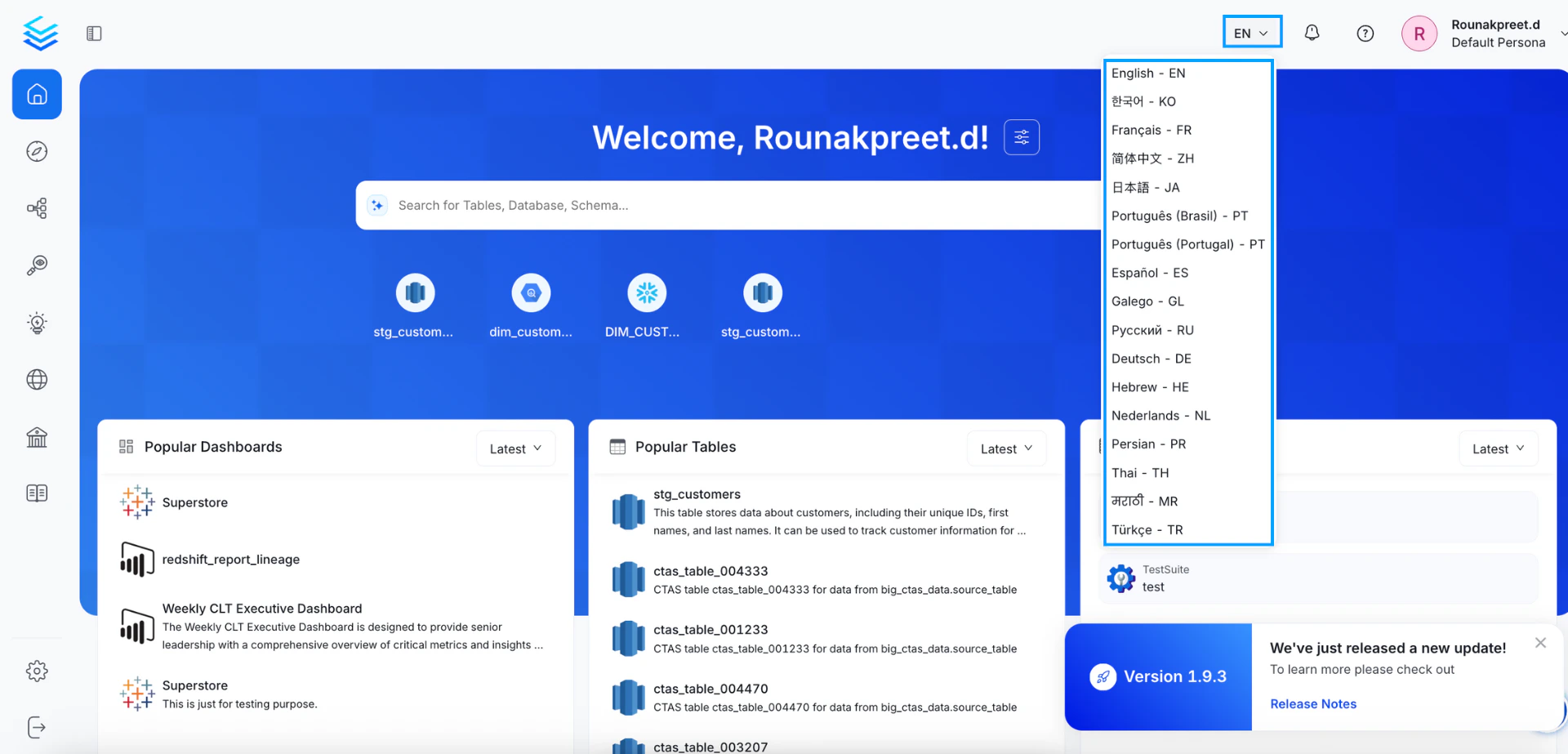
OpenMetadata offers multi-language support to provide a more accessible and localized experience for global teams. Users can change the application language from the top-right corner of the UI by selecting from a list of supported languages.
You can do so by editing or adding JSON files in the locale/languagesdirectory of the OpenMetadata frontend codebase.Each language is structured like this:
First, create a new JSON file for the language you want to add in the openmetadata-ui/src/main/resources/ui/src/locale/languages directory.For example, if you want to add support for the French language, you can create a file called fr-fr.json in the languages directory:
# Navigate to the ui/src/locale/languages directorycd openmetadata-ui/src/main/resources/ui/src/locale/languages# Create the French language filetouch fr-fr.json
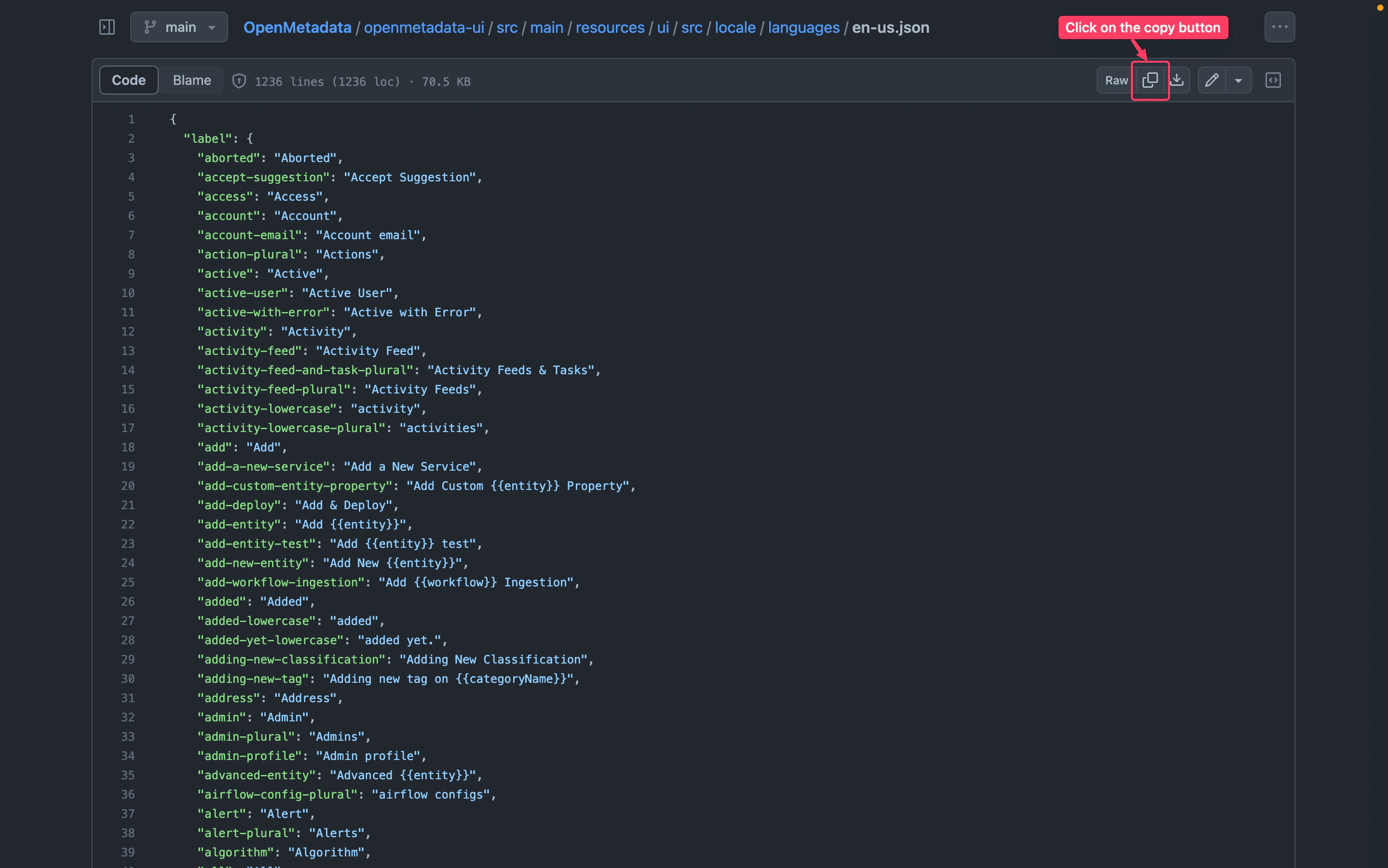
To ensure consistency with our primary language, which is en-us, it is necessary to synchronize any newly added language files. This can be done by copying the content from the en-us.json file and translating it accordingly.To copy the contents of en-us.json and add it to your translation JSON file, follow these steps:
How to Add Language Support for Entities Documentation
We have documentation for some entities on the left sidebar, and we currently support two languages: en-US and fr-FR. If you want to add support for other languages in our internationalization, you can follow the steps below.
Documentation for entities resides in the openmetadata-ui/src/main/resources/ui/src/public/locales directory. Our primary language is en-US, so you can refer to it and create the same hierarchy for your language.To add documentation in the zh-CN language, you can simply copy the en-US directory and rename it to zh-CN. Then, update the content of the files according to the zh-CN language.To find the supported language codes, you can refer to this page.