
Configure Data Retention
The Data Retention application removes operational records after their configured retention periods. In OpenMetadata 2.1, it also cleans up short-lived Automation Workflow records. Test Connection, Query Runner, and Reverse Ingestion runs create these records.Configure Automation Workflow Retention
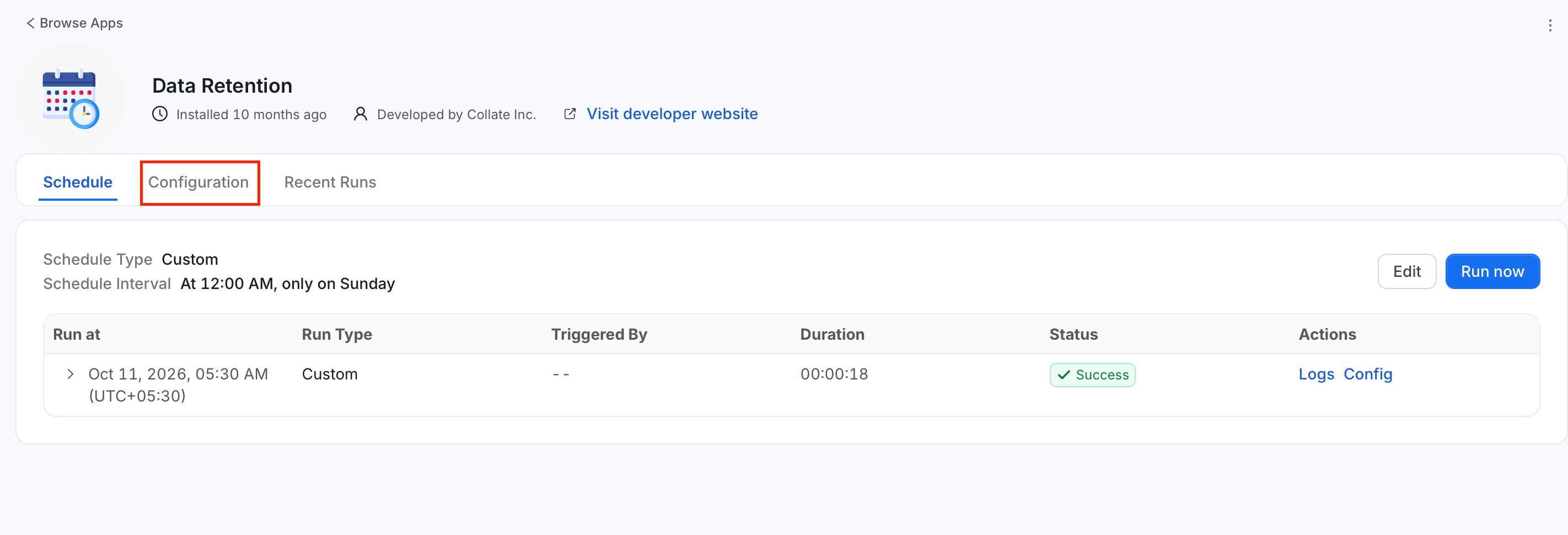
You need administrator access to configure and run the Data Retention application.- Go to Settings > Applications > Data Retention.
-
Click Configuration.
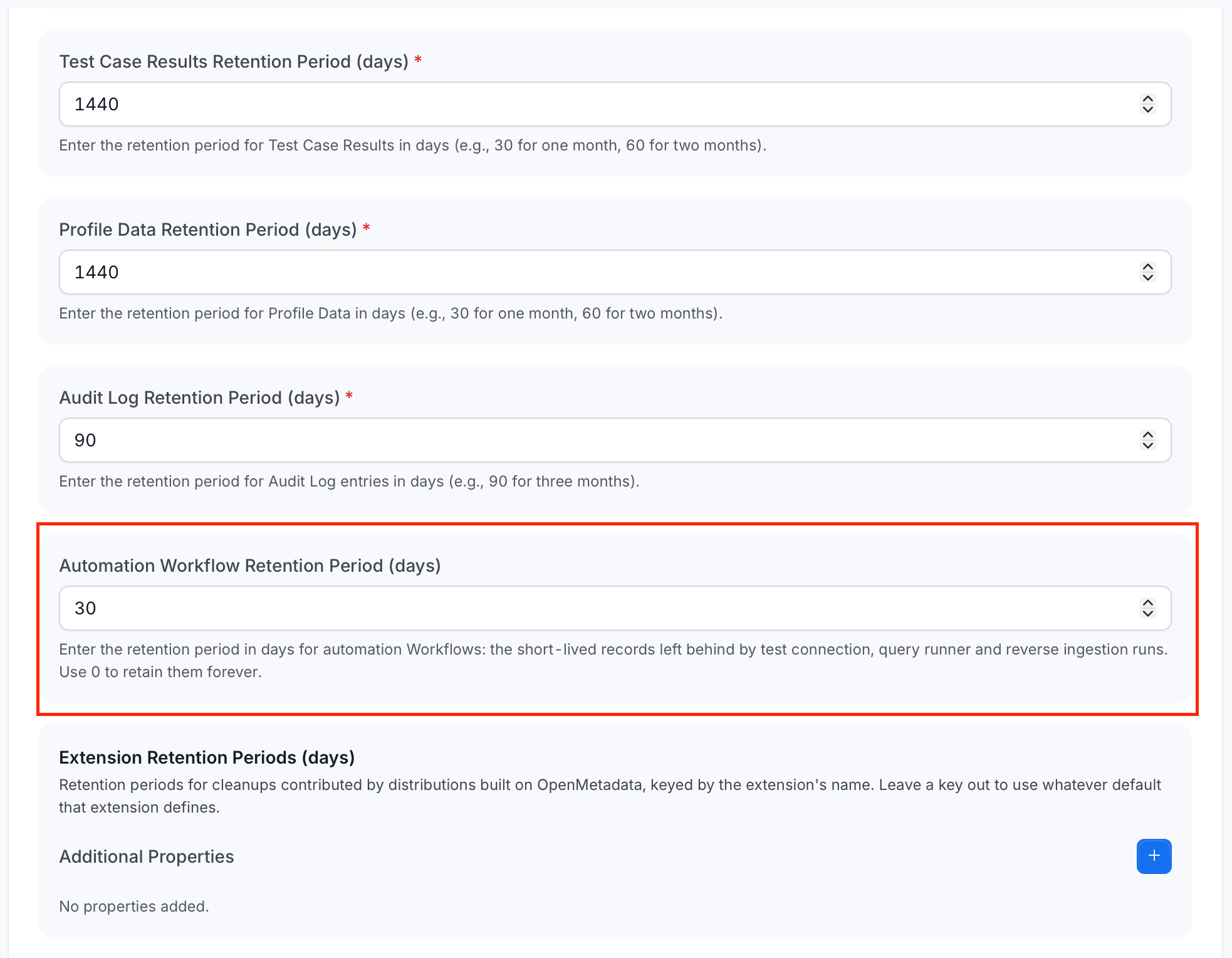
- Scroll to Automation Workflow Retention Period (days).
-
Set the retention period:
- Enter a positive integer to delete Automation Workflow records older than that many days.
- Enter
0to retain Automation Workflow records indefinitely.
- Save the configuration.
- Return to the Data Retention application details.
- Optional: To apply the policy without waiting for the next scheduled run, select Run Now.
30 days. Cleanup uses each Workflow record’s last-updated time, so a record that has remained in Pending or Running beyond the retention period is also eligible for deletion.
Removing these records does not delete the service that a workflow used. OpenMetadata also cleans up the Workflow’s related ownership records and stored connection secrets.
One application run deletes at most 100,000 Automation Workflow records. Run the application again when an older installation has a larger backlog.