How to Change the Team Type

Refer to the Team Structure in OpenMetadata to get a clear understanding of the various Team Types.
  • Changing a team’s type to Group requires the team to have no child teams first: a team with existing children fails with A team with children cannot be updated to type Group.
  • Once a team’s type is Group, it can’t be changed to any other type — this fails with Team of type Group cannot be updated.
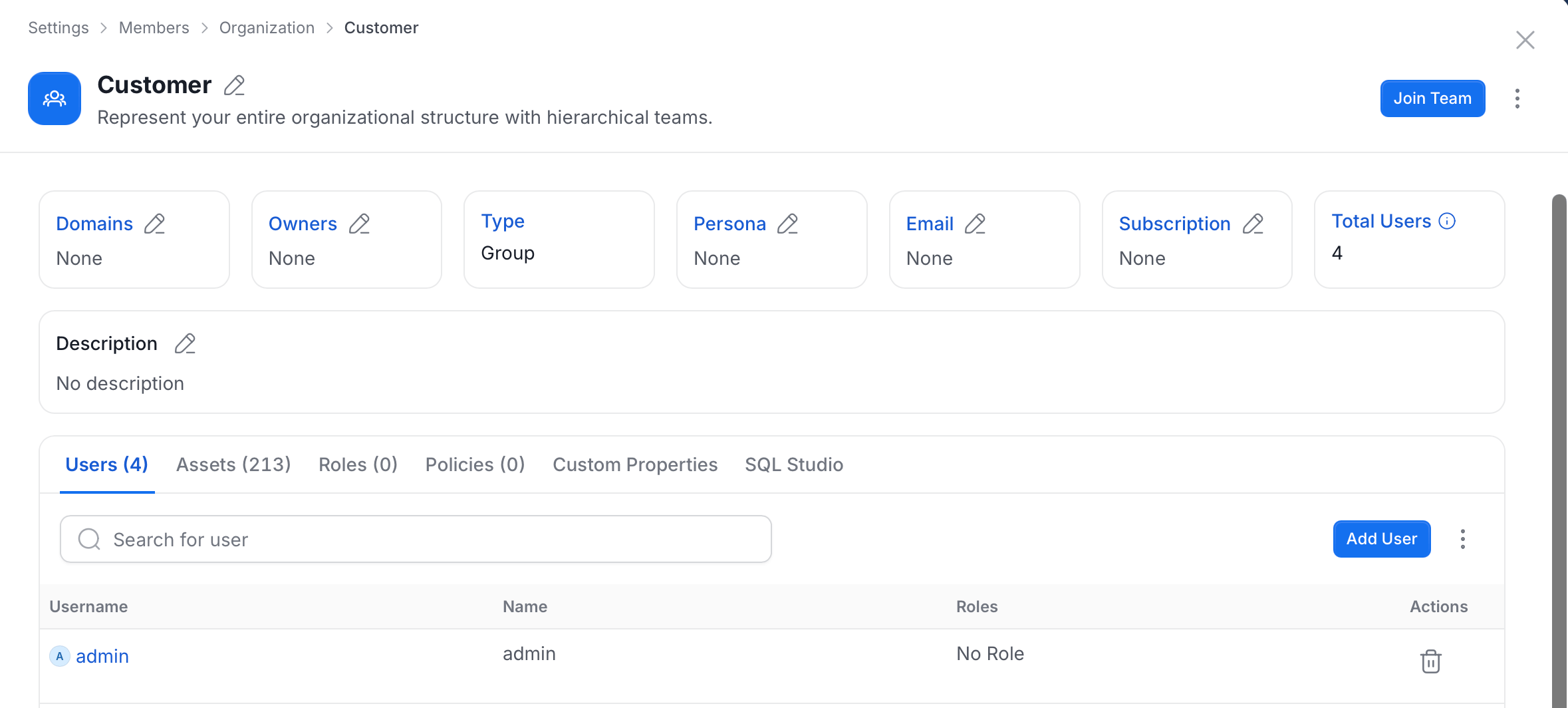
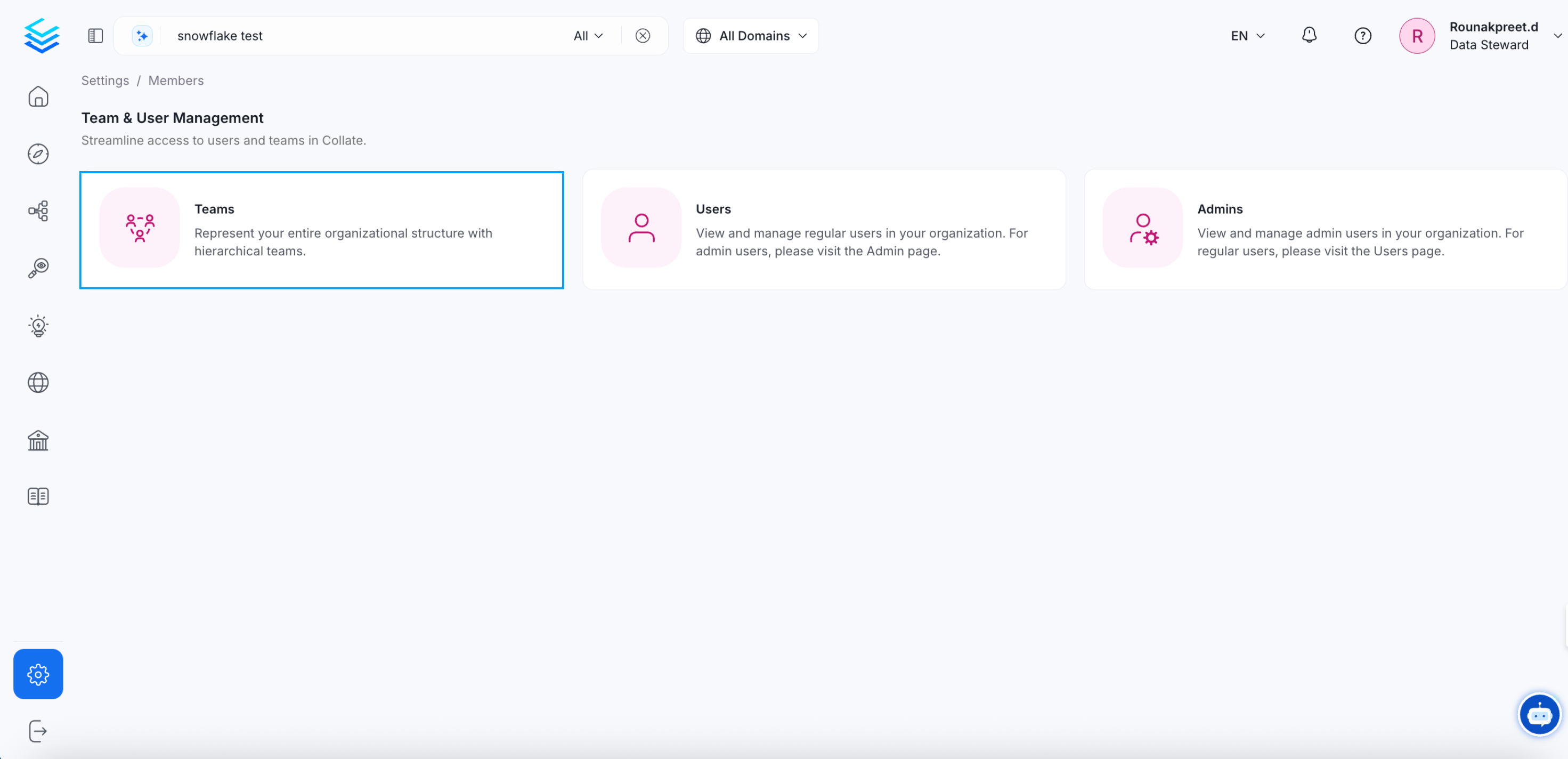
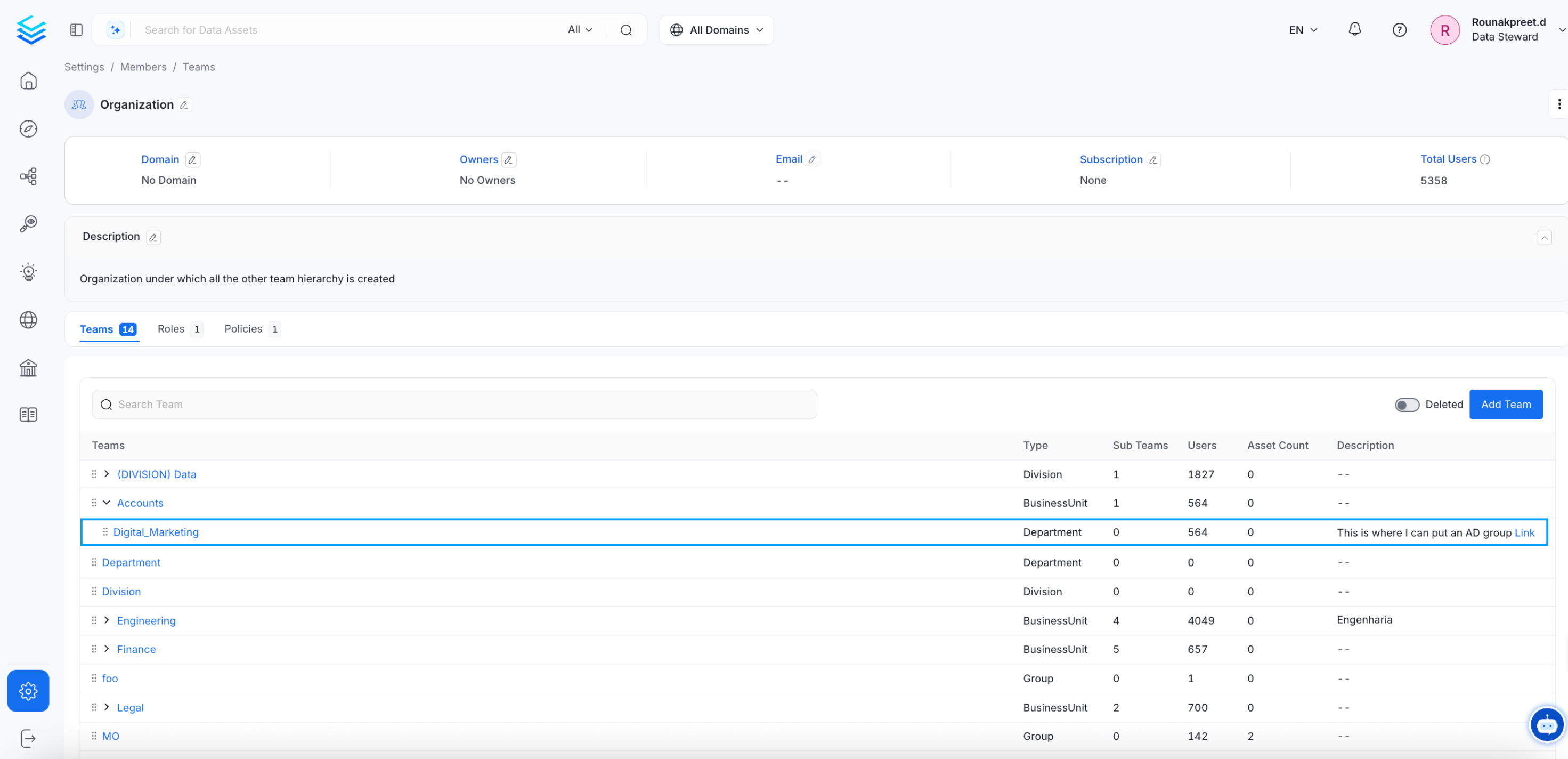
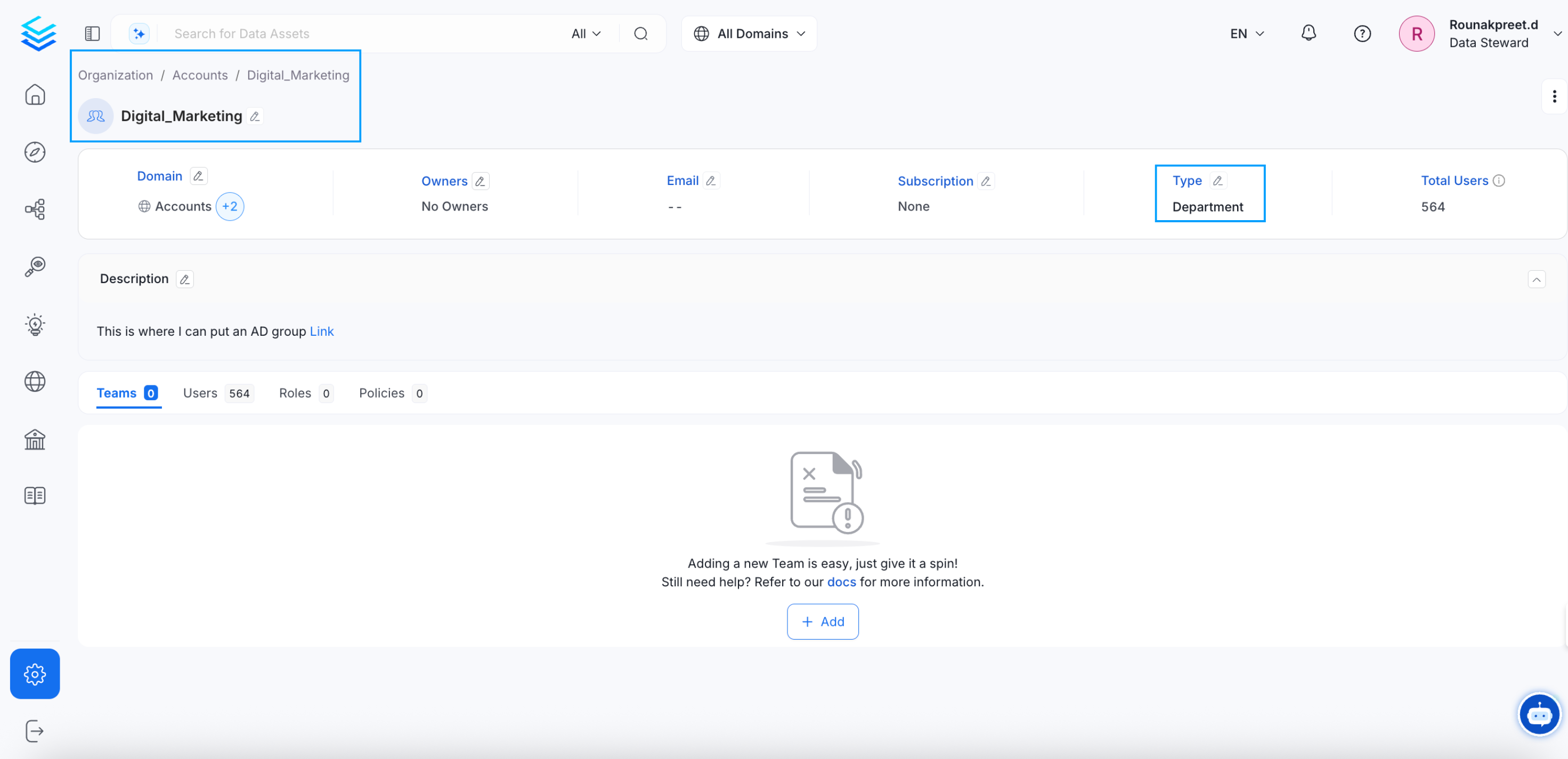
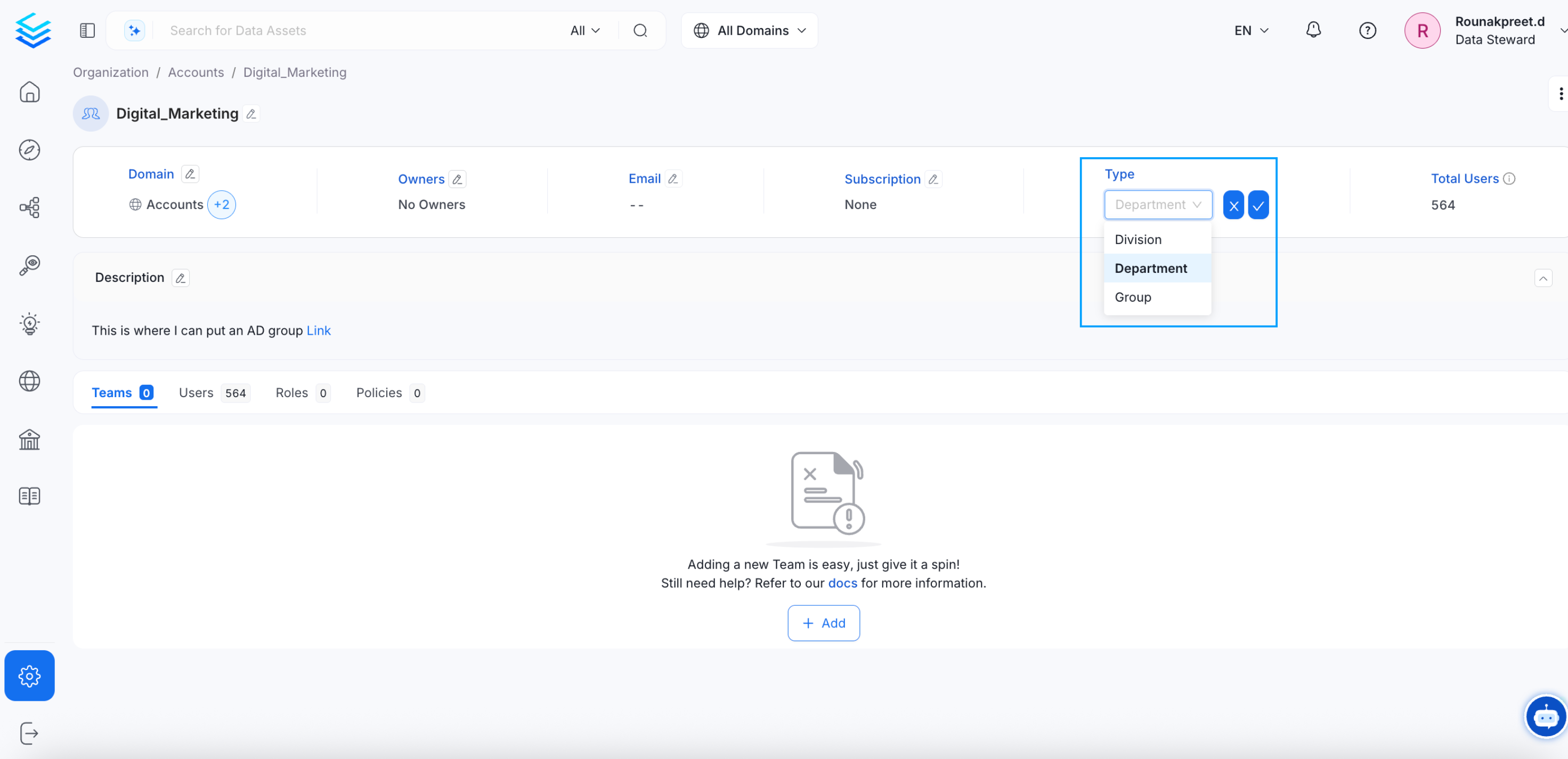
Let’s say you have a team Digital_Marketing of the type Department and you want to change it to the type Division. You can easily change that through the UI. 1. Navigate to Settings > Members > Teams. Click on the Digital_Marketing team name to view the details. Team details page with the Domains, Owners, Type, Persona, Email, and Subscription cards and the Users, Assets, Roles, Policies, and Custom Properties tabs Teams Digital_Marketing Team 2. On the Digital_Marketing team details page, you will see the Type - Department with an edit icon. Type - Department 3. Click on the edit button. You will get a set of options, from which you can select Division.Click on ✅ to save it. select-team-type 4. This changes the Digital_Marketing team type from Department to Division.