
Team Structure in OpenMetadata
OpenMetadata supports a hierarchical team structure with teamType that can beOrganization, Business Unit, Division, Department, and Group (default team type). Organization serves as the foundation of the team hierarchy representing the entire company. The other team types under Organization are Business Units, Divisions, Departments, and Groups.
-
Organizationis the root team in the hierarchy. It cannot have a parent. It can have children of the typeBusiness Unit,Division,Department, andGroup. -
BusinessUnitis the next level of the team in the hierarchy. It can haveBusiness Unit,Division,Department, andGroupas children. It can only have one parent either of the typeOrganization, orBusiness Unit. -
Divisionis the next level of the team in the hierarchy belowBusiness Unit. It can haveDivision,Department, andGroupas children. It can only have one parent of the typeOrganization,Business Unit, orDivision. -
Departmentis the next level of the team in the hierarchy belowDivision. It can haveDepartmentandGroupas children. It can haveOrganization,Business Unit,Division, orDepartmentas parents. It can have multiple parents. -
Groupis the last level of the team in the hierarchy. It can only haveUsersas children and not any other teams. It can have all the team types as parents. It can have multiple parents.
Viewing a Team’s Members
ABusiness Unit, Division, or Department team can’t take direct user members, but its Users tab shows everyone who belongs to the team through its sub-teams. Group and Organization teams list only their direct members. The member count badge, the in-tab search, and the Export action all reflect this same rolled-up set of users. For these teams, the Users tab, count, and CSV export match the Total Users stat even though none of those users are direct members.
Viewing a Team’s Sub-Teams
The Teams tab on a team’s page lists the team’s direct sub-teams, so a team with hundreds of sub-teams stays easy to browse.- Paging: The tab shows 10 sub-teams at a time. Use the pager in the footer to move between pages, and change the page size to 25 or 50. The tab label shows the total number of sub-teams, not only the rows on the current page.
- Search: Use the search bar to find a sub-team by name. The search covers all of the team’s direct sub-teams, not only the page you are on, so you can find a sub-team that is on another page.
- Scrolling: The table scrolls inside the tab, and the search bar and column headers stay in place.
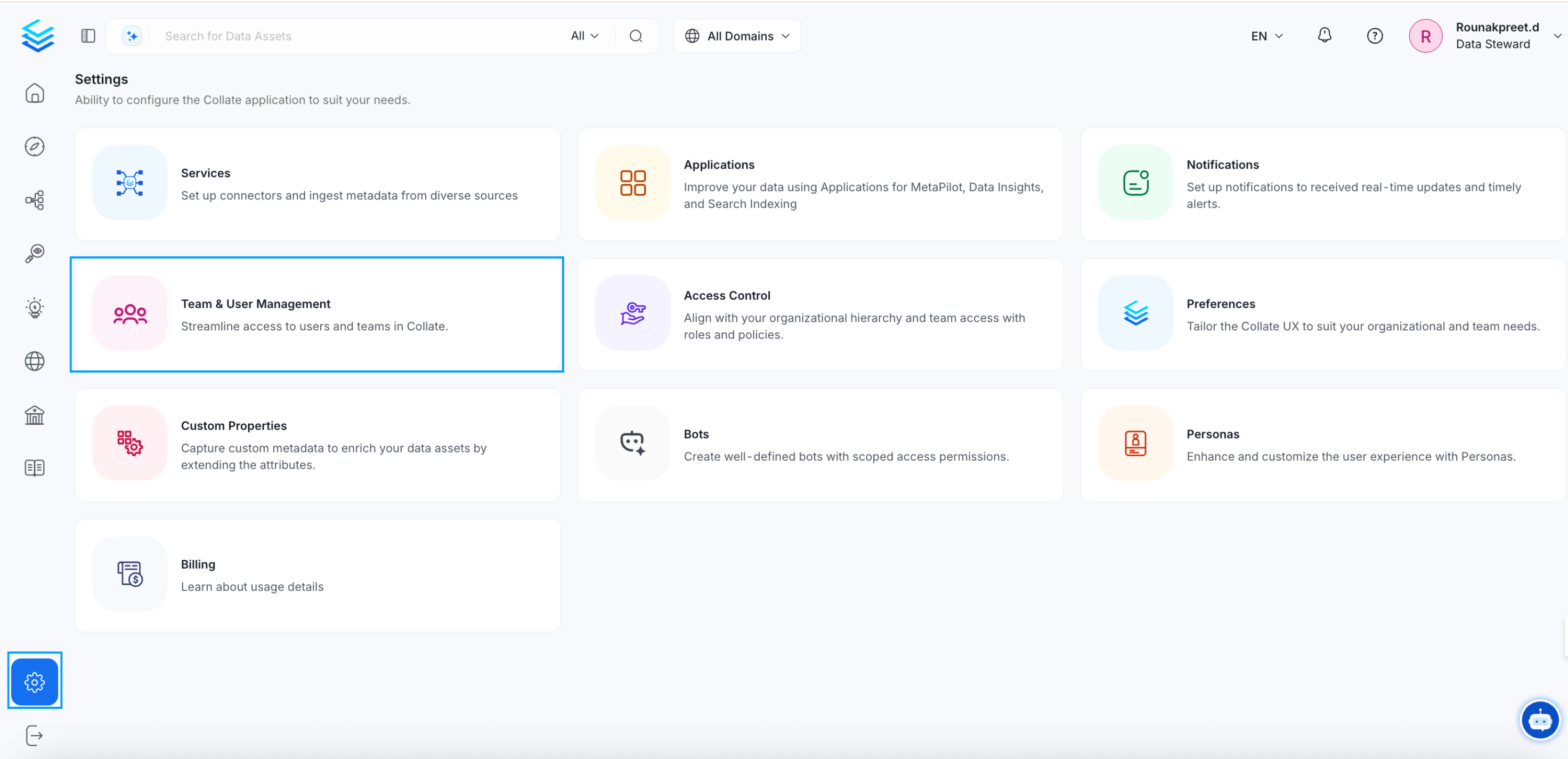
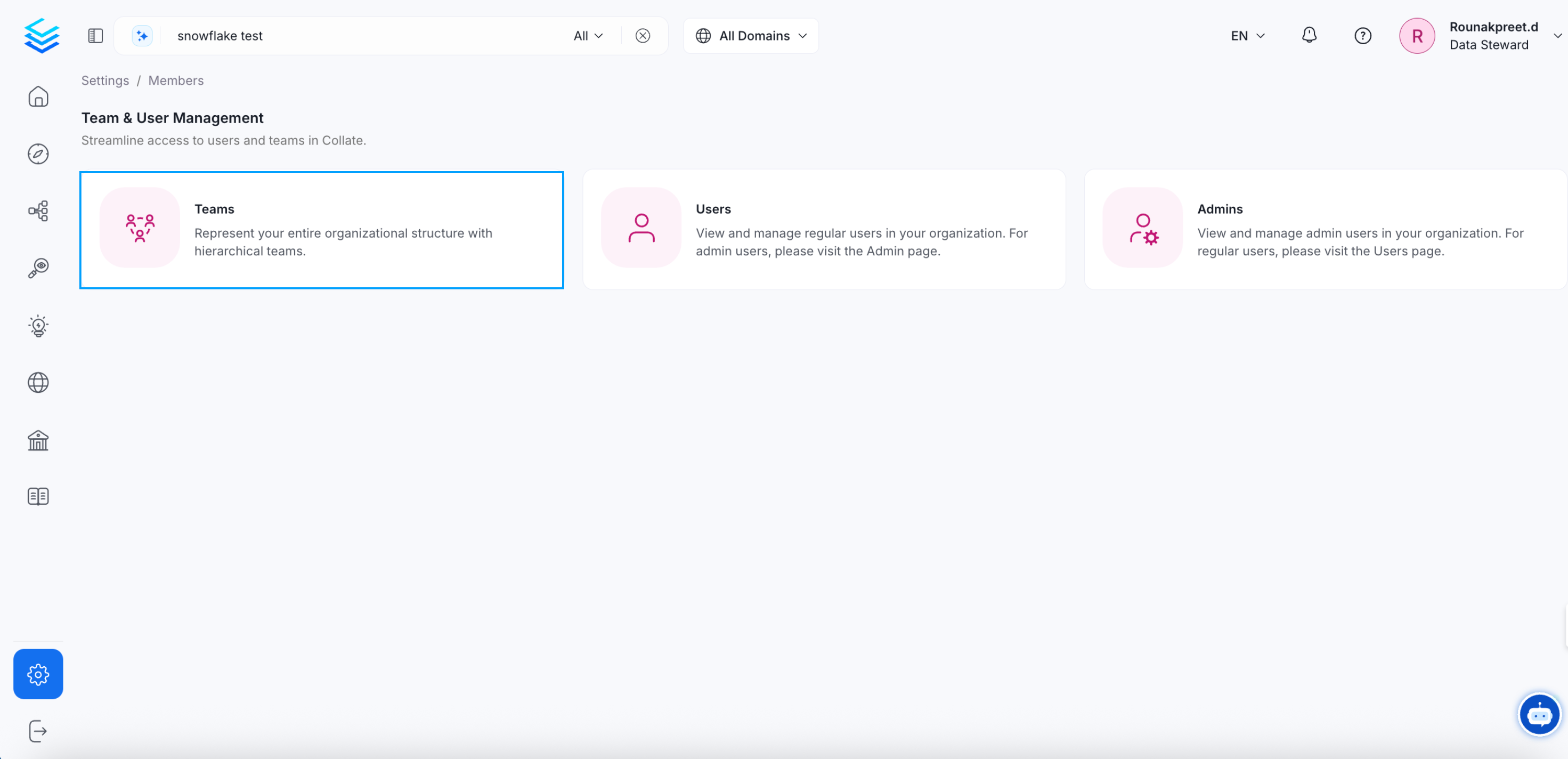
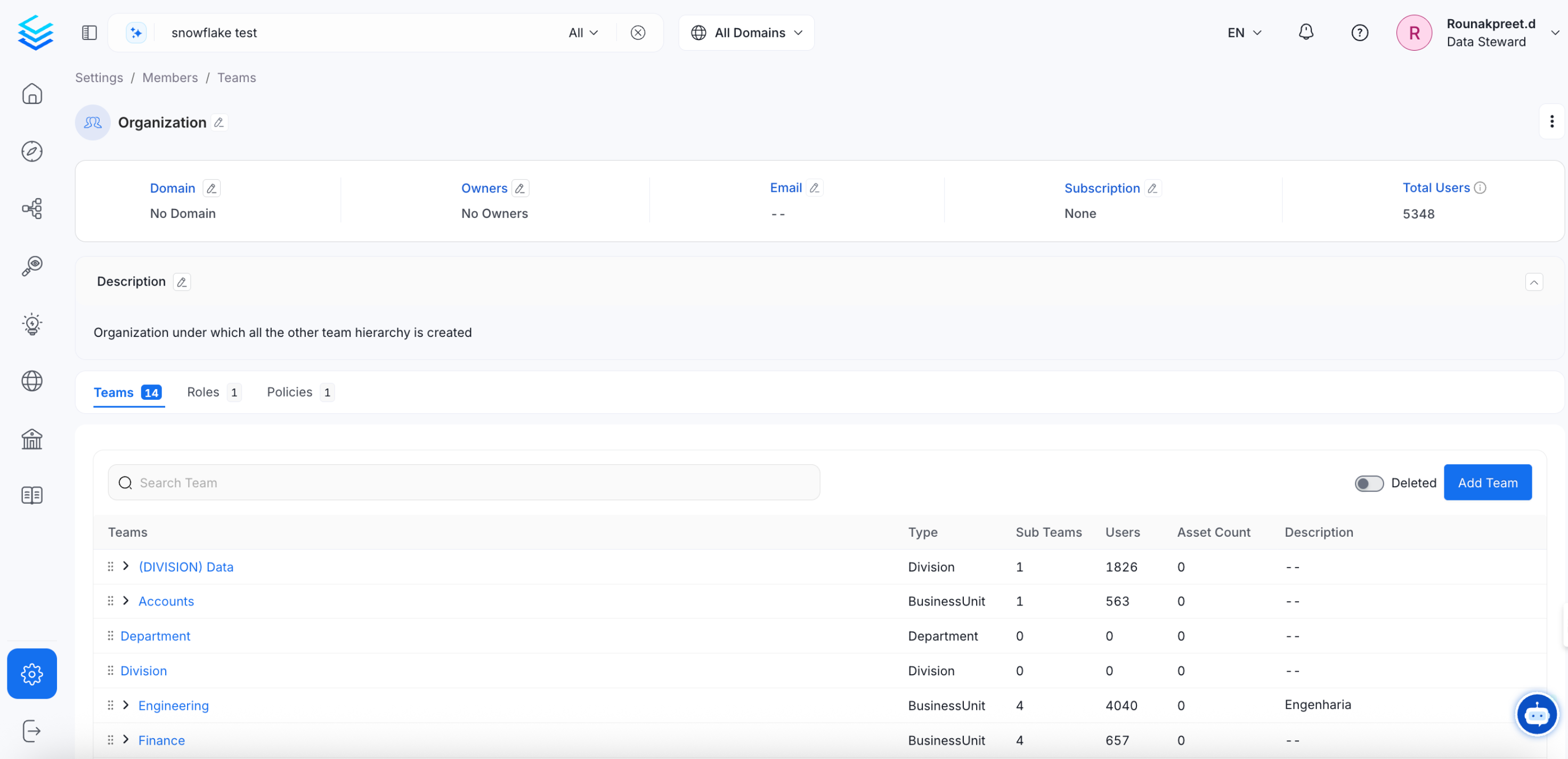
How to Add a Team
Creating a Team in OpenMetadata is easy for different team types.