Adding Auto Classification Agent through the UI
Follow these steps to configure Auto Classification Agent via the OpenMetadata UI:1. Navigate to the Database Service
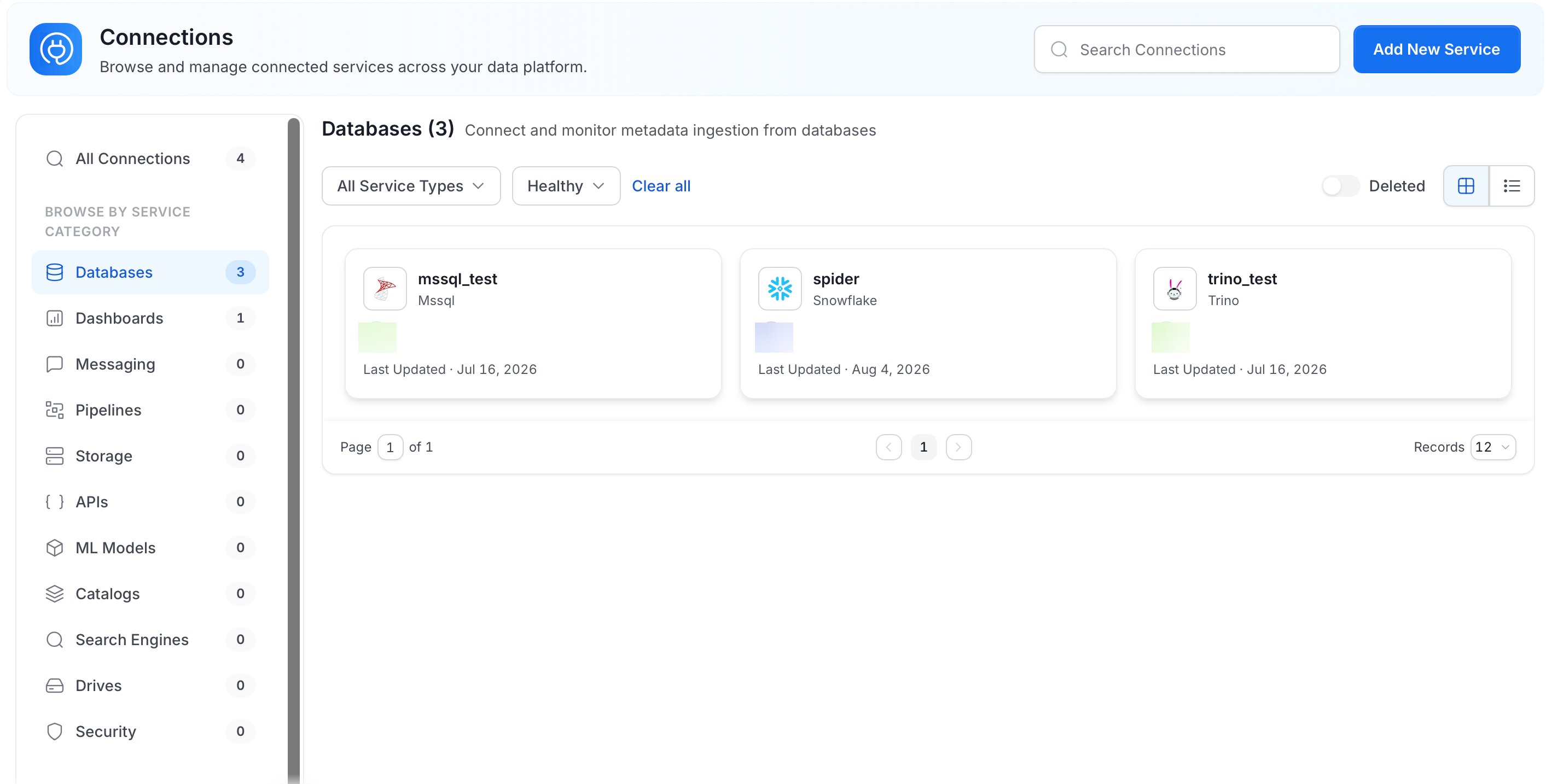
- Go to Connections > Databases in the OpenMetadata UI.
- Select the database service for which you want to configure Auto Classification Agent.
2. Access the Agents Tab
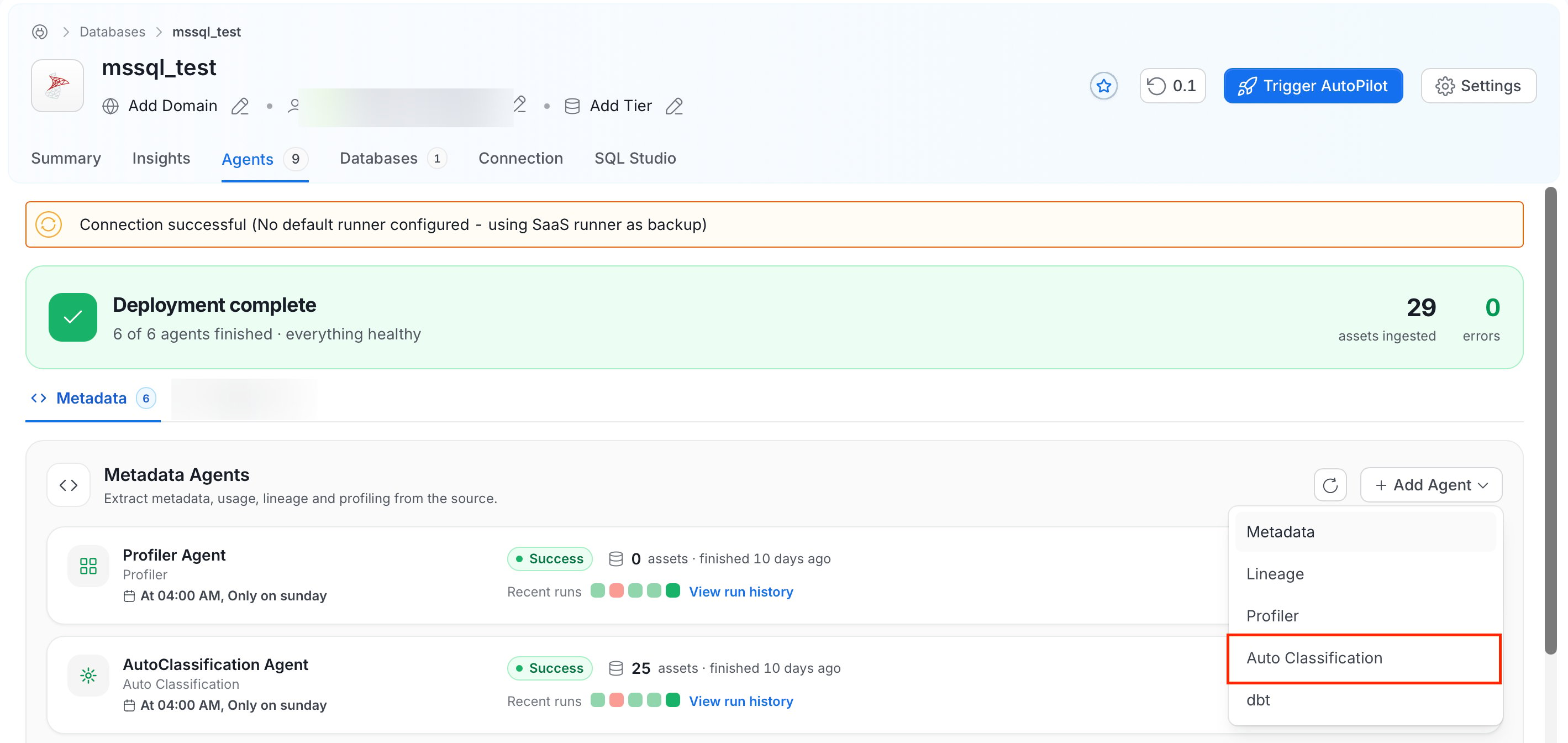
- In the selected database service, go to the Agents tab.
- Click Add Agent > Auto Classification.
3. Configure Auto Classification Details
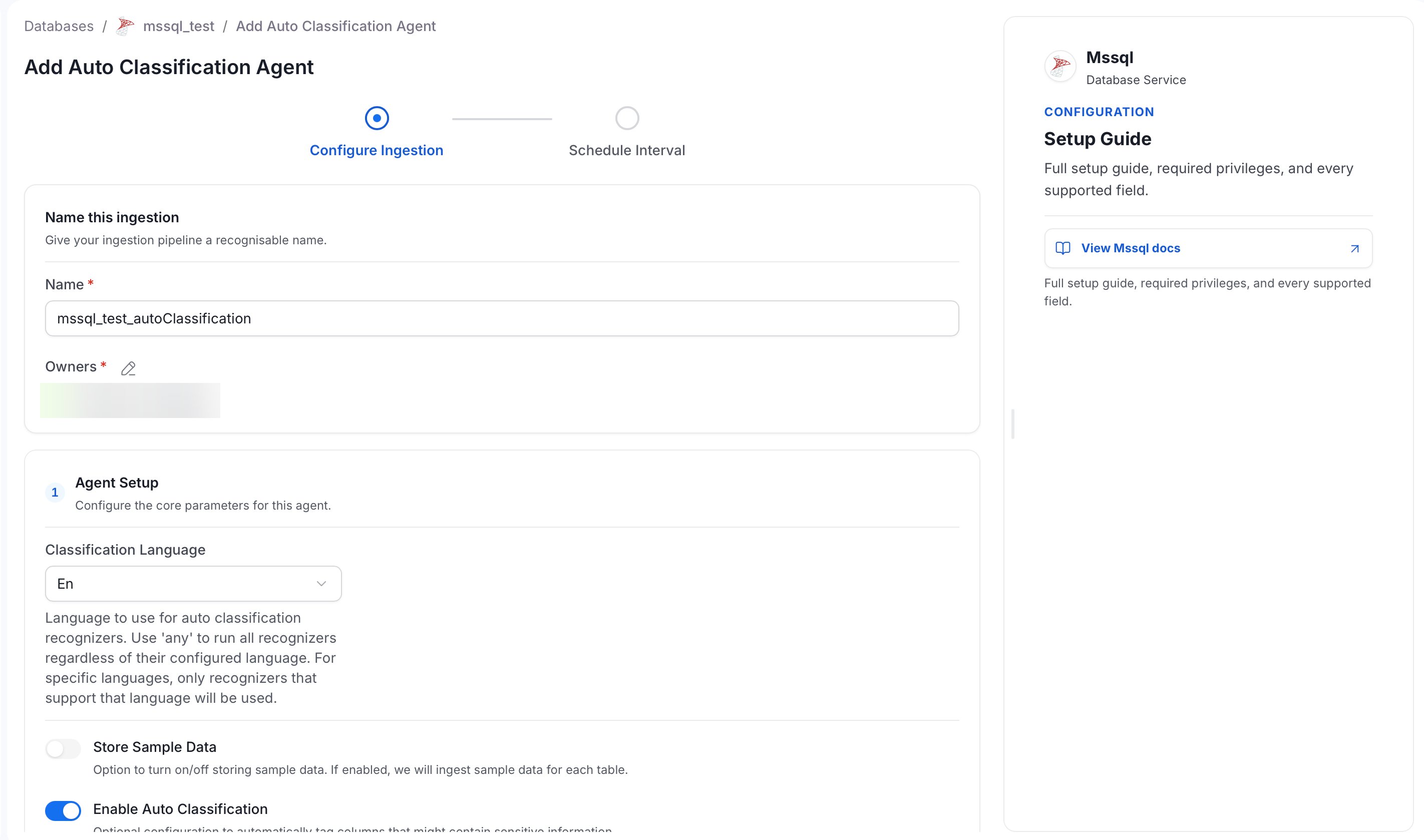
- Fill in the details for your Auto Classification Agent workflow.
- Each field’s purpose is explained directly in the UI, allowing you to customize the configuration based on your requirements.
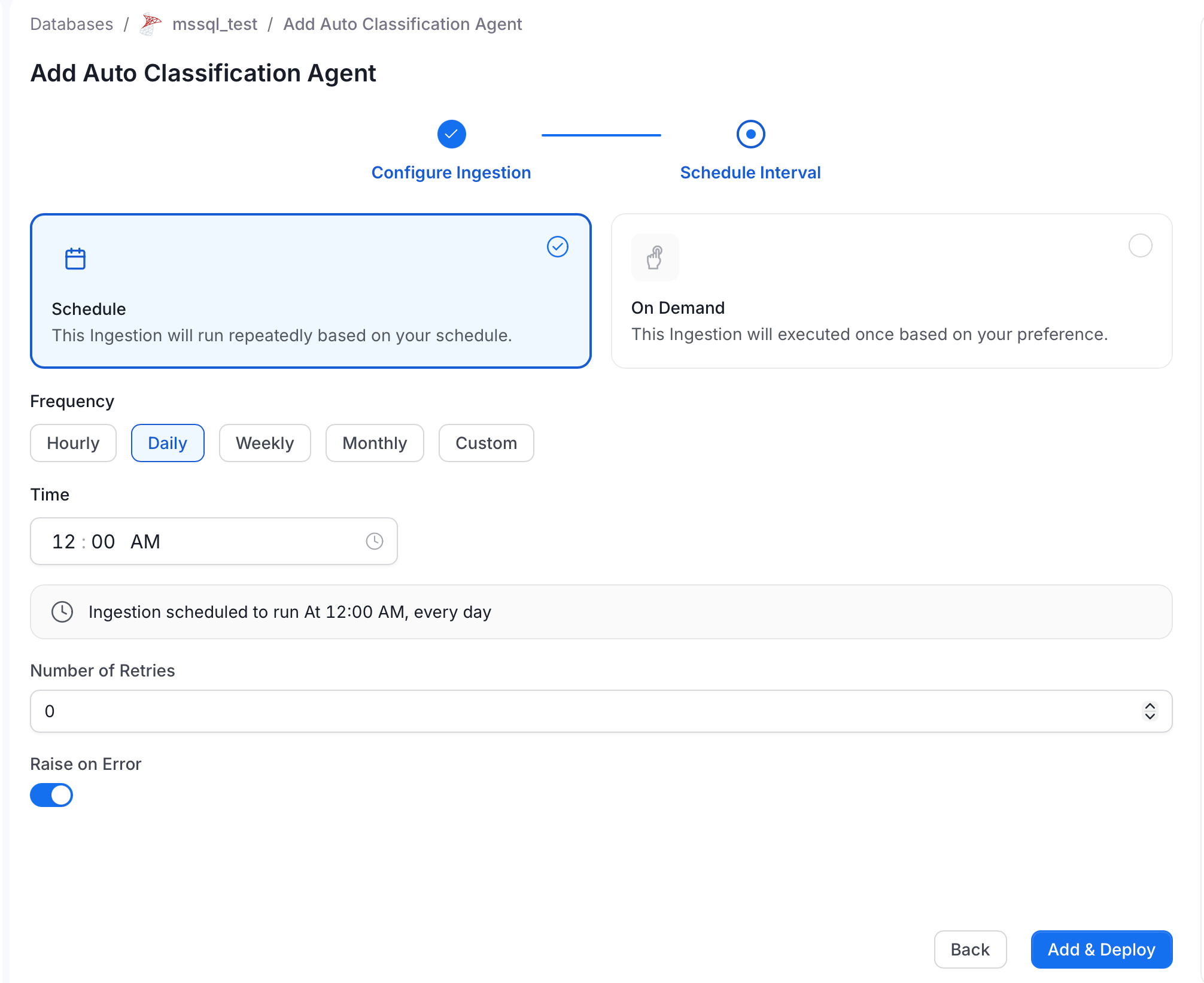
4. Set the Schedule
Specify the time interval at which the Auto Classification Agent should run.