
How to Add Tags
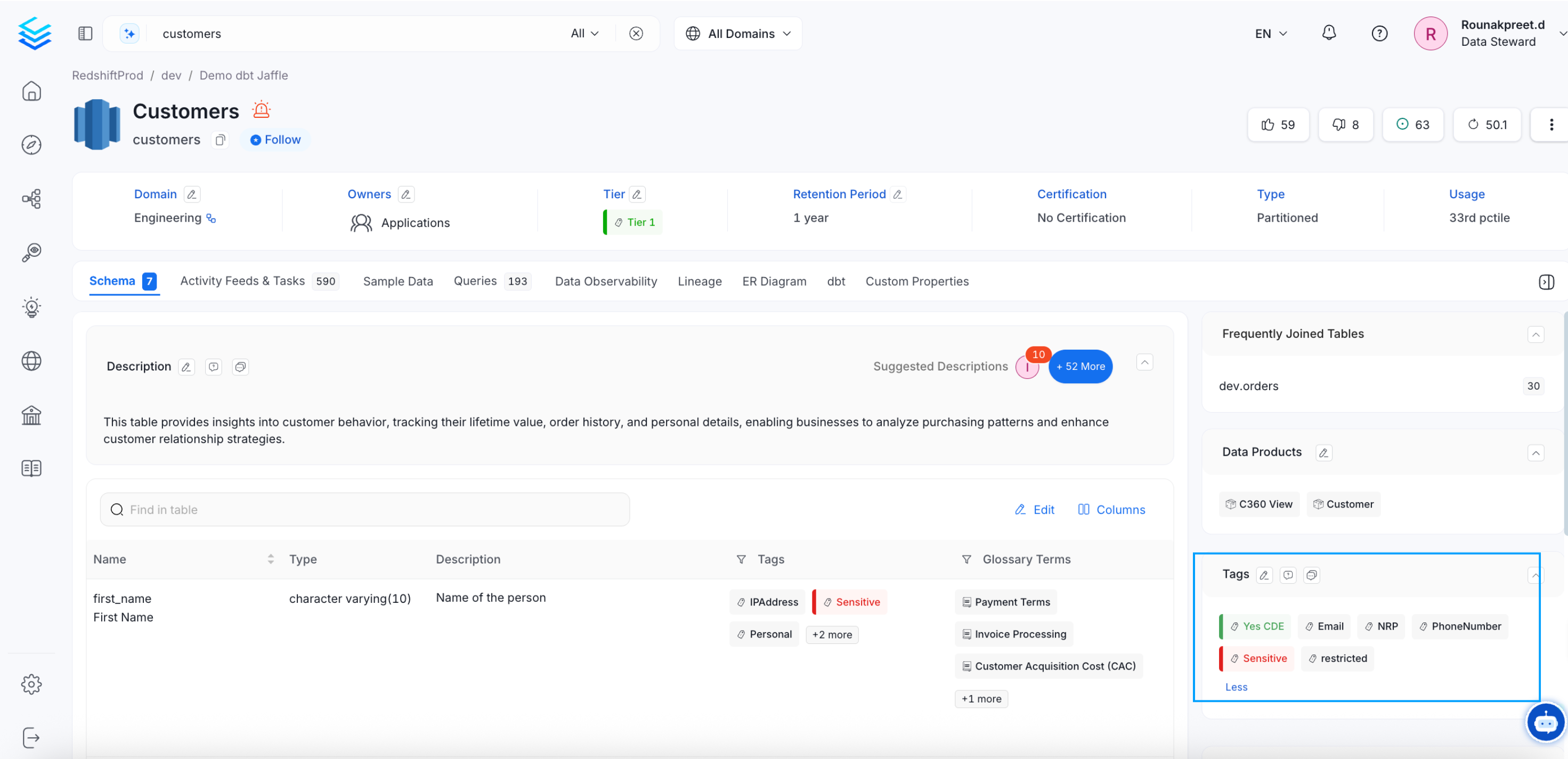
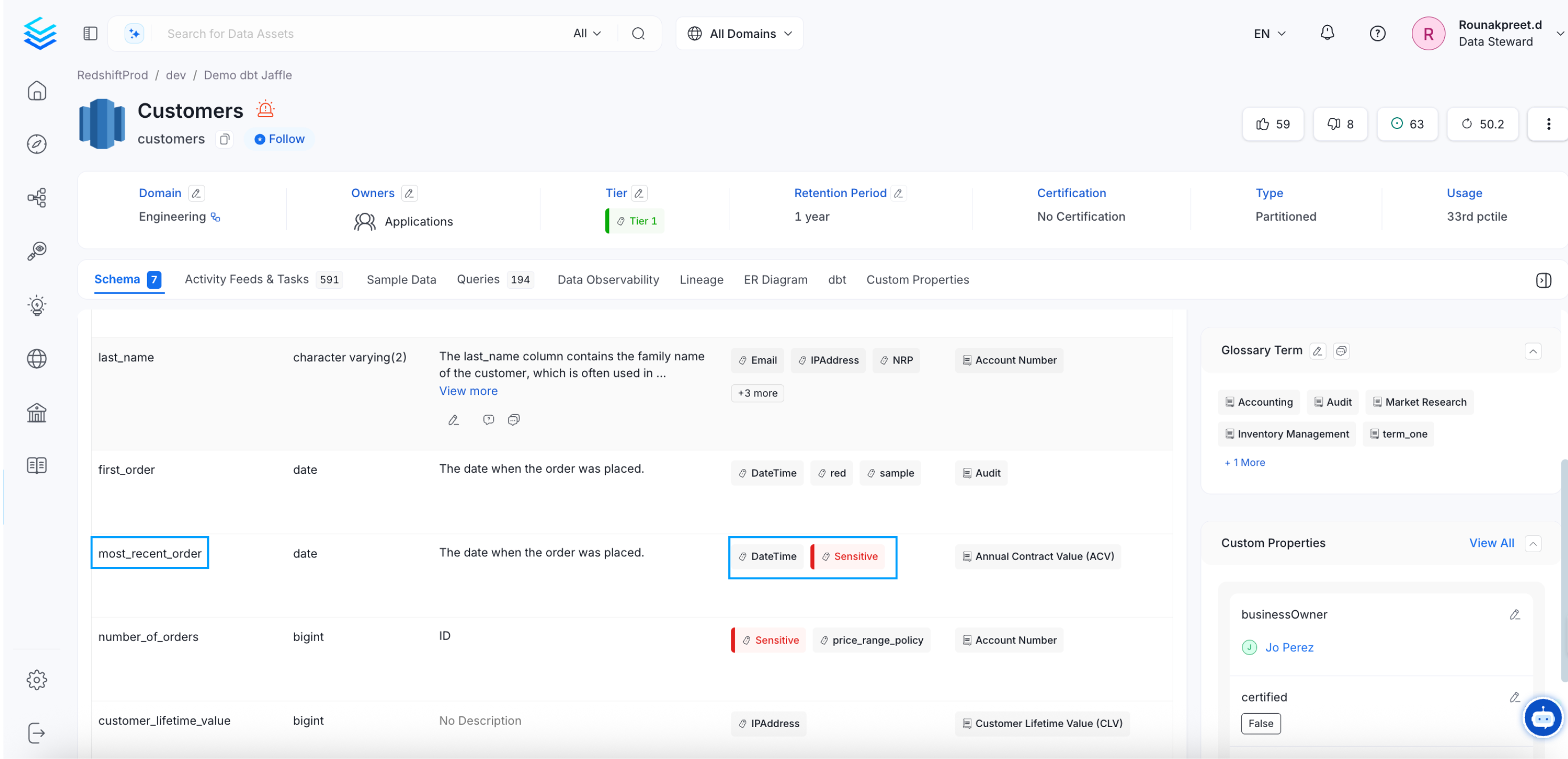
- From the Explore page, select a data asset and click on the edit icon or + Add for Tags.
- Search for the relevant tags. You can either type and search, or scroll to select from the options provided.
- Click on the checkmark to save the changes.
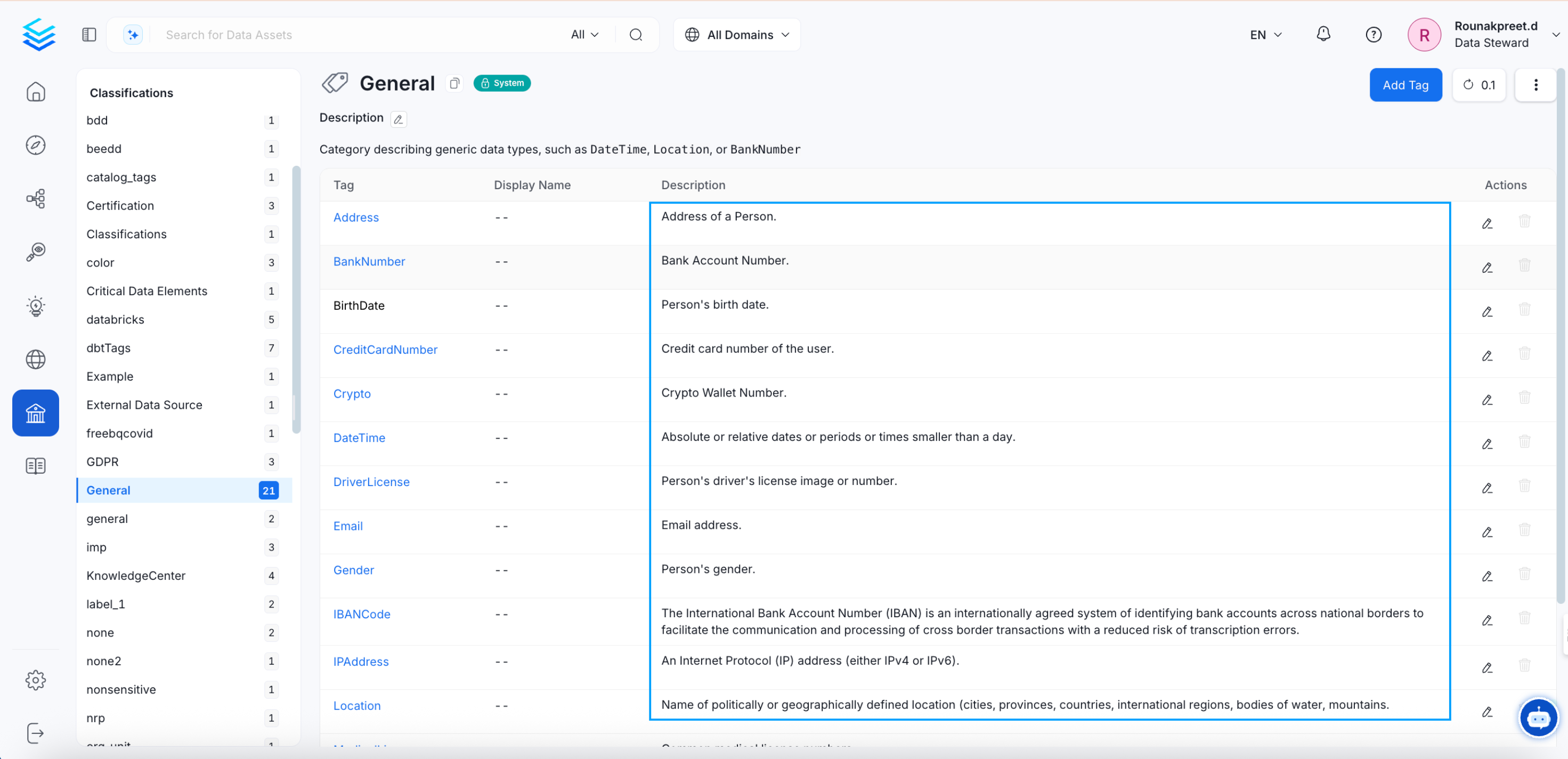
- Navigate to Govern >> Classification.
- The list of tags is displayed along with the details of Usage in various data assets.
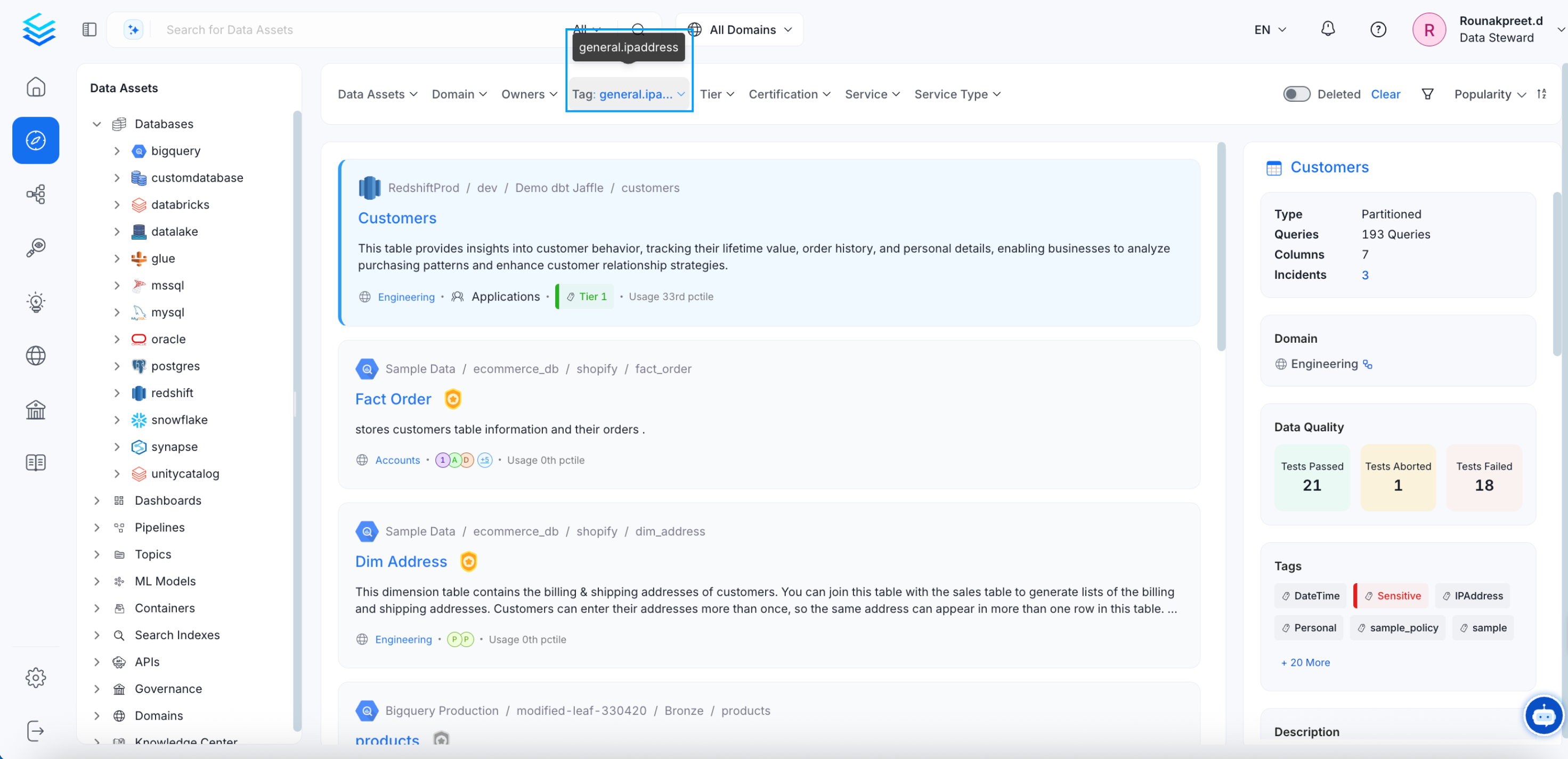
- Click on the Usage number to view the tagged assets.
Auto-Classification in OpenMetadata
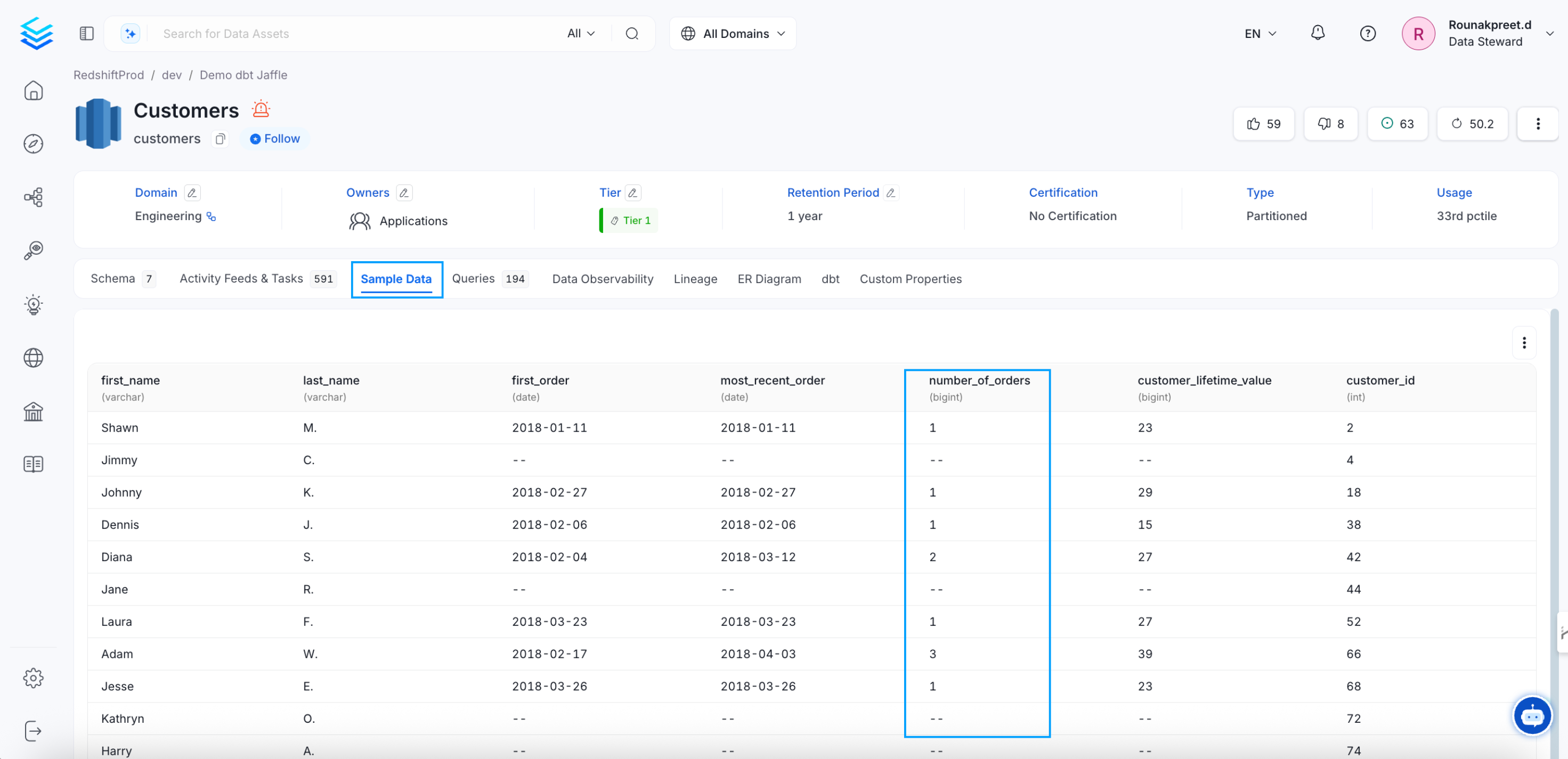
OpenMetadata identifies PII data and auto tags or suggests the tags. The data profiler automatically tags the PII-Sensitive data. The addition of tags about PII data helps consumers and governance teams identify data that needs to be treated carefully. In the example below, the columns ‘user_name’ and ‘social security number’ are auto-tagged as PII-sensitive. This works using NLP as part of the profiler during ingestion.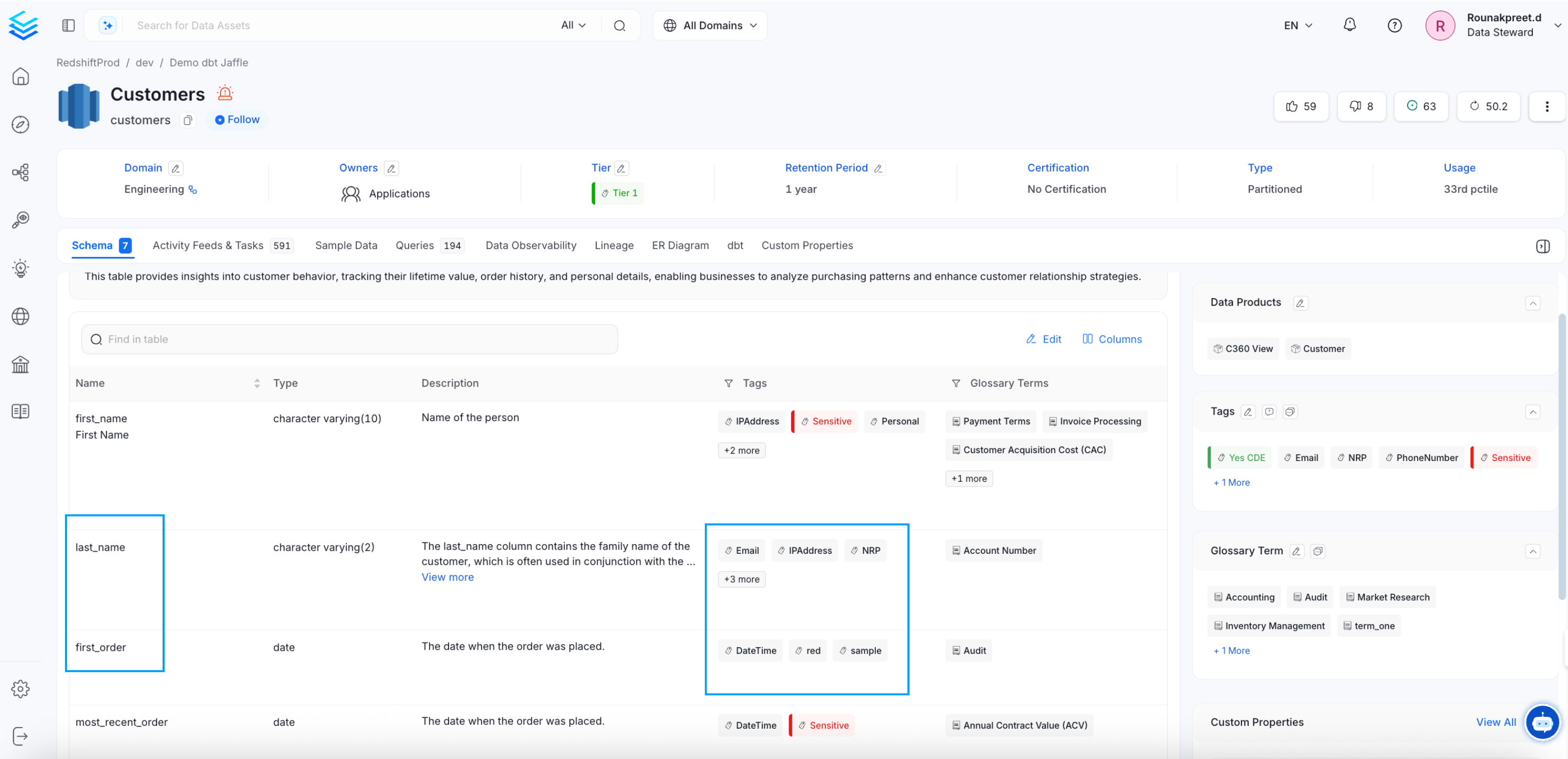
How to Request for Tags
Request for tags and discuss about the same, all within OpenMetadata.