
Understanding the Basics of OpenMetadata
Let’s Start with the Home Page
Once you log in to OpenMetadata, you start on the home page. It summarizes what you need to know in Topics to catch up on, a set of cards for your data estate, tasks, activity, and data quality. Open a card for the full view.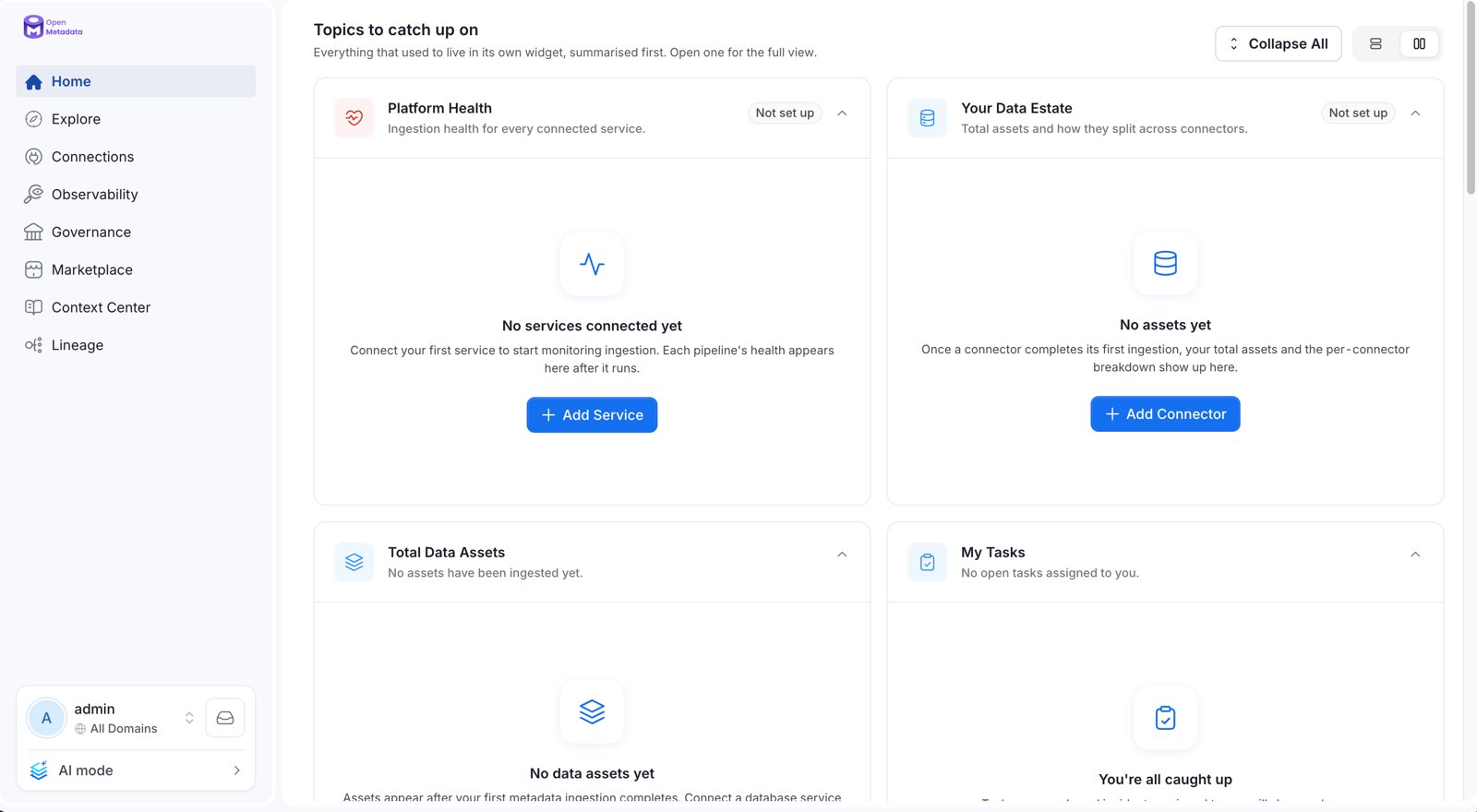
Section Controls
The heading row of Topics to catch up on has these controls:- Collapse All / Expand All: Collapse every card to its header, or expand them all again.
- List / Grid: Switch between one card per row and two cards per row.
- Customize: Open the home page editor for your persona. It appears only when you belong to a persona.
- Chevron on a card: Collapse or expand that card.
Announcements
The top of the home page shows announcements.- Critical banner: When a critical system announcement is live, a banner appears at the top for every user. Admins create system announcements from Settings. For more information, see System Announcements.
- Announcements on data assets: The Announcements section shows live announcements about data assets. It appears only when at least one is live. Click View all to see every live announcement. For more information, see How to Create an Announcement.
- Dismiss: Click the close icon on a card or banner to dismiss it. The choice is remembered for you in that browser.
Cards
Each card summarizes one area of your platform.Platform Health
Shows ingestion health across every connected service, with the worst offenders first. The header shows how many services are failing, and the chips show the failing, healthy, and not-run-yet counts.Your Data Estate
Shows how large the data estate is, which connectors it comes from, and how much of it has a description.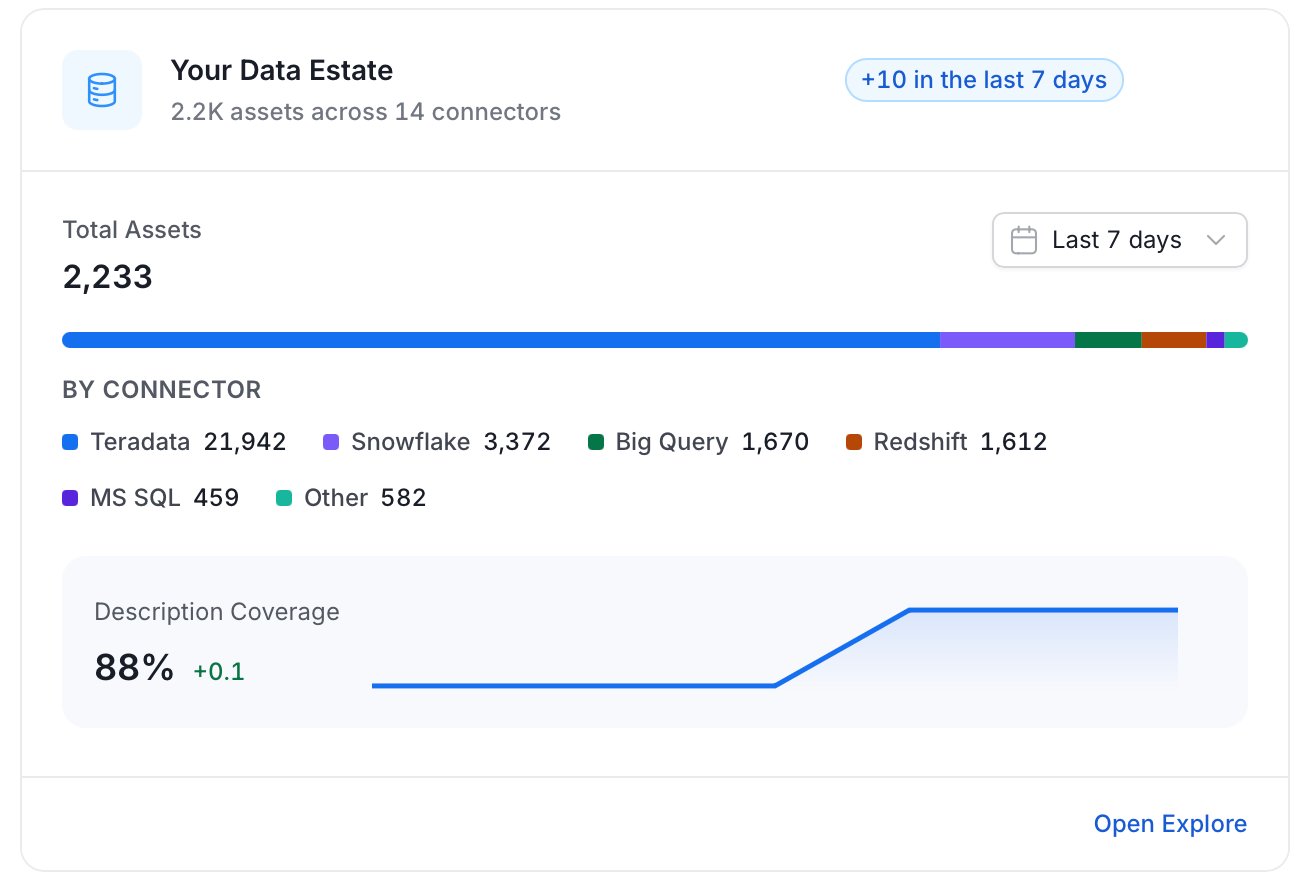
Total Data Assets
Shows how many data assets the estate holds, split by asset type, and how each type changed over the selected period.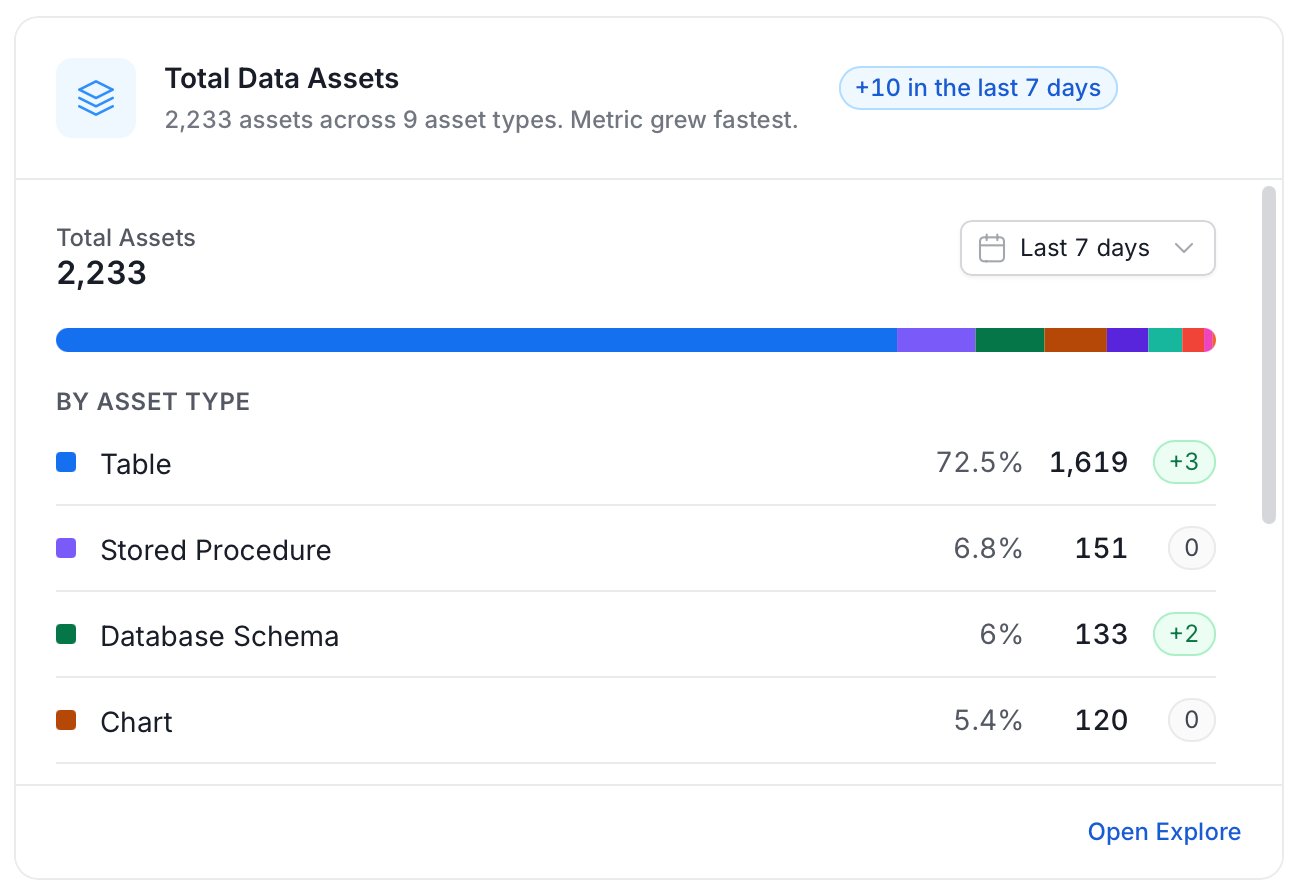
My Tasks
Lists your open tasks and the tasks assigned to your teams, with incidents first. Use the All, Incidents, Access, and Approvals tabs to filter.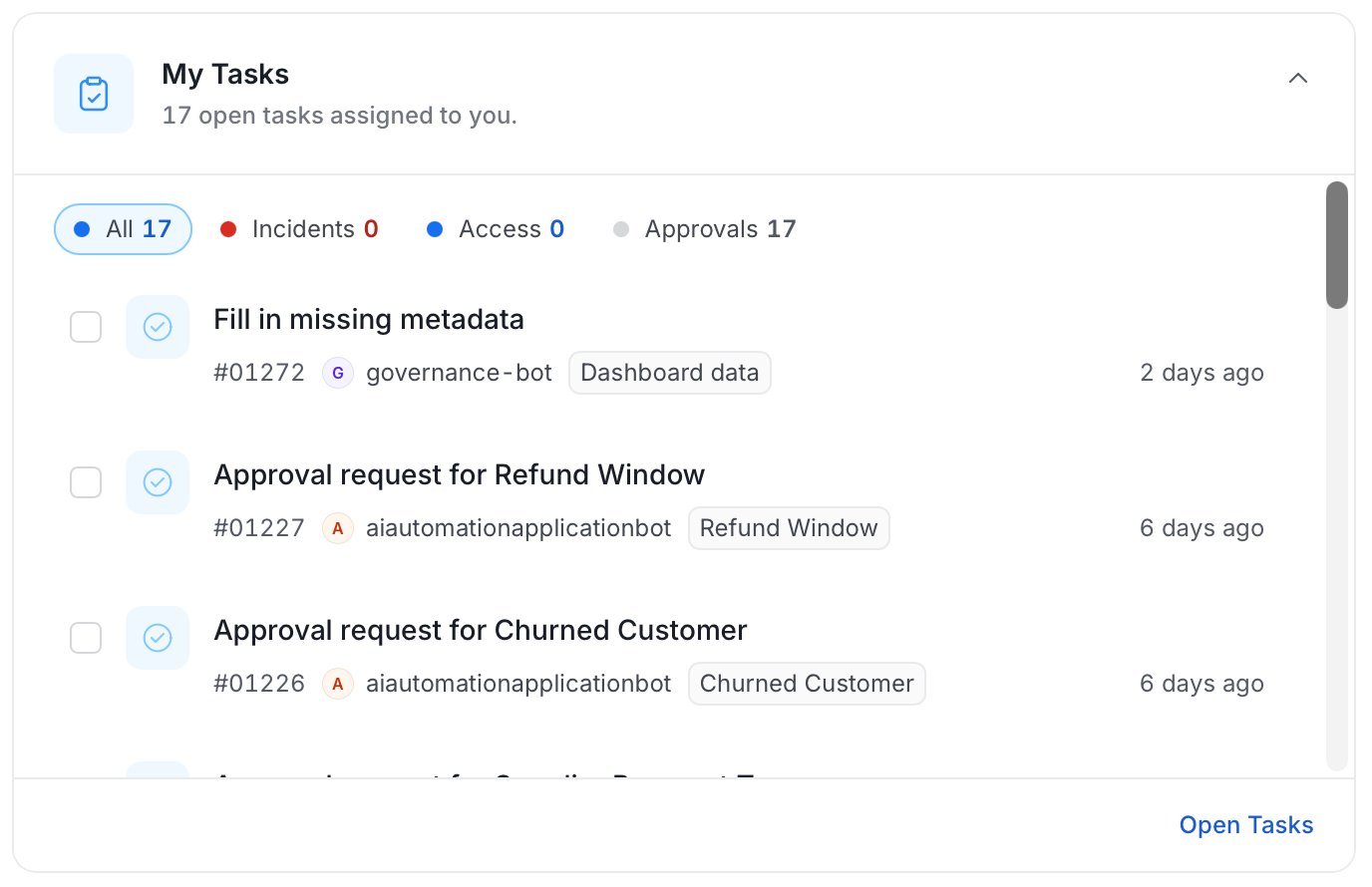
Team Activity
Shows recent activity across the assets and domains you own, including who changed what and when.Yours and Followed
Keeps the assets you own and the assets you follow in one place. Use the Owned and Following tabs to switch. For more information, see How to Follow a Data Asset.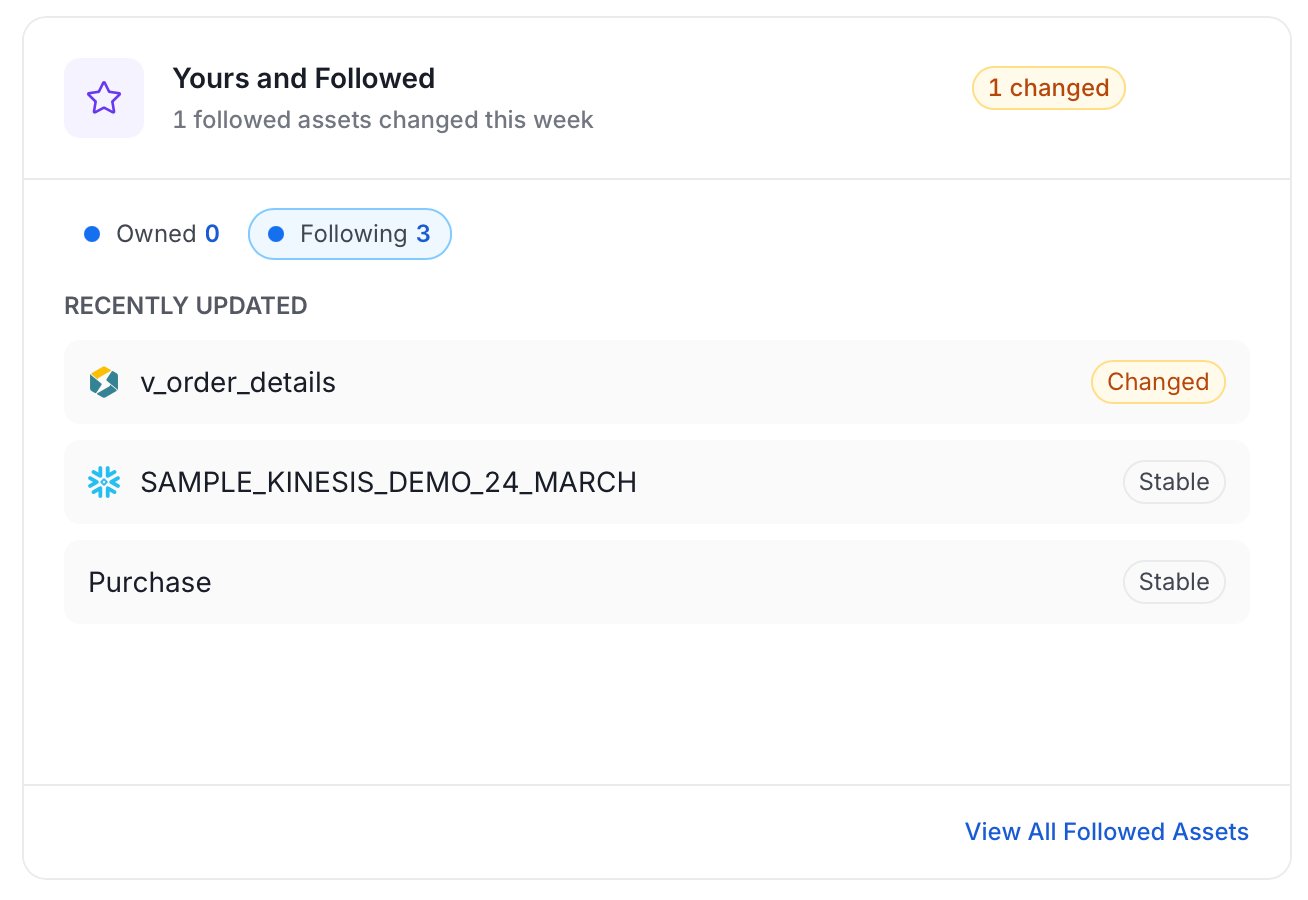
Context Center
Shows the most recently updated Context Center pages and articles, with how many changed this week.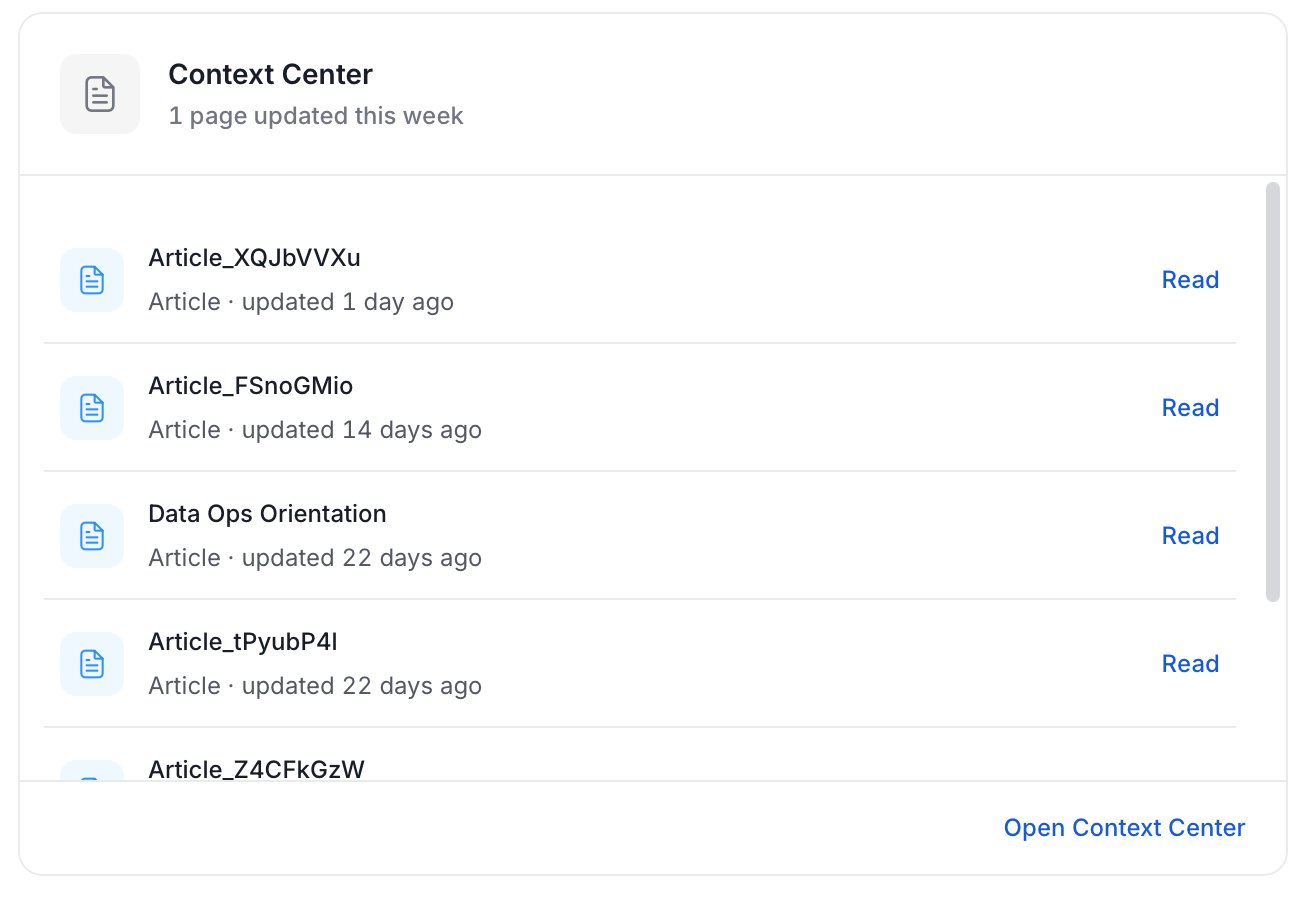
Curated Assets
Shows a filtered list of high-impact assets. An admin sets the rule that picks the assets for the persona.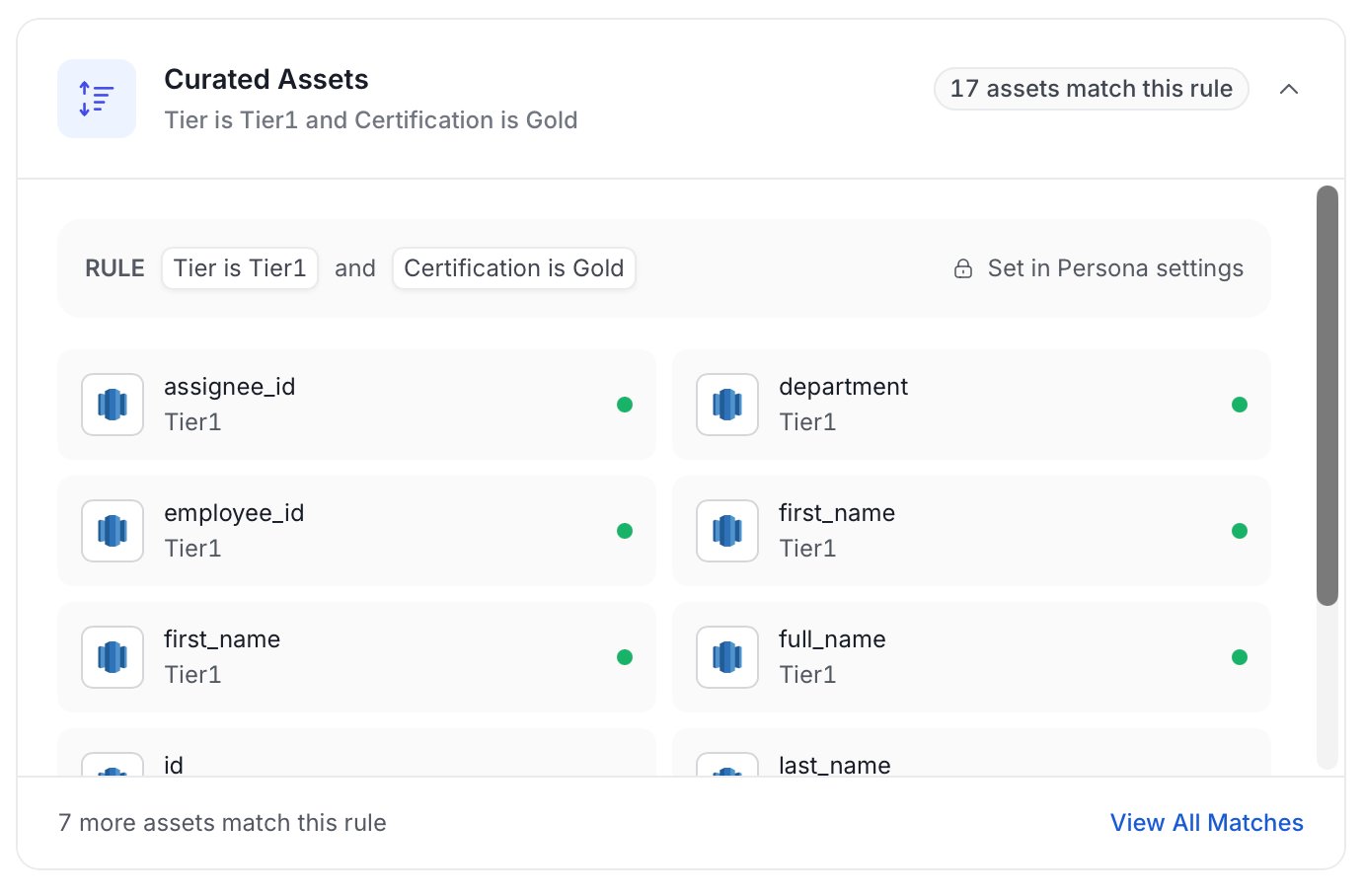
Data Quality
Shows passing, failing, and aborted data quality tests, with a link to the failing tests.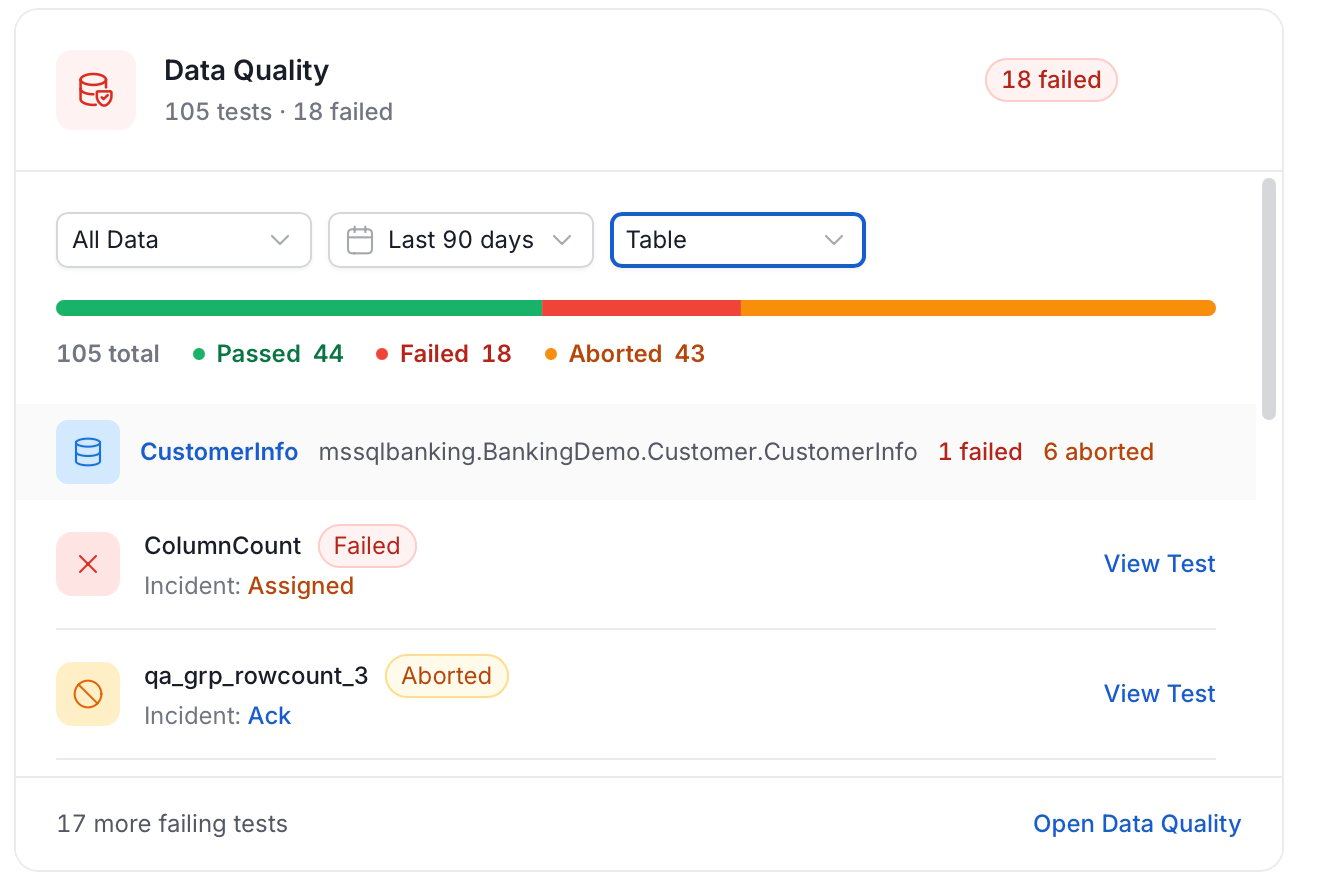
Domains
Gives a domain-by-domain overview of owner, description coverage, and failing tests.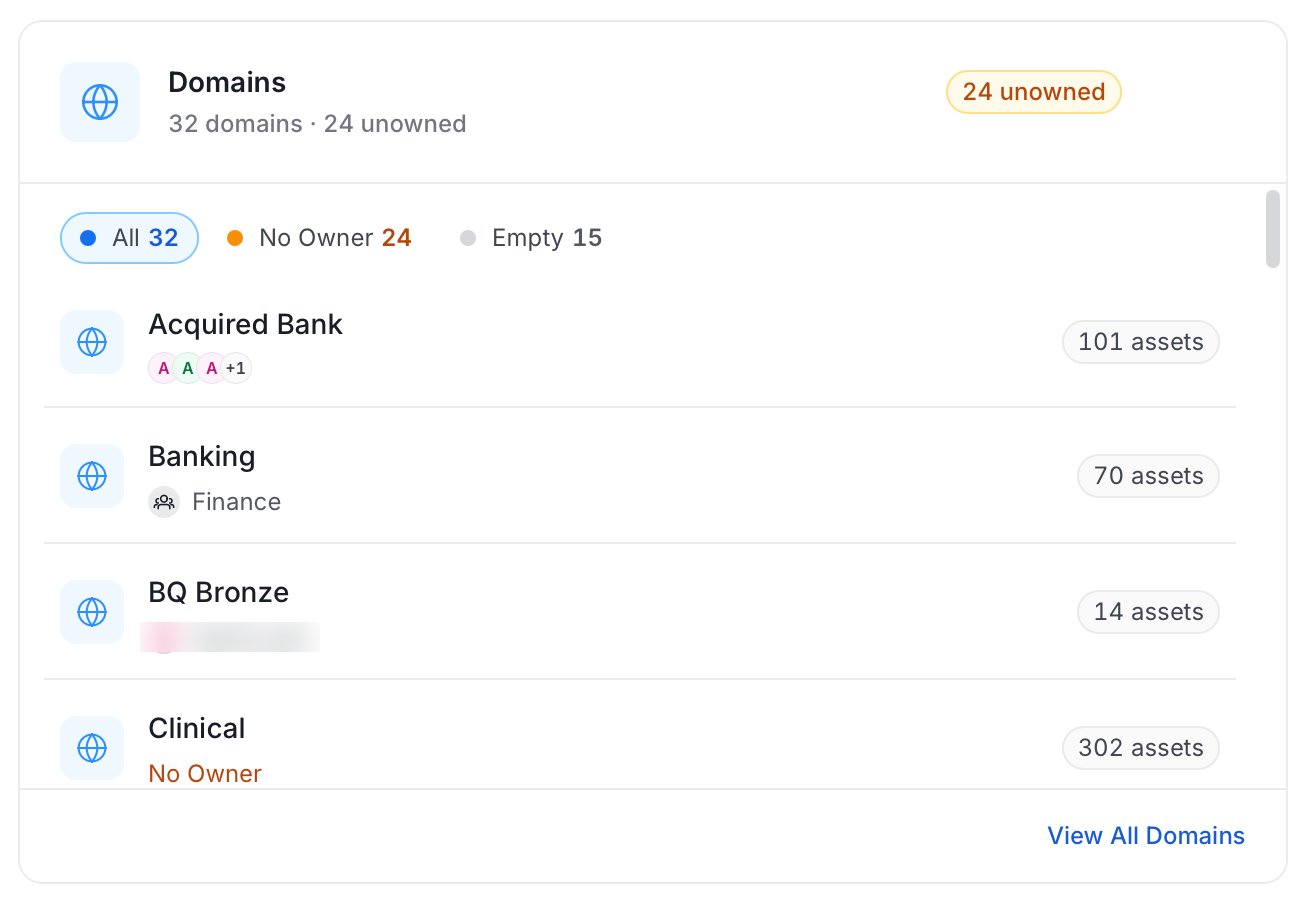
Data Products
Lists data products across the platform with their domain and owners.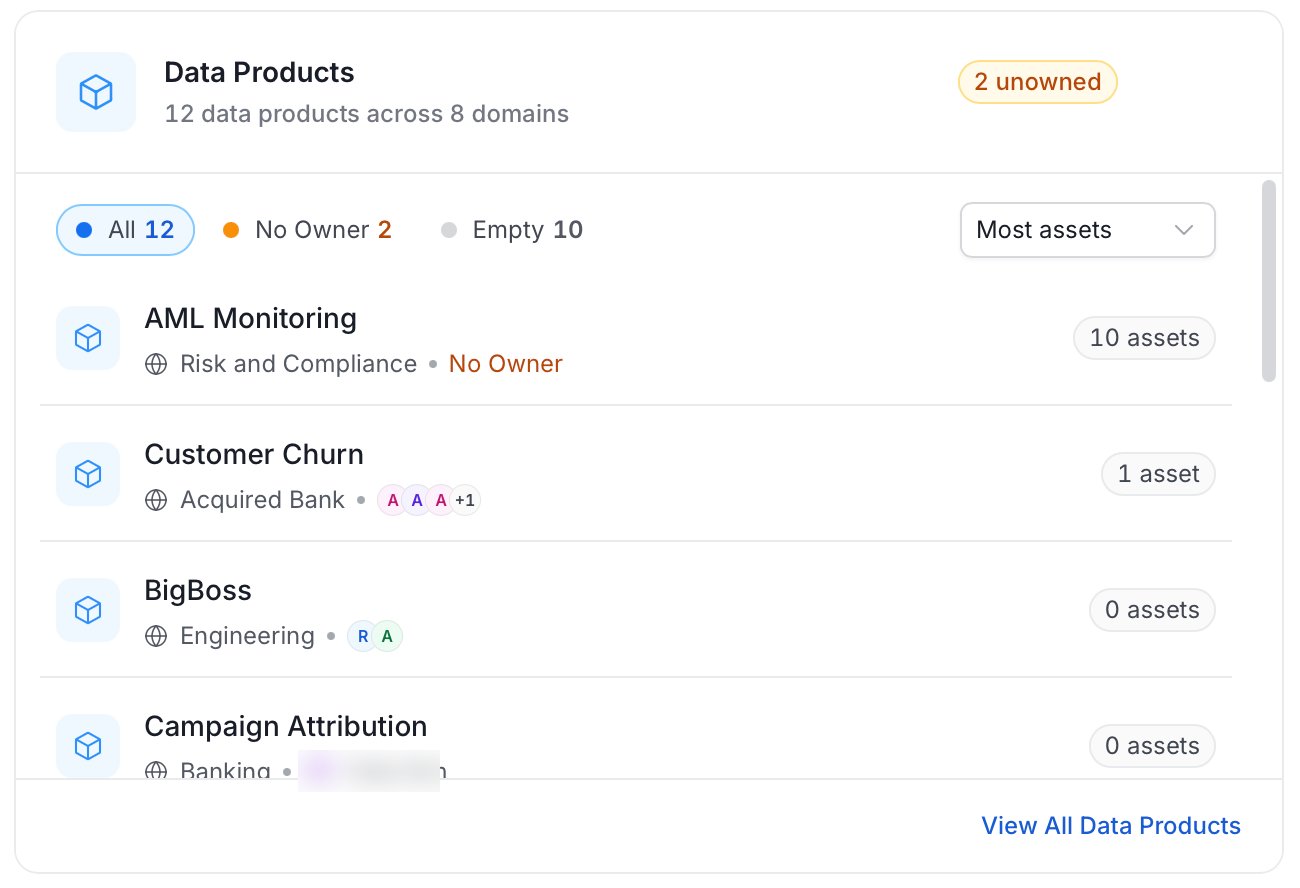
KPIs
Shows progress against each active KPI: its target, the current value, and whether it is on track by its end date.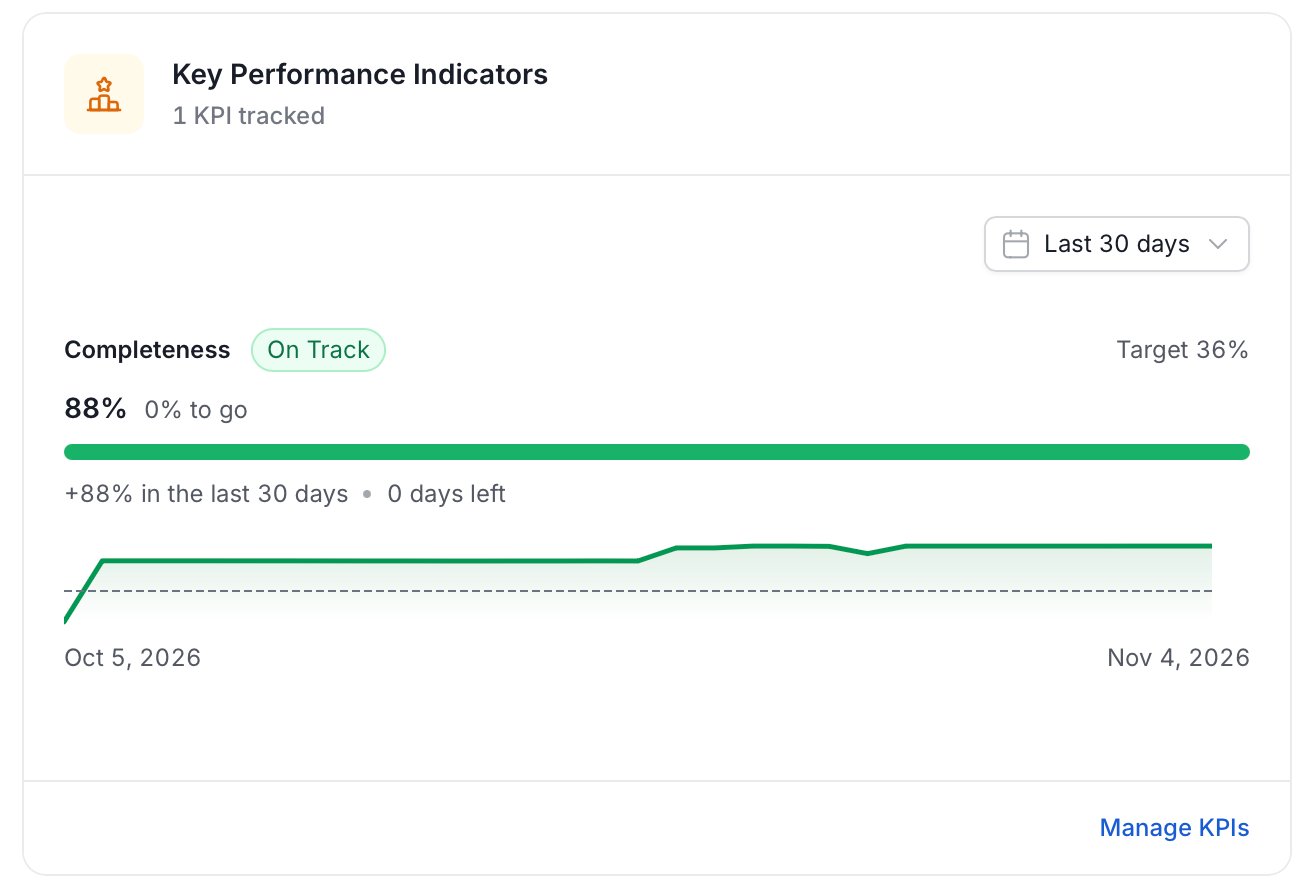
Pipeline Status
Shows each pipeline’s latest run, with failures first, its last 10 runs, and the error behind a failure.Product Tour
The product tour walks you through the main pages of OpenMetadata on recorded sample data, so every page is populated and nothing in your own data changes. To start the tour, select Help > Tour from the profile menu.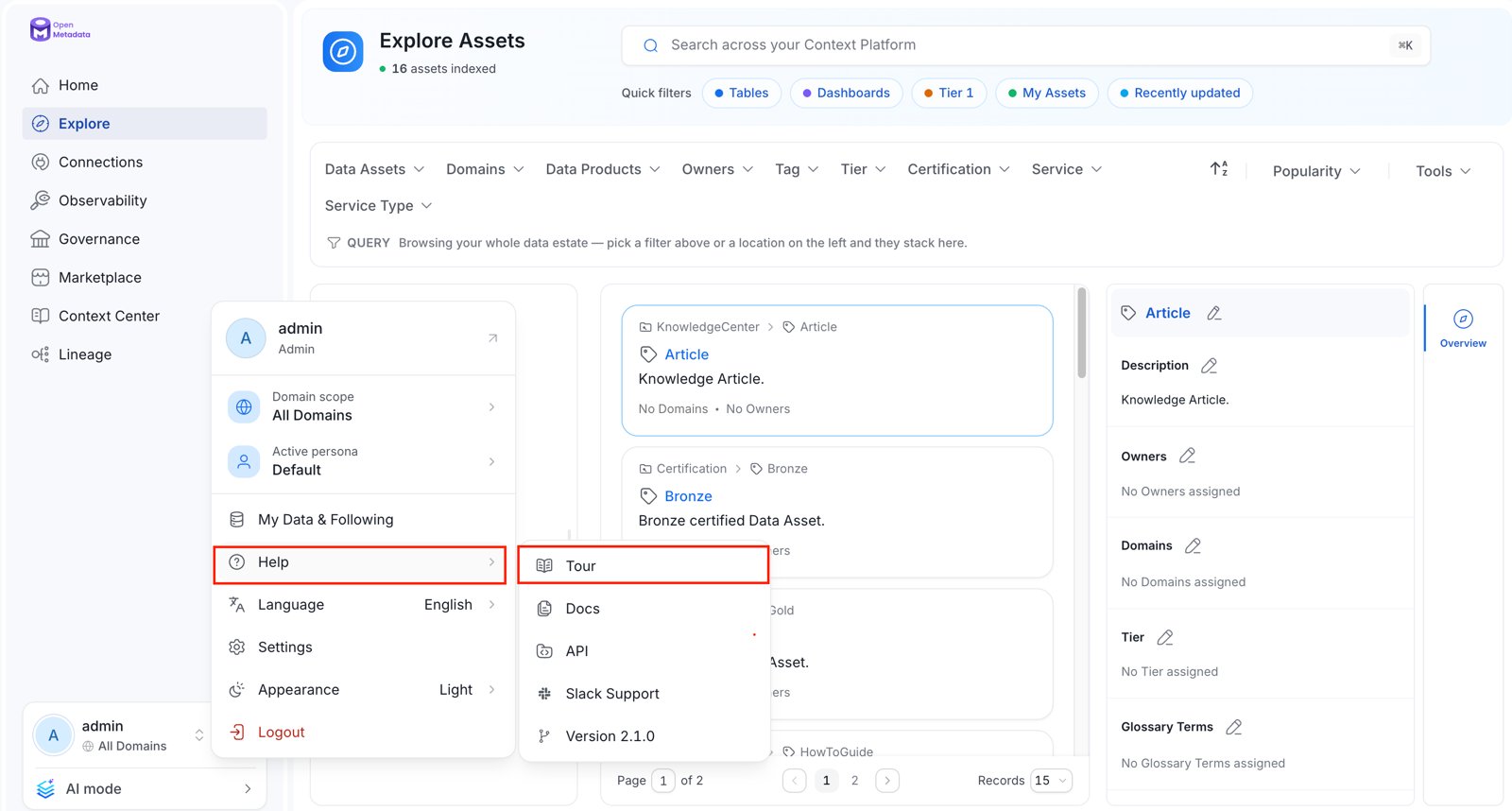
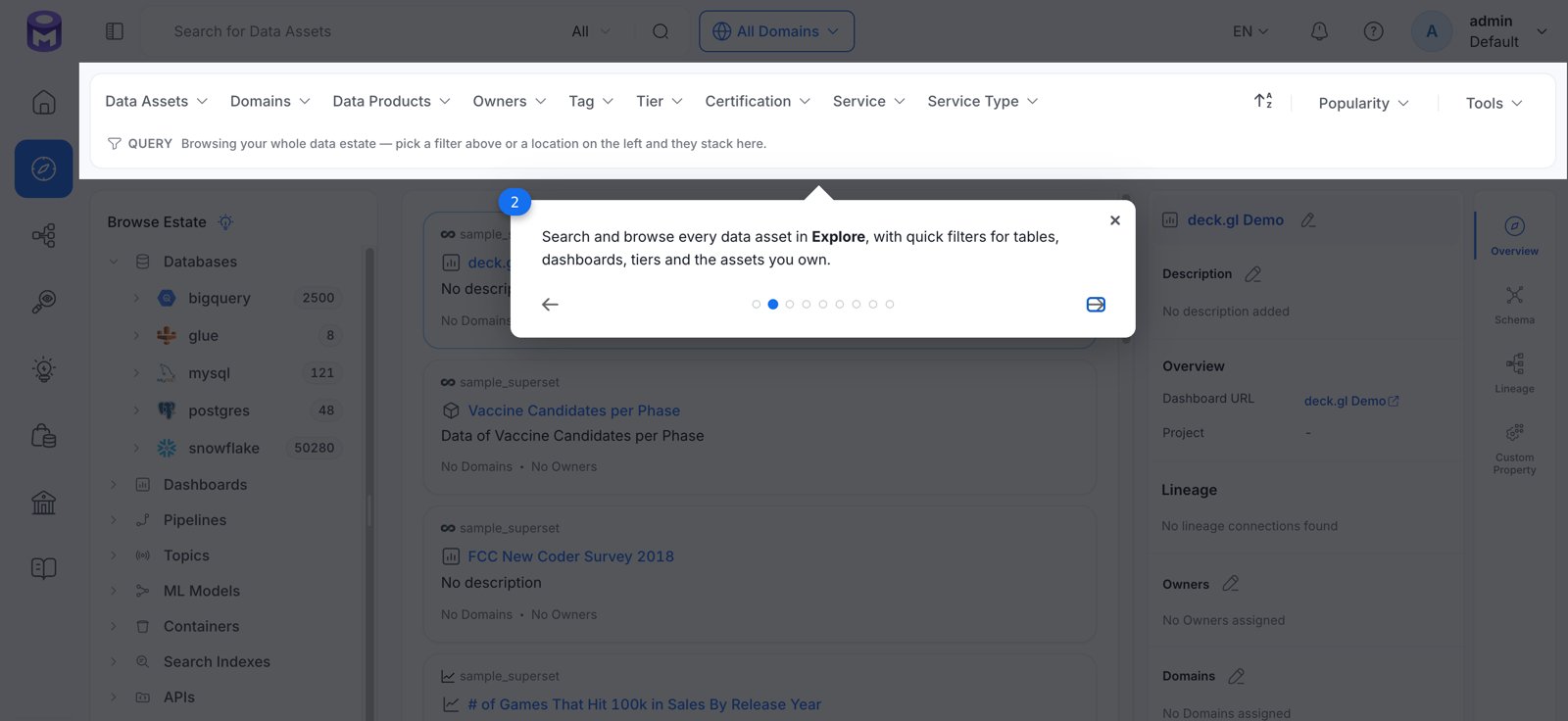
Overview of Data Assets
Know it all about data assets.