
OpenMetadata Chrome Extension
The OpenMetadata Chrome Extension brings your metadata into any tool you’re working in. Instead of switching tabs to look something up in OpenMetadata, you can view an asset’s details directly from your browser.Installation
-
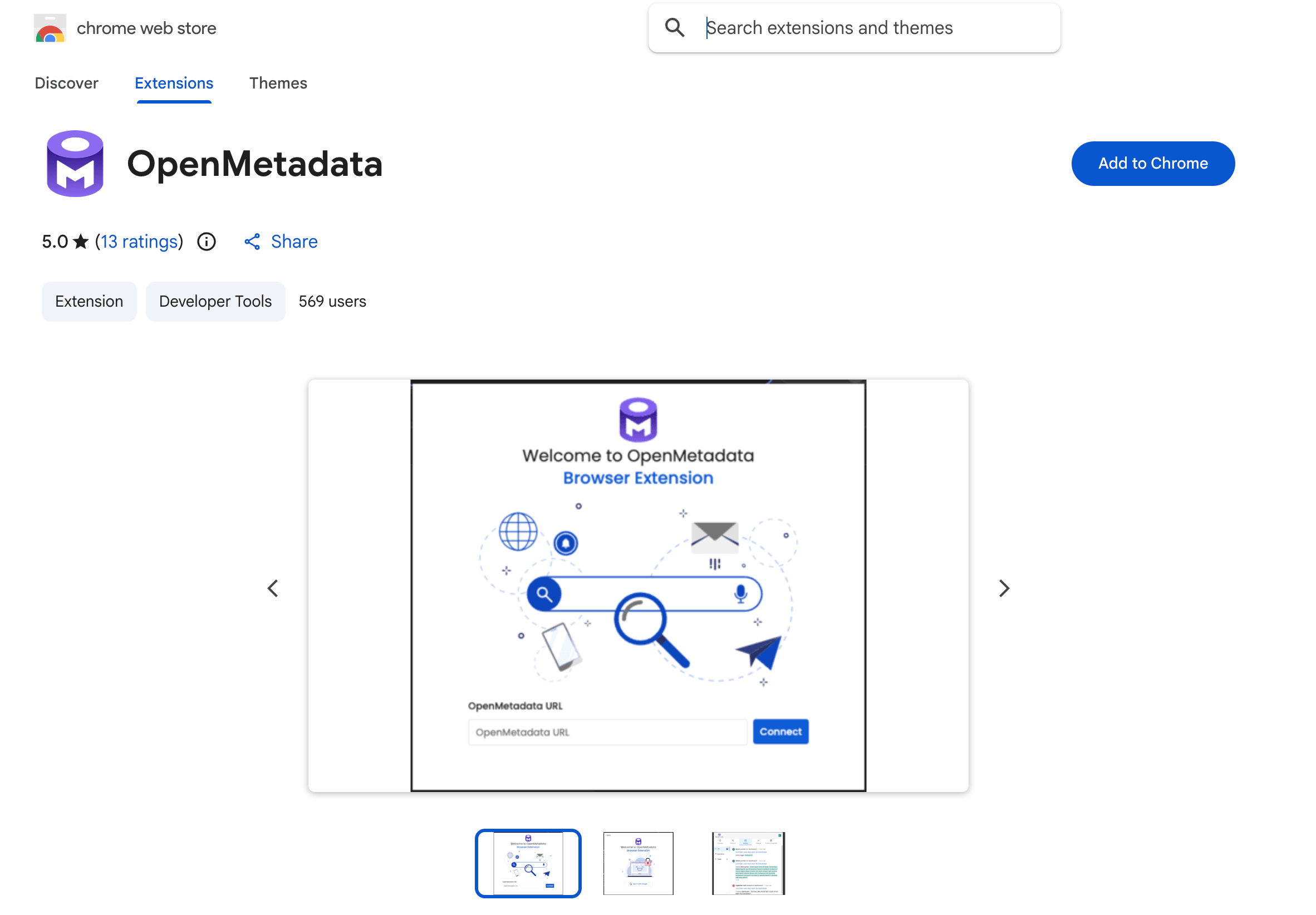
Install the Extension: Add the OpenMetadata Chrome Extension from the Chrome Web Store.
-
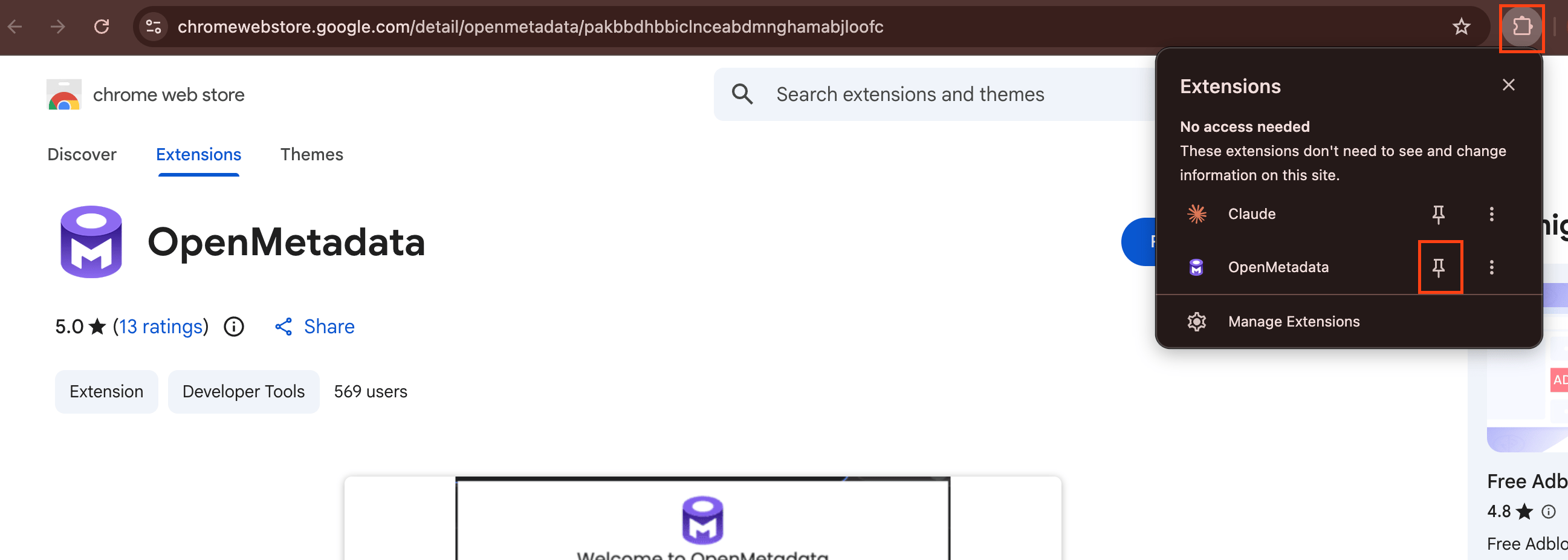
Pin to Chrome Browser: Pin the extension to your Chrome toolbar so it’s always one click away.
-
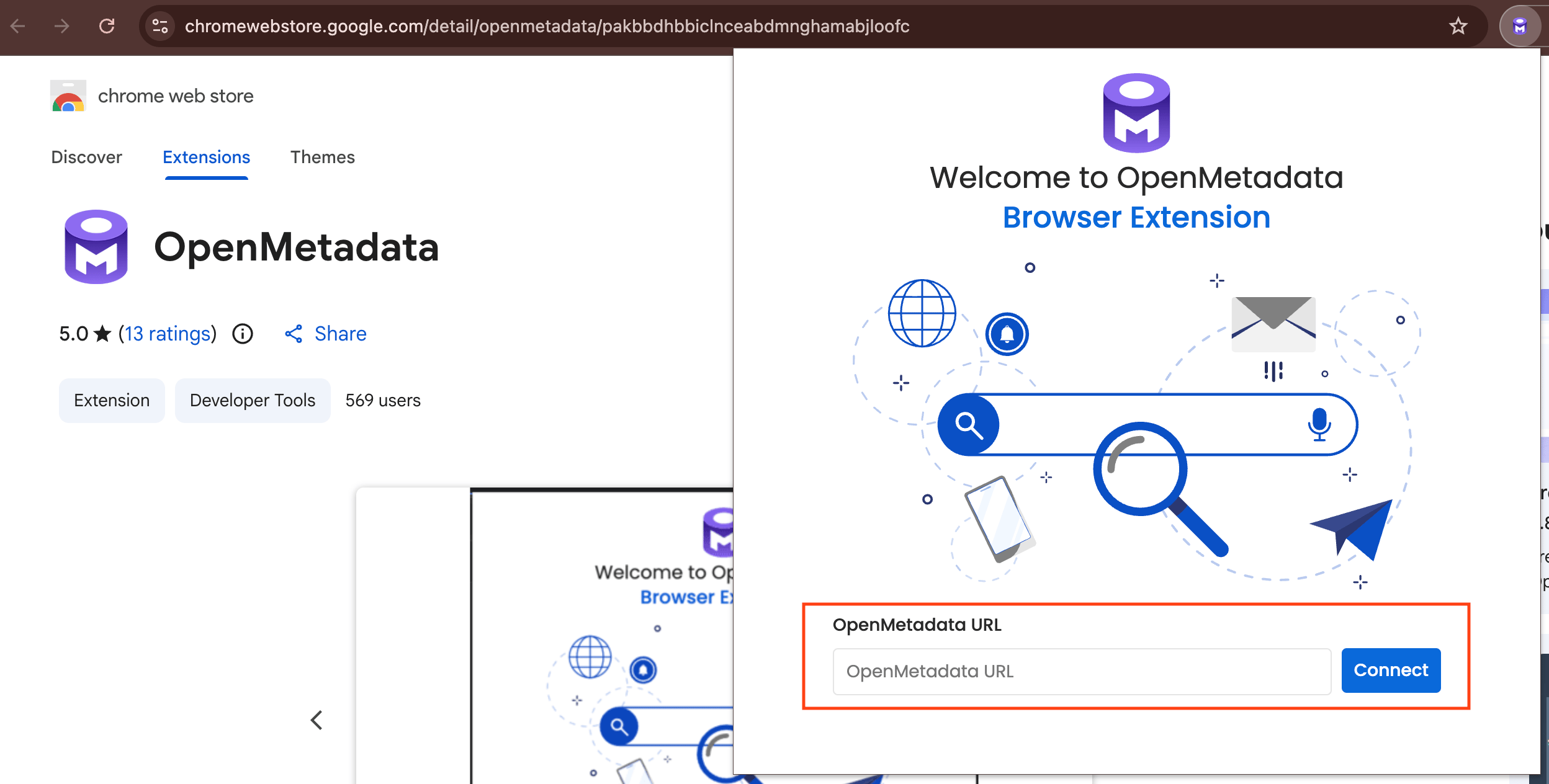
Connect to your Instance: Click the OpenMetadata icon, enter the base URL of your OpenMetadata instance, and sign in.
What You Can Do
After you’re signed in, the extension shows your Activity Feeds from the My Data page. While working in a third-party tool that’s integrated with OpenMetadata, click the extension to view the metadata for whatever you’re looking at, including:- Ownership
- Description
- Tags and glossary terms
- Schema
- Lineage
- Custom properties and more
Note: If your OpenMetadata instance uses Single Sign-On (SSO), add the following URL to your SSO redirect list:
https://pakbbdhbbiclnceabdmnghamabjloofc.chromiumapp.org/auth0For more information about adding a URL to your SSO redirect list, see Enable Security.