Entity Created | A new asset is created. |
Entity Updated | A create/update request changes at least one field on the asset. |
Entity Fields Changed | A metadata field changed outside a direct edit. For example, weekly or daily usage statistics were recalculated. |
Entity No Change | A create/update request was processed but produced no actual difference from the asset’s current state—for example, a re-ingestion run that found identical metadata. These no-change events are not recorded in the change log that alerts evaluate, so an alert filtered to this event type will never trigger. |
Entity Soft Deleted | An asset is moved to the deleted (recoverable) state. |
Entity Deleted | An asset is permanently removed. |
Entity Restored | A soft-deleted asset is brought back. |
Thread Created | A new conversation thread is started on an asset. |
Thread Updated | An existing conversation thread is edited. |
Post Created | A reply is added to a thread. |
Post Updated | An existing reply is edited. |
Task Created | A task thread is opened. See the task types listed under the Task source above. |
Task Updated | A task’s details are edited. |
Task Resolved | A task is marked resolved. |
Task Closed | A task is closed without resolution. |
Logical Test Case Added | A test case is added to a logical test suite. |
Suggestion Created | A new suggestion is created for an asset’s description or tag. |
Suggestion Updated | An existing suggestion is edited. |
Suggestion Accepted | A suggestion is accepted and applied to the asset. |
Suggestion Rejected | A suggestion is rejected. |
Suggestion Deleted | A suggestion is deleted. |
User Login | A login to OpenMetadata occurs. |
User Logout | A logout from OpenMetadata occurs. |
Entity Lineage Added | A lineage edge is added to or from the asset. |
Entity Lineage Deleted | A lineage edge is removed. |
Entity Lineage Updated | An existing lineage edge is changed—for example, column-level lineage details. |


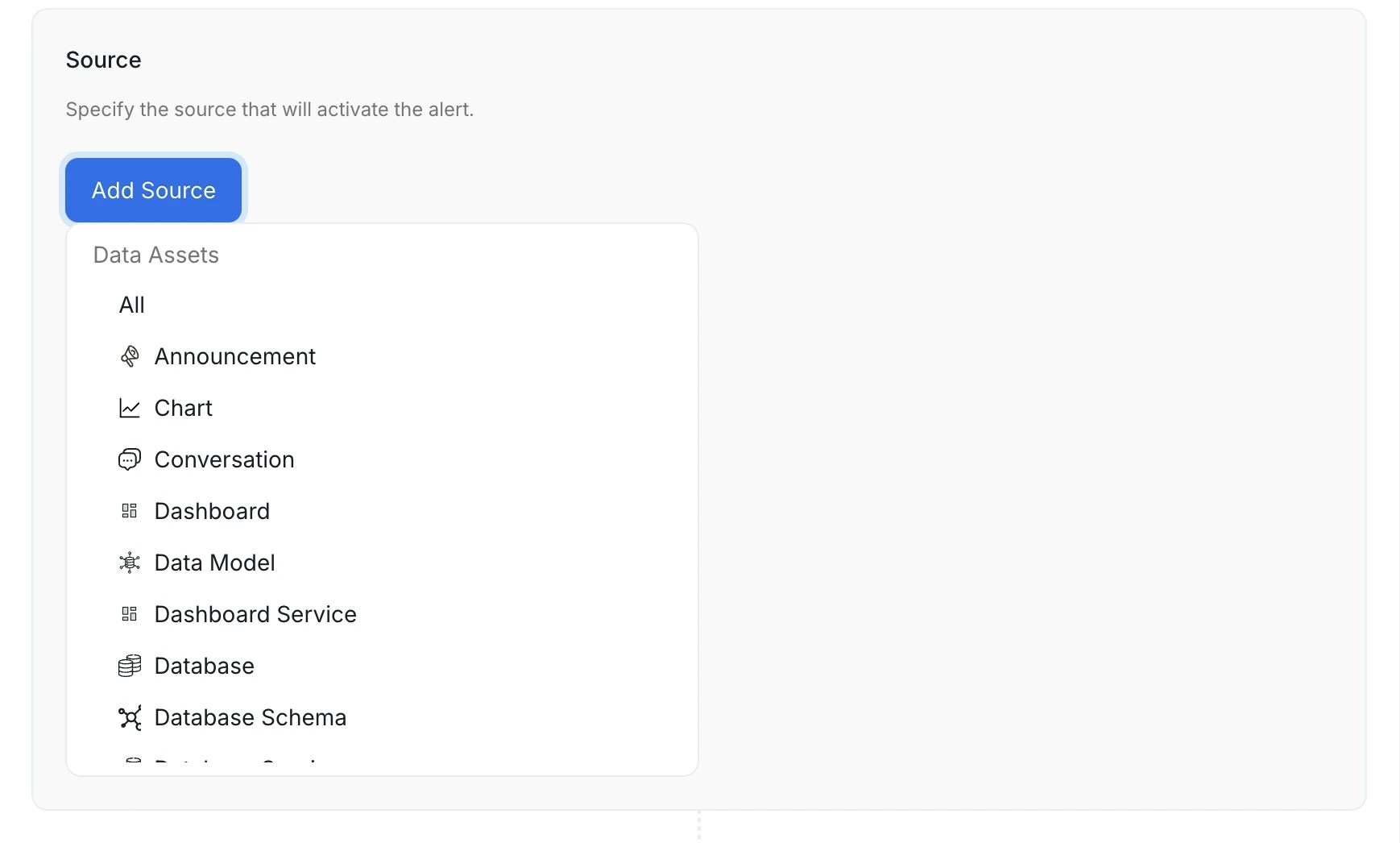 Data assetsService connectionsGovernanceCollaboration These three sources all relate to threads posted on data assets, but each covers a distinct thread type. Choosing the wrong one is a common source of misconfigured alerts.The Task source covers all of the following task types:The only filter available for Task and Conversation is Mentioned User or Team — narrow the alert to threads where a specific person or team is @-mentioned. You can’t filter tasks by task type (for example, incidents only) in the alert UI.