Column Tests - UI Config
Tests applied on top of Column metrics. For table-level tests, see the Tests UI Overview. Here is the list of all column tests:- Column Values to Be Unique
- Column Values to Be Not Null
- Column Values to Match Regex
- Column Values to not Match Regex
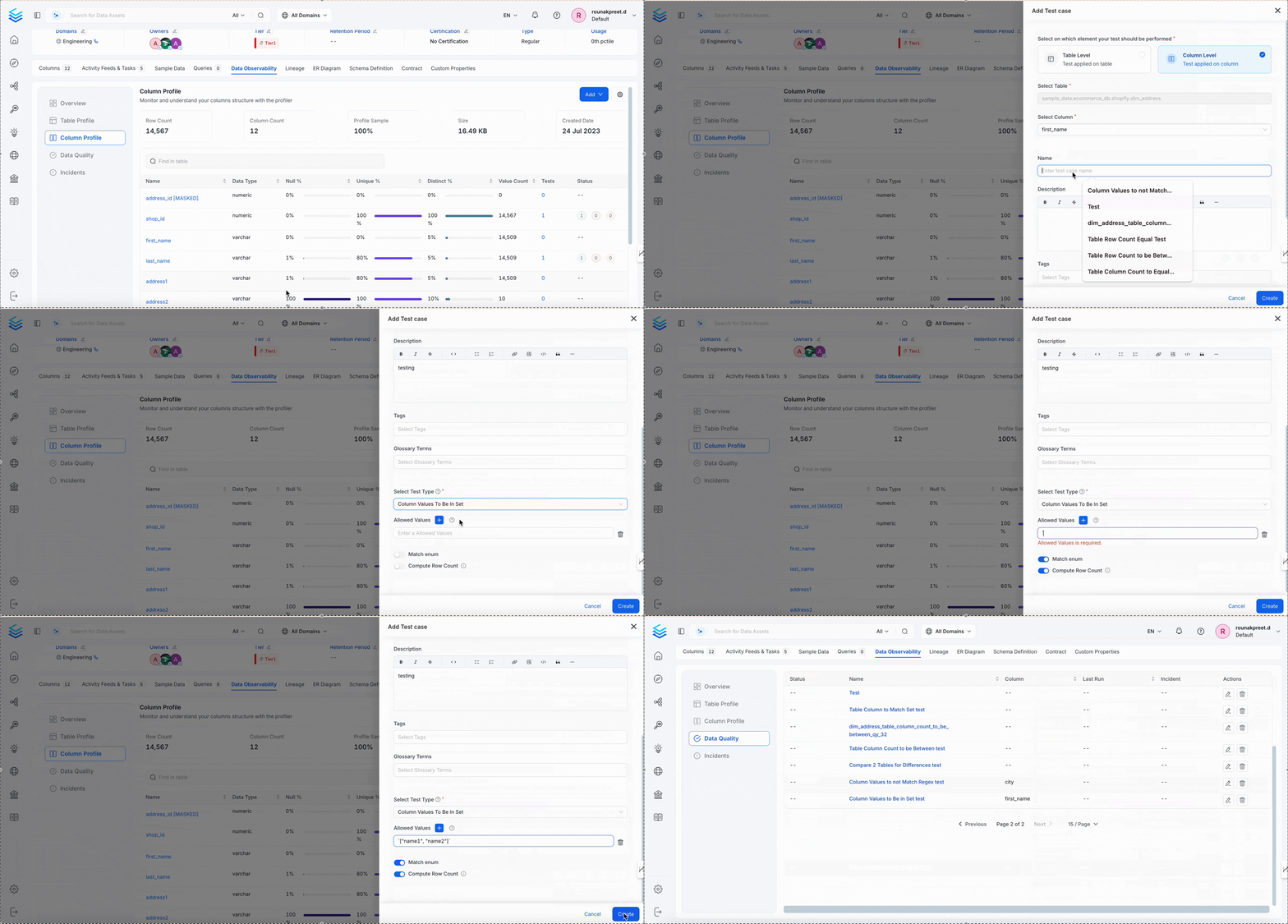
- Column Values to Be in Set
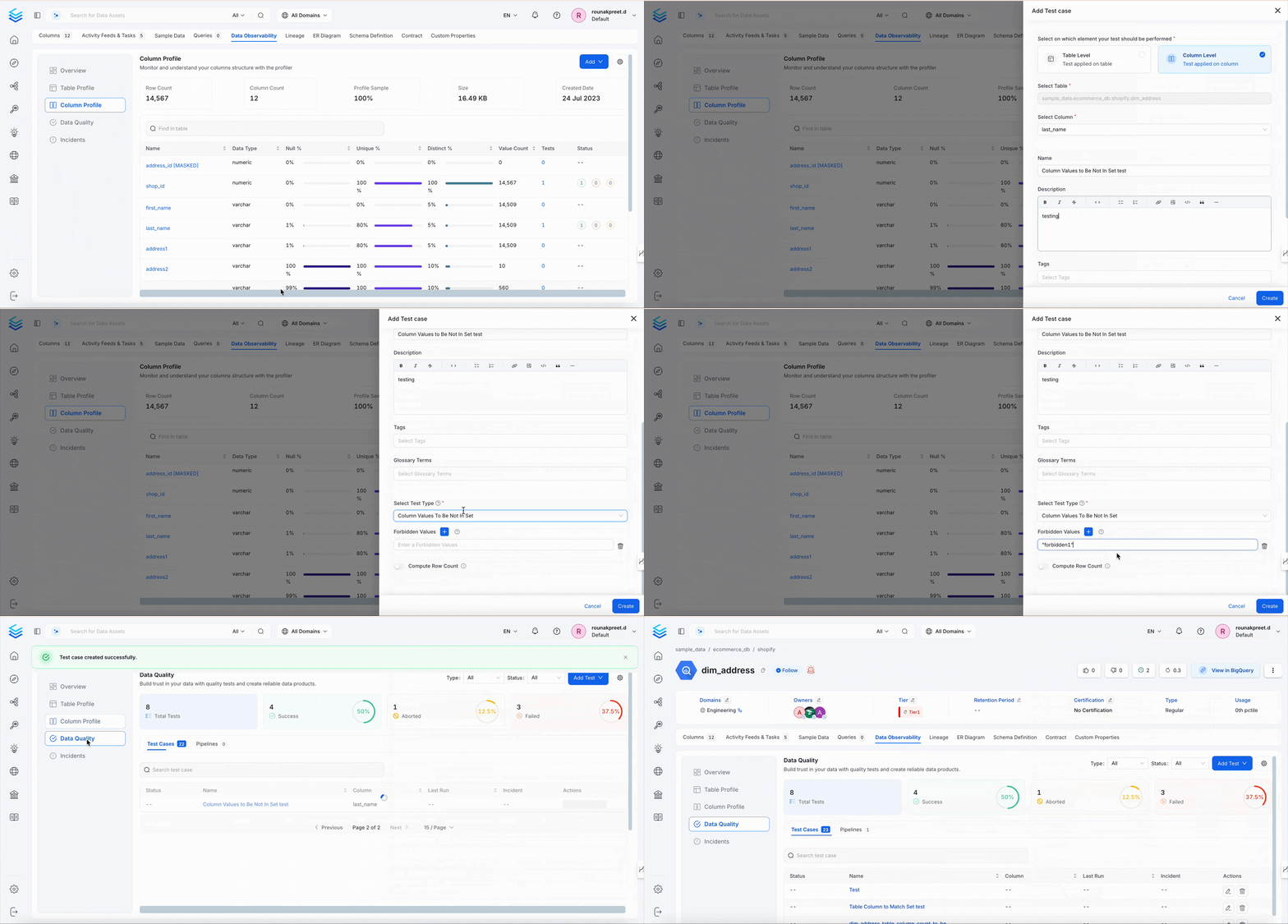
- Column Values to Be Not In Set
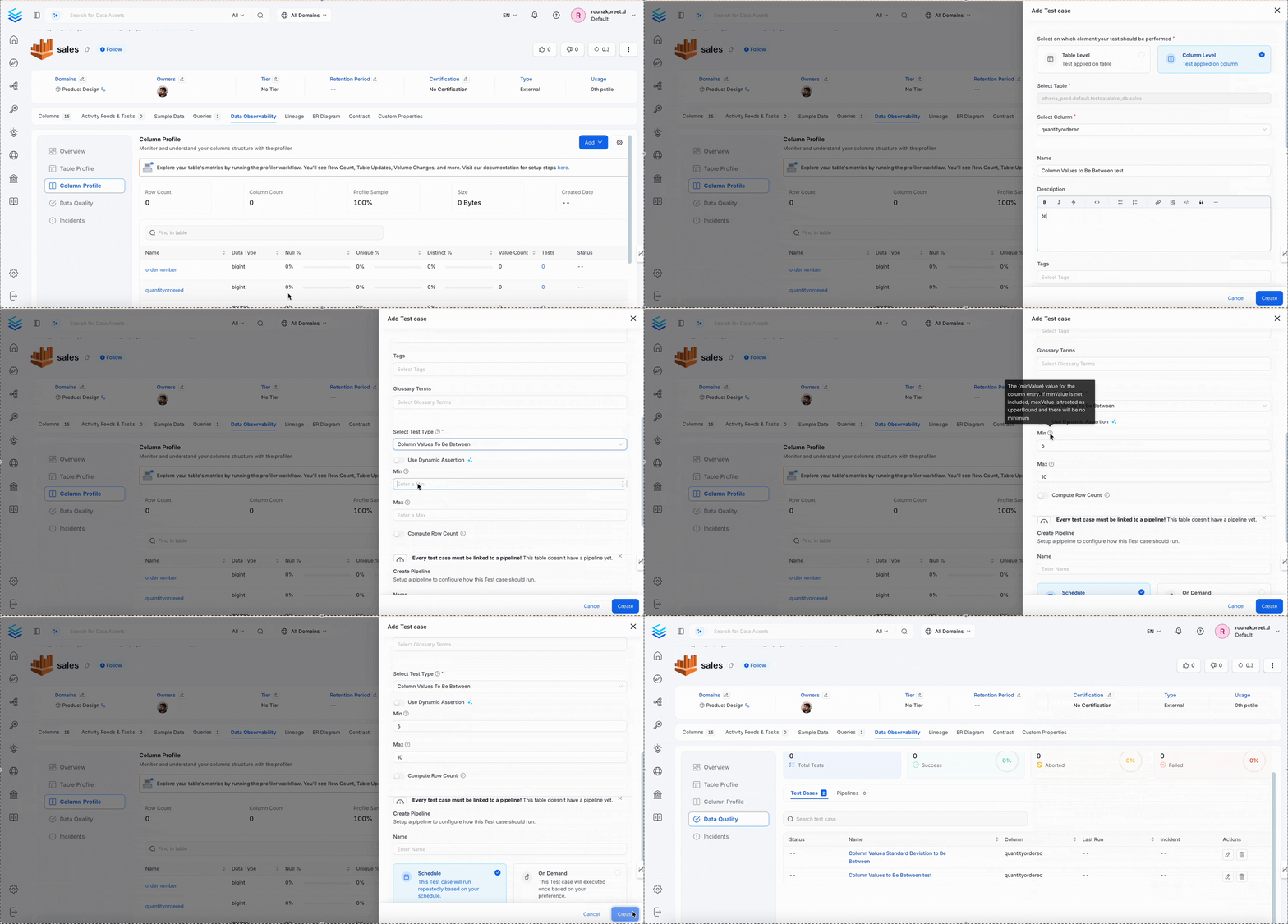
- Column Values to Be Between
- Column Values Missing Count to Be Equal
- Column Values Lengths to Be Between
- Column Value Max to Be Between
- Column Value Min to Be Between
- Column Value Mean to Be Between
- Column Value Median to Be Between
- Column Values Sum to Be Between
- Column Values Standard Deviation to Be Between
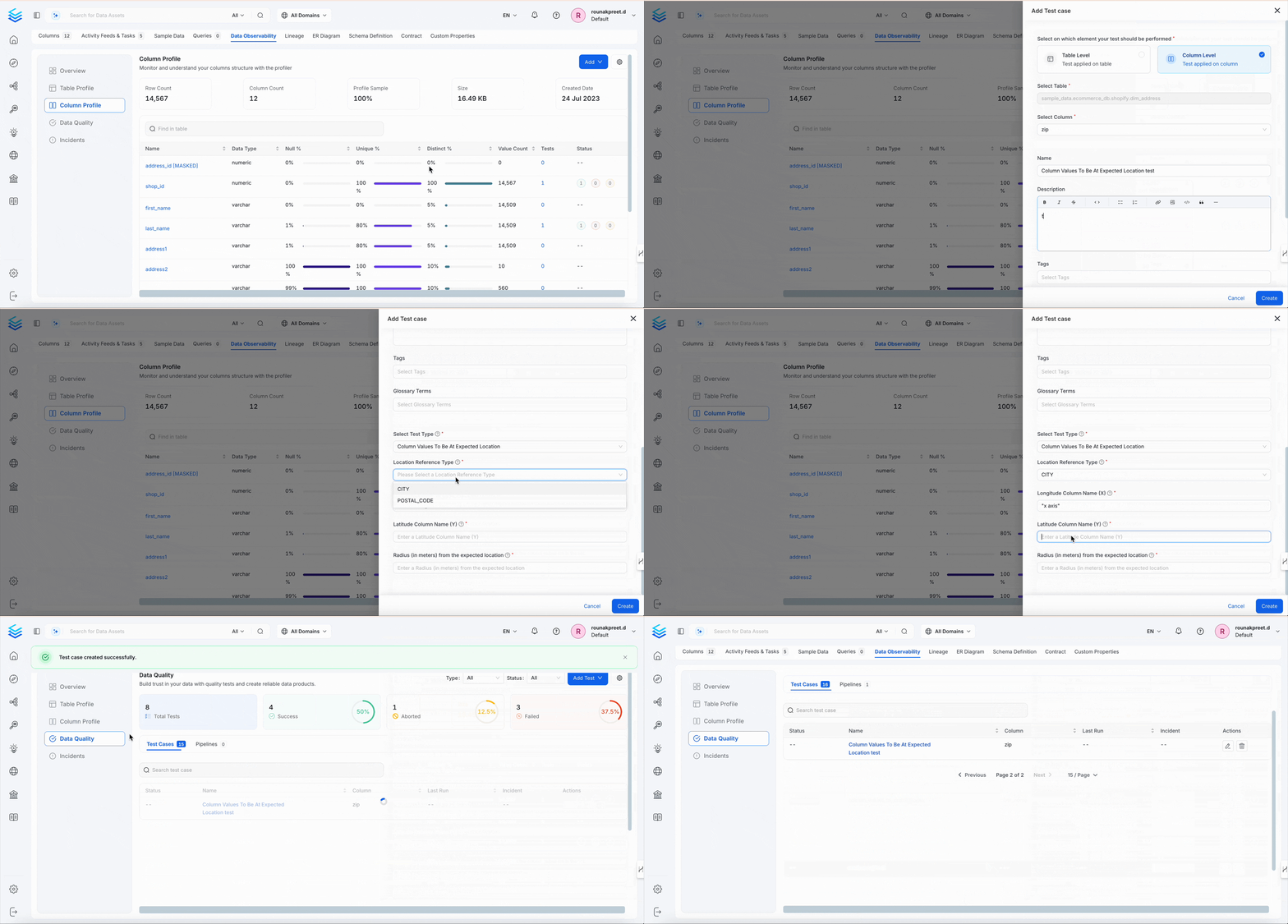
- Column Values To Be At Expected Location
Column Values to Be Unique
Ensures each value in a column appears only once.Dimension
Uniqueness
When to Use
- Primary keys or natural identifiers
- Fields like email, username, or ID
Behavior
Column Values to Be Not Null
Ensures there are no NULL entries in the column.Dimension
Completeness
When to Use
- Mandatory fields such as
email,amount,created_at - Required keys or business-critical columns
Behavior
Column Values to Match Regex
This test validates that values in a column match a configured regular expression. OpenMetadata uses database regex support where available. For dialects where SQL regex is not supported, the validator falls back to SQLLIKE semantics.
Ensures all values match a specified regular expression pattern.
Dimension
Validity
When to Use
- Emails, zip codes, IDs, structured formats
Behavior
Column Values to not Match Regex
This test validates that values in a column do not match a configured forbidden regular expression. If the test finds values matching theforbiddenRegex, the test will fail. OpenMetadata uses database regex support where available. For dialects where SQL regex is not supported, the validator falls back to SQL NOT LIKE semantics.
Ensures values do not match a restricted regex pattern.
Dimension
Validity
When to Use
- Prevent forbidden values, test strings, or patterns
Behavior
Column Values to Be in Set
Ensures values are within a predefined whitelist.Dimension
Validity
When to Use
- Enum values:
status,currency,country_code
Behavior
Column Values to Be Not In Set
Ensures values are not in a specified blacklist.Dimension
Validity
When to Use
- Block invalid values like
"NA","Unknown",-1
Behavior
Column Values to Be Between
Validates that values in a column are within a configured minimum and maximum range.Dimension
Accuracy
When to Use
- Numeric thresholds such as age, price, score, or percentage
- Date or timestamp ranges when supported by the connector
Behavior
Column Values Missing Count to Be Equal
Ensures total missing values (NULL + defined “missing” strings) match a target count.Dimension
Completeness
When to Use
- Auditing known missing values
- Accounting for
"NA","N/A","null"
Behavior
Column Values Lengths to Be Between
Ensures that the length of each string value in the column is within a defined character range.Dimension
Accuracy
When to Use
- To validate field length constraints like
name,address, ordescription - To catch too-short or too-long values that may break UI or downstream logic
Behavior
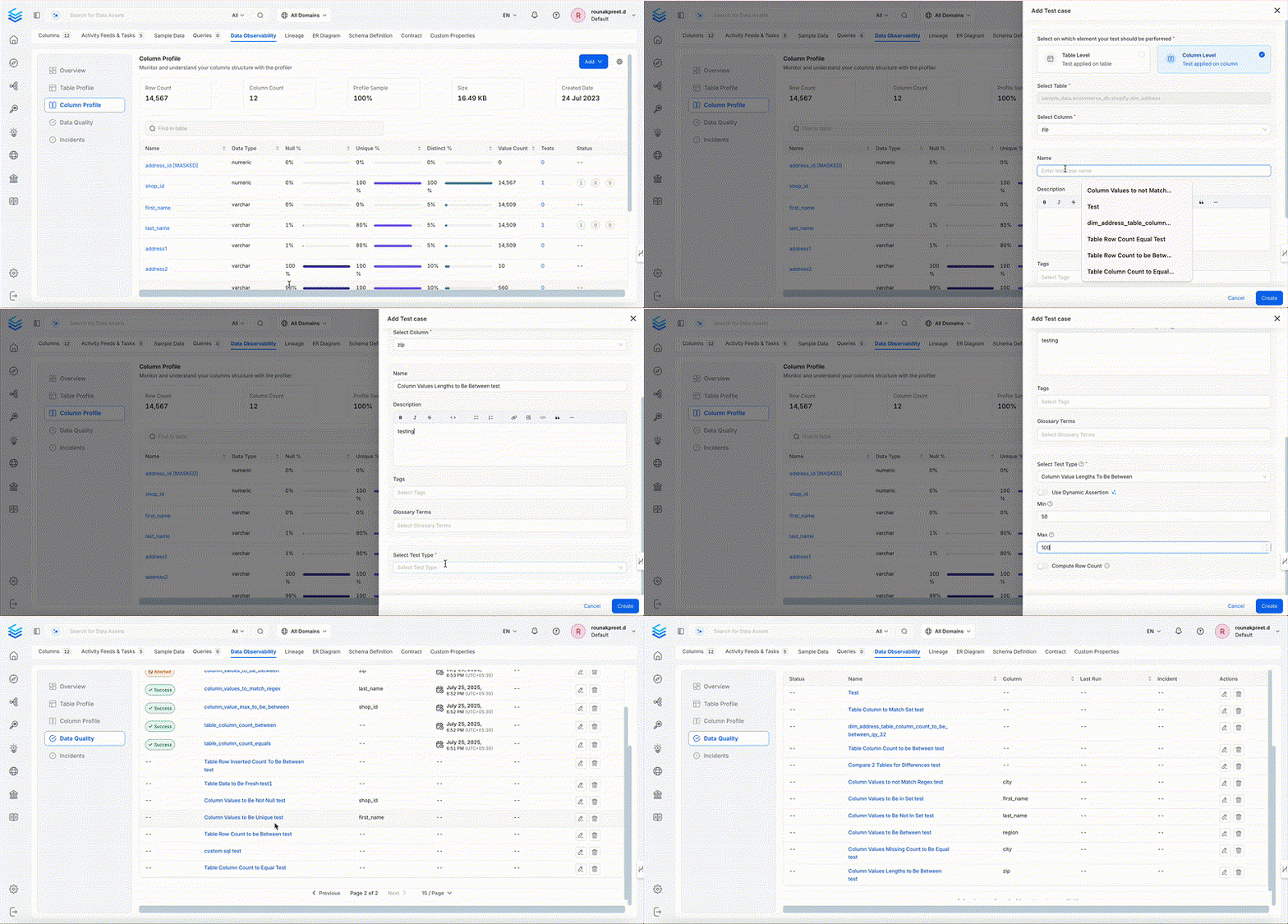
Column Value Max to Be Between
Validates the maximum value of a column lies within a range.Dimension
Accuracy
When to Use
- Cap validation for
score,amount,age
Behavior
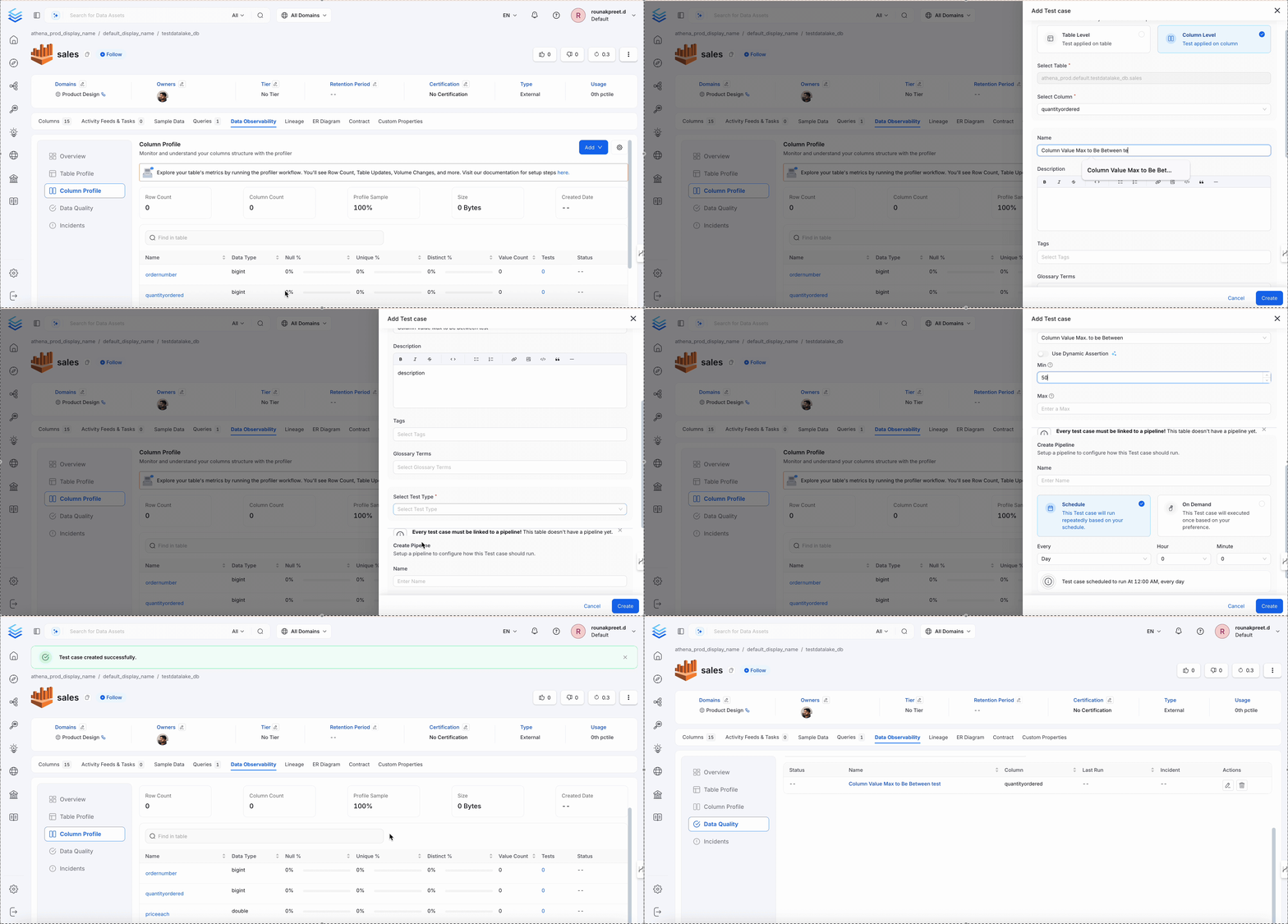
Column Value Min to Be Between
Validates the minimum value of a column lies within a range.Dimension
Accuracy
When to Use
- Threshold validation for
discount,price, etc.
Behavior
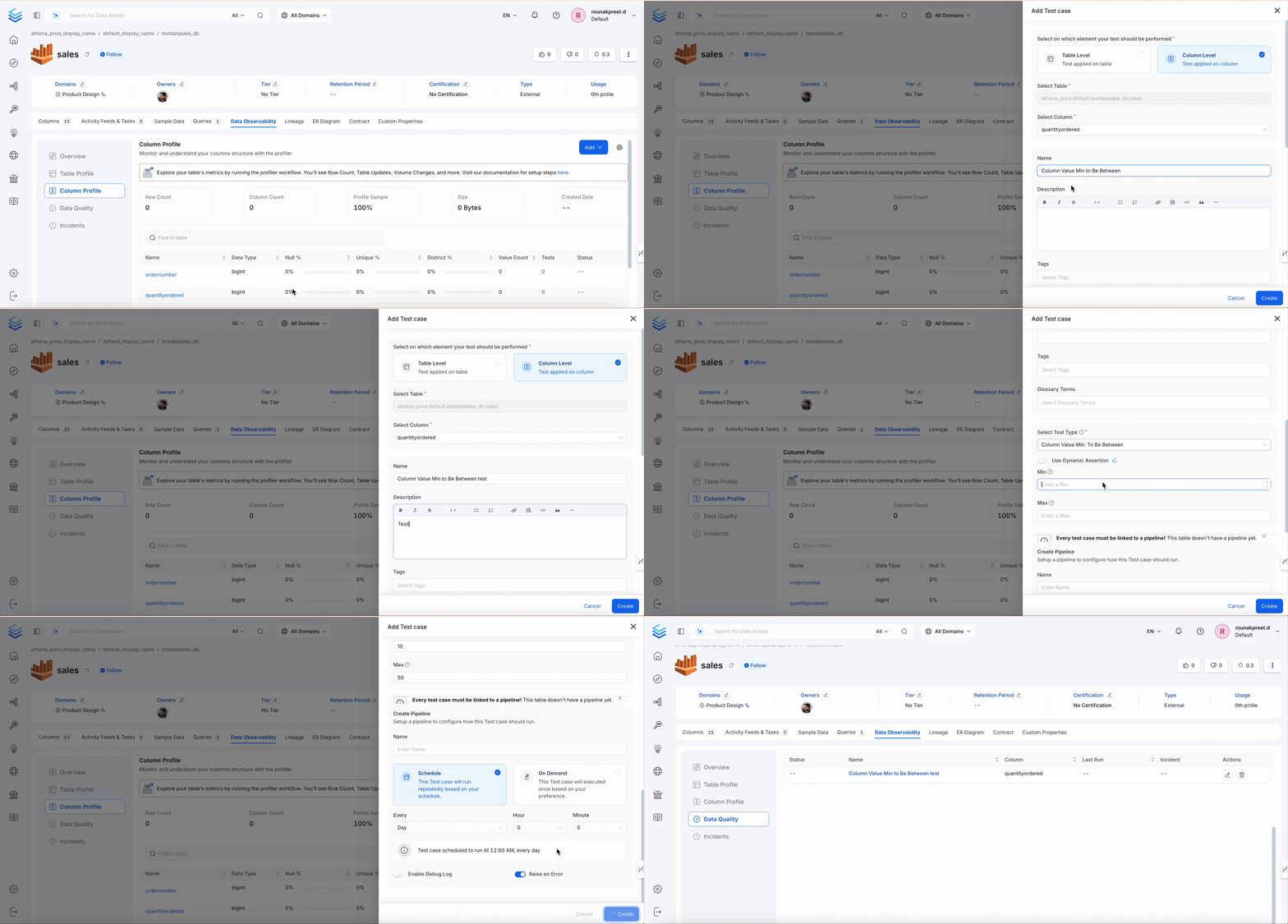
Column Value Mean to Be Between
Validates that the mean (average) value is in the expected range.Dimension
Accuracy
When to Use
- Check dataset drift or pipeline behavior
Behavior
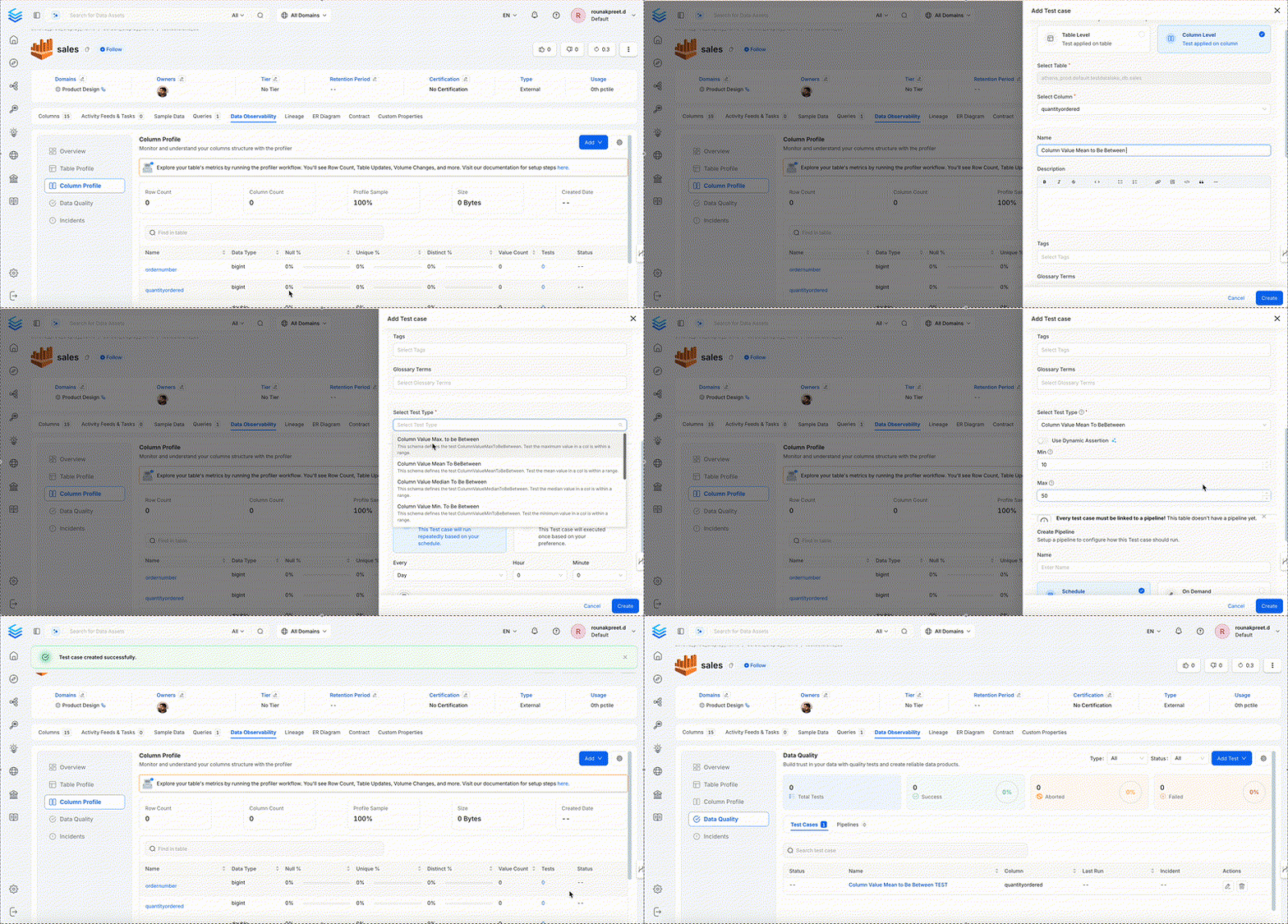
Column Value Median to Be Between
Validates the median value is in the expected range.Dimension
Accuracy
When to Use
- Median income, score, latency checks
Behavior
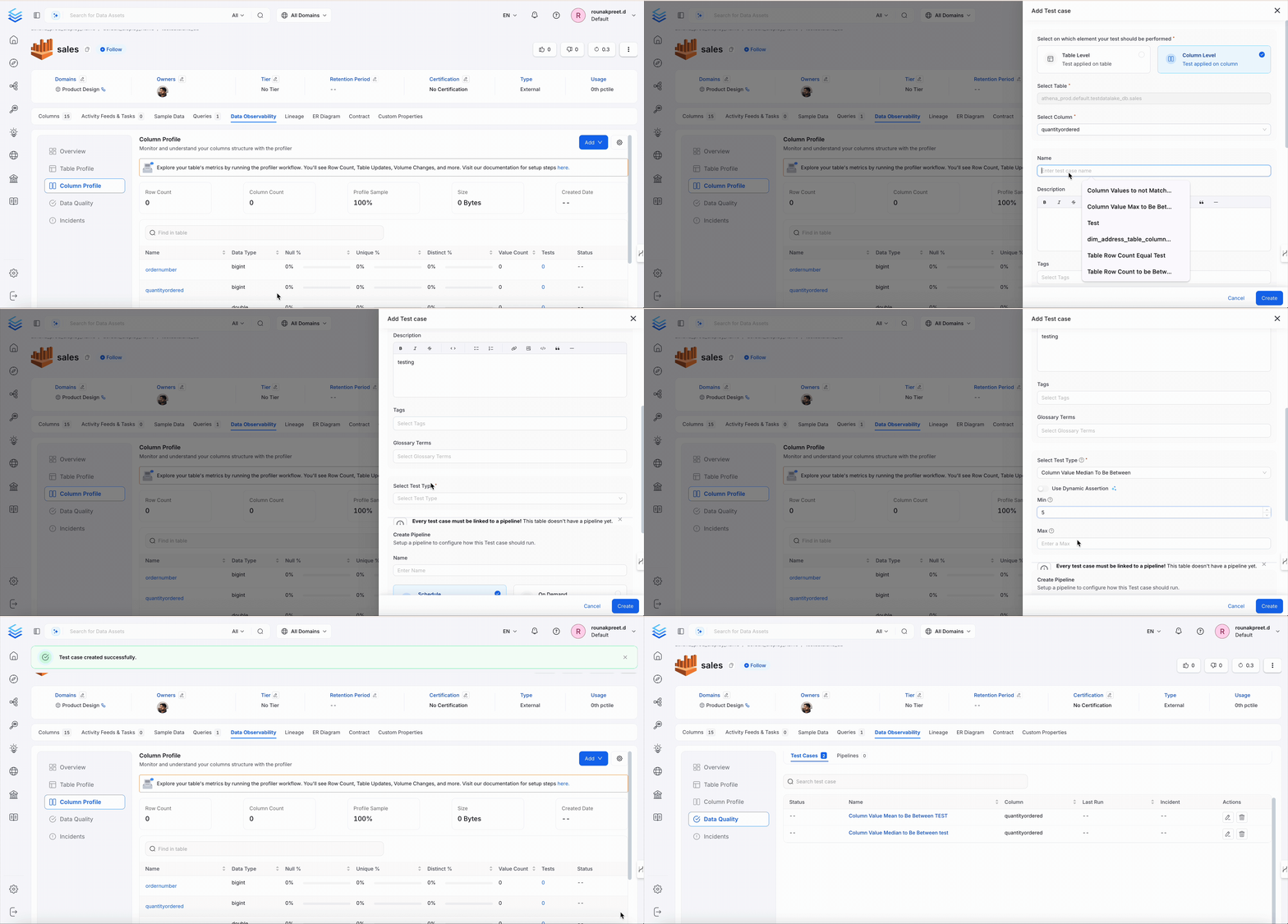
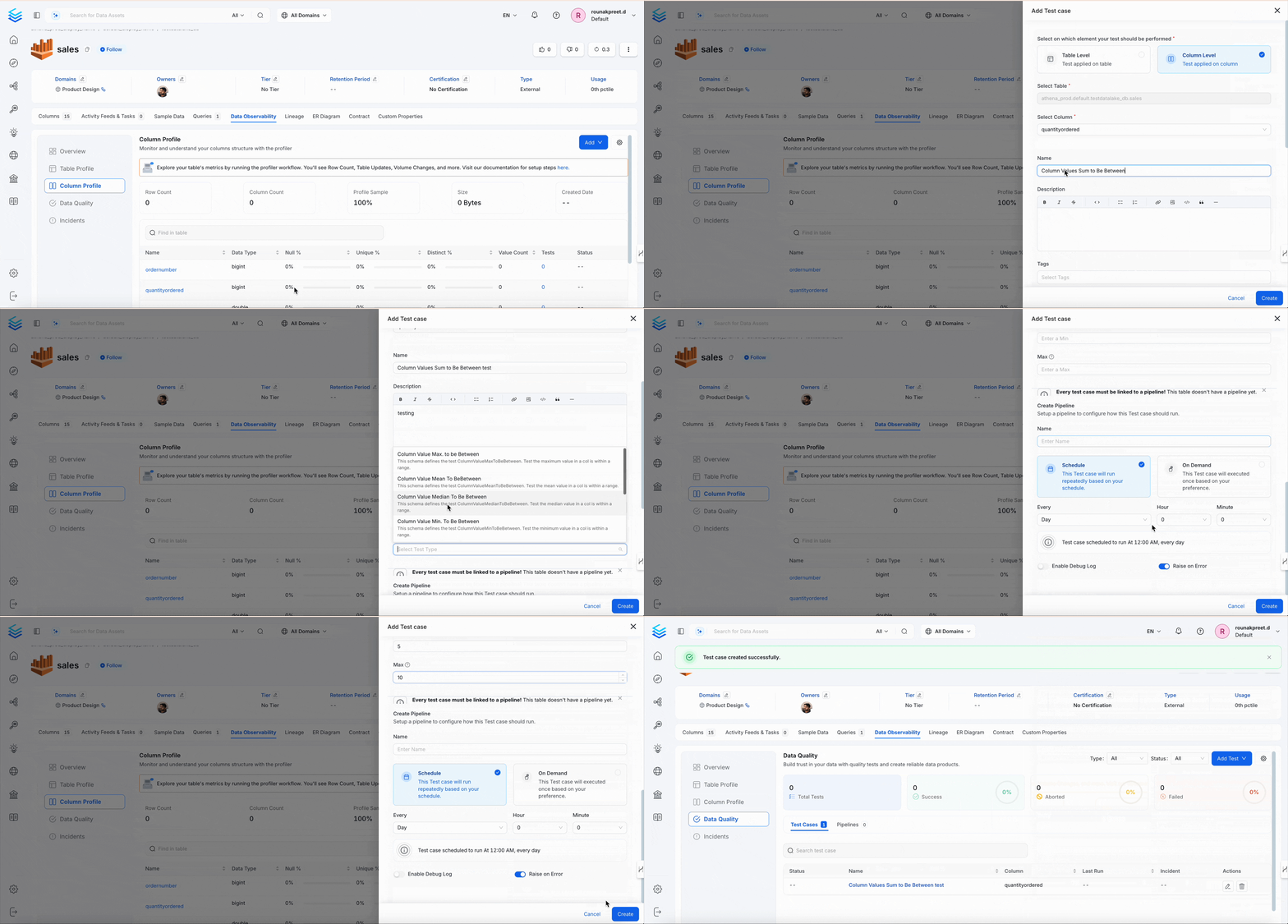
Column Values Sum to Be Between
Validates the total sum of values in a column is within a defined range.Dimension
Accuracy
When to Use
- Revenue, units sold, total scores, etc.
Behavior
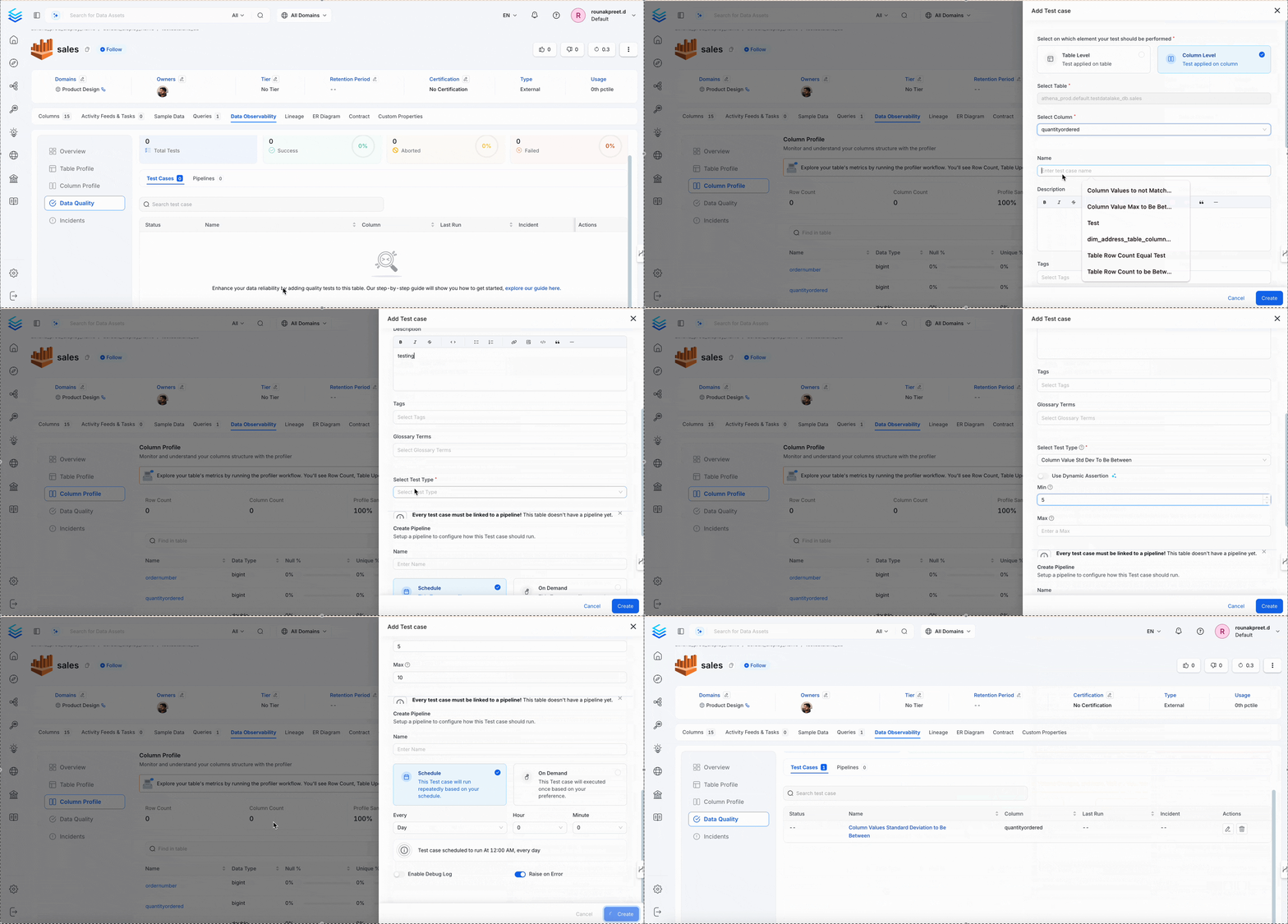
Column Values Standard Deviation to Be Between
Validates the standard deviation (spread) of values is acceptable.Dimension
Accuracy
When to Use
- Monitoring variance in numeric datasets
Behavior
Column Values To Be At Expected Location
Validates latitude/longitude values are within a defined area.Dimension
Accuracy
When to Use
- Verifying address coordinates
- Mapping regional data
Behavior