
How to Add a Team
Creating a Team in OpenMetadata is easy. Decide on theteamType that you would like to add. Refer to the Team Structure in OpenMetadata to get a clear understanding of the various Team Types.
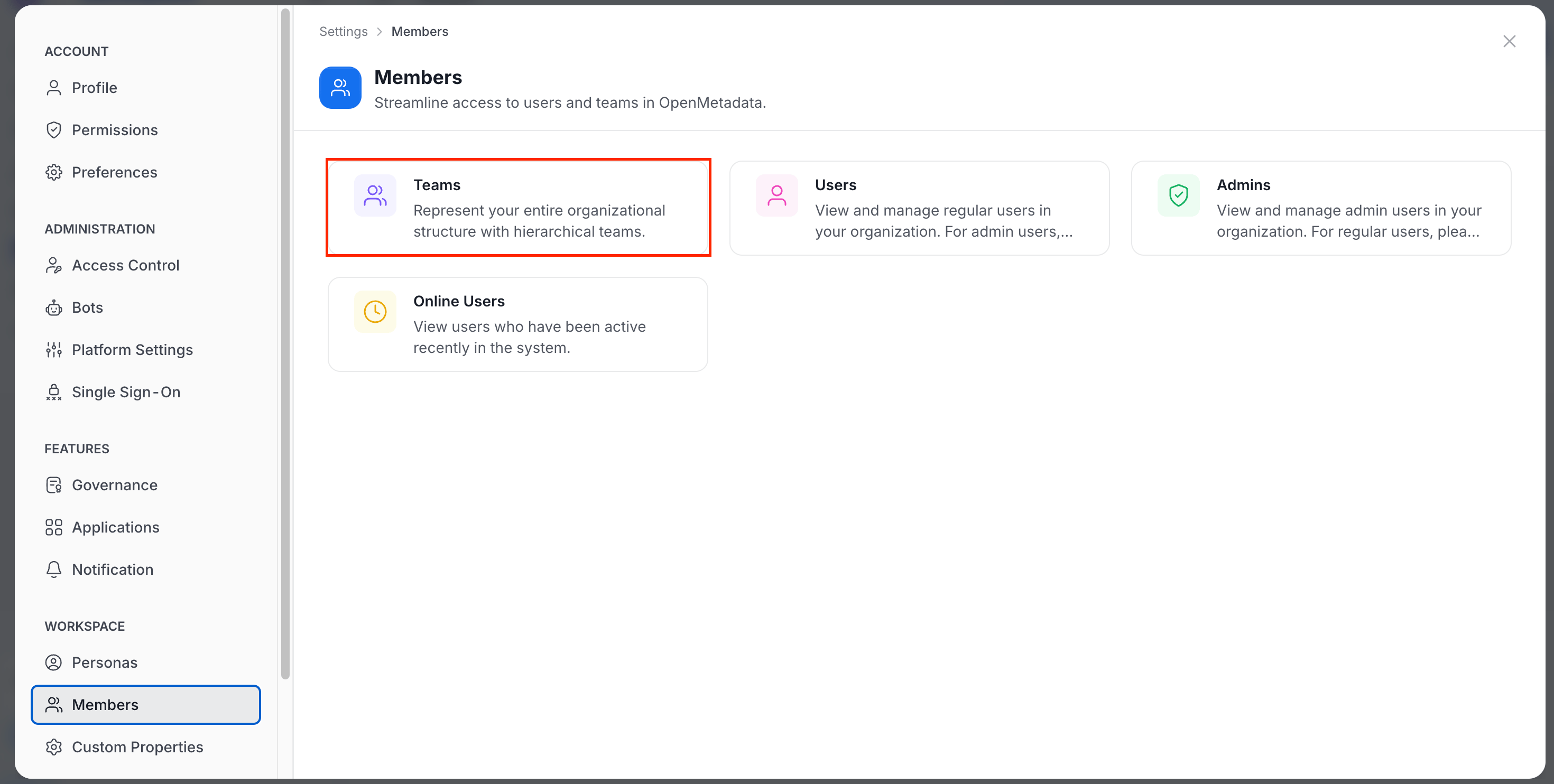
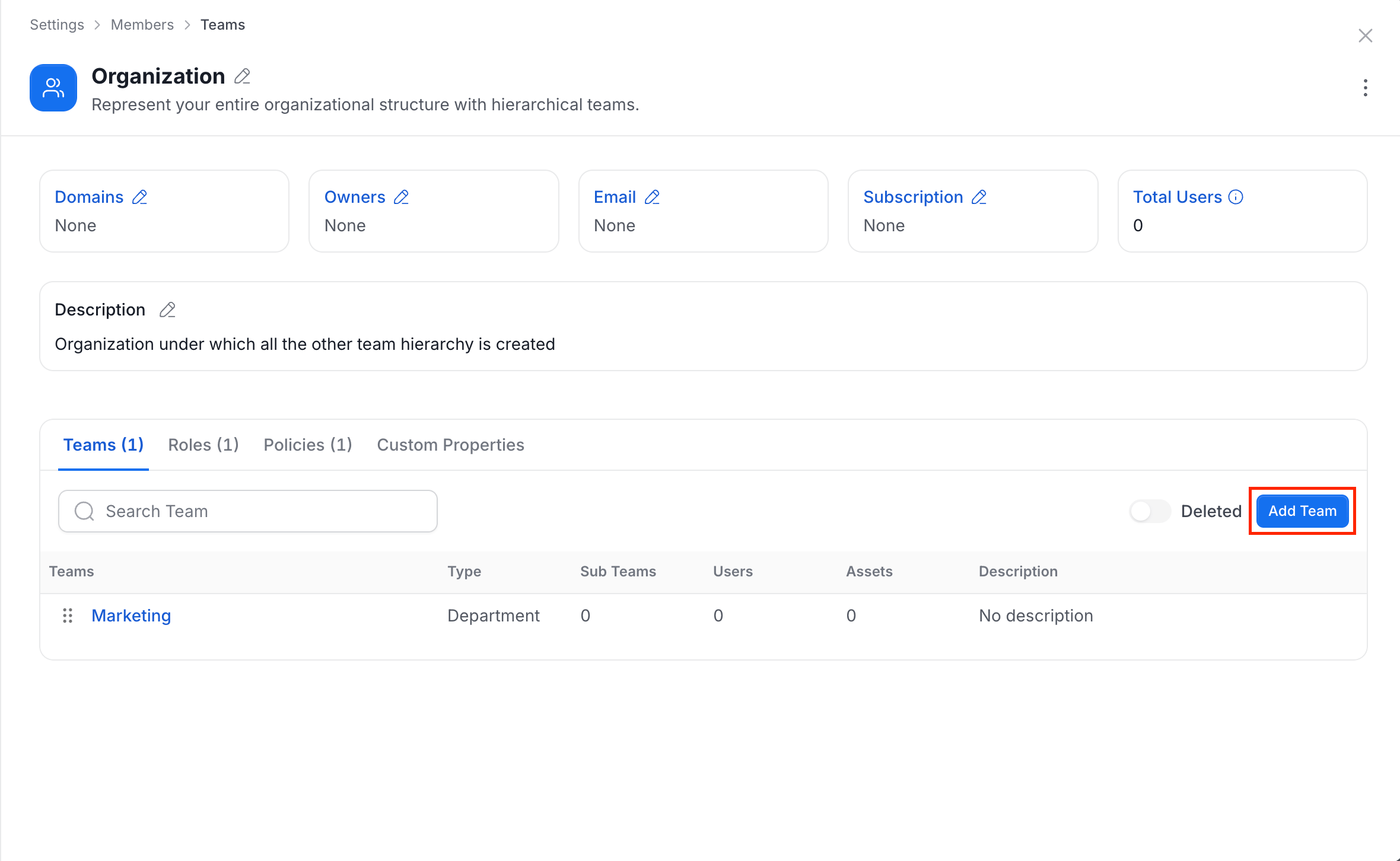
1. Click on Settings > Members > Teams. Further, navigate to the relevant BusinessUnit, Division, or Department where you would like to create a new team. Click on Add Team.
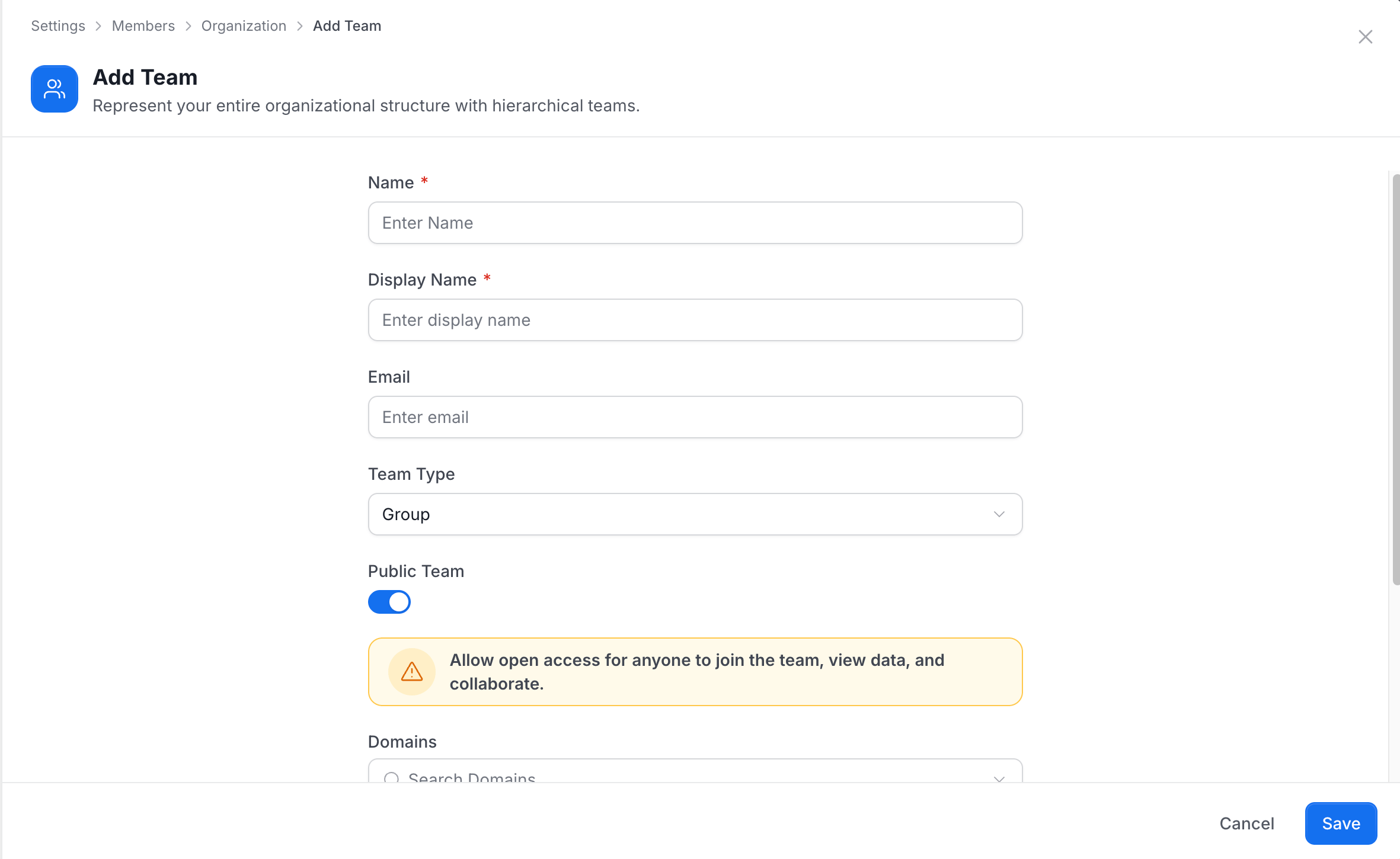
Name, Display Name, Email, Team Type, and Description and click on Save. The choice of the teamType is restricted by the type of the parent team selected. More information can be found in the Team Structure document. Enable the Public Team option to allow open access, permitting anyone to join the team, view data, and collaborate.
Team Actions
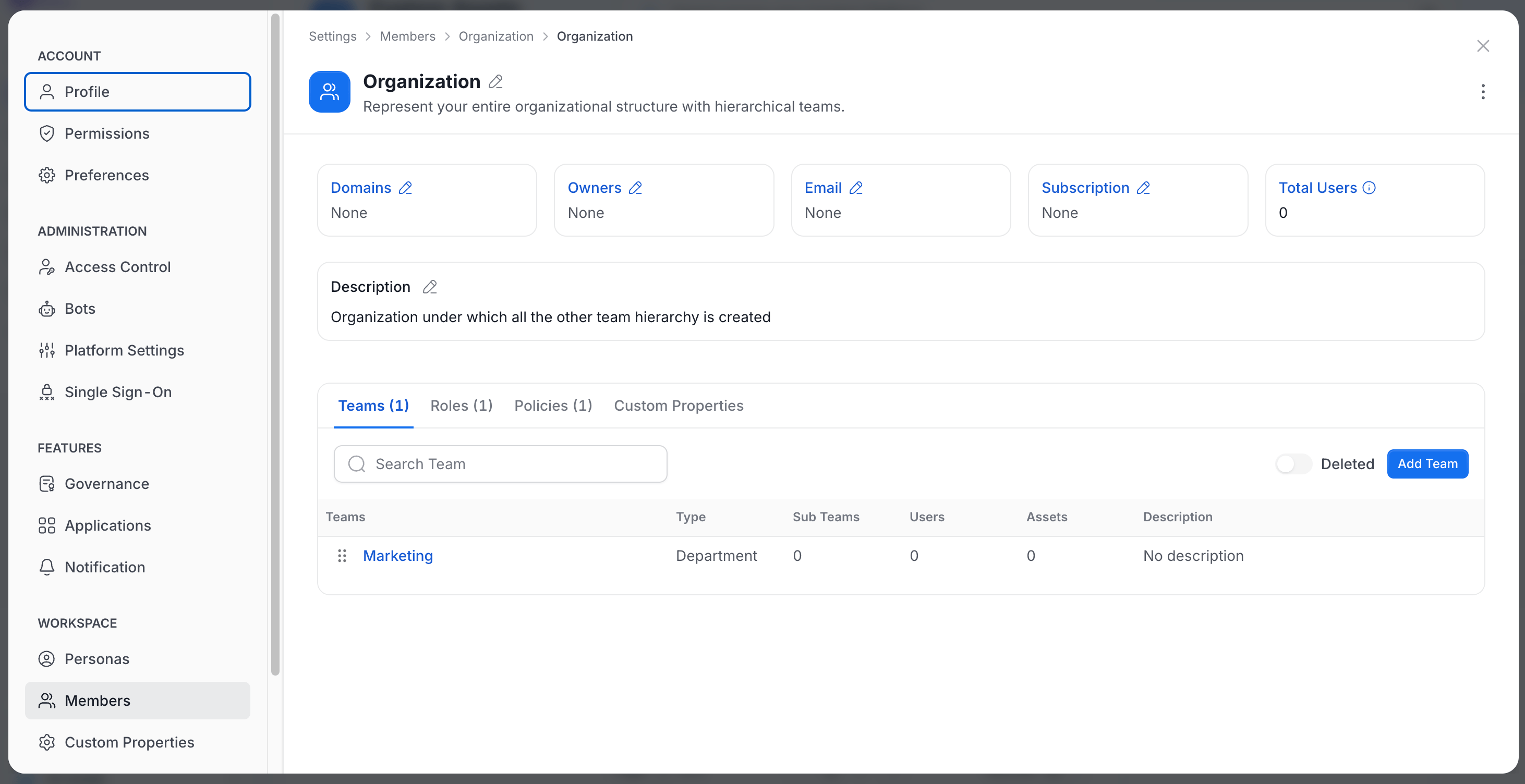
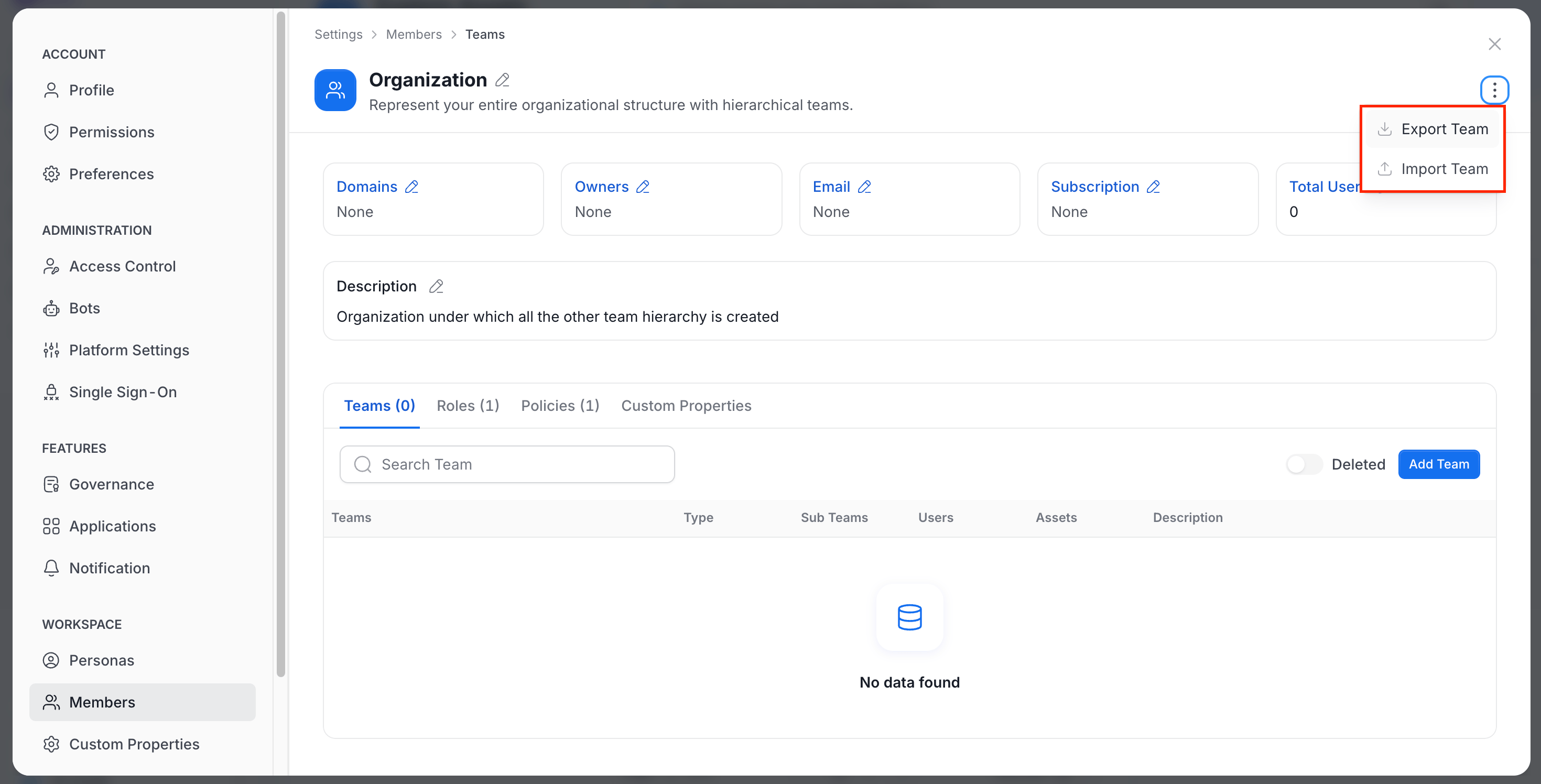
After you create a team, open it to use the team menu (the … button in the team header). The menu offers these actions:- Export Team: Export the team. Available for teams that are not of type
Group. It requires edit access on the team, except for theOrganizationteam. - Import Team: Import team data. It has the same availability as Export Team and also requires permission to create teams.
- Make private or Make public: Switch whether anyone can join the team. Not available for the
Organizationteam. - Restore Team: Restore a deleted team.
- Delete: Delete the team. Requires the Delete permission and is not available for the
Organizationteam.
How to Invite Users to OpenMetadata
Data is a team game. Admins can invite other users.