
How to Add Users to Teams
If the user does not already exist in OpenMetadata, then invite the user to OpenMetadata. While creating the new user, you can add them to the relevant Team as well as assign them the relevant Roles.Note: You can add a User to multiple Teams when creating a New User.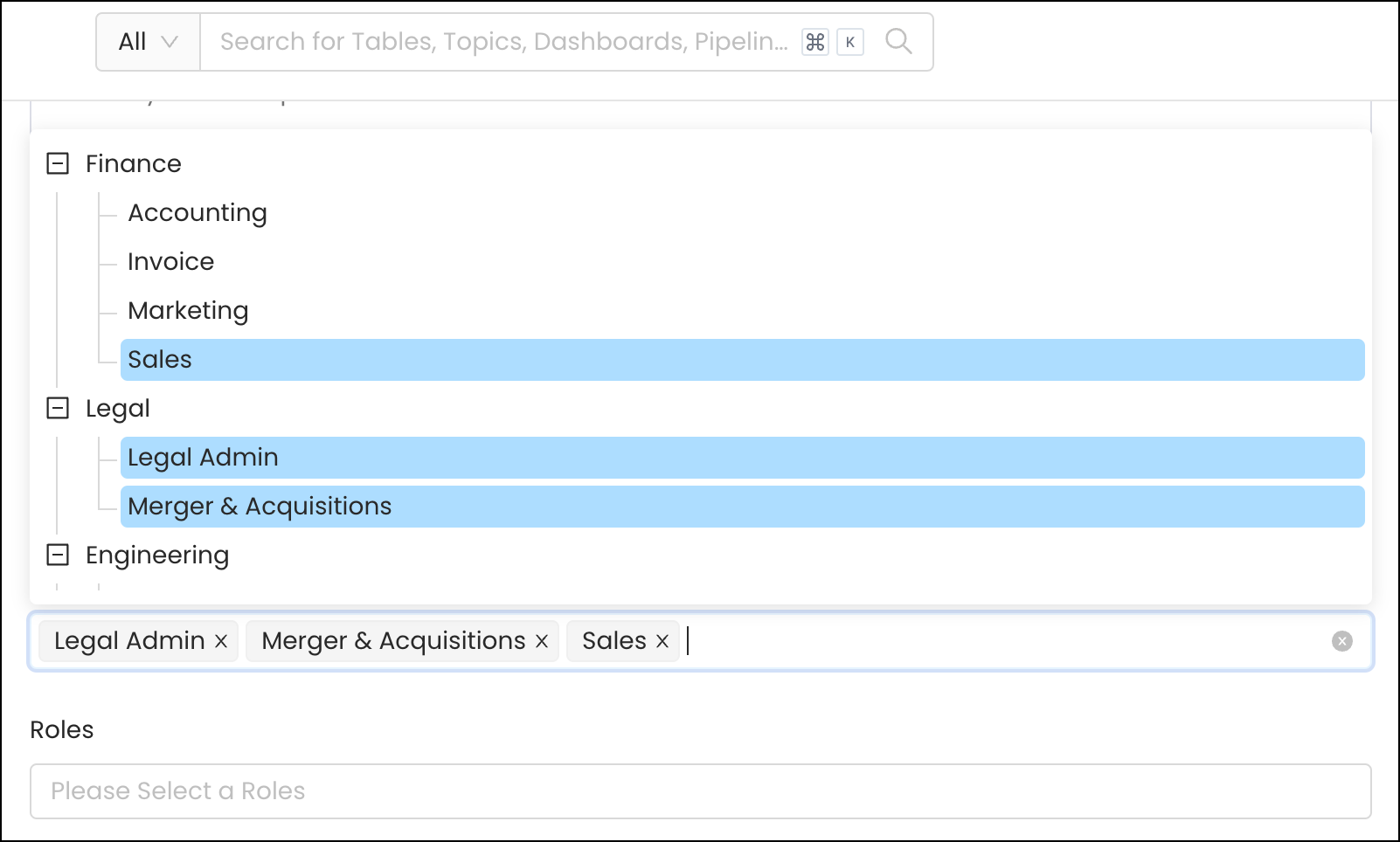
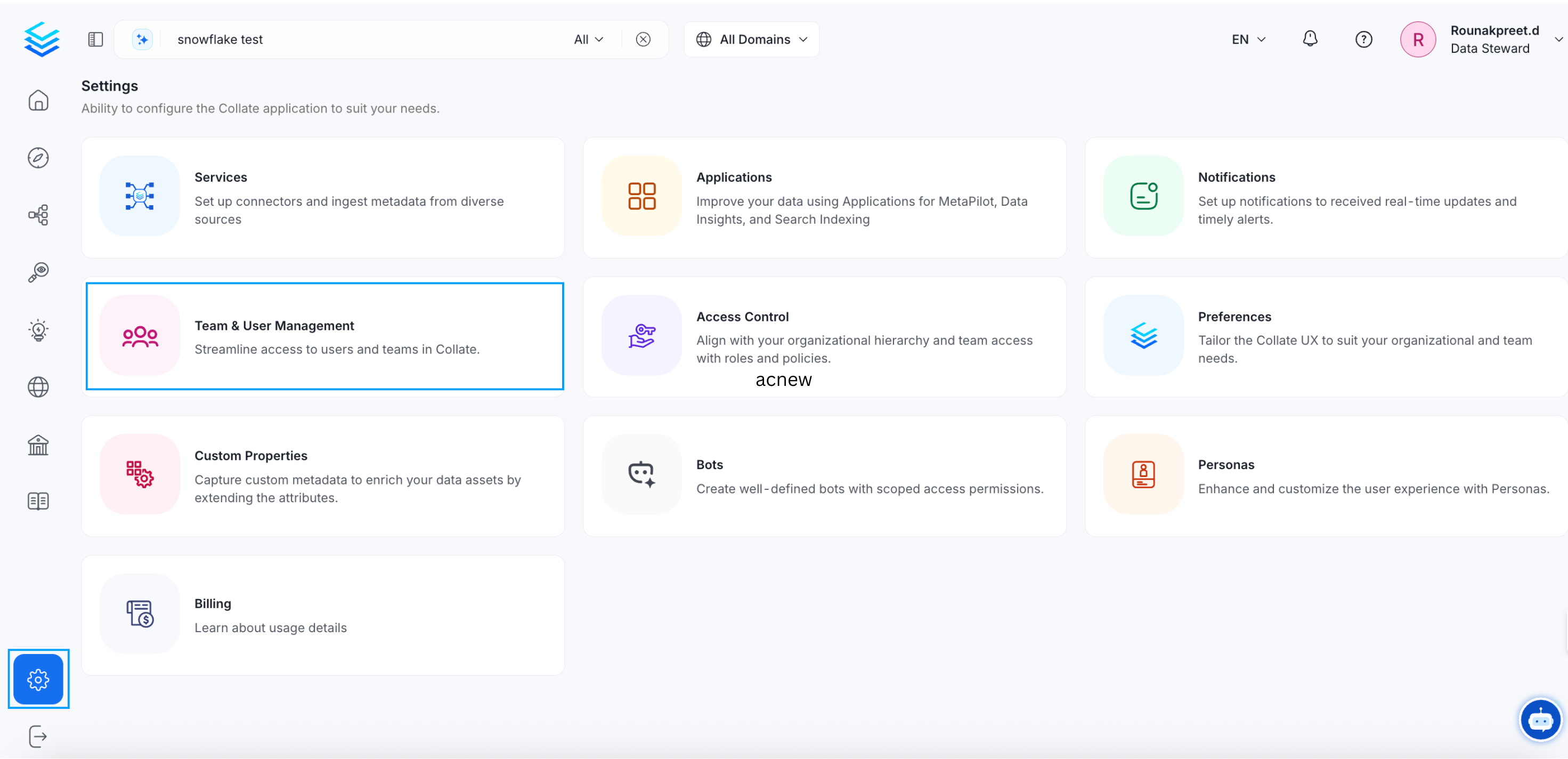
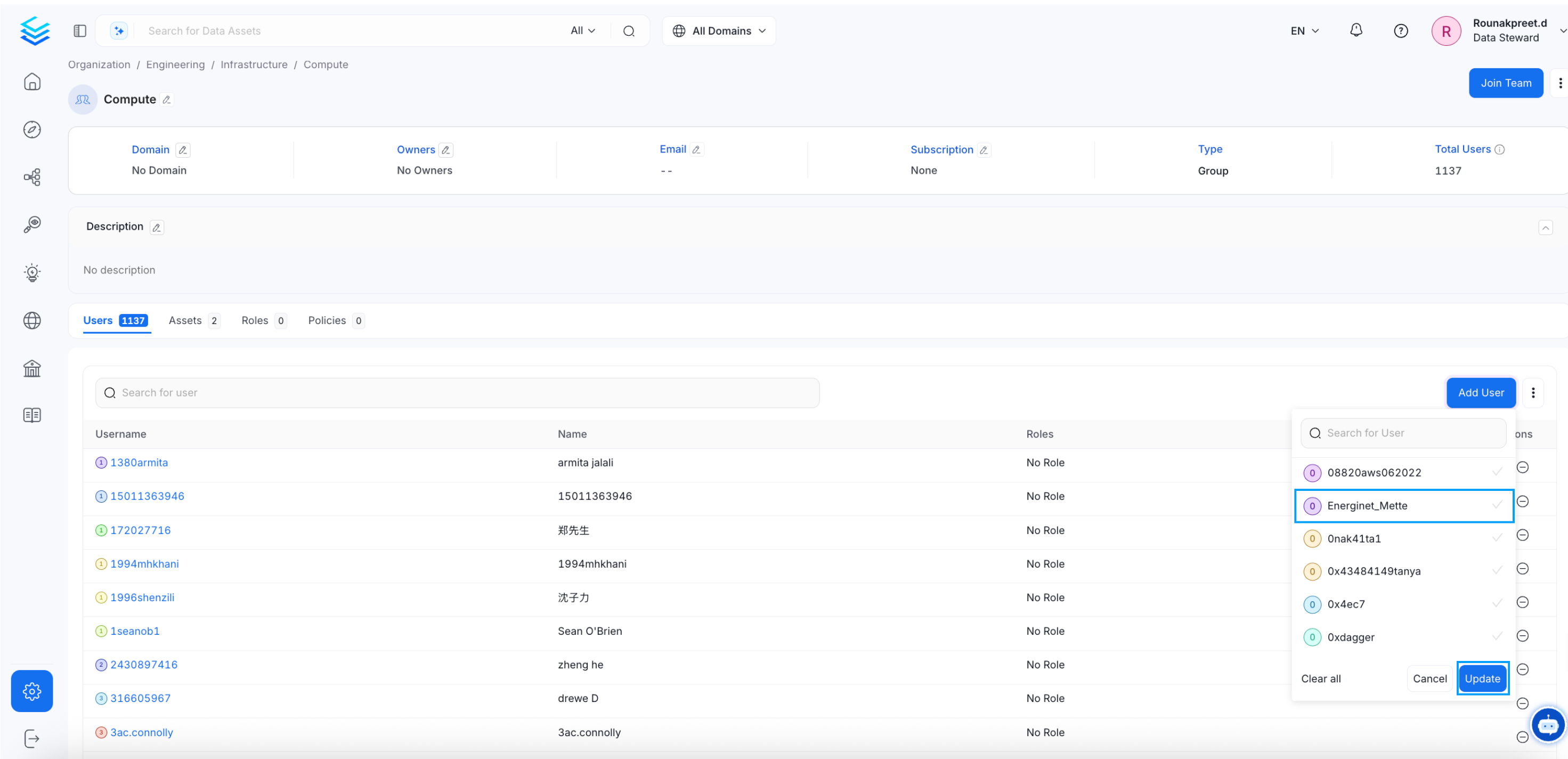
- Go to Settings > Members > Teams.
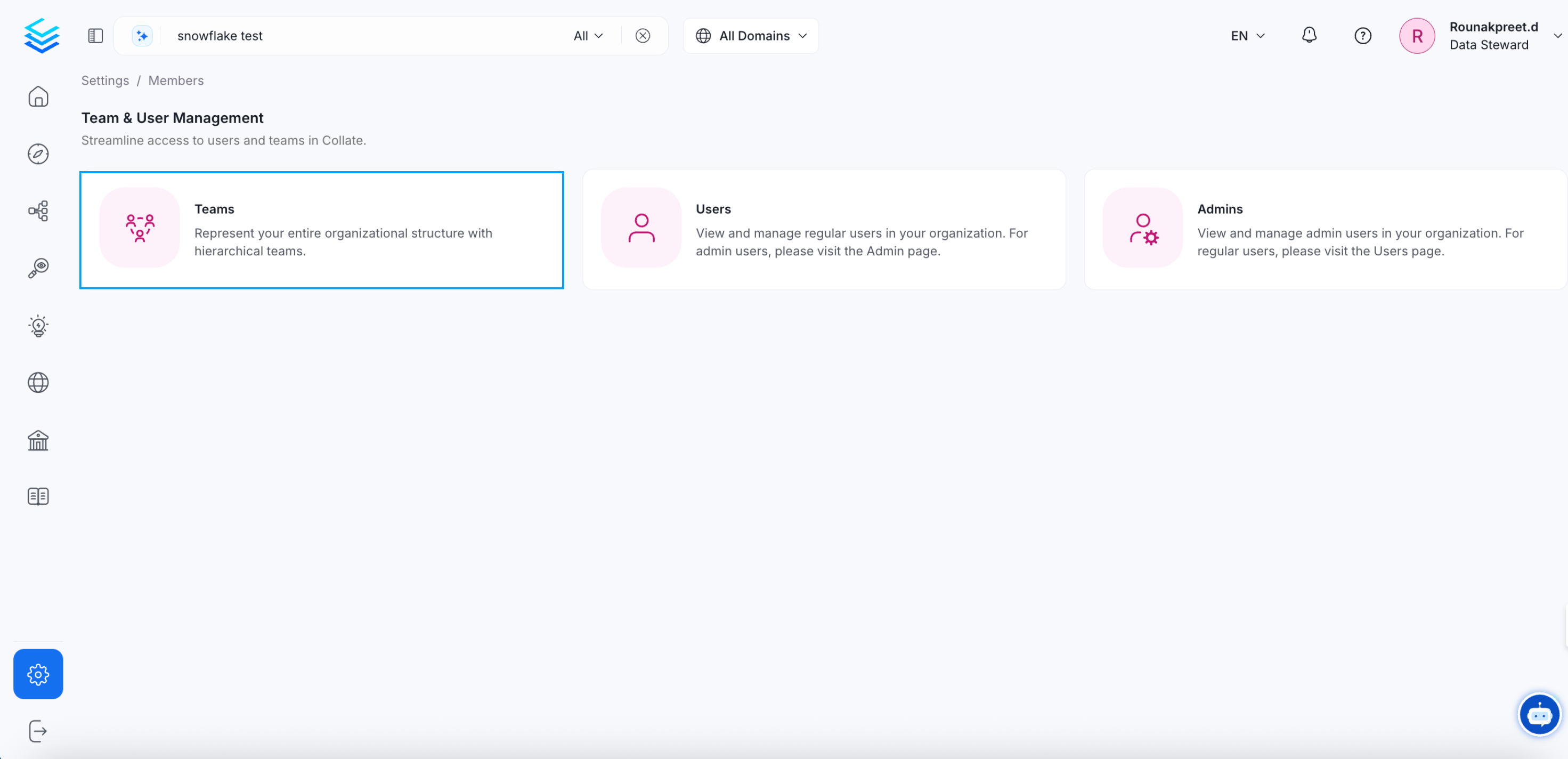
- Select the specific team you would like to add a user to. A team may have further sub teams. Select the required sub team.
- Click on Add User.
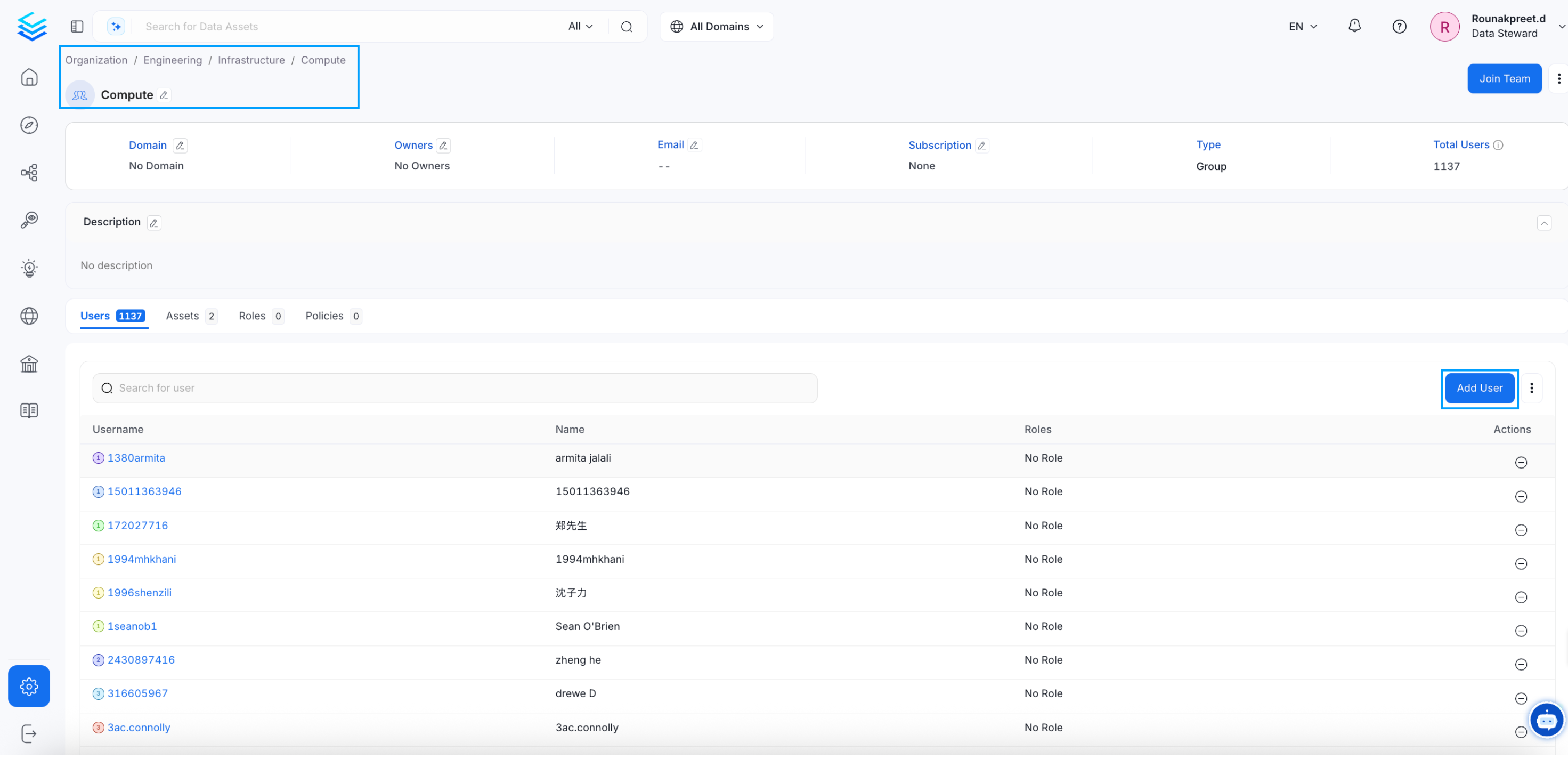
- Search for the user, select the checkbox, and click on Update.
Assign Domains to a User
Only administrators can change the domains a user belongs to. Non-admin users cannot add or change their own domains. Bots cannot change them either.- Domains a user inherits from a team do not count as the user’s own domains.
- Saving a user’s profile with the domains they already hold, or with none, is allowed.
- Other changes users make to their own profile, including their default domain, are not affected.
How to Change the Team Type
Change the team type to change the hierarchy.