
Metrics in OpenMetadata
The Metrics entity in OpenMetadata lets you define, document, and manage key business and operational metrics. Metrics help organizations maintain consistency, traceability, and accuracy in data-driven decision-making.Overview of Metrics
Metrics document calculated values based on data assets and are categorized under the Governance section in OpenMetadata. Each metric can be linked to glossary terms, data assets, and other metrics, providing comprehensive visibility into data quality and usage. A metric in OpenMetadata lets you document and share a business metric’s definition. This includes its name, its meaning, and the formula or SQL used to calculate it. A metric is documentation only. OpenMetadata saves what you enter but doesn’t run the formula or compute a value. Calculate the value in your own database or business intelligence (BI) tool, then record its definition here so everyone can find it. If instead you want OpenMetadata to track how many of your tables and other data assets have a description or an owner, use Key Performance Indicators (KPIs). Data Insights calculates them for you.Key Properties of a Metric
Metric Lineage and Dependencies
OpenMetadata allows users to trace the source and dependencies of metrics using lineage. This ensures end-to-end traceability from raw data to metric reporting. A typical lineage might look like:Creating Metrics Using the UI
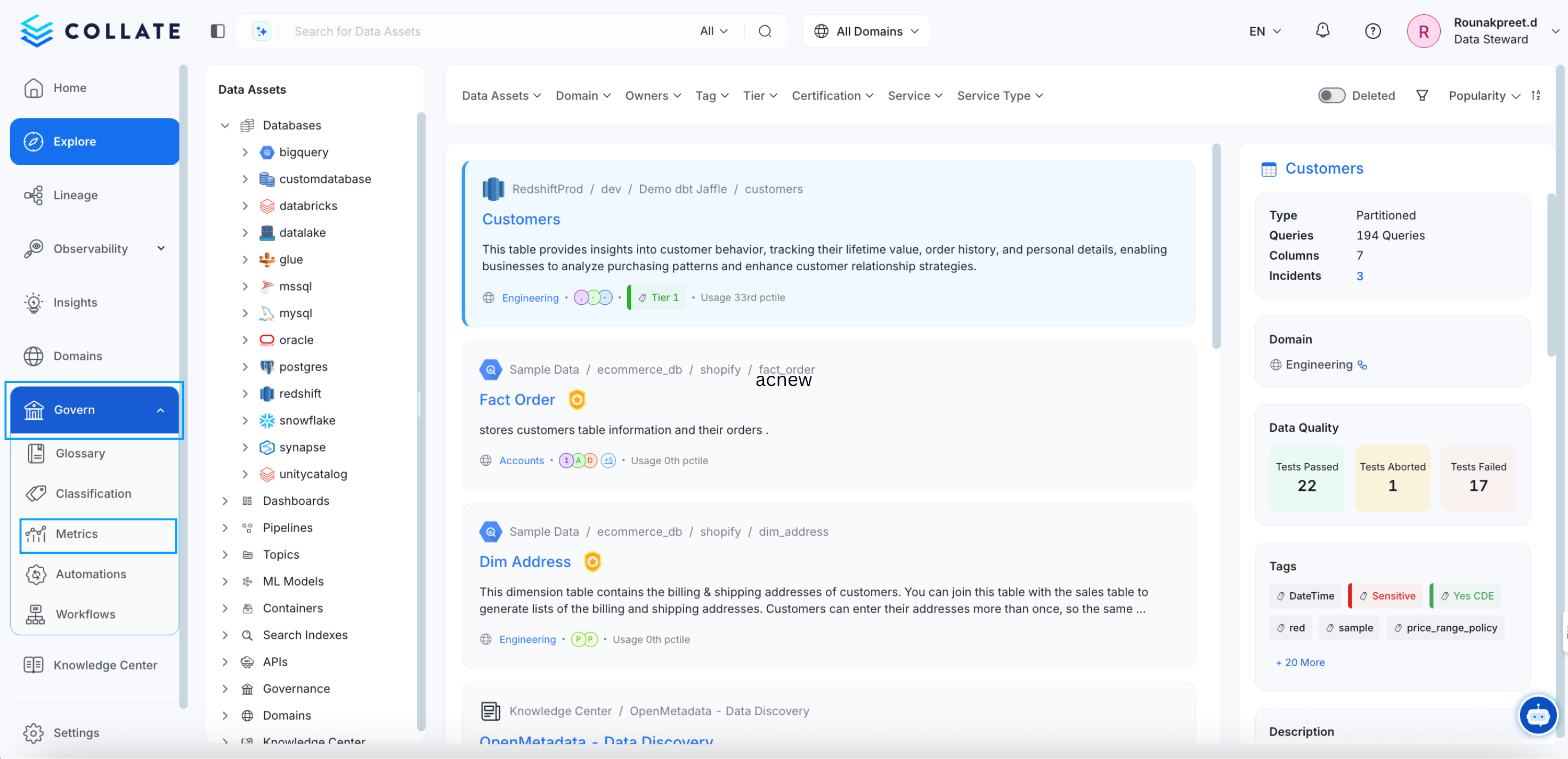
To create a new metric in OpenMetadata using the user interface, follow these steps:1. Navigate to the Metrics Section
- Go to Govern > Metrics in the OpenMetadata UI.
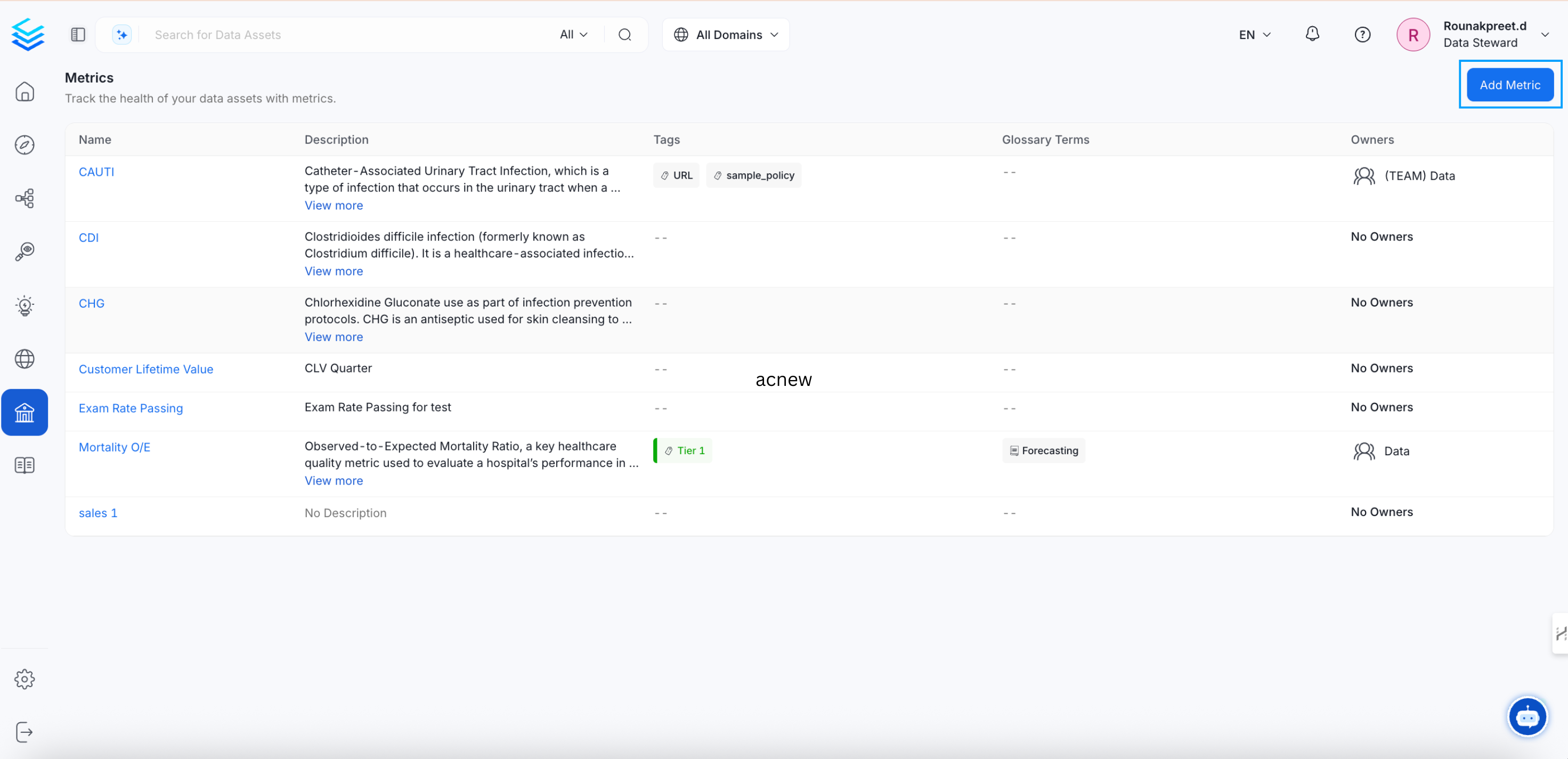
2. Add a New Metric
- Click on Add Metric to initiate the metric creation process.
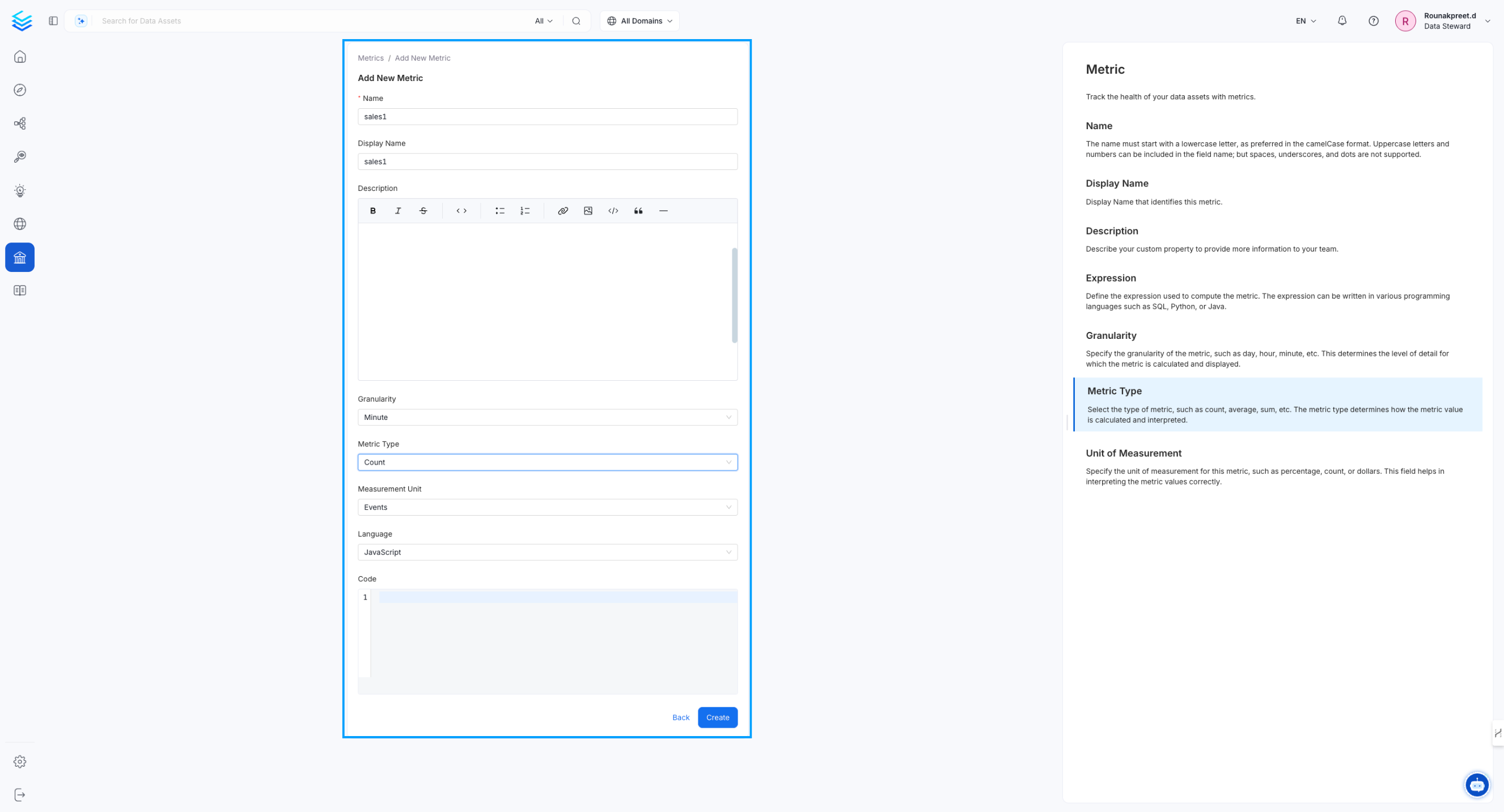
3. Enter Metric Details
Provide the required information, including:- Metric Name
- Description
- Granularity (time scale of the metric)
- Metric Type (e.g., count, average, ratio)
- Computation Code: the SQL, Python, or Java that documents how the metric is calculated. This is optional.
4. Create the Metric
- After entering the details, click Create to finalize the metric.
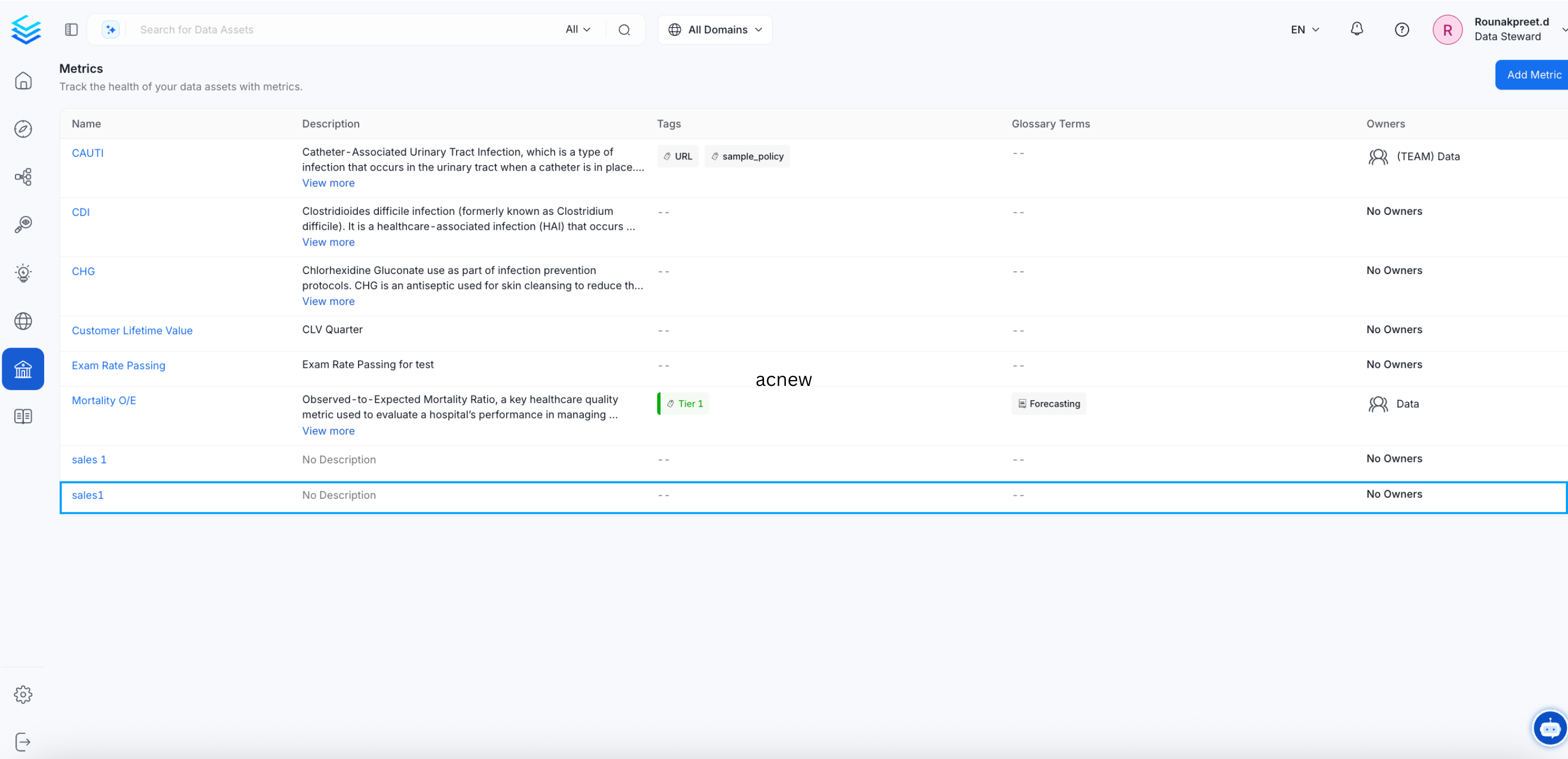
5. View the Created Metric
- The newly created metric will now be available in the Metrics page for reference and further use.
Example JSON for Creating a Metric
The following request body creates a metric withPOST /v1/metrics. Only name is required. The related metric must already exist, and the id values are examples that you replace with your own.
Metric vs. Glossary Term
A metric and a glossary term can describe the same business idea, but they do different jobs:
Use a glossary term to define what a “customer” is. Use a metric to define how you count retained customers.
KPIs and metrics are separate. A KPI can’t be linked to a metric. For more information, see Key Performance Indicators (KPIs).
Managing Metrics in OpenMetadata
- Versioning: Each update to a metric creates a new version, maintaining historical changes.
- Linking: Metrics can be linked to glossary terms, tables, dashboards, and pipelines for enriched context.
- Values: OpenMetadata stores the metric’s definition. Track the actual values in your own database or BI tool.
Best Practices for Metric Management
- Consistent Naming: Use camelCase for metric names to ensure consistency across systems.
- Clear Definitions: Provide comprehensive descriptions and units for accurate interpretation.
- Lineage Tracking: Always associate metrics with source tables and pipelines for traceability.
- Ownership: Assign metric owners for accountability and maintenance.