How to Add a Custom Property to an Entity with API
This tutorial will create a custom property for a table entity.A custom property can store a value for each entity, such as a table’s size for each table entity.
Step 3: Make a call to create the custom property for the table entity
Create a payload using the field type id from the previous step and send a PUT request to the table id from the first request to create the custom property for tables.
curl -X PUT http://localhost:8585/api/v1/metadata/types/7f0b032f-cdc8-4573-abb0-22165dcd8e07 \ #table id from step 1-H "Content-Type: application/json" \-d '{ "description": "Property for tracking the tableSize.", "name": "tableSize", "propertyType": { "id": "7531f881-c37c-4e39-9154-4bdf0802e05e", #string field type id from step 2 "type": "type" }}'
You can’t rename a custom property after you create it. To use a different name, delete the property and create a new one. The values stored under the old name aren’t carried over to the new property.
Step 5: Add/Edit the value of the custom property for the entity.
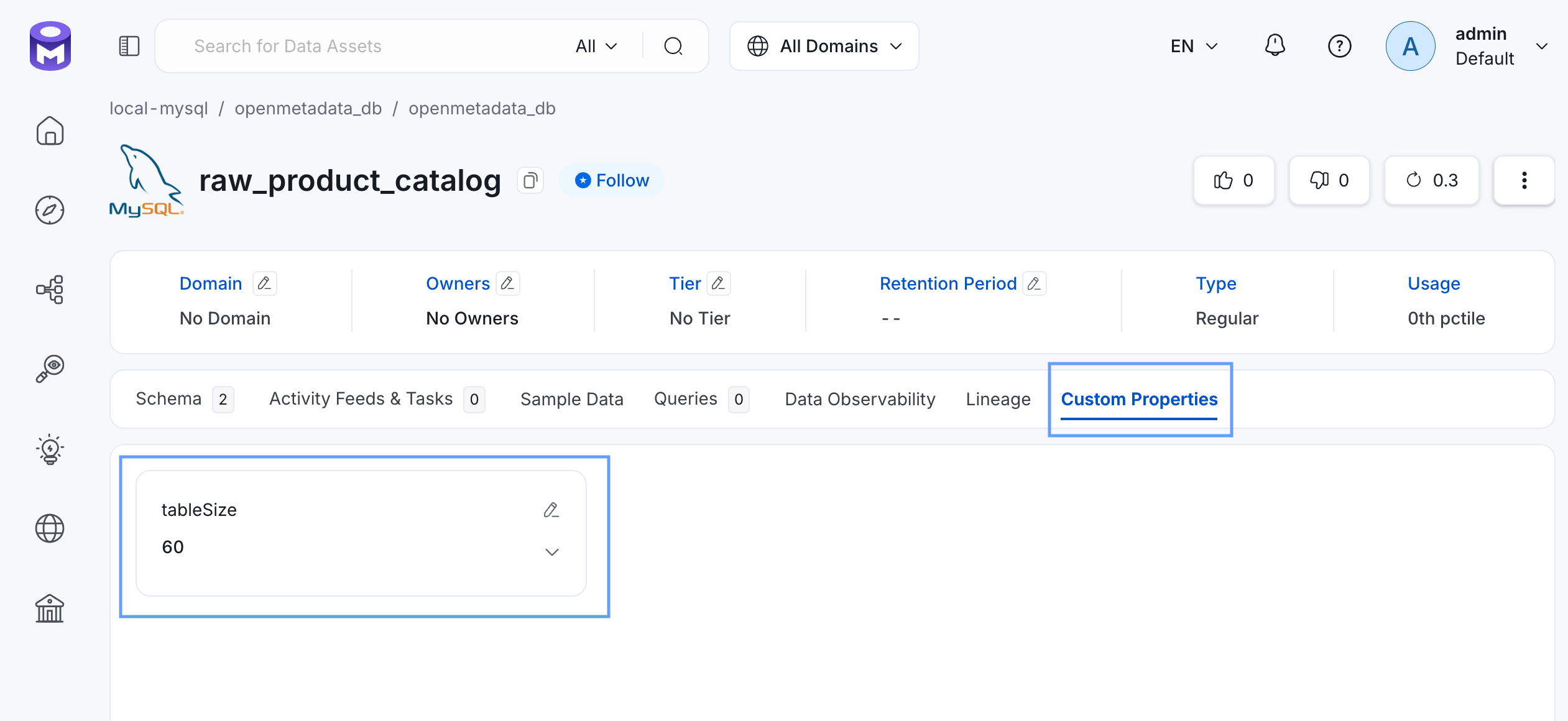
All the custom properties value for the entity will be stored in the extension attribute.Let’s assume you have raw_product_catalog table, find it’s id with the API call below.
curl -X GET http://localhost:8585/api/v1/tables?limit=1000
If the table’s id was 208598fc-bd5f-458c-bf98-59224e1620c7 and we are adding a value to the custom property for the first time, our PATCH API request will be like this.
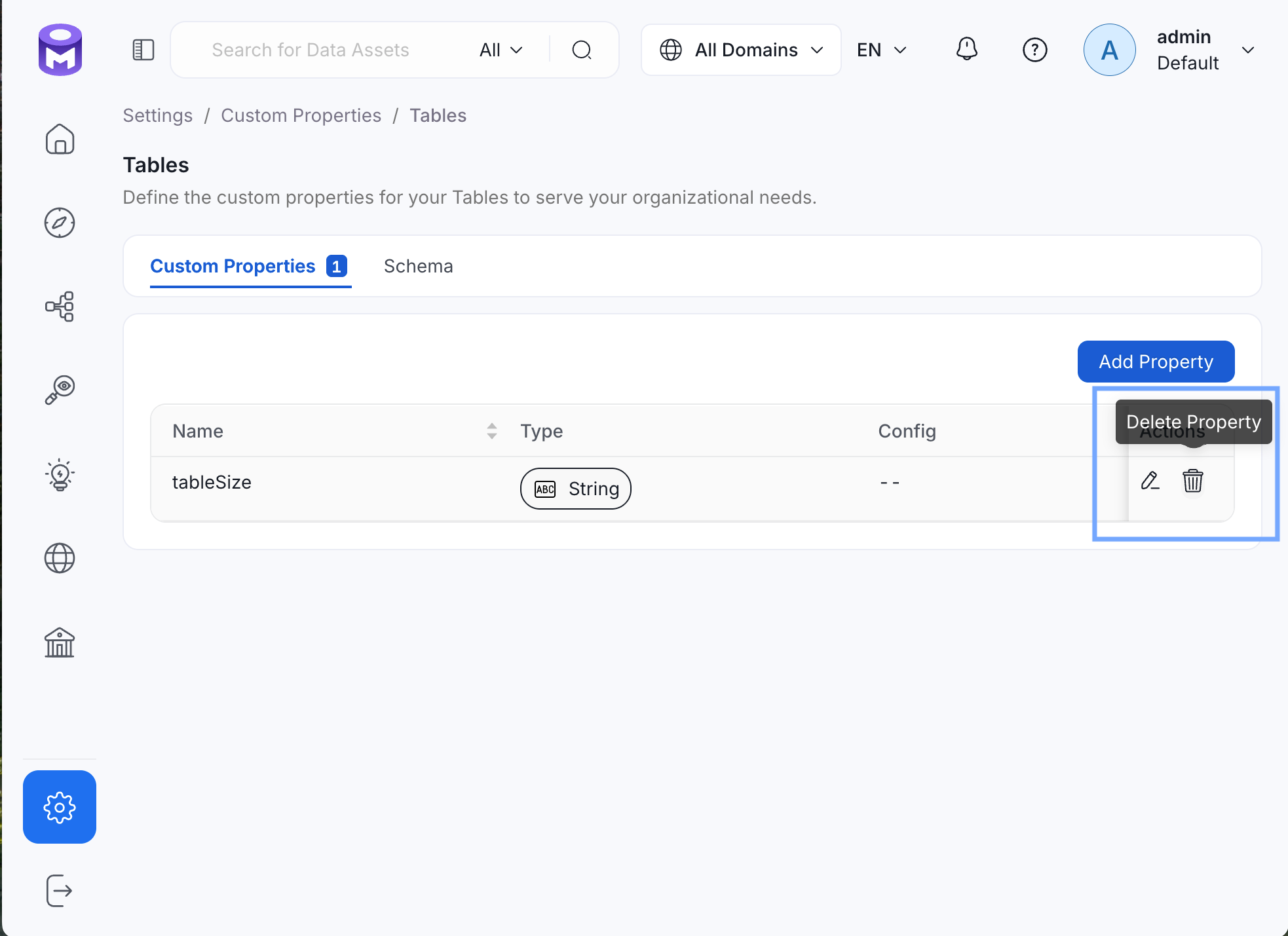
To finish this tutorial, delete the newly created tableSize custom property from Settings > Custom Properties > Tables.Click Delete Property, then Confirm.