
OpenMetadata Chrome Extension
The OpenMetadata Chrome Extension brings your metadata into any tool you’re working in. Instead of switching tabs to look something up in OpenMetadata, you can view an asset’s details directly from your browser.Installation
-
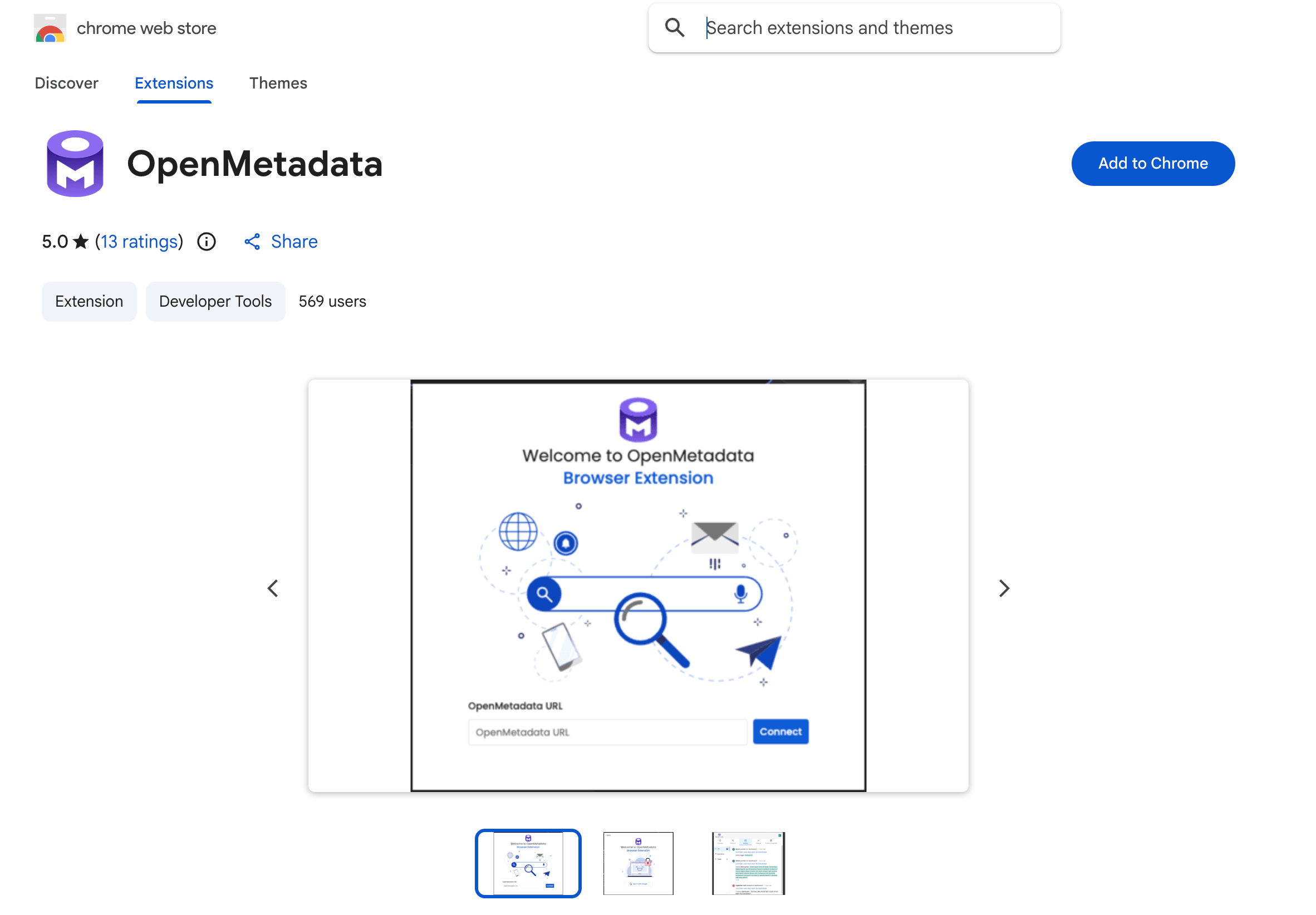
Install the Extension: Add the OpenMetadata Chrome Extension from the Chrome Web Store.
-
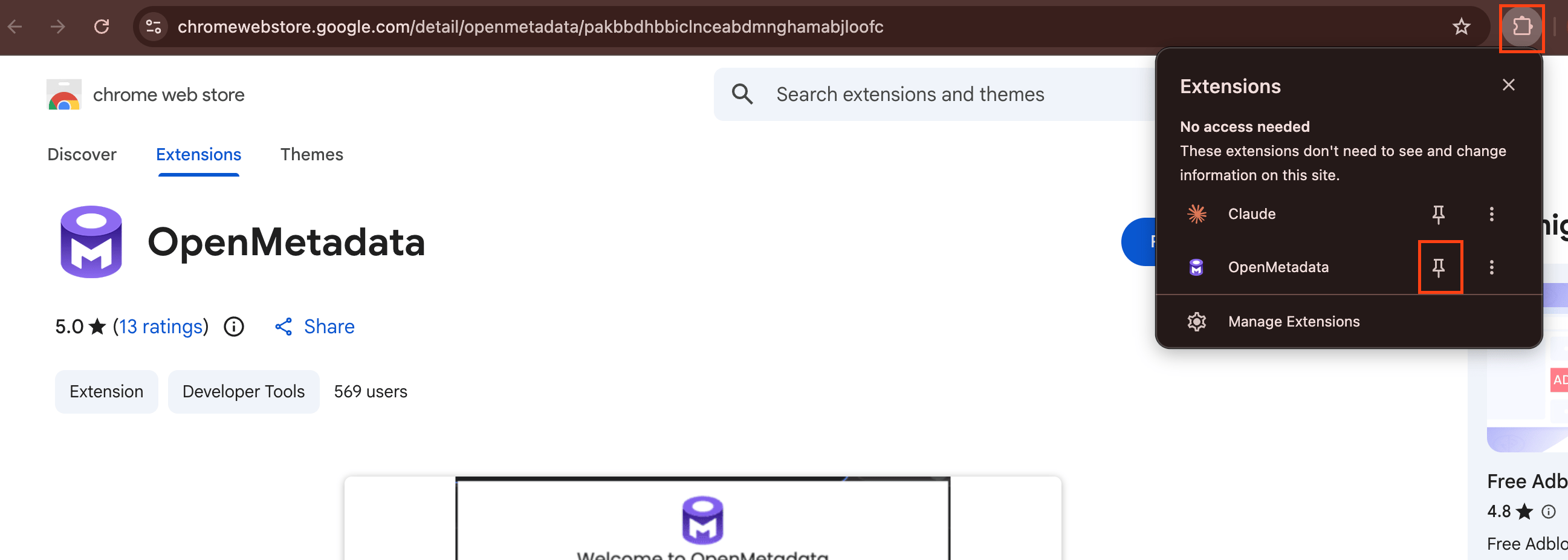
Pin to Chrome Browser: Pin the extension to your Chrome toolbar so it’s always one click away.
-
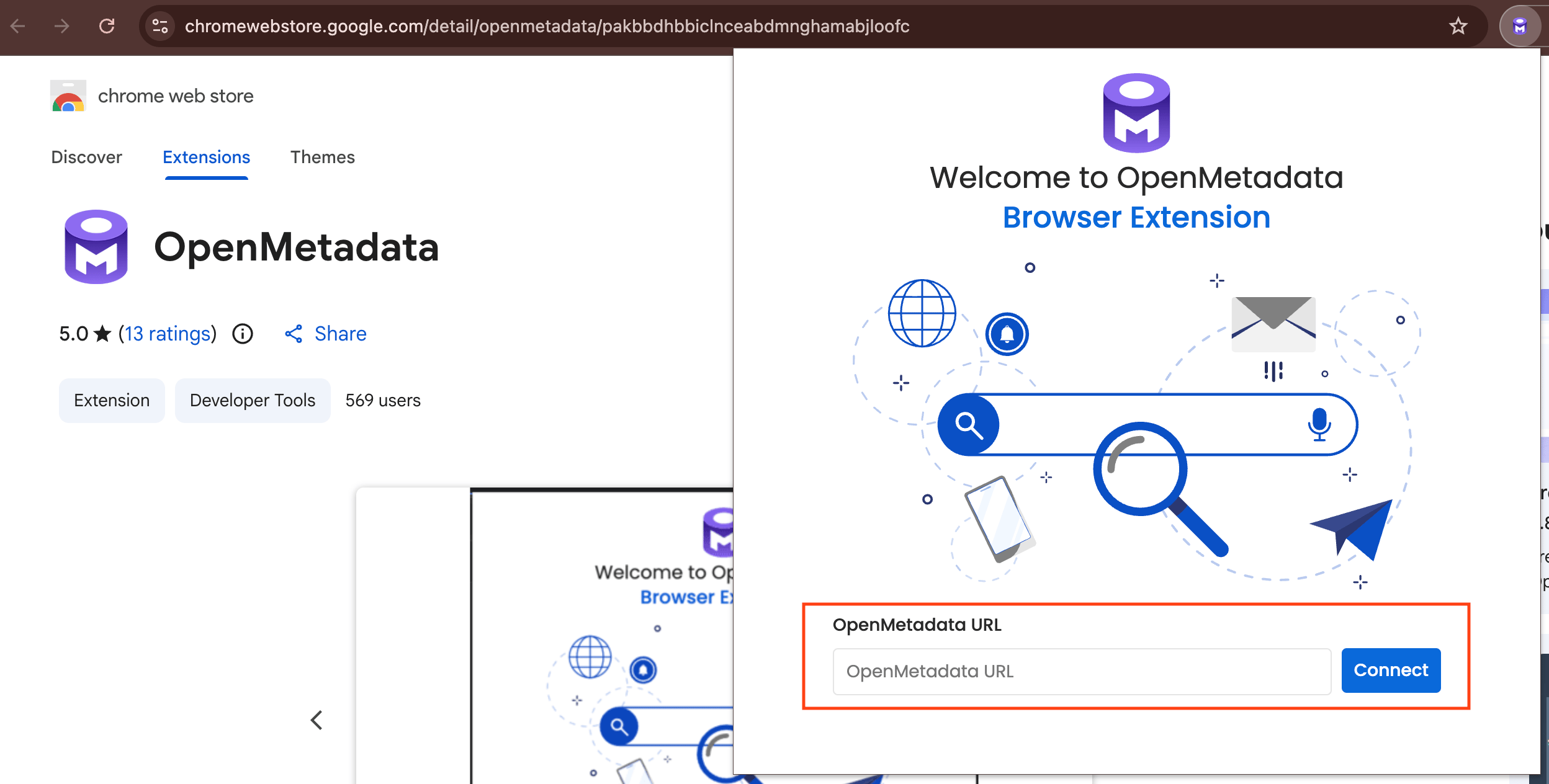
Connect to your Instance: Click the OpenMetadata icon, enter the base URL of your OpenMetadata instance, and sign in.
What You Can Do
After you’re signed in, the extension shows your Activity Feeds from the My Data page. While working in a third-party tool that’s integrated with OpenMetadata, click the extension to view the metadata for whatever you’re looking at, including:- Ownership
- Description
- Tags and glossary terms
- Schema
- Lineage
- Custom properties and more
Single Sign-On (SSO) Configuration
If your OpenMetadata instance uses Single Sign-On (SSO), the extension’s redirect URI must be registered as a trusted redirect URI, or the login flow is rejected with a400 Bad Request and the extension can’t complete sign-in.
Configuring additional trusted redirect URIs for browser-extension logins isn’t available in v1.13.x—it was added in OpenMetadata 2.0.0. If you hit this issue, upgrade to v2.0.x or later to configure it.
For more information about SSO configuration, see Enable Security.